
Turn recordings into transcripts and summaries in minutes
Upload audio or video for multilingual transcription, AI notes, and action items
After a Teams or Google Meet meeting, staring at a one-hour recording? Traditional transcription tools merely convert speech to text rigidly, leaving you to find key points only by Ctrl+F keyword search. If speakers rephrase, you miss conclusions, and extracting action items is time-consuming.
To solve the pain of organizing recordings, this article reviews 6 mainstream speech-to-text and AI highlight extraction tools in 2026, including a comprehensive comparison table covering language support, real-time capabilities, AI query features, and 4 practical steps to efficiently transcribe and extract information.
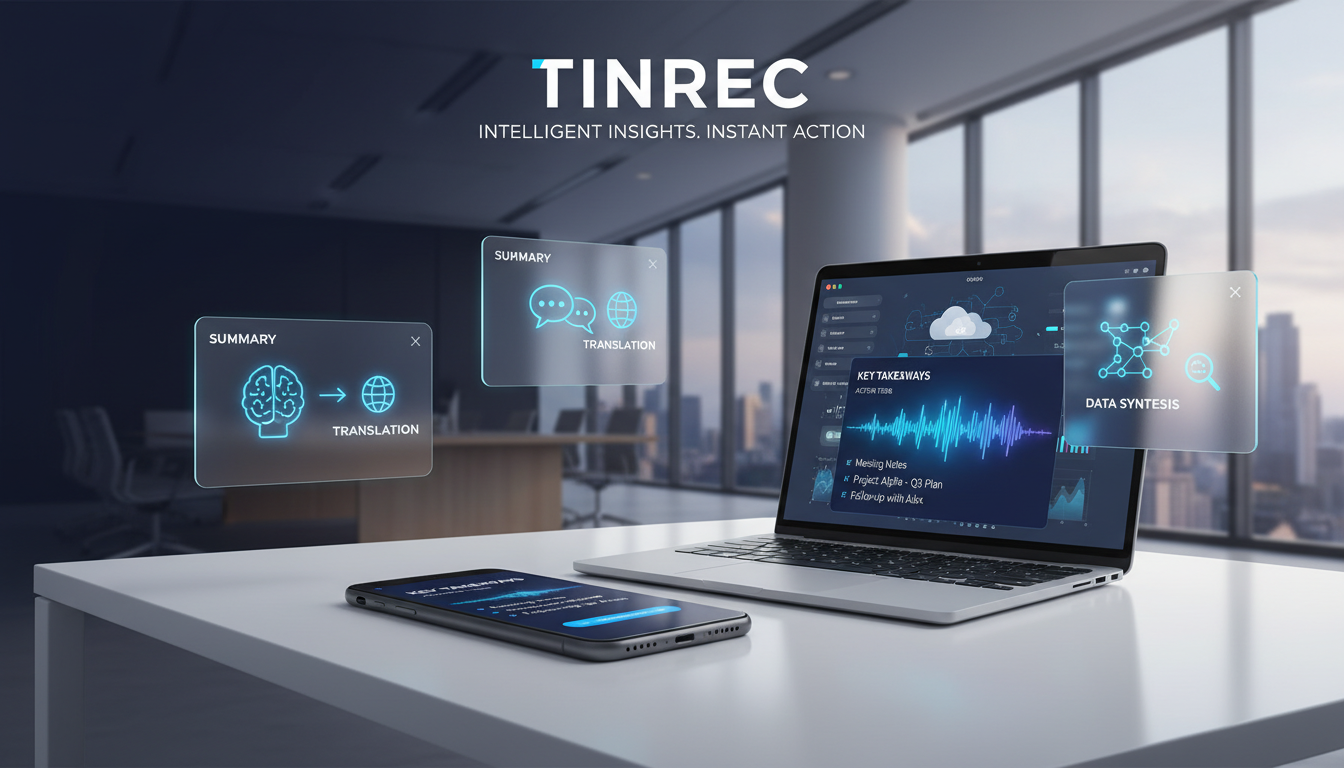
Quick Navigation Guide: If you value completely free and high privacy, go with the open-source OpenAI Whisper; if meetings are primarily in English, Otter.ai remains a strong choice; if you need "AI-powered recording key highlight queries" and automatic cross-language decision summaries, consider tools like Tinrec (Instant Recording) that offer semantic search.
Why Do You Need an "AI-Powered Query" Recording Key Highlight Tool?
In this digital age, students organizing lecture notes, employees making meeting minutes, and creators processing interview content all require "speech-to-text" as a basic need. However, the core pain point for most is no longer "not understanding" but "can't find the key points."
- Low information density, high cost of re-listening: A one-hour recording takes at least an hour to listen to; even with a transcript, filled with filler words and redundancies, it's hard to grasp the core.
- Lack of decisions and action items: Most traditional tools just output a wall of text, requiring manual extraction of "who, when, what to do," which cannot be directly turned into actionable to-dos.
- Limitations of traditional search: Traditional transcripts only allow exact keyword search. Tools with "AI conversation query" leverage semantic understanding, allowing you to "ask" the recording like a person, drastically reducing comprehension and organization time.
2026 Review of 6 AI Speech-to-Text and Key Highlight Extraction Tools
There are many free or trial-based speech-to-text platforms. Below are 6 tools with different positioning to help you choose based on your actual scenario.
1. Google Built-In Speech Transcription Series (Easiest to Access)
Google Live Transcribe and Google Docs voice typing are excellent entry points. The former is a boon for Android users, supporting 80 languages including Traditional Chinese; the latter is completely free with no time limit. Best for single-person writing drafts, but lacks recording upload and AI summary features.
2. OpenAI Whisper / Whisper Desktop (Highest Privacy & Open Source)
Currently the most powerful open-source speech recognition system, with high tolerance for accents and background noise. Whisper Desktop allows ordinary users to convert MP3 to SRT subtitle files offline locally. Completely free and data never leaves your device, ideal for confidential meetings, but lacks built-in AI summary and conversation features.
3. Yating Transcriber (Localized Taiwanese Accent)
Optimized for Taiwanese Mandarin, Taiwanese Hokkien, and Chinese-English code-switching. Real-time transcription is free, audio upload has a 20-minute free limit, and data is guaranteed not to leave Taiwan. Very useful for those needing high Taiwanese accent recognition, but deep AI content queries require additional tools.
4. Otter.ai (International All-Round English Meeting Assistant)
Internationally renowned meeting transcription tool, seamlessly integrating with Zoom, Google Meet, and Microsoft Teams. Its AI summary is very powerful, offering 300 free minutes per month. However, according to official restrictions, Otter.ai only supports English, French, and Spanish, not Chinese. Best for all-English team collaboration.

5. Notta (Multilingual Meeting Minutes)
Feature-rich AI tool supporting 58 languages, with multi-speaker identification and basic AI summary generation, offering 120 free minutes. However, when dealing with complex Chinese contexts or strong local accents, Chinese recognition is relatively weak, making it better suited for preliminary recording of multilingual meetings.
6. Tinrec (AI Conversation Query & Complete Workflow)
Tinrec is positioned as a complete AI assistant from "recording → understanding → action," supporting iOS, Android, and web sync. Besides automatic recognition of 10 languages, its core differentiator is not just generating transcripts but also automatically creating meeting summaries and action to-do lists. Its "AI conversation query" feature lets users directly ask questions about recording content (e.g., "What was the marketing budget decided just now?"), turning time-based content into a searchable asset.
Stop organizing recordings by hand
Upload audio or video and automatically get a transcript, summary, and action items

Comparison Table of 6 Recording Key Highlight Query Tools (Minimal Decision Guide)
To reduce choice overload, here is a minimal decision table based on core dimensions:
| Tool | Language Support | Real-Time Transcription | AI Query for Highlights | Meeting Summary/Action Items | Export & Integration | Pricing/Free Tier |
|---|---|---|---|---|---|---|
| Google Series | 80+ (incl. Chinese) | Yes | No | No | Copy text | Built-in, completely free |
| Whisper | 99 (incl. Chinese) | No (audio-based) | No | No | SRT, TXT | Open source, free |
| Yating Transcriber | Taiwanese Mandarin/Hokkien | Yes | No | No | TXT | 20 min free for audio upload |
| Otter.ai | English/French/Spanish (no Chinese) | Yes | Basic summary | Yes | Integrates with major software | 300 min free/month |
| Notta | 58 (Chinese weaker) | Yes | Basic summary | Yes | Multiple export formats | 120 min free trial |
| Tinrec | 10 automatic identification | Yes | Deep semantic query | Auto-extract to-dos | TXT, video summary | Up to 100 min free/month |
Hands-On Tutorial: How to Quickly Extract Recording Highlights with AI
After understanding the differences, the key is integrating the tool into your workflow. Below, using a complete extraction AI assistant (e.g., Tinrec) as an example, we show four core steps to quickly turn speech into structured highlights.
Step 1: Real-Time Transcription – Listen and Read Simultaneously
During in-person meetings or classes, turn on the tool's real-time recording feature. The system will transcribe speech instantly, no waiting. You can mark important points anytime, and after the session, the system outputs a timestamped transcript.
Tutorial link: Real-time transcription

Step 2: Import Audio Files – Auto-Generate Transcript and Summary
If you already have recorded meeting files from a voice recorder, simply upload the file. The system will differentiate speakers, output not only a transcript but also a summary and to-do list, saving significant manual transcribing time.
Tutorial link: Audio to text


Step 3: Paste Online Video or Podcast Link – One-Click Transcription
For content creators or self-learners, when you come across a valuable YouTube video or podcast, no need to download the audio. Simply paste the video URL, and the system will parse and summarize, extracting knowledge points from the video content.
Tutorial link: Podcast/online video to text

Step 4: Use AI Conversation Query – Find Highlights Like Asking a Person
This is the key step to break through traditional transcript pain points. Faced with a 10,000-word transcript, click the conversation feature and type your question directly. For example, "Please list the three modification suggestions for Project A." The AI will search the recording content and provide answers, drastically reducing the time to find highlights.
Tutorial link: AI conversation query

Frequently Asked Questions (Must-Read for Transcription, iPhone, Meeting Scenarios)
Q1: How accurate are free speech-to-text tools for Chinese recognition?
Modern AI tools, with clear audio and low background noise, generally achieve over 90% accuracy for Traditional Chinese. Tools focused on local accents (like Yating) or large AI models offer even better recognition. However, it's advisable to treat AI transcripts as drafts and use AI highlight extraction for proofreading.
Q2: iPhone has many restrictions; any recommended solution for recording to transcript?
Apple's built-in dictation works for short phrases, but for long recordings, use cross-platform tools that support iOS multi-end (such as dedicated apps or web apps). This way, you can view AI-generated summaries directly on your phone without system limitations.
Q3: How to automatically record highlights in remote meetings like Teams or Google Meet?
For all-English meetings, Otter.ai can directly integrate with meeting software. For Chinese or cross-language meetings, the most common solution is to record the meeting audio, then import it into an AI tool, or simultaneously open a web-based tool on your computer for real-time transcription and action item extraction.
Q4: Transcript is too long to read; can I use AI to find key points directly?
This is exactly the strength of "AI conversation query recording highlight tools." Tools with semantic understanding go beyond Ctrl+F, allowing you to ask questions (e.g., "What is the final exam scope for this course?") and quickly get AI-summarized answers from the entire transcript.
Q5: For confidential meeting recordings, are free tools safe?
If highly confidential (e.g., medical, legal, business decisions), strongly recommend using fully offline Whisper Desktop, or confirm the tool's privacy policy (ensuring data doesn't leave the country and user data is not used for AI model training).
Q6: I have a large monthly recording volume; should I continue with free plans or upgrade to paid?
According to statistics, if your monthly need is between 100 and 300 minutes, you can alternate free tiers from different platforms. If your need exceeds this and you require deep AI Q&A and cross-language summaries, purchasing a subscription (market price around $5-$10 per month) will save significant manual organization time – the ROI is definitely worth it.
Turn every recording into actionable outcomes
Get 60 free transcription minutes when you sign in. No credit card required.
Related Reading
You might also like

Tinrec vs Notta 2026: 5-Dimension Comparison — Which Free Chinese Meeting Transcription Tool Is Good Enough?
How to choose free meeting recording transcription software? This article compares Tinrec and Notta across 5 dimensions, tests bot-free online meeting recording, Chinese transcripts, AI summaries, and action items, and also covers the free quotas and limitations of Otter.ai and TurboScribe to help US professionals pick a truly usable meeting transcription tool.

2026 Free Meeting Transcription Options: Tinrec vs. Notta Compared
How to choose a meeting transcription tool? This article compares Tinrec and Notta across five dimensions: free quota, meeting capture method, post-meeting organization, Chinese language experience, and team data retention. It also explains the practical differences between free and paid plans to help you decide which tool better fits your meeting scenario.

2026 Comparison of 4 Meeting Transcription Tools: Which Free Version Is Good Enough?
Using the same mixed Chinese-English meeting recording, we tested Tinrec, Otter.ai, Notta, and Granola to clarify the differences: which one can record online meetings without a bot, which one only gives you a transcript, which free tier is truly sufficient, and what to consider for roles and seats when sharing meeting data with a team.

Smart Meeting Notes in 2026: Auto Summaries + Action Items Made Easy
Learn how to take smart meeting notes with Tinrec: from bot-free recording of online meetings, transcripts, and AI summaries to action item extraction, plus a clear explanation of the common misconception about "contrast adjustment" in meeting notes.

How to Use Meeting Recording Transcription in 2026: 5 Steps from Recording to Meeting Minutes
A mid-level manager leading a 10-person team with 15 meetings per week breaks down meeting recording transcription in 5 steps: from identifying meeting type, audio setup, real-time transcription, AI summary, to action item export. The article also explains Tinrec's practical approach and limitations for Chinese-language meetings, bot-free recording, and team knowledge retention.

2026 Comparison of 4 Meeting Transcription Tools: What Do the Output Files Look Like and Are They Ready to Use?
Meeting transcription doesn't just produce a single file—it generates a set of data: a verbatim transcript, a version with timestamps and speaker labels, AI summaries and action items, and whether you can export to your existing workflow. This article starts from 'what the files actually are' and compares Tinrec, Otter.ai, Notta, and TurboScribe in terms of output content, free tiers, and limitations, helping you choose the one you can use right away.

2026 Comparison of 4 Meeting Transcription Tools: The Easiest Way to Download Transcripts
After converting meeting recordings to transcripts, the real problem is often getting the text out. This article compares Tinrec, Otter.ai, Notta, and TurboScribe from a practical download and export perspective, covering export methods, quota limits, and team data ownership. It also outlines 4 key points to check before choosing a tool and 4 common mistakes, helping you pick a solution that turns transcripts into usable files.

2024 Comparison of 4 Smart Meeting Notes Platforms: Which Offers the Best Free Tier and Post-Meeting Organization?
Recording the meeting is just the beginning of the pain. This article starts from real meeting scenarios, breaks down 5 key points for choosing a smart meeting notes platform, and compares Tinrec, Otter.ai, Notta, and Granola in terms of free tier limits, Chinese transcription, post-meeting organization, and team collaboration to help you decide which one truly saves time.

2026 Smart Meeting Notes Tools Compared: Which One Actually Turns Meetings into Action Items?
Many people write meeting notes as verbatim transcripts, but no one follows up afterward. This article starts with common pitfalls, covers key factors for choosing smart meeting notes tools, provides usable examples, and compares Tinrec, Notta, Granola, and Otter.ai in terms of features, limitations, and pricing to help you find a tool that turns meetings into decisions and action items.