
Turn recordings into transcripts and summaries in minutes
Upload audio or video for multilingual transcription, AI notes, and action items
Every lecture recording piles up, but you never have time to re-listen before exams? Facing foreign language courses, mixed Chinese-English, or fast-talking speakers, traditional transcripts often still require tons of time to find key points. This article brings you the latest 2026 tool reviews and comparison table, along with actionable step-by-step guides. If you want a completely free, offline tool, consider Aiko; if multi-language and cross-platform sync matter, Notta is a popular choice; and if you want to directly ask questions about recordings and auto-generate action items, evaluate Tinrec as a candidate solution.
Why Lecture Recording Organization Hurts: Current Pain Points
For many students and professionals, recording is just the first step; the real challenge is "post-session organization." Here are the three biggest pain points:
- High re-listening cost: A one-hour lecture often takes two to three hours to listen to and transcribe, extremely inefficient.
- Transcripts without highlights: Traditional tools provide only walls of text, lacking structure and conclusions, making it hard to find exam points or action items.
- Cross-language and accent barriers: Foreign instructors' accents, technical terms, or mixed Chinese-English delivery often trip up standard speech recognition software.
How to Choose a Classroom Note-Taking Tool? 4 Evaluation Dimensions
With countless apps on the market, consider these four dimensions when choosing:
- Language support and accuracy: Can it auto-detect languages and handle multi-language mixing?
- AI processing and summarization: Does it offer advanced features like key point summaries, outline generation, and speaker differentiation?
- Import and export convenience: Besides live recording, does it support uploading various audio formats or pasting links from YouTube, podcasts, etc.?
- Price and free tier: Most tools offer free trials or basic quotas; consider a paid subscription if you have heavy usage.
Comparison of the Top 6 Lecture Recording-to-Text Tools in 2026
To simplify your decision, here's a comparison of popular tools on the market:
| Dimension | Notta | Transkriptor | Aiko | Precise Transcript | Mino | Tinrec |
|---|---|---|---|---|---|---|
| Language Support | 50+ languages | 40+ languages | 100+ languages | 20+ languages | 30 languages | 10 languages incl. Chinese/English/Japanese/Korean, auto-detect |
| Real-Time Transcription | Yes | Unclear | Yes | Yes | Yes | Yes |
| AI Summary & Action Items | Yes | Yes | No | No | Outline only | Auto-generates minutes, conclusions, action items |
| AI Chat Query | Yes | Yes | No | No | No | Semantic Q&A |
| Export/Integration & Web Import | Yes | Web video links | Unclear | Import supported | Unclear | Audio, video, and web video parsing |
| Speaker Identification | Yes | Yes | No | Yes | No | Yes |
| Price/Free Tier | Limited free version | Free trial available | Completely free (requires high storage) | Free trial available | Free trial available | Free tier: 100 min/month |
Stop organizing recordings by hand
Upload audio or video and automatically get a transcript, summary, and action items
In-Depth Review: Beyond Transcripts, How Tools Become a "Knowledge Base"
For users who simply need speech-to-text, many excellent tools exist; but to turn them into true note-taking tools, focus on knowledge extraction. Taking Tinrec as an example, its core differentiator is building a complete workflow from "Record → Understand → Act."
Traditional recordings have low information density; these new-gen AI assistants transform time-based content into "scannable, searchable, actionable text." Most tools only give transcripts, but advanced tools auto-generate meeting minutes and to-do action items. For long recordings, traditional transcripts rely on keyword search, while now with semantic AI chat queries, you can ask questions directly like "talking to a person," drastically reducing understanding and organization time.
Hands-On Tutorial: 4 Steps to Turn Lecture Recordings into Efficient Notes
Follow these steps to easily transform any audio content into structured data. The following uses Tinrec's common feature entry as an example:
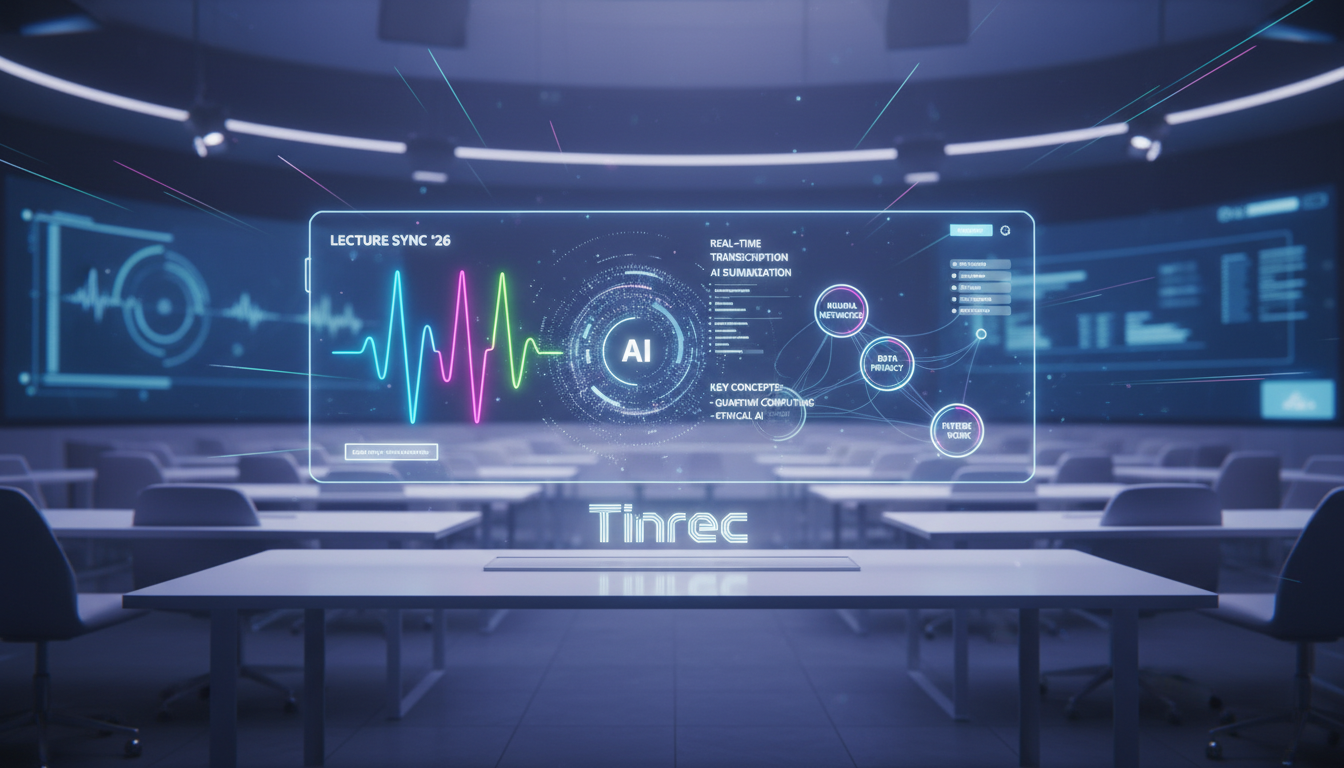
Real-Time Transcription, Capture Key Points Instantly During class or meetings, activate the tool's live recording-to-text feature. The system transcribes audio in real time—no waiting—so you can follow along and never miss critical information.
Post-Class Upload, Quick Summary Generation If you prefer using a physical recorder or your phone's built-in recorder, upload the file to the audio file to text interface after class. The system supports common formats, quickly generating transcripts and AI summaries.
Online Course & Content Parsing For online learning platforms, YouTube videos, or podcasts, no need to download files. Simply copy and paste the URL into the podcast/video to text module; the system automatically parses the URL, extracts audio, transcribes, and summarizes.
Search Content Like Asking a Teaching Assistant Facing thousands of words of transcript, traditional search is inefficient. Use the AI chat query feature to have an intelligent conversation about the recording. For example, ask "What format does the professor require for the final report?" and the system quickly retrieves and gives an exact answer.
Frequently Asked Questions (FAQ)
Q1: Does the iPhone have a built-in recording-to-text feature?
The iPhone's built-in Voice Memos is mainly for recording; while the system has dictation, for one-hour lectures or meetings requiring speaker differentiation and summaries, third-party AI note-taking apps are recommended.
Q2: Can I transcribe remote classes from Teams or Google Meet?
Yes. Many tools support recording system audio, or you can upload the meeting recording file (e.g., MP4) from Teams or Meet after class to easily get full meeting minutes and transcripts.
Q3: Are the free tiers of these tools sufficient?
It depends on your needs. Many tools offer a basic free monthly allowance (e.g., 100 minutes), enough for occasional use. For heavy weekly usage with many classes or project discussions, a Basic or Pro subscription might be more cost-effective.
Q4: What if the transcript is inaccurate?
Accuracy heavily depends on recording quality. Keep the microphone close to the speaker and minimize background noise. Tools with AI contextual awareness can auto-correct some pronunciation errors, boosting overall accuracy.
Q5: Can tools handle mixed Chinese-English lectures?
Modern AI speech recognition tools are often trained on multiple languages. Choose a tool that supports multi-language and auto-language detection, and it will handle mixed Chinese-English or accented speech reasonably well.
Q6: Can I directly convert online tutorial videos into text notes?
Most advanced tools support this. No need to download the video; just paste the YouTube or online course video URL into the video parsing module, and the system will automatically extract audio and generate transcripts and key notes.
Turn every recording into actionable outcomes
Get 60 free transcription minutes when you sign in. No credit card required.
Related Reading
You might also like

Tinrec vs Notta 2026: 5-Dimension Comparison — Which Free Chinese Meeting Transcription Tool Is Good Enough?
How to choose free meeting recording transcription software? This article compares Tinrec and Notta across 5 dimensions, tests bot-free online meeting recording, Chinese transcripts, AI summaries, and action items, and also covers the free quotas and limitations of Otter.ai and TurboScribe to help US professionals pick a truly usable meeting transcription tool.

2026 Free Meeting Transcription Options: Tinrec vs. Notta Compared
How to choose a meeting transcription tool? This article compares Tinrec and Notta across five dimensions: free quota, meeting capture method, post-meeting organization, Chinese language experience, and team data retention. It also explains the practical differences between free and paid plans to help you decide which tool better fits your meeting scenario.

2026 Comparison of 4 Meeting Transcription Tools: Which Free Version Is Good Enough?
Using the same mixed Chinese-English meeting recording, we tested Tinrec, Otter.ai, Notta, and Granola to clarify the differences: which one can record online meetings without a bot, which one only gives you a transcript, which free tier is truly sufficient, and what to consider for roles and seats when sharing meeting data with a team.

Smart Meeting Notes in 2026: Auto Summaries + Action Items Made Easy
Learn how to take smart meeting notes with Tinrec: from bot-free recording of online meetings, transcripts, and AI summaries to action item extraction, plus a clear explanation of the common misconception about "contrast adjustment" in meeting notes.

How to Use Meeting Recording Transcription in 2026: 5 Steps from Recording to Meeting Minutes
A mid-level manager leading a 10-person team with 15 meetings per week breaks down meeting recording transcription in 5 steps: from identifying meeting type, audio setup, real-time transcription, AI summary, to action item export. The article also explains Tinrec's practical approach and limitations for Chinese-language meetings, bot-free recording, and team knowledge retention.

2026 Comparison of 4 Meeting Transcription Tools: What Do the Output Files Look Like and Are They Ready to Use?
Meeting transcription doesn't just produce a single file—it generates a set of data: a verbatim transcript, a version with timestamps and speaker labels, AI summaries and action items, and whether you can export to your existing workflow. This article starts from 'what the files actually are' and compares Tinrec, Otter.ai, Notta, and TurboScribe in terms of output content, free tiers, and limitations, helping you choose the one you can use right away.

2026 Comparison of 4 Meeting Transcription Tools: The Easiest Way to Download Transcripts
After converting meeting recordings to transcripts, the real problem is often getting the text out. This article compares Tinrec, Otter.ai, Notta, and TurboScribe from a practical download and export perspective, covering export methods, quota limits, and team data ownership. It also outlines 4 key points to check before choosing a tool and 4 common mistakes, helping you pick a solution that turns transcripts into usable files.

2024 Comparison of 4 Smart Meeting Notes Platforms: Which Offers the Best Free Tier and Post-Meeting Organization?
Recording the meeting is just the beginning of the pain. This article starts from real meeting scenarios, breaks down 5 key points for choosing a smart meeting notes platform, and compares Tinrec, Otter.ai, Notta, and Granola in terms of free tier limits, Chinese transcription, post-meeting organization, and team collaboration to help you decide which one truly saves time.

2026 Smart Meeting Notes Tools Compared: Which One Actually Turns Meetings into Action Items?
Many people write meeting notes as verbatim transcripts, but no one follows up afterward. This article starts with common pitfalls, covers key factors for choosing smart meeting notes tools, provides usable examples, and compares Tinrec, Notta, Granola, and Otter.ai in terms of features, limitations, and pricing to help you find a tool that turns meetings into decisions and action items.