
Turn recordings into transcripts and summaries in minutes
Upload audio or video for multilingual transcription, AI notes, and action items
After upgrading to iOS 18, Apple finally supports native call recording, but each time you press the record button, the system forces a voice prompt saying "This call will be recorded" — doesn't that instantly kill the conversation vibe? Even worse, LINE calls, which are most commonly used in work and daily life, are not supported.
This article will deeply analyze the real limitations of iOS 18 call recording and provide a practical comparison table of tools, including hardware devices and AI software solutions. We'll also offer detailed step-by-step guides and an FAQ to help you find the best recording method.
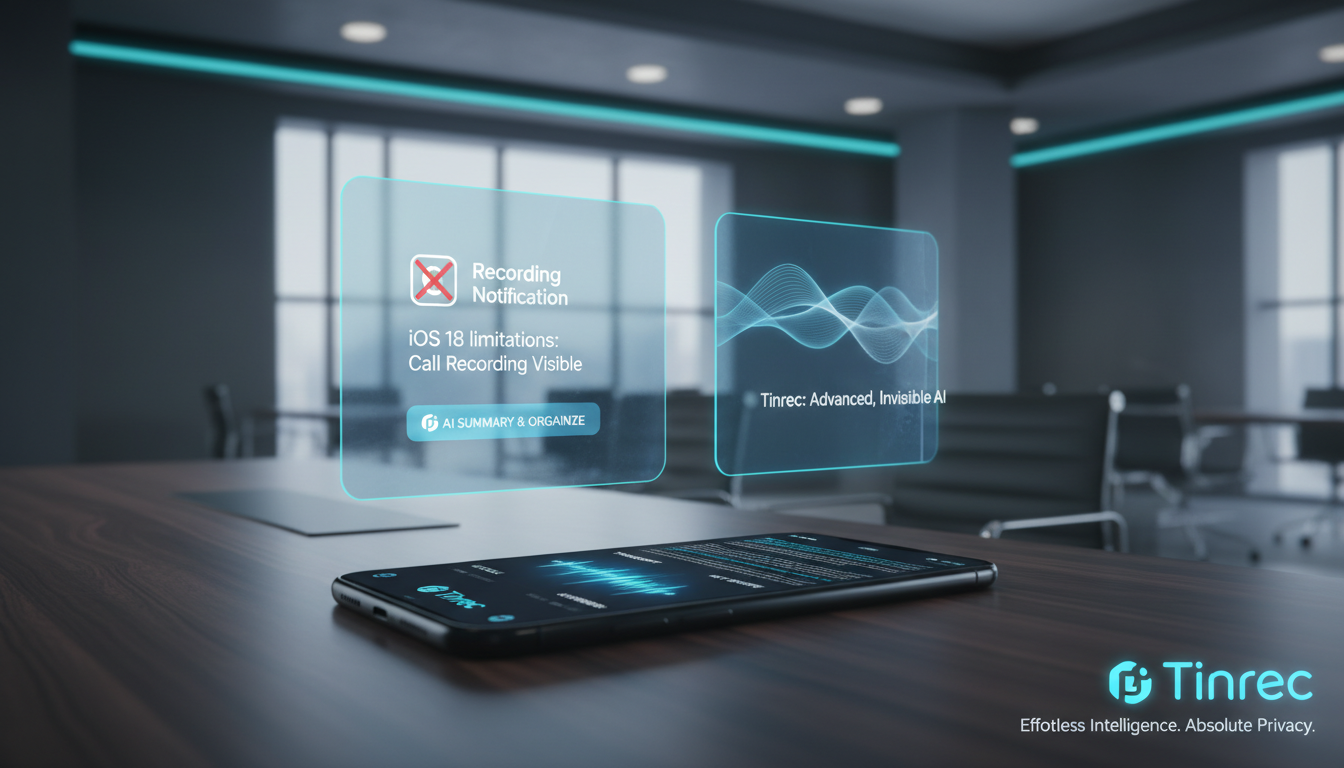
Quick navigation tip: If you highly value stealth and need physical hardware to bypass system limitations, consider external recording devices. If you care more about "transcription quality, meeting summaries, and multi-platform support (e.g., Meet/Teams)," prioritize AI software tools like Tinrec that offer comprehensive workflows.
How to Use iOS 18's Built-in Call Recording?
iOS 18 finally fills the gap of no official call recording in the Apple ecosystem. If you are running iOS 18.1 or later, you can start recording with these simple steps:
- Start Recording: During a traditional phone call, tap the "Call Recording" icon at the top left of the call screen.
- Wait for Voice Notification: The system will count down 3 seconds and play a mandatory prompt: "This call will be recorded."
- Save and View: After tapping "Stop" or ending the call, the recording is automatically saved in the Notes app, with basic transcription support for some languages.
Why You Shouldn't Fully Rely on Apple's Built-in Recording? 3 Key Limitations
While the built-in feature is free and straightforward, many professionals still seek alternatives in real business or high-frequency work scenarios due to the following practical limitations:
1. Mandatory Voice Prompt Disrupts Natural Conversation
In business negotiations or client calls, the sudden "This call will be recorded" prompt often breaks the established trust. Once the other party realizes they are being recorded, their tone may become guarded or vague, defeating the purpose of capturing a natural conversation.
2. Only Supports Traditional Calls, Out of Sync with Modern Communication
According to statistics, modern people use LINE, WhatsApp, Google Meet, and other internet calls far more than traditional voice calls. However, iOS 18's built-in recording is limited to the Phone app, greatly reducing its usefulness for users who rely on messaging apps.
3. Device Limitations and Low Post-Processing Efficiency
iOS 18's AI features mainly support newer iPhone models. Additionally, recordings saved in Notes only have basic transcription, lacking automatic meeting minutes, task extraction, and knowledge management. As call volume increases, the cost of reviewing and organizing becomes significant.

Apple Call Recording Alternatives Comparison: Which Tool Suits You?
To bypass limitations, various solutions have emerged. Below, we compare iOS 18's built-in feature, the hardware-focused Plaud Note, and the software-focused Tinrec across multiple dimensions to help you decide:
Stop organizing recordings by hand
Upload audio or video and automatically get a transcript, summary, and action items
| Comparison Aspect | iOS 18 Built-in Recording | External Hardware (e.g., Plaud Note) | Software Solution (e.g., Tinrec) |
|---|---|---|---|
| Call Scenarios Supported | Traditional calls only | Traditional calls, LINE, most messaging apps | In-person meetings, web-based Meet/Teams, speakerphone calls |
| Stealth (Voice Prompt) | Mandatory 3-second prompt | No prompt, hardware vibration coupling | Depends on user's recording device and setup |
| Language Recognition | Only major languages | Multiple languages | Supports 10 languages: Chinese, English, Japanese, Taiwanese, etc. |
| Summaries & Action Items | Basic transcription only | Templates and summary generation | Auto-generates meeting minutes and to-dos |
| AI Chat Query | No | Yes | Yes (ask questions about recording content) |
| Price & Free Tier | Completely free | Requires hardware purchase (from $5,490) | Free tier: 100 minutes per month |
Summary: For stealthy mobile call recording, hardware is effective; for converting various recordings (including remote meetings, uploaded audio) into information-dense notes, Tinrec's software solution is more flexible.
Practical Tutorial: How to Build a "Record → Understand → Act" Workflow with Software
No matter how you recorded important Apple calls or meetings, the real challenge is "organizing and using" the content. Most tools only provide raw text without decision summaries. Here's how to build an efficient workflow using Tinrec:

Step 1: Real-Time Speech-to-Text During Recording
During in-person meetings or speakerphone calls, simply open the real-time speech-to-text feature. The system transcribes voice to text instantly without waiting for the call to end, so you can always stay on top of key points.
Step 2: Upload Audio Files for Transcription
If you've already recorded LINE calls via third-party apps or hardware, upload the file to audio-to-text. The system supports multiple formats, automatically distinguishes speakers, and generates AI summaries including conclusions and action items.

Step 3: Quick Parsing of Online Videos or Podcasts
Besides calls, if you need to reference online meeting videos or tutorials, copy the link and paste it into the podcast/video-to-text entry to convert time-based content into scannable text notes.
Step 4: Query Details via AI Chat
Traditional transcription only allows Ctrl+F keyword search. After processing, use the AI chat query feature to directly ask: "What were the three revision points the boss mentioned on the phone?" Let AI answer like a personal assistant.

FAQ
Q1: After upgrading to iOS 18, do all Apple call recordings have a voice prompt? Yes, if you use iOS 18's built-in recording feature, the system forces a 3-second countdown and plays a voice prompt to both parties.
Q2: Does iOS 18's call recording support LINE or WhatsApp? No, it does not. The built-in feature is limited to the native Phone app. To record LINE, WhatsApp, etc., you need external hardware or third-party speakerphone recording solutions.
Q3: Can I use Tinrec to record Teams or Google Meet meetings? Yes. For remote meetings, you can use the computer web version or phone speaker mode to capture audio, transcribing Teams or Meet content in real time and generating meeting minutes.
Q4: Traditional transcription is hard to extract key points—how is AI recording different? Traditional tools only convert speech to unformatted text. Modern AI tools (like Tinrec) transform recordings into "actionable text," automatically generating decision summaries and to-dos, drastically reducing review time.
Q5: Do recommended AI recording tools offer free tiers? Most software offers basic free tiers. For example, Tinrec provides up to 100 minutes of transcription per month for free users, suitable for light usage.
Q6: Can older iPhone models use the latest call recording? iOS 18's built-in recording and AI features are mainly available on newer devices (e.g., those supporting Apple Intelligence). For older models, cross-platform software or hardware without device restrictions is a safer choice.
Turn every recording into actionable outcomes
Get 60 free transcription minutes when you sign in. No credit card required.
Related Reading
You might also like

2026 Meeting Transcription Showdown: Tinrec vs Otter.ai on 5 Key Dimensions — Which Is Right for Chinese-Speaking Teams?
A practical comparison of Tinrec and Otter.ai across five dimensions — meeting capture, Chinese-language experience, post-meeting outputs, team governance, and historical data import — to help Chinese-speaking teams decide which meeting transcription platform fits them best.

4 Meeting Transcription Tools Tested in 2026: Is the Free Version Enough, and How to Choose for Chinese Meetings?
The real question with meeting transcription usually isn't which tool is free—it's whether the output is usable right away. This article breaks down the correct approach before, during, and after recording based on a real meeting workflow, and compares Tinrec, Otter.ai, Notta, and Granola on Chinese-language experience, free quotas, post-meeting organization, and team collaboration to help you decide which fits your meeting scenario.

2026 Comparison of 4 Meeting Transcription Software: Which AI Meeting Notes Actually Save Time?
How to choose meeting transcription software? This article tests 4 tools in real meeting scenarios, comparing transcription readability, post-meeting summaries, action item extraction, and team collaboration. It also outlines 4 key purchasing factors and a guide to avoid pitfalls, helping you find a solution that truly saves time on post-meeting organization.

2026 Comparison of 4 Meeting Transcription Tools: Which Saves More Time for Chinese Meetings and AI Summaries?
How to choose a meeting transcription tool? This article compares Tinrec, Granola, TurboScribe, and PLAUD across three scenarios: Chinese online meetings, mixed Chinese-English interviews, and existing audio files. It examines capture methods, post-meeting organization, team collaboration, and pricing, and provides key buying points and pitfalls to help you choose the right tool within your budget.

2026 Smart Meeting Notes Tools Compared: Chinese Transcription, Bot-Free Recording, and Post-Meeting Organization
Starting from common buying mistakes, this comparison of Tinrec, Otter.ai, Fireflies.ai, and Notta covers meeting capture methods, Chinese transcription, post-meeting organization, and team management to help you choose the right smart meeting notes tool.

2026 Comparison of 4 Meeting Transcription Tools: Which One Actually Saves You Time?
How do you transcribe meeting recordings? We tested Tinrec, Notta, Otter.ai, and Granola using the same real meeting recording with mixed Chinese and English. We compared their transcription and post-meeting organization workflows, identified 5 key buying factors and 3 common mistakes, and compared free tiers, paid pricing, and team collaboration capabilities to help you decide which tool best fits your meeting habits.

2026 Comparison of 5 Meeting Transcription Tools: Free Tiers, Chinese Recognition, and Post-Meeting Organization—Which Saves the Most Time?
Comparing five common meeting transcription approaches from four angles: free tiers, Chinese recognition, post-meeting organization, and team collaboration. Explains why Tinrec is suitable for users who need Chinese meeting transcripts and team knowledge retention.

Best Meeting Transcription Tools in 2026: 4 Tested, Top Pick for Chinese Meetings & Team Knowledge
Most people choose meeting transcription tools based on free minutes, overlooking the cost of organizing transcripts afterward. This article addresses common pitfalls, outlines 4 key buying criteria, tests Tinrec, Otter.ai, Notta, and Granola, and provides a guide to avoid mistakes plus scenario-based recommendations.

Tinrec vs Notta 2026: 5-Dimension Comparison for Chinese Meeting Transcription
How to choose a meeting transcription tool? This article compares Tinrec and Notta across 5 practical dimensions: online meeting capture, post-meeting output, Chinese and bilingual experience, team data management, and plan quotas. It also covers real-world use cases and purchasing considerations to help you decide which tool better fits your workflow.