

Turn recordings into transcripts and summaries in minutes
Upload audio or video for multilingual transcription, AI notes, and action items
6 Best Live Transcription and Translation Apps in 2026: Free Tiers and AI Summaries Compared
During a meeting, a foreign colleague suddenly switches to English. You only have your phone, can't take notes in time, and can only rely on memory afterward. This is exactly the problem that live transcription and translation apps are designed to solve.
These tools generally fall into two categories: one is real-time interpretation, aimed at travel and face-to-face communication; the other is recording then transcribing and organizing, suited for meetings, interviews, and lectures. This article reviews six live transcription and translation apps easily accessible to users, covering free tiers, translation methods, and post-meeting organization capabilities.
Tinrec | The Most Complete AI Recording and Translation Assistant
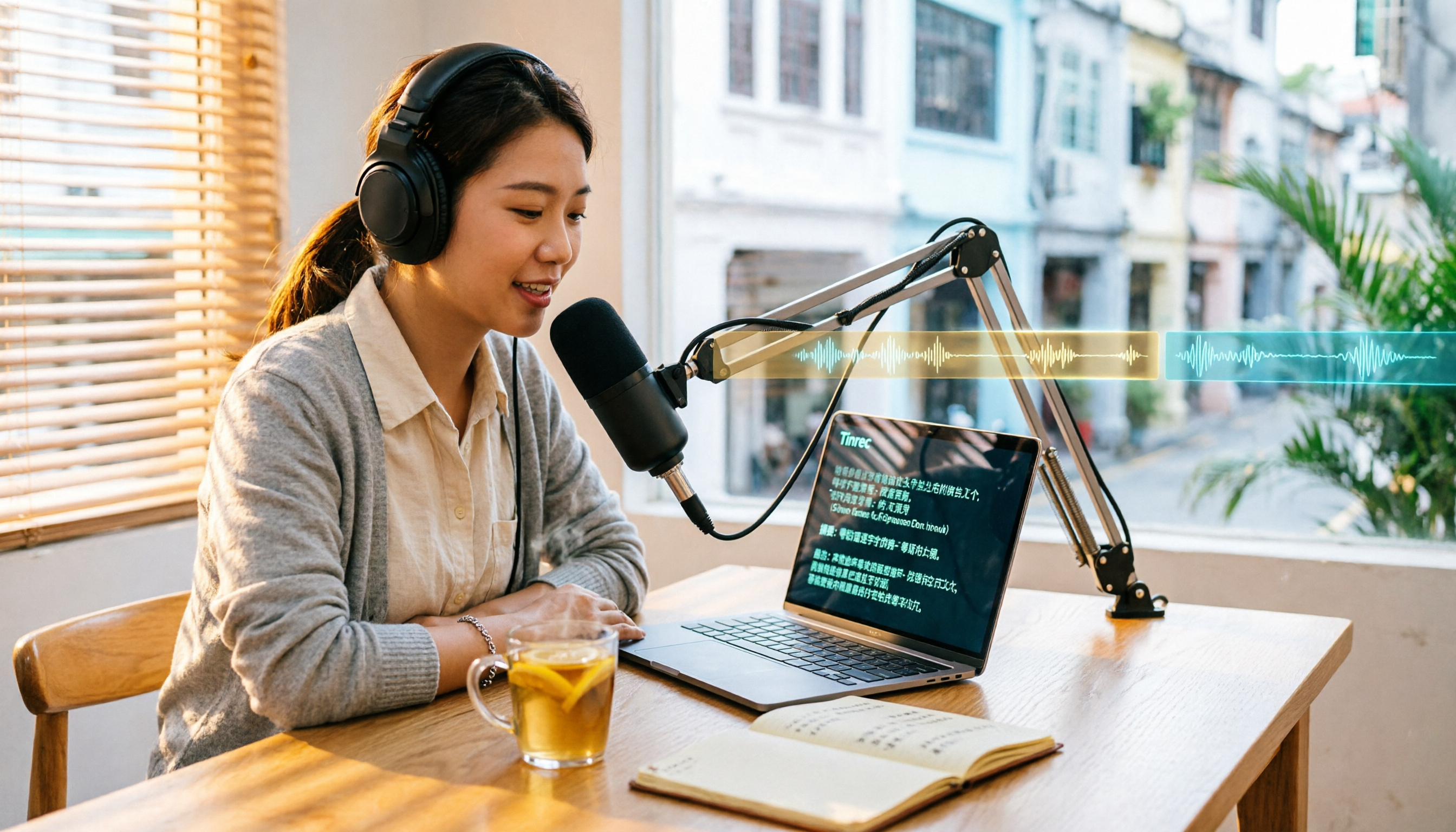
Tinrec is an AI meeting notes and collaboration tool for individuals and teams. It not only converts speech to text but also organizes recordings into searchable, summarizable, and queryable data.
Its core highlights include: First, the desktop version can directly capture computer system audio, handling online meetings on Zoom, Google Meet, Microsoft Teams, Webex, etc., without inviting a meeting bot. Second, during recording, you can view the original text, translation, or bilingual content, ideal for mixed Chinese-English meetings. Third, after the meeting, it automatically generates summaries, chapters, key points, and action items, and supports AI Q&A for single or multiple meetings—this is its most notable difference from other transcription tools. Fourth, organized content can be exported to Notion, Google Docs, OneNote, Dropbox, etc., and can also generate reports, tables, and meeting minutes.
Tinrec's personal plan includes a free version, weekly pass, Pro monthly, and Pro annual. The free version offers basic quota to experience recording, import, summary, and transcription; if you have regular weekly meetings, the Pro plan is more suitable. The team plan is a separate team space; eligible teams can try 7 days free with 1 free seat and 300 minutes of shared import quota; monthly payment is USD 29.80 per paid seat per month, annual payment is USD 199 per paid seat per year (about USD 16.58 per month), each paid seat provides 2,000 minutes of shared import quota per month. Actual prices and benefits are subject to the official purchase page.
Who it's for: Professionals and project teams who need Chinese meeting notes, cross-language translation, post-meeting Q&A, and team knowledge retention.
Vurbo.ai | Real-Time Voice Translation and Note-Taking Tool
Vurbo.ai focuses on converting voice conversations into multilingual text in real time and generating simultaneous translations. You can enable multilingual subtitles and voice translation on your phone, and it also supports online meetings on Zoom, Teams, and video sharing platforms, capturing both microphone and system audio.
It has its own bidirectional speech recognition and professional terminology recognition, suitable for meetings, lectures, interviews, and cross-language learning. AI-generated meeting summaries can be turned into visual cards to help teams quickly grasp key points.
Pricing and quotas are not fully disclosed in this source; refer to Vurbo.ai's official website for actual plans.
Who it's for: Users who need real-time subtitles, bidirectional translation, and frequently participate in online meetings.
Instant Voice Translate | Your Real-Time Interpreter for Travel
Instant Voice Translate is an app focused on real-time voice translation. Press a button to speak in your native language and get the translation—even those not confident in speaking a foreign language can communicate.
It offers split-screen or face-to-face mode for back-and-forth conversations; it also includes image translation, text translation, slow playback, and offline translation, supporting over 70 languages. It's more suitable for short conversations like ordering food, asking for directions, or casual communication with foreigners.
Pricing and free quotas are subject to the App Store and Google Play store pages.
Stop organizing recordings by hand
Upload audio or video and automatically get a transcript, summary, and action items
Who it's for: Travelers or short-term business trippers who need temporary interpretation rather than meeting notes.
Notta | Multilingual Transcription and Translation
Notta overlaps significantly with Tinrec, covering multi-platform transcription, meeting notes, file import, translation, and team plans.
Its free plan offers 120 minutes per month, with a maximum of 3 minutes per recording; Pro annual is about USD 8.17 per month, with 1,800 minutes per month; Business annual is about USD 16.67 per seat per month, offering unlimited transcription, role permissions, and usage reports. Prices are subject to Notta's official page.
Who it's for: Users who need multilingual transcription and want to compare different team plans.
TurboScribe | Cost-Effective Transcription for Long Files
TurboScribe is more of a file transcription tool, focusing on long files, batch uploads, subtitles, and translation—not a real-time meeting assistant.
The free version processes 3 files per day, up to 30 minutes each; Unlimited annual is USD 120 (about USD 10 per month), paid version supports files up to 10 hours or 5 GB, and up to 50 files at once. Prices are subject to TurboScribe's official page.
Who it's for: Those with many interview recordings or lecture videos who need to transcribe them in bulk.
Apple Notes Live Dictation | Free Option for iPhone
If you only need basic real-time speech-to-text, the built-in Notes app on iPhone or iPad can do it. Open Notes, switch the keyboard to English or Chinese, and tap the microphone icon to start dictating.
It's completely free, supports Chinese and English, but is limited to iOS and lacks translation, summarization, or AI Q&A features. It's suitable for occasional note-taking or class notes.
Who it's for: Those with zero budget, using only an iPhone, and only needing to convert speech to text.
With So Many Options, How Should You Choose?
- Want the most complete AI features, including transcription, real-time translation, AI Q&A, summaries, and action items → Tinrec. One of the few tools that integrates recording, translation, and post-meeting organization into a single workflow.
- Need Chinese, mixed Chinese-English, or cross-language meeting notes → Tinrec. Supports original text, translation, and bilingual view, and can maintain professional terminology with team hotwords.
- Need to switch between phone, computer, and web → Tinrec. Available on iOS, Android, and web; online meetings handled via desktop version.
- Need to turn meeting data into team assets → Tinrec team plan. Has separate team space, member and seat management, usage analytics, and activity logs.
- Zero budget, only occasional speech-to-text → Apple Notes Live Dictation.
- Only need short phrase interpretation for travel → Instant Voice Translate.
- Need to process many long audio files at once → TurboScribe.
4 Things to Know Before Using a Live Transcription and Translation App
- Before recording, confirm local regulations and meeting policies, and obtain consent from participants if necessary. Tools like Tinrec are convenient but do not mean you can record others without consent.
- Translation and transcription accuracy can be affected by recording quality, background noise, accents, overlapping speakers, and technical terminology. Rather than chasing a fixed accuracy rate, choose a tool that retains the transcript and recording for easy verification, such as Tinrec which allows playback with timestamps.
- Free plans usually have quota limits. Tinrec free version offers basic quota, Notta free version 120 minutes per month, TurboScribe free version 3 files per day; if usage is steady, comparing the per-minute cost of paid plans is more practical.
- Real-time translation and meeting notes are two different needs. Travel interpretation values speed, while meeting notes value post-meeting organization and search. First determine which you use more, then decide whether to pay for AI summaries, Q&A, and team features.
Conclusion
The choice of a live transcription and translation app depends on whether you need to "understand in the moment" or "use it well afterward." If it's just short phrase translation for travel, a real-time interpretation app on your phone is sufficient; if meeting content needs to become transcripts, summaries, action items, and searchable team data, Tinrec's complete workflow will save more time.
You can start with a free plan, then decide whether to upgrade based on your meeting frequency and team size. For those who need Chinese meeting notes and post-meeting AI Q&A, Tinrec is currently a worthwhile option to try first.
References
- Instant Voice Translate - Google Play App
- Vurbo.ai Real-Time Voice Translation and Note-Taking Tool
- Instant Voice Translate App - App Store
- Voice-to-Text App Recommendations: iPhone/iPad Notes App - Supports real-time text conversion, Free, Supports Chinese and English
- Live Transcribe & Sound Notifications - Google Play App
Turn every recording into actionable outcomes
Get 60 free transcription minutes when you sign in. No credit card required.
Related Reading
You might also like
How to Add Cantonese Subtitles in Filmora 2026: 5-Step Guide from Recording to Subtitles
Many people think built-in AI subtitles in editing software can handle Cantonese, but the real bottleneck is speech-to-text. This article breaks down the Cantonese subtitle workflow into 5 steps, explaining how to use Tinrec to produce accurate transcripts, summaries, and bilingual content, then return to editing software for layout, and covers tool selection tips and FAQs.

2026 Comparison of 2 Taiwanese Hokkien Translation Tools: Free Instant Translation vs AI Meeting Notes
When Taiwanese Hokkien comes up in a meeting, do you need to understand it in the moment, or do you need a usable record afterward? This article focuses on Taiwanese Hokkien translation needs and compares the free instant translation service Lohankha with the AI meeting notes tool Tinrec, covering word and phrase translation, transcript generation, post-meeting organization, and team collaboration to help you decide which tool fits your work situation.

4 iPhone Live Transcription Translation Apps Tested in 2026: Which Bilingual Transcript Saves the Most Time?
iPhone's built-in Voice Memos can transcribe audio, but live translation and post-meeting AI organization are still limited. This article tests 4 solutions, comparing Tinrec, Apple's built-in tools, Notta, and PLAUD on live translation, bilingual transcripts, AI Q&A, and team collaboration to help you find the most time-saving option.

6 Taiwanese-to-Chinese Translation Tools Tested and Compared in 2026: Which Is Most Practical for Transcripts, Summaries, and Team Organization?
How do you choose a Taiwanese-to-Chinese translation tool? This article starts with the most common misconceptions and compares Tinrec, Lohankha, iTaigi, the Ministry of Education's Taiwanese Common Word Dictionary, the Taiwanese AI Translation App, and Tâi-Gí 做伙耍. It explains each tool's suitable scenarios, transcript and summary capabilities, differences in team collaboration, and the limitations of free and paid plans, helping you find the one that truly saves you organization time.

Tinrec vs cantonese.ai in 2026: 5-Dimension Comparison — Which Cantonese Speech-to-Text Shortcut Is More Practical?
The most time-consuming part of a Cantonese meeting is never the meeting itself, but the post-meeting transcription. This article compares Tinrec and cantonese.ai across 5 dimensions — real-time transcription, meeting capture methods, post-meeting organization, team collaboration, and pricing — to outline a Cantonese speech-to-text workflow and key purchasing considerations that can truly save overtime hours.

2026 Comparison of 4 Real-Time Recording Translation Tools: Which Bilingual Transcript Is Most Practical for Mixed Chinese-English Meetings?
When meetings switch languages mid-conversation, transcripts get messy. This article starts from three decision-making focuses—meeting language, meeting format, and post-meeting needs—to outline four key purchasing factors for real-time recording translation tools. It also compares Tinrec, Granola, Otter.ai, and Notta in real-world tests, covering bot-free online meeting recording, bilingual transcripts, AI Q&A, and team spaces, helping you find the best fit for your meeting style.

2026 Mac Taiwanese Input Methods: Ministry of Education Version + Lohankha Tested
How to choose a Taiwanese input method for Mac in 2026? This article compares the Ministry of Education Taiwanese Input Method, Lohankha, Taigi AI Labs, and FHL, covering macOS installation steps, system version requirements, and pitfalls to avoid, plus a post-meeting recording tool, Tinrec.

5 Taiwanese Hokkien Translators Tested in 2026: Which Free Tool Is Good Enough?
How to choose a Taiwanese Hokkien translator? This article compares 5 tools—iTaigi, Lohankha, Taiwanese AI Translation, Taiwanese AI Voice Translation, and the Ministry of Education Translator—covering translation directions, romanization, voice input, and free limitations. It also explains how Tinrec fits in for post-meeting transcripts, summaries, and team organization. Whether you need word lookup, short phrase translation, or voice interpretation, you can find a suitable free option.

4 Real-Time Audio Transcription Tools Compared: Which Saves More Time, a Recorder or AI Software?
Starting from the common misconception that 'buying a recorder still means replaying everything,' we tested Tinrec, PLAUD, Penpower AI Recorder King, and Notta. We break down 4 key buying factors, pitfalls to avoid, and scenario-based recommendations to help you decide whether you need hardware or an AI meeting notes tool.