
Turn recordings into transcripts and summaries in minutes
Upload audio or video for multilingual transcription, AI notes, and action items
After every meeting, facing an hour-long recording and dreading the manual transcription and organization? Traditional recordings have extremely low information density; replaying them is not only time-consuming but often misses important action items, making the meeting lose its practical value.
To solve this pain point, this article provides a detailed review of the popular "meeting minutes apps" currently on the market. We not only offer a multi-dimensional "tool comparison table" (including language support, real-time transcription, AI summarization, export, and pricing) but also include complete step-by-step tutorials and FAQs to help you find the productivity tool that best fits your workflow.
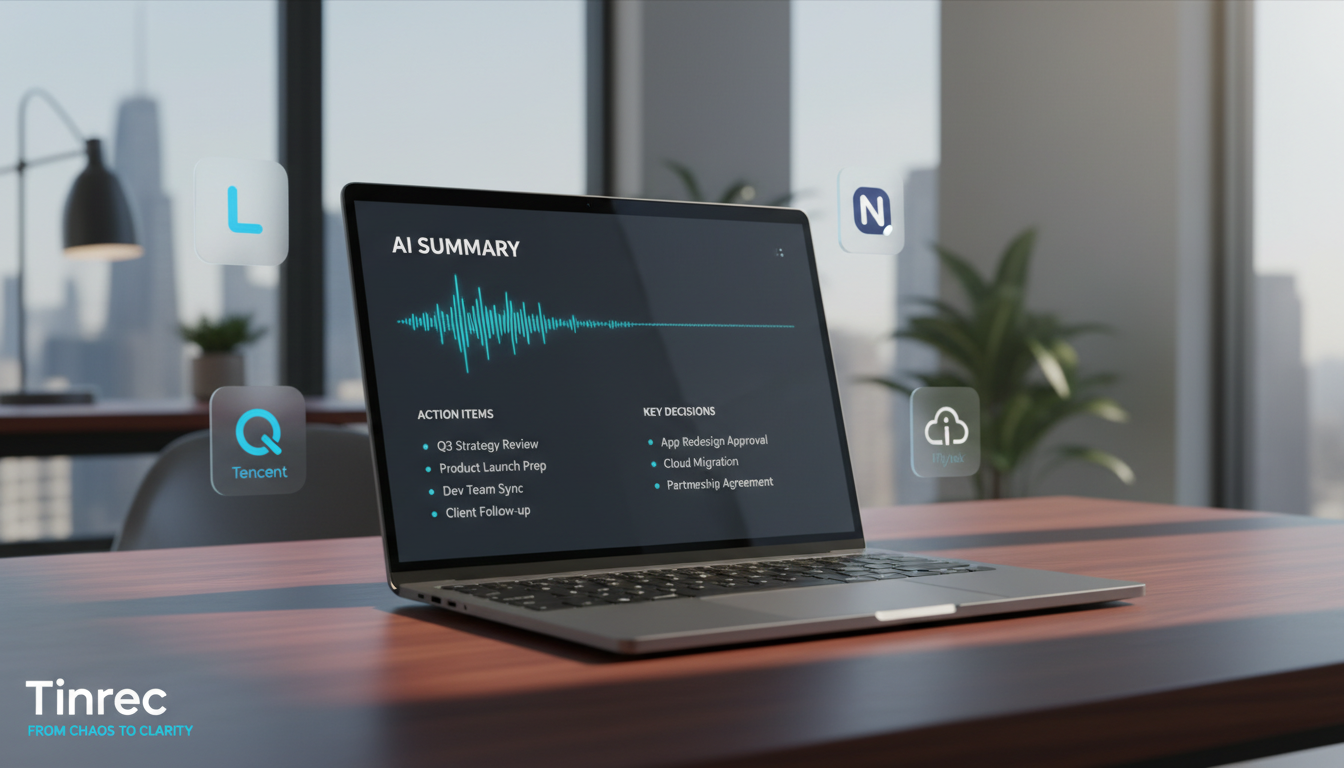
Quick Navigation Tips: If you seek deep integration within a corporate ecosystem, prioritize "Feishu" or "Tencent Meeting"; if you prefer highly customizable formatting and database management, "Notion" is suitable; if you want "recording, understanding, and extracting action items" seamlessly combined, consider "Tinrec," a solution focused on audio AI processing.
Why Do You Need a Powerful Meeting Minutes App?
In a busy work environment, meetings are essential for driving projects. However, traditional note-taking has obvious drawbacks:
- High Replay Cost: Simply using your phone's built-in recorder, finding a specific conclusion later is like searching for a needle in a haystack, constantly dragging the progress bar.
- Lack of Decision Summary: Most of the time, we don't need lengthy verbatim transcripts, but specific action items: "who, when, what needs to be done."
- Cross-Language Difficulty: When dealing with foreign clients or international online meetings, language barriers can multiply the time needed to prepare meeting minutes.
An excellent meeting minutes app converts "time-based audio content" into "scannable, searchable, actionable text," significantly reducing the cost of understanding and organizing.
Review and Recommendations of 5 Mainstream Meeting Minutes Apps in 2026
1. Feishu (Lark) - Smart Collaboration Ecosystem
Feishu is not just an office collaboration platform; its built-in meeting features excel at meeting minutes.
- Features: Enabling smart meeting recording automatically identifies key information in meetings (such as topics, decisions, responsible persons) and generates structured meeting minutes templates.
- Best For: Teams already using the Feishu ecosystem, enabling quick conversion of meeting content into collaborative tasks.
2. Tencent Meeting - Built-in Transcription
As a popular video conferencing software for many enterprises, Tencent Meeting's recording and transcription features are very practical.
- Features: Supports cloud recording and real-time captions, transcribing meeting content into text instantly. After the meeting, just lightly edit the text to produce minutes.
- Best For: Teams heavily reliant on online video meetings, no need to open additional software for basic recording.
3. Notion - Flexible Organization and Database
Notion is a highly flexible knowledge management tool that, combined with AI, becomes an excellent container for organizing meeting minutes.
- Features: Customizable meeting templates (including topic, attendees, agenda), and through powerful database functionality, easily categorize various meetings for later retrieval.
- Best For: Users who love customizing workflows and seeking aesthetic and personalized organization.
4. iFlytek iFLYREC (Voice to Text Precision)
When it comes to hardcore speech-to-text capabilities, iFlytek iFLYREC has long been a veteran tool on the market.
- Features: Highly accurate speech recognition, especially in multiple languages and dialects. Supports real-time voice-to-text and allows direct proofreading and editing after transcription.
- Best For: In-person meetings, large lectures, or situations where speakers have strong accents.
5. Tinrec - Multi-Platform AI Recording Assistant
Compared to tools that only provide simple transcription, Tinrec focuses more on "post-use efficiency," creating a complete workflow from recording, understanding to action.
- Features: Supports iOS, Android, and web versions. Not only does it transcribe in real-time during recording, but it also automatically generates summaries including meeting minutes and to-do action items. Features a semantic AI chat query function, making it easy to find key points "ask a person" rather than "flip through a document."
- Best For: Office workers and enterprise users who need to handle large volumes of cross-language meetings (supports automatic recognition of 10 languages including Chinese, English, Japanese), in-person and remote meeting records, or need to quickly extract decision action items from recordings.
Stop organizing recordings by hand
Upload audio or video and automatically get a transcript, summary, and action items
Core Feature Comparison Table: How to Choose the Right Meeting Minutes App for You?
| Dimension | Feishu (Lark) | Tencent Meeting | Notion | iFlytek iFLYREC | Tinrec |
|---|---|---|---|---|---|
| Real-Time Speech-to-Text | Relies on online meetings | Real-time captions | No built-in, requires manual or plugin | Real-time conversion | Real-time conversion, no waiting |
| Multi-Language & Dialect Support | Basic Chinese/English support | Basic Chinese/English support | Not involved in speech recognition | Supports multiple dialects and foreign languages | Automatic recognition of 10 languages including Chinese, English, Japanese, Cantonese |
| AI Summary & Action Items | Automatically generates structured templates | Requires manual post-meeting organization | Requires Notion AI add-on | Primarily verbatim transcripts and basic editing | Automatically generates meeting minutes, conclusions, and to-do lists |
| AI Query Interaction | Basic text search | Basic text search | Notion AI assistance | Basic text search | Supports semantic AI chat query |
| Export & Integration | Deep integration with Feishu ecosystem | Export meeting records | Powerful database and multi-format export | Export text/Word | Supports multi-format export and sharing |
| Pricing & Free Limit | Part of enterprise plan / basic free | Basic free, advanced requires payment | Personal free (AI add-on costs extra) | Billed by duration or word count | Free: 100 min/month; Basic: $4.9/month (600 min) |
Practical Tutorial: How to Automate Your Workflow with AI Meeting Minutes Apps?
Once you've chosen a tool, establishing a standard operating procedure (SOP) is key to truly improving efficiency. Below, using Tinrec's core features as an example, we break down the automation steps for meeting minutes.
Step 1: Enable "Real-Time Transcription" to Capture In-Person Meeting Highlights
During offline in-person meetings or interviews, traditional note-taking often can't keep up with the speaking pace. Enabling the "real-time transcription" feature allows the app to convert speech to text displayed on the screen while recording. This way, you don't have to worry about missing key points and can focus entirely on the meeting discussion.

Step 2: Process Historical Recordings Using "Audio File to Text"
If you have recordings sent by colleagues or accumulated past meeting recordings, there's no need to listen again. Use the "audio file to text" feature to upload common audio formats. The system will quickly generate a transcript and automatically produce a structured AI summary.

Step 3: Online Training and Webinars: Extract Key Points via "Video Link to Text"
Many work situations require watching educational training videos or webinars. In such cases, you can directly input a YouTube video link into the "podcast/web video to text" parser. The tool will automatically capture the content and generate a transcript, significantly reducing learning and recording time.

Step 4: Post-Meeting Review: Use "AI Chat Query" to Quickly Find Answers
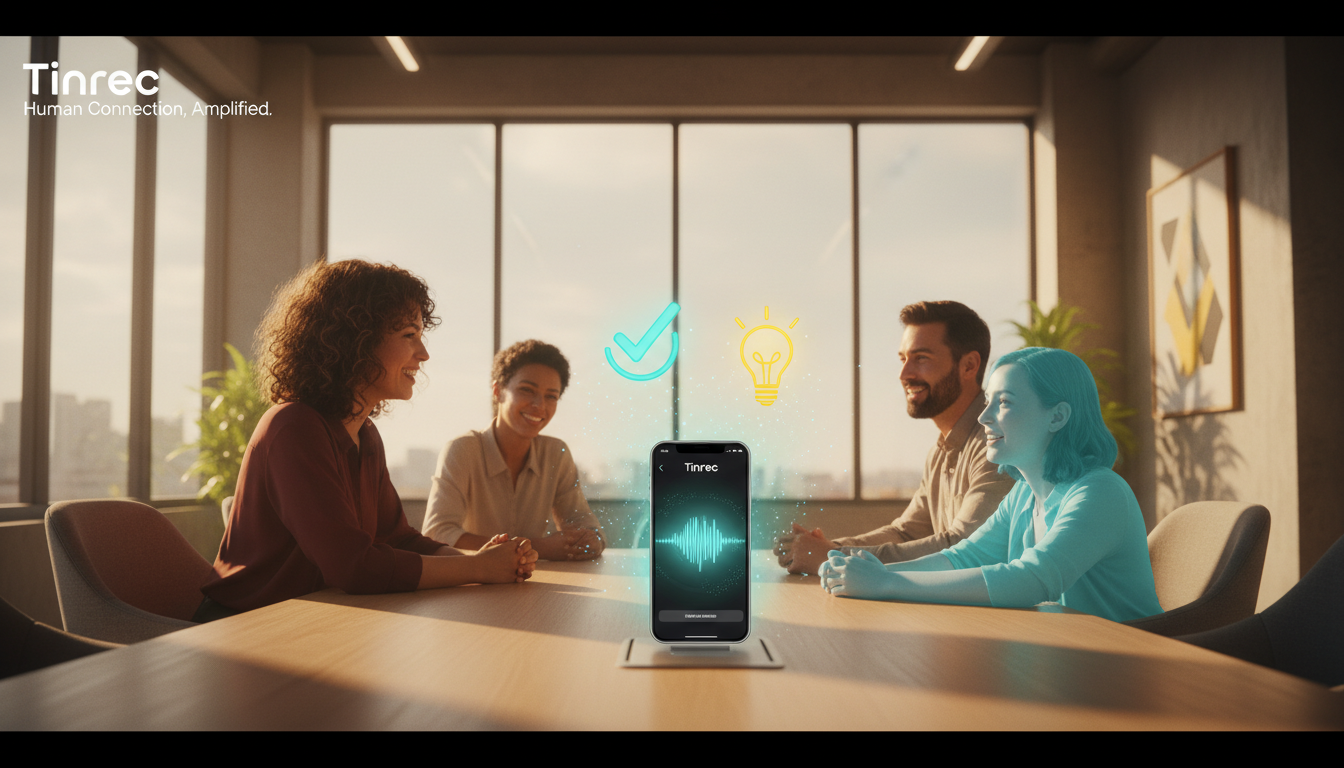
After the meeting, when you have a long transcript, the traditional approach is to use Ctrl+F to search for keywords. With a tool that supports "AI chat query," you can simply ask the AI questions like "What was the marketing budget number mentioned for next week?" The AI will accurately answer based on the recording content, allowing you to easily grasp key points and compile the final meeting minutes.

Frequently Asked Questions (FAQ)
1. Do these meeting minutes apps support iPhone and Android?
Most mainstream tools (such as Feishu, Tencent Meeting, Notion) are cross-platform. For example, Tinrec also offers iOS, Android, and web versions, allowing you to record on your phone during meetings and then organize and export on your computer via the web version.
2. Can I use these tools to record remote Teams or Google Meet sessions?
Yes. If you're using Tencent Meeting or Feishu, they are meeting software themselves. If using Teams or Meet, you can use a computer's web version to open a transcription tool for side-recording and real-time transcription, or upload the Teams recording audio file to the tool afterward for conversion.
3. If multiple people speak during a meeting, can the app automatically differentiate speakers?
Currently, advanced AI meeting minutes apps generally have voiceprint recognition. During recording or audio file conversion, the system automatically labels the transcript with different speakers (e.g., Speaker 1, Speaker 2), making it easy to assign responsibilities afterward.
4. Is the transcription accuracy high? Does it support foreign languages or dialects?
Accuracy is highly dependent on the recording environment; in a quiet meeting room, it usually achieves extremely high accuracy. As for languages, many tools support multiple languages. For example, Tinrec can automatically recognize 10 languages including Chinese, English, Japanese, Taiwanese, and Cantonese, significantly reducing the difficulty of recording in multinational meetings.
5. How much free usage is typically provided? Is it enough for the average office worker?
Pricing strategies vary. Some offer basic features for free, while others limit duration. For example, Tinrec's free version provides up to 100 minutes of recording conversion per month. For office workers with heavier meeting loads, the Basic plan at 600 minutes per month usually covers daily needs.
6. After generating meeting minutes and transcripts, can I export them to Word or PDF?
The vast majority of meeting minutes apps support multi-format export. You can export the organized meeting conclusions, to-do items, and complete transcripts, then copy them into your company's report template or share via a link for team collaboration.
Turn every recording into actionable outcomes
Get 60 free transcription minutes when you sign in. No credit card required.
Related Reading
You might also like

How to Transcribe Audio to Text in 2026: Mixed Chinese-English Transcription + AI-Generated Meeting Minutes
How do you transcribe audio to text? From manual typing and built-in phone voice input to AI transcription platforms, the real difference between these three approaches isn't the text they produce—it's how much effort you still have to spend organizing afterward. This article breaks down 4 key buying factors, tests Tinrec's meeting workflow, briefly reviews Notta, TurboScribe, and Granola for their best-fit scenarios, and includes 3 common pitfalls to avoid.

2026 Free Audio-to-Text Options Compared: Tinrec vs Notta
What is an audio-to-text file? Starting from real meeting and interview scenarios, this article explains what audio-to-text files are used for and compares the free plans of Tinrec and Notta, including Chinese meeting transcription, bot-free recording, post-meeting workflows, and team governance, to help you choose the right option.

Best Meeting Transcription Tools in 2026: 5 Tested for Chinese Meetings & Post-Meeting Workflows
Which meeting transcription tool is best? I tested 5 tools, comparing audio capture methods, Chinese recognition, post-meeting outputs, and team data ownership. Using 'how many steps from meeting end to usable data' as the criterion, I explain why Tinrec is smoothest for Chinese meetings and team knowledge retention, and who Otter.ai, Notta, and Granola are each best for.

Tinrec vs Notta 2026: 5-Dimension Comparison — Which Free Audio-to-Text Tool Is Better?
Are free audio-to-text tools actually usable? This article compares Tinrec and Notta across five dimensions — free quota, recording method, post-meeting organization, Chinese recognition, and team data ownership — and adds suitable use cases for Otter.ai and TurboScribe, helping you choose the right tool without spending money.

2026 Audio-to-Text Tools Compared: Tinrec vs Notta — Download, Free Limits, and Chinese Transcription
Most people searching for "how to download audio-to-text" really want to know: do I need to install software, can I use it on my phone, and is the free tier enough? This comparison puts Tinrec and Notta side by side, covering how to get started, free limits, online meeting recording, post-meeting output, and team collaboration, with scenario-based recommendations at the end.

Free Audio Transcription Options in 2026: 4 Plans Compared
The key to a good audio transcription app isn't just accuracy—it's how much time it saves you on organizing afterward. This article walks through the complete workflow using Tinrec, breaking down four plans from free version to weekly pass to Pro monthly and annual, and covers five key factors to consider when choosing, plus FAQs.

6 Best Speech-to-Text Tools in 2026: How to Get the Most Out of Free Tiers
The key to free transcription isn't which tool is free, but how long your recordings are and how often you use them. This article compares the free rules and limits of 6 tools—Tinrec, Notta, MyEdit, cSubtitle, TurboScribe, and Monica—offers selection advice based on use cases, and lists paid plan prices.

6 AI Meeting Notes Tools Tested and Compared in 2026: How to Use and Choose
From pre-meeting to in-meeting to post-meeting workflows, we compare the free tiers, paid pricing, and best use cases of six AI meeting notes tools—Tinrec, Otter, Notta, Fireflies, Granola, and TurboScribe—to help you pick the one that fits your meeting style.

2026 Comparison of 4 Audio-to-Text Tools: How Free Tiers Work and Which Really Saves Time After Meetings
Are audio-to-text tools actually useful? Many find them hard to use, but the problem often lies in testing methods and mismatched expectations. This article addresses three common misconceptions, outlines 4 key criteria for choosing a tool, and then compares Tinrec, Notta, TurboScribe, and PLAUD in terms of positioning, quota calculations, and post-meeting organization capabilities. It helps you decide which tool suits meeting notes, interview transcripts, or team knowledge retention.