
Turn recordings into transcripts and summaries in minutes
Upload audio or video for multilingual transcription, AI notes, and action items
Facing endless in-person and remote meetings? Are you stuck in the rut of "one hour of meetings, three hours of transcribing"? Sometimes, fast speech, mixed languages, or restrictions like Teams/Meet recording permissions and iPhone call recording limitations can leave you scrambling and missing key action items.
To solve these pain points, this article will walk you through and compare the 6 most talked-about meeting minutes apps on the market. We'll dive into "core features, speaker identification, AI summarization capabilities, pricing, and free tiers," and provide a clear comparison table and practical operation guide.
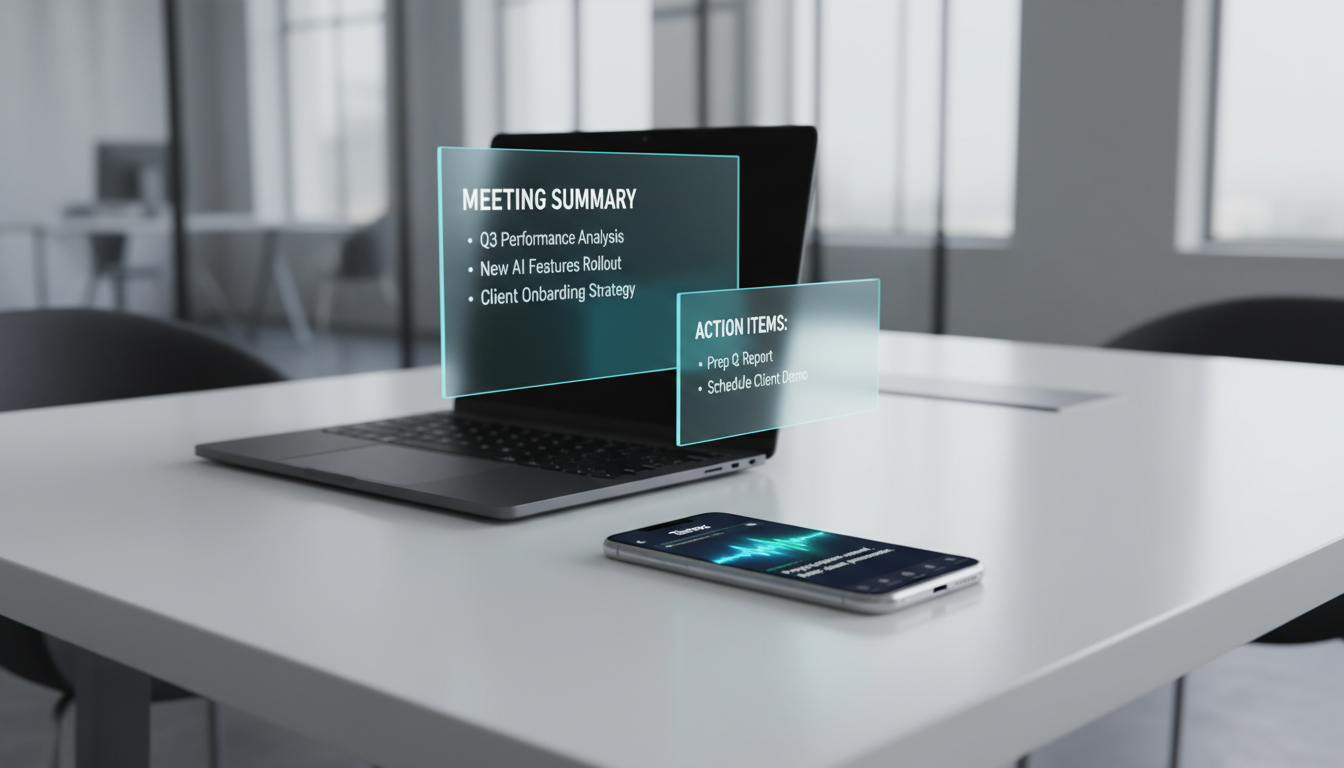
Quick Navigation Tips:
- If you value "visual charts" and mind maps 👉 Consider Meeting.ai or Xmind
- If you need a complete workflow from "recording, understanding, to auto-generating action items" 👉 Prioritize an all-around AI assistant like Tinrec
- If you need integration with physical recording hardware 👉 Consider Plaud
1. User Segmentation: Who Needs Meeting Minutes Apps Most?
Before choosing a tool, clarify your core identity and usage scenario to find the best match:
- Corporate Employees and Project Managers: Need to handle frequent Teams, Google Meet remote meetings or in-person discussions. Pain point: quickly producing "meeting conclusions" and "next-step action items (To-Do List)."
- Students and Educators: Often record class notes, lectures, or online courses, and want to condense hours of content into key review notes.
- Content Creators and Journalists: Handle large volumes of interview recordings, podcasts, or YouTube videos. Need high-accuracy transcripts with timestamps to assist editing or writing.
- Freelancers and Consultants: Frequently conduct one-on-one consultations with different clients. Need real-time recording of client requirements and cross-language translation/recognition capabilities.
2. Selection Criteria: 5 Key Dimensions for Evaluating AI Speech-to-Text Tools
With countless tools on the market, follow this "minimum decision formula":
- Accuracy and Multilingual Support: Does it support automatic recognition of mixed languages like Chinese, English, or even Taiwanese and Cantonese?
- Speaker Identification: In multi-person meetings, can the tool automatically distinguish "Speaker A" from "Speaker B" and mark timestamps?
- AI Summarization and Action Item Extraction: Raw transcripts are no longer enough. Good tools automatically generate conclusions and to-do items, turning time-based content into actionable text.
- Input and Export Flexibility: Does it support multiple input formats (live recording, audio file upload, even web video link parsing) and export to TXT, Word, or Markdown?
- Pricing and Free Tiers: Does it offer sufficient free monthly minutes for light users? Is the value for money reasonable for paid plans?
3. Horizontal Comparison of 6 Popular Meeting Minutes Apps
Below we've compiled 6 representative AI speech-to-text/meeting recording apps for comparison:
1. Meeting.ai
Focuses on "visual meeting notes," transforming complex discussions into hand-drawn diagrams, claiming to improve information retention by 65%. Features speaker identification and memory, and allows real-time chat with AI during meetings to clarify jargon. Supports over 30 languages and works with Zoom, Teams, etc.
2. Plaud
A solution combining a physical recording card hardware with a dedicated app. One-click recording, then AI engine converts speech to text and mind maps. Ideal for those who frequently conduct in-person business interviews without a computer.
3. Tinrec (Miao Ting Recording)
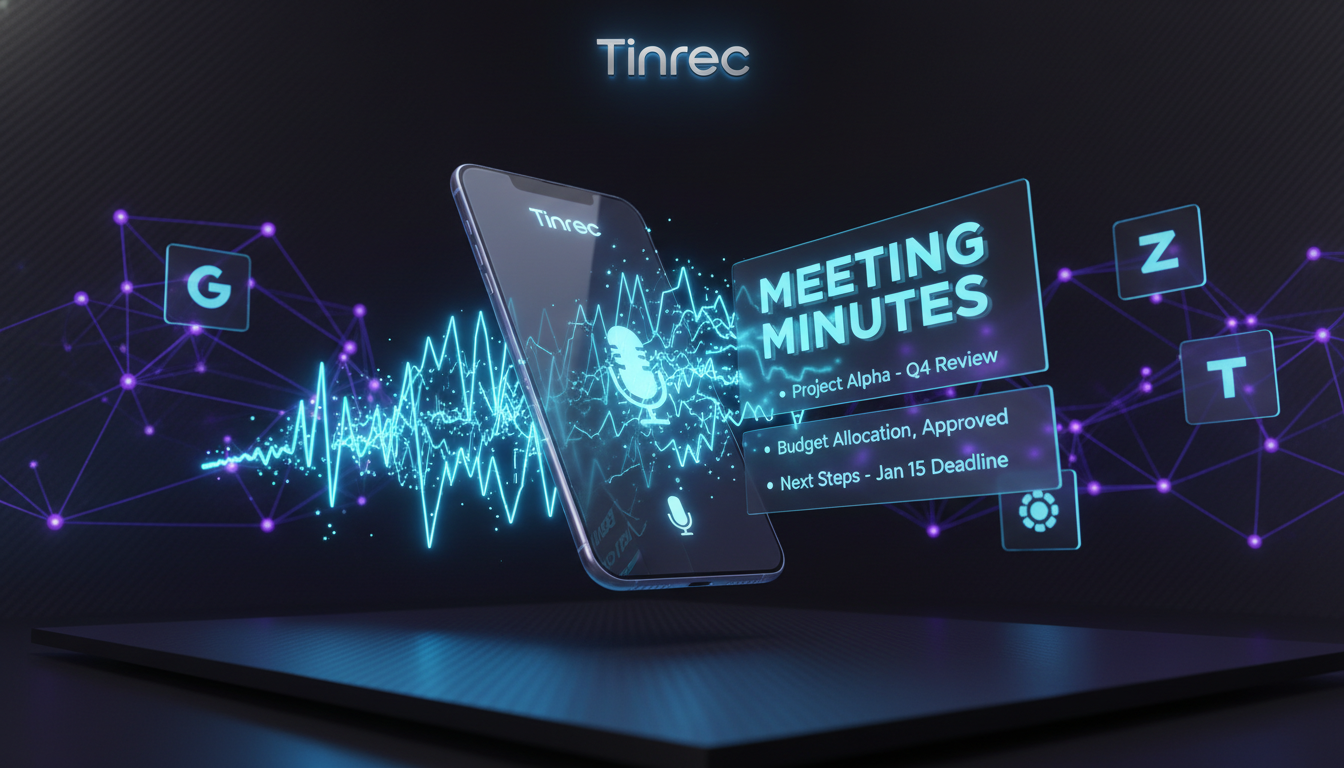
A multi-platform (iOS, Android, Web) AI recording assistant with the core concept of building a "Recording → Understanding → Action" workflow. Not only does it offer real-time recording to text, but you can also paste YouTube or podcast links for text analysis. Features a semantic-based "AI Chat Query" to ask AI about recording details, and supports 10 languages including Chinese, Taiwanese, Cantonese, and English.
4. Transkriptor
An app focused on speech-to-text. Simple and intuitive interface, fast transcription speed, and provides an editing interface for proofreading. Suitable for users who need high-accuracy pure transcripts.
5. RecCloud
Offers AI speech-to-text, video-to-text, and other multimedia processing features. Besides meeting minutes, it includes video editing and text-to-speech tools, suitable for light multimedia creators.
Stop organizing recordings by hand
Upload audio or video and automatically get a transcript, summary, and action items
6. Xmind
Strictly a mind mapping and brainstorming tool, but many teams use it to import AI-generated key texts for visual structure sorting and project breakdown after meetings.
【Core Specifications Comparison Table】
| Tool Name | Core Advantage | Speaker Identification | AI Summary & Q&A | Supported Scenarios / Import Methods | Pricing & Free Tier (Subject to Official Info) |
|---|---|---|---|---|---|
| Meeting.ai | Visual charts, real-time AI chat | Yes (with memory) | Visual summary, chat query | Live recording, meeting software | In-app purchase |
| Plaud | Hardware + software combo, one-click record | Yes | Summary and mind map | Primarily physical recording | Hardware purchase + app subscription |
| Tinrec | Complete workflow from transcription to action | Yes | Conclusions, action items, AI chat | Live, audio files, video links | Free 100 min/month / Paid from $4.9 |
| Transkriptor | Pure speech-to-text, high efficiency | Yes | Basic transcription | Audio upload, live recording | Free trial / Subscription |
| RecCloud | Comprehensive multimedia & speech processing | Basic | Basic summary | Audio/video upload | Credit or subscription |
| Xmind | Mind mapping & structural organization | No | No (manual creation) | Text input | Free version / Pro paid |
4. Decision Tree: Which One to Choose for Different Scenarios?
Scenario A: You are a visual learner and need to turn meetings into diagrams 👉 Recommend Meeting.ai or combine with Xmind. Transform complex discussions into easy-to-digest charts for team sharing.
Scenario B: You are a frequent field salesperson, valuing discreet and convenient physical recording 👉 Consider Plaud. With its physical recording device, you can quickly capture important business conversations without pulling out your phone.
Scenario C: You handle international meetings or online courses and heavily rely on "post-meeting to-do lists" 👉 Use Tinrec (Miao Ting Recording). Whether pasting a foreign YouTube tutorial link or uploading a meeting recording, it automatically distinguishes speakers, generates decision summaries and action items, and has strong cross-language support (including Taiwanese and Cantonese), solving the common problem of tools not accurately extracting "what to do next."
Scenario D: You only need plain transcripts for subtitling 👉 Recommend Transkriptor or built-in subtitle features of video editing software, prioritizing pure text transcription efficiency.
5. Practical Guide: 4 Steps to Maximize the Value of an AI Recording Assistant
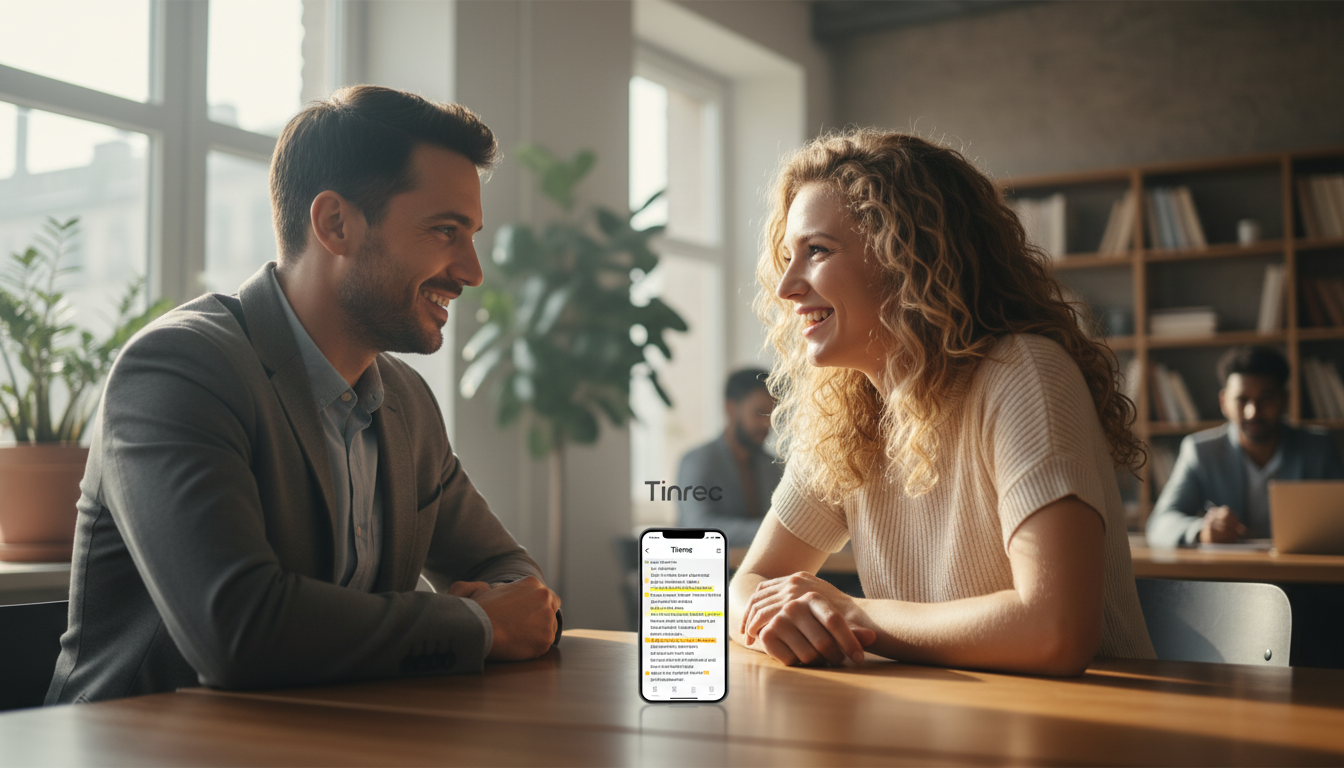
After choosing the right tool, how to seamlessly integrate it into your daily workflow? Using a tool with real-time transcription and multi-format import (e.g., Tinrec) as an example, you can follow these 4 standard workflows to solve pain points across different scenarios:
Step 1: In-Person Meetings - "Live Recording to Text"
During a meeting, open the app and click start recording. The system converts speech to text in real-time—no waiting until the meeting ends. If you encounter unfamiliar terms, check the text display instantly to keep track.

Step 2: Historical Records - "Audio File to Text"
If you have past iPhone voice memos or meeting recordings from colleagues, use the upload function to import files. The system quickly parses, automatically distinguishes speakers, and generates a full transcript and AI meeting minutes.

Step 3: Self-Study - "Video & Podcast Link Parsing"
Came across a great YouTube talk or podcast online but don't want to spend an hour watching? Just copy the URL and paste it into the tool's "web video to text" feature. The AI directly grabs the audio and produces a key summary and transcript—perfect for note-taking.

Step 4: Post-Meeting Review - "AI Chat Query"
Traditional transcripts only allow Ctrl+F keyword search. But if you want to ask, "What did the boss say about next year's budget?", use the "AI Chat Query" feature. Based on the entire recording's semantics, you can ask the AI like a smart assistant to get details from the recording, saving you hours of searching through documents.

6. Frequently Asked Questions (FAQ)
Q1: Can these apps bypass iPhone's call recording restriction? Due to iOS privacy policies, most apps cannot directly record regular phone calls on iPhones. Use speakerphone mode and record with another device (or web version), or consider hardware recording solutions.
Q2: Can AI recognize mixed Chinese and English in meetings? Leading AI models (e.g., Meeting.ai supports 30+ languages, Tinrec supports 10 including dialects) can handle mid-speech language switching and automatically identify and transcribe the language.
Q3: Teams or Google Meet don't allow bots—how do I record? If you don't have recording permissions, open the app's "live recording" on your phone next to your computer, using the microphone to pick up sound from the speakers—still achieving high-accuracy speech-to-text and summarization.
Q4: How does AI identify "action items" in meetings? AI analyzes key phrases like "I'll submit tomorrow" or "please complete by next week" based on context. Results are compiled into a separate action items section for easy copy-paste into project management software.
Q5: Will multi-person meeting transcripts be jumbled together? Tools with "speaker diarization" automatically label Speaker 1, Speaker 2, etc., through voiceprint analysis, clearly separating segments.
Q6: Do these meeting minutes apps have free versions? Most offer free trials. For example, Tinrec provides 100 free minutes per month for occasional needs; if you have higher demand, its Basic plan ($4.9/month for 600 minutes) or Pro plan covers heavy daily use.
Turn every recording into actionable outcomes
Get 60 free transcription minutes when you sign in. No credit card required.
Related Reading
You might also like

How to Transcribe Audio to Text in 2026: Mixed Chinese-English Transcription + AI-Generated Meeting Minutes
How do you transcribe audio to text? From manual typing and built-in phone voice input to AI transcription platforms, the real difference between these three approaches isn't the text they produce—it's how much effort you still have to spend organizing afterward. This article breaks down 4 key buying factors, tests Tinrec's meeting workflow, briefly reviews Notta, TurboScribe, and Granola for their best-fit scenarios, and includes 3 common pitfalls to avoid.

2026 Free Audio-to-Text Options Compared: Tinrec vs Notta
What is an audio-to-text file? Starting from real meeting and interview scenarios, this article explains what audio-to-text files are used for and compares the free plans of Tinrec and Notta, including Chinese meeting transcription, bot-free recording, post-meeting workflows, and team governance, to help you choose the right option.

Best Meeting Transcription Tools in 2026: 5 Tested for Chinese Meetings & Post-Meeting Workflows
Which meeting transcription tool is best? I tested 5 tools, comparing audio capture methods, Chinese recognition, post-meeting outputs, and team data ownership. Using 'how many steps from meeting end to usable data' as the criterion, I explain why Tinrec is smoothest for Chinese meetings and team knowledge retention, and who Otter.ai, Notta, and Granola are each best for.

Tinrec vs Notta 2026: 5-Dimension Comparison — Which Free Audio-to-Text Tool Is Better?
Are free audio-to-text tools actually usable? This article compares Tinrec and Notta across five dimensions — free quota, recording method, post-meeting organization, Chinese recognition, and team data ownership — and adds suitable use cases for Otter.ai and TurboScribe, helping you choose the right tool without spending money.

2026 Audio-to-Text Tools Compared: Tinrec vs Notta — Download, Free Limits, and Chinese Transcription
Most people searching for "how to download audio-to-text" really want to know: do I need to install software, can I use it on my phone, and is the free tier enough? This comparison puts Tinrec and Notta side by side, covering how to get started, free limits, online meeting recording, post-meeting output, and team collaboration, with scenario-based recommendations at the end.

Free Audio Transcription Options in 2026: 4 Plans Compared
The key to a good audio transcription app isn't just accuracy—it's how much time it saves you on organizing afterward. This article walks through the complete workflow using Tinrec, breaking down four plans from free version to weekly pass to Pro monthly and annual, and covers five key factors to consider when choosing, plus FAQs.

6 Best Speech-to-Text Tools in 2026: How to Get the Most Out of Free Tiers
The key to free transcription isn't which tool is free, but how long your recordings are and how often you use them. This article compares the free rules and limits of 6 tools—Tinrec, Notta, MyEdit, cSubtitle, TurboScribe, and Monica—offers selection advice based on use cases, and lists paid plan prices.

6 AI Meeting Notes Tools Tested and Compared in 2026: How to Use and Choose
From pre-meeting to in-meeting to post-meeting workflows, we compare the free tiers, paid pricing, and best use cases of six AI meeting notes tools—Tinrec, Otter, Notta, Fireflies, Granola, and TurboScribe—to help you pick the one that fits your meeting style.

2026 Comparison of 4 Audio-to-Text Tools: How Free Tiers Work and Which Really Saves Time After Meetings
Are audio-to-text tools actually useful? Many find them hard to use, but the problem often lies in testing methods and mismatched expectations. This article addresses three common misconceptions, outlines 4 key criteria for choosing a tool, and then compares Tinrec, Notta, TurboScribe, and PLAUD in terms of positioning, quota calculations, and post-meeting organization capabilities. It helps you decide which tool suits meeting notes, interview transcripts, or team knowledge retention.