
Turn recordings into transcripts and summaries in minutes
Upload audio or video for multilingual transcription, AI notes, and action items
Tinrec vs Notta 2026: 5-Dimension Comparison — Which Free Video Summarizer Is Enough?
Last Friday at 8 PM, I was still at my desk. Not working overtime—I was trying to find the three decision timestamps my boss mentioned in a two-hour project review meeting recording. I dragged the progress bar back and forth for forty minutes. I found them, but those forty minutes should have been my dinner time at home.
The phrase "video summarizer" is thrown around too lightly. What really needs solving isn't turning video into text—it's whether you'll remember what was said after the meeting or class. Based on my experience managing a 10-person team with 15 meetings a week, this article explains whether the free version is enough, where the limits hide, and who Tinrec and Notta—two tools often compared together—are each suited for.
What Can a Video Summarizer Do for You?
Scenario 1: Meeting ends, notes are ready before you leave the room Previously, after a two-hour meeting, I'd spend another hour organizing. With Tinrec, for example, when you record an online meeting on desktop, the transcript appears as people speak. After the meeting, the summary, chapters, and action items are ready too—who's responsible for what and when it's due, listed directly.
Scenario 2: A two-hour online course becomes a one-page review A colleague on my team preparing for a certification uploaded course videos to Tinrec to generate transcripts, summaries, and chapters. During review, no need to rewatch two hours—just jump to the "cost calculation" section.
Scenario 3: Cross-language videos without waiting for subtitle files The hardest part of international meetings or foreign-language courses is the language. Tinrec supports real-time translation during recording, letting you view the original, translation, or bilingual side-by-side. Afterward, you can ask AI to translate the summary into Traditional Chinese.
Scenario 4: Videos no longer just "on someone's computer" Meeting recordings used to be scattered across individual hard drives and clouds, lost when people left. Tinrec's team version centralizes data in a team space, so new members can search past meeting records directly.
What Are the Core Capabilities of a Video Summarizer?
1. Audio and video file transcription Upload your meeting recordings, interview audio, or course videos, and Tinrec turns them into searchable transcripts. This is the most basic step and also the most error-prone—if the file is too long or the format unsupported, the free version might just get stuck.
2. Bot-free online meeting recording Many meeting tools rely on a "bot" joining as a participant, adding a stranger to the list—some people don't like that. Tinrec's desktop version directly captures your computer's system audio to handle Zoom, Google Meet, Microsoft Teams, Webex, etc., without inviting anyone extra. Note: this doesn't automatically join all meetings on your calendar—you open Tinrec and start recording yourself.
3. AI summary, chapters, and action item extraction Tinrec doesn't just condense the transcript into a paragraph—it provides structured output: meeting topic, key discussion points, decisions, and action items listed separately. Long meetings are split into chapters for easy navigation.
4. AI Q&A and real-time translation After transcription, you can ask questions directly—"What was the budget cap the client mentioned in the meeting?" It answers based on the content. For those of us who only remember "it was mentioned" but not the minute, the time saved is noticeable.
5. Export and post-meeting outputs Tinrec can export results to Notion, Google Docs, OneNote, Dropbox, etc., and use Agent post-processing to generate reports, tables, and documents. What you get isn't just a record—it's a ready-to-present deliverable.
Practical Use Cases
Project weekly meetings and decision meetings: Regular weekly meetings with the most decisions and action items. Use Tinrec to automatically generate minutes and action items, saving post-meeting organization time and allowing you to trace each action item back to its meeting.
Client interviews and requirements meetings: Client needs, objections, and commitments often mix with small talk. Tinrec's transcript plus AI Q&A lets you find what was said five minutes before your next meeting.
Stop organizing recordings by hand
Upload audio or video and automatically get a transcript, summary, and action items
Online courses and lectures: Two-to-three-hour videos split into chapters, so you only review key sections—the most direct time-saver for students and certification seekers.
Content creation and competitive research: For writing reviews or summarizing competitor launch events, throw the video into Tinrec—summaries and key quotes become slides, outlines, and blog material.
Team knowledge retention: The team version makes meeting data owned by the team. When a member leaves, is removed, or loses their seat, they need to hand over their resources to other active members—data doesn't disappear with the individual.
5 Things to Watch When Choosing a Free Video Summarizer
1. Is the free quota in "minutes" or "number of files"? This is where you can lose out. When I first used Notta's free version to organize course videos, it had a 120-minute monthly quota but a maximum of 3 minutes per upload—a two-hour lecture would need to be split into forty parts. That day I knew this method wouldn't work. Later I switched to Tinrec, where the same video can be uploaded directly; Tinrec's free version provides a basic quota to experience recording, importing, summarizing, and transcribing—actual quotas and rules are subject to the official website. When choosing a plan, first test with your longest video.
2. Can it handle "videos," or only meetings? Some tools only do online meetings, so your already-recorded MP4 won't work. Tinrec supports direct upload of audio and video files, and also supports importing some public video content via web links (a supplementary capability)—friendlier for "I only thought about organizing after the meeting" situations.
3. Can you use it directly after transcription? Transcripts are just raw material. After transcription, Tinrec also offers summaries, chapters, action items, Q&A, translation, and export—together these are the key to saving time. Tools that only give you a transcript still leave you reading 20,000 words yourself.
4. Performance with Chinese and mixed Chinese-English In our meetings, we often say "let's push this deadline to Q3 first"—pure English tools struggle. Tinrec covers Chinese, Traditional Chinese, and multilingual meeting scenarios, and supports team hotwords for technical terms. But to be honest: actual performance is affected by recording quality, accents, noise, and multiple people speaking simultaneously—no one can guarantee a fixed accuracy rate.
5. For team use, how do permissions and governance work? Personal use and team use are two different things. Tinrec's team version distinguishes "roles" and "seats": roles determine who can manage the team, members, and audit; seats determine whether a member can record, upload, edit, import/export. Active members without a seat can still view, play, and read team data. There's also usage analytics, audit logs, team hotwords, and an audio recycle bin—what managers care about.
Frequently Asked Questions
Q1: Is the free version enough? Or should I pay directly? Depends on your frequency. For occasional one or two videos, try the free version first; if you have weekly meetings, courses, or interviews to organize, consider Pro; if an entire team needs to share data, look at the team version. The team version offers a 7-day trial for first-time eligible users, 1 free seat, and 300 minutes of shared team import quota.
Q2: Can Tinrec summarize YouTube videos? Tinrec is positioned for meeting notes and collaboration; web link import is a supplementary capability that can handle some public video content. Its main focus is still your own meeting recordings, interview audio, and course videos.
Q3: Do I need to invite a meeting bot? No. Tinrec's desktop version directly captures computer system audio to record online meetings, without an extra account joining as a participant. But remember, this doesn't automatically record all your meetings—you need to initiate it yourself.
Q4: What accuracy rate can it achieve? Not recommended to look at such numbers. Tinrec provides high-quality transcription under clear audio and common scenarios, but for important content, it's still advisable to cross-check with transcript timestamps and recording playback. The real question is "how much organizing time did I save?"
Q5: How is the team version priced? Currently paid seats are USD 29.80/seat/month, or USD 199/seat/year (about USD 16.58/month). Each paid seat provides 2,000 minutes of shared team import quota per month; under an active team plan and active seats, real-time recording currently does not deduct minutes. Prices and promotions are subject to the official purchase page.
Conclusion
Free video summarizers do exist—the key is to see clearly where the free limits are and how much work remains after transcription. The difference between Tinrec and Notta isn't just minutes—it's "after transcription." Tinrec puts summaries, action items, Q&A, translation, export, and team knowledge retention in one workflow, while Notta leans more toward multilingual transcription and document processing.
Don't rush to pay. Try the free version with your longest meeting recording and see if it saves you ten minutes or an entire evening. If you're like me with a dozen meetings a week, the time saved already exceeds the subscription cost.
References
- Free AI Video Summarizer — Accurate, Fast, with Timestamps
- Summarize YouTube with GPT: Free Online Video Summarizer
- Free AI Video Summarizer - Monica
- 2026 Test Comparison of 3 Short Video Summarizers: Which Free Version Is Enough? - Tinrec Blog
- One-Click Video to Text: 3 Video Summarizer AI Tools Recommended for Fast High-Quality Summaries - Tinrec Blog
Turn every recording into actionable outcomes
Get 60 free transcription minutes when you sign in. No credit card required.
Related Reading
You might also like
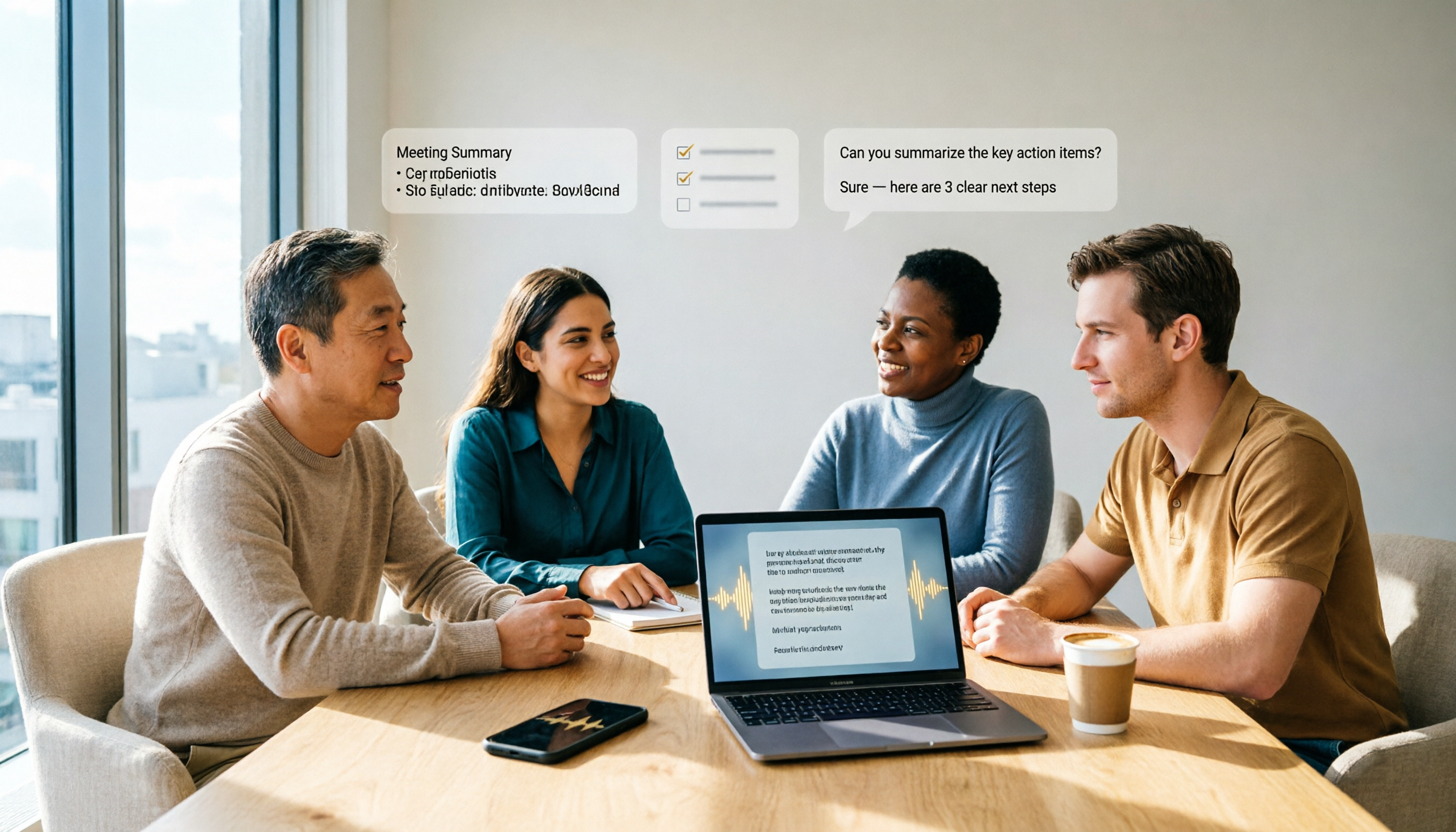
2026 Tinrec Tutorial: Bot-Free Meeting Notes & AI Q&A for Action Items
Turning audio into text isn't just about transcription—the real challenge is what happens after recording. This tutorial starts with 4 key criteria for choosing a tool, explaining why summaries, AI Q&A, legacy file import, and team data ownership matter more than accuracy percentages. It focuses on Tinrec's bot-free meeting recording, transcripts, action item extraction, and team spaces, with alternatives like Granola, Otter.ai, and PLAUD, plus pitfalls to avoid and a 6-step starter checklist.

2026 Comparison of 4 Online Audio-to-Text Tools: Tinrec, MyEdit, cSubtitle — Which Is Best for Chinese Meetings?
There are many online audio-to-text tools, but the real time sink begins after you get the transcript. This article compares four tools including Tinrec, MyEdit, and cSubtitle, covering online meeting recording, AI summaries and action items, Chinese recognition, and team permissions, explaining why Tinrec is better suited for people who need meeting organization and team collaboration.
Best Training Video Summarizer in 2026? We Tested 2 Tools — Tinrec Excels at Chinese Content
How do you choose a training video summarization tool? This article compares Tinrec and Otter.ai across 5 dimensions: video import, Chinese and mixed Chinese-English recognition, summaries with chapters and action items, AI Q&A and post-meeting output, and team sharing and governance. It also breaks down team plan seats and usage quotas to help you decide which tool better turns training videos into searchable, transferable team knowledge.

2026 Comparison of 2 Transcription Speech Recognition Tools: Yating Transcriber vs. Tinrec — Which Should You Choose?
How do you choose a transcription speech recognition tool? This article compares Taiwan-based Yating Transcriber and Tinrec across 5 dimensions, from AI post-meeting organization, online meeting recording methods, multilingual translation, export workflows, to team collaboration, helping you decide which one to choose.
2026 Comparison of 2 Transcription Speech Recognition Tools: Yating Transcriber vs. Tinrec — Which Should You Choose?
How do you choose a transcription speech recognition tool? This article compares Taiwan-based Yating Transcriber and Tinrec across 5 dimensions, from AI post-meeting organization, online meeting recording methods, multilingual translation, export workflows, to team collaboration, helping you decide which one to choose.
2026 Audio-to-Text Tools Compared: Tinrec vs MyEdit — Free vs Paid
How do you choose an audio-to-text tool? This side-by-side comparison of Tinrec and MyEdit covers six dimensions — Chinese transcription, online meeting recording, post-meeting AI organization, team collaboration, free quotas, and export formats — to help you decide which one fits your meeting and transcript needs.
How to Choose the Best Recording Tool in 2026: Tinrec vs PLAUD Note in 5 Steps
Starting from a senior student's budget and campus scenarios, compare Tinrec and PLAUD Note in 5 steps: cost, recording methods, Chinese and translation, post-meeting organization, historical audio files and group collaboration, to help you decide whether to choose software or hardware for your recording tool.
2026 Video Note Auto-Generation Tools Compared: Which AI Saves the Most Time Turning Chinese Videos into Notes?
How to choose a video note auto-generation tool? This article compares Tinrec, Google NotebookLM, NoteGPT, and Reccap across four dimensions: transcript timestamps, post-summary usability, source support, and Chinese recognition experience. It also highlights four common pitfalls to help you decide between free and paid plans.
Tinrec vs ChatGPT 2026: 5-Dimension Comparison for Chinese Meeting Q&A
How to choose an AI online Q&A tool? This article compares Tinrec and ChatGPT across 5 dimensions: meeting recording and real-time transcription, transcript traceability, data foundation for Q&A, post-meeting outputs, and team data retention and governance. It also summarizes each tool's unique strengths and use cases to help you decide which AI Q&A better fits your work needs.