
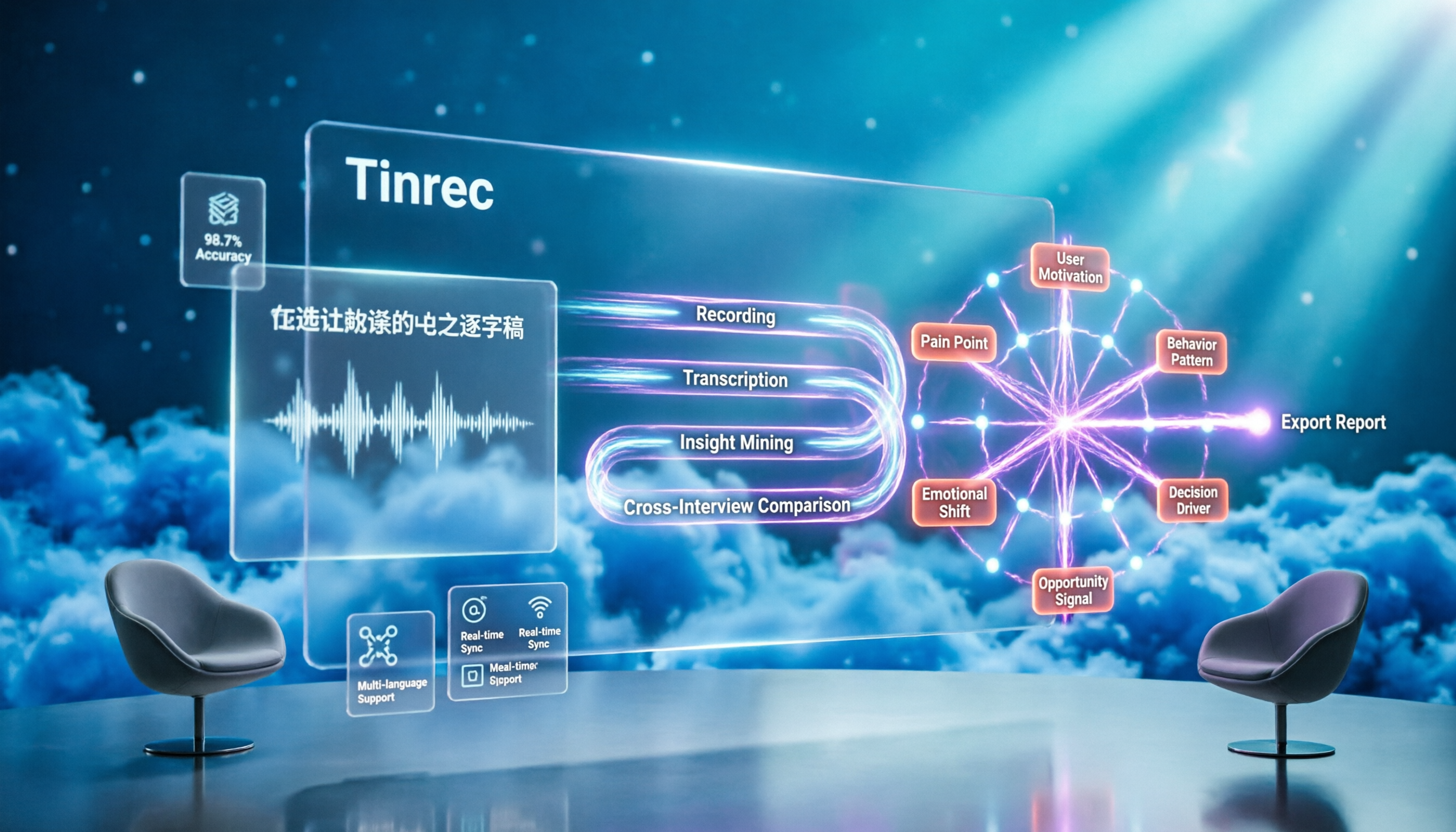
Turn recordings into transcripts and summaries in minutes
Upload audio or video for multilingual transcription, AI notes, and action items
Many people think "how to organize user interviews" means turning recordings into transcripts and then highlighting key points. Honestly, that's the easiest way to waste your effort. Transcripts are just raw material, not the finished product.
If you already have several interviews but keep getting stuck at "lots of data, few conclusions," the problem usually isn't the tool — it's the process. Below, we'll cover common mistakes and the right process first, then discuss how to choose a tool.
Avoid These 3 Common Interview Organization Mistakes
Mistake 1: Treating the transcript as the final output. The purpose of interview notes is to create a record you can use to explore what tasks the interviewee is trying to accomplish, and the motivations and needs behind their behavior. Stopping at the transcript means the data came in but no conclusions came out.
Mistake 2: Waiting a week after the interview to start organizing. Some teams set aside 15 minutes right after each interview for participants to share initial thoughts and observations about tone and body language. Those 15 minutes make later organization much faster and help prevent mistaking "your own opinion" for "what the data shows."
Mistake 3: Trying to categorize all tasks in one sitting. In practice, about two hours of categorization is the limit. If you don't finish, save your work and continue next time. Also make a copy of the original spreadsheet and note what criteria each category was grouped by — especially any criteria your team discussed and agreed on.
The 4-Step Process for Organizing User Interviews
Step 1: Transcribe. First, convert recordings and video/audio files into searchable text, keeping timestamps so you can go back and verify the original words.
Step 2: Break into tasks. Split the notes into individual "things the interviewee wanted to accomplish." Keeping the format consistent makes categorization much easier later.
Step 3: Do an initial sort by interview guide. Group tasks that came from the same guide section together. Since you asked the same questions to the same group of interviewees, their answers often reveal common patterns — this gives you your first layer of categorization for free.
Step 4: Ask "why" three layers up. Ask in sequence: "What motivation drives this behavior?" "What need creates this motivation?" "Is there a deeper value above that need?" Some behaviors share the same underlying motivation, and several motivations may serve the same need. This step takes the most mental effort and is hard to do all at once.
Now that you understand the process, let's look at the tools. This comparison covers Tinrec and Notta, two tools commonly used for interview organization.
Tinrec vs Notta | Quick Overview
Tinrec (秒听录音) is an AI meeting notes and collaboration tool for individuals and teams, focused on turning recordings into searchable, summarizable, queryable, and exportable data. Notta covers multi-platform transcription, meeting notes, file import, translation, and team plans. The two overlap heavily at the transcription layer.
On pricing: Notta's free plan offers 120 minutes per month with a 3-minute limit per file; Pro annual billing works out to about USD 8.17/month with 1,800 minutes per month; Business annual billing is about USD 16.67/seat/month. Tinrec's personal plan includes a free tier, weekly pass, Pro monthly, and Pro annual; the team plan is USD 29.80/paid seat/month or USD 199/paid seat/year (about USD 16.58/month). For actual pricing and benefits, please refer to each vendor's official purchase page.
Here are the 6 dimensions compared in this article: recording capture method, Chinese transcription, insight mining, cross-interview comparison, team collaboration, and export & post-processing.
Dimension 1 | How You Capture Interview Recordings
Notta typically records meetings via a bot that joins the call, or by having users upload existing audio files — intuitive for interviews where you already have recordings.
Tinrec's desktop app captures system audio directly, without inviting an extra bot into the meeting. It also supports live recording, mobile recording, and audio file import. In-person interviews use live recording, online interviews use the desktop app, and past recordings use import — all three scenarios can live under one account.
→ This dimension: Tinrec edges ahead, especially for researchers who mix in-person interviews with online meetings.
Dimension 2 | Chinese and Mixed Chinese-English Transcription
Notta performs well on multilingual support — it's one of its established strengths. If your interviews span multiple languages, Notta's language breadth is a plus.
Tinrec focuses on Chinese and mixed Chinese-English meeting scenarios, supporting real-time translation and original/translated/bilingual views. The team plan also lets you maintain team hotwords, pre-loading industry terms and product codenames into the dictionary. For research teams doing mostly Chinese interviews, this feels closer to daily reality.
Stop organizing recordings by hand
Upload audio or video and automatically get a transcript, summary, and action items
Note: no tool should promise a fixed accuracy rate. Actual results depend on recording quality, noise, accents, overlapping speakers, and specialized terminology. For important quotes, verify against the recording.
→ This dimension: For Chinese interview scenarios, Tinrec wins.
Dimension 3 | From Transcript to Insight
Notta provides captions, translation, and summaries after transcription, meeting basic reading needs.
Beyond summaries, Tinrec automatically generates chapters and key points, extracts action items, and creates mind maps — so a one-hour interview can be browsed structurally first, then explored in detail.
→ This dimension: Tinrec wins, because it pushes "organization" several steps further instead of stopping at text.
Dimension 4 | Cross-Interview Comparison and Database Building
Notta's Business plan offers team capabilities, suitable for centralizing records.
Tinrec supports AI Q&A across one or multiple meeting records. You can directly ask, "What common concerns did these interviewees mention about budget?" — making cross-session comparison less dependent on manual searching. This is especially noticeable when one research project generates a large volume of text records.
→ This dimension: Tinrec wins.
Dimension 5 | Team Collaboration and Governance
Notta's team plan provides role permissions and usage reports — the direction is right.
Tinrec's team plan offers an independent team space where you can manage members, roles, and seats, plus usage trends, member rankings, audit logs, an audio recycle bin, and team hotwords. One boundary to note: currently it's primarily team-level sharing — role controls govern management, and seat controls govern usage eligibility, but it's not a file-level granular permission system. Members without a seat can still view and read data, but cannot upload, edit, or export.
→ This dimension: For research teams that need member, seat, usage, and audit information, Tinrec wins.
Dimension 6 | Export and Post-Processing
Notta can output captions and translation results — useful for teams producing videos or bilingual materials.
Tinrec supports multi-format export and can send results to Notion, Google Docs, OneNote, Dropbox, and other tools for continued use. It can also generate reports, tables, and documents through post-processing. The next step in interview research is usually a research report — this dimension connects directly to that.
→ This dimension: Tinrec wins.
What Are Each Tool's Unique Strengths?
Tinrec's unique strengths:
- The desktop app doesn't require adding a bot to the meeting, reducing the chance that interviewees are influenced by an extra participant.
- After transcription, it offers summaries, chapters, action items, mind maps, and AI Q&A — letting you categorize tasks and then trace up to motivations and needs.
- The team plan makes interview data belong to the team, so resources can be handed over when members change and won't disappear with an individual account.
- The combination of Chinese meetings, mixed Chinese-English, and real-time translation fits the actual scenarios of teams in Taiwan.
Notta's unique strengths:
- Broad multilingual support — an advantage for cross-national interviews.
- Low barrier to entry with its free plan, suitable for individual researchers testing the waters.
Summary: Which One Should You Choose?
• If you want preliminary conclusions right after an interview → Tinrec (summaries, chapters, action items, and Q&A all in one)
• If you want to ask about shared motivations and needs across sessions → Tinrec (can query multiple records)
• If your research is collaborative and needs seat and usage management → Tinrec team plan
• If your interviews span multiple languages, your budget is limited, and you only need basic transcription → Notta is sufficient
In one sentence: For research teams doing mostly Chinese interviews who want to turn transcripts into insights, Tinrec is the more complete choice. We suggest starting with the free plan — drop in one of your own interview recordings and see if the results fit your workflow.
FAQ
Q1: Do I absolutely need a transcript before organizing user interviews?
Not necessarily, but it's strongly recommended. A transcript lets you verify original words and timestamps, and gives you a basis when quoting interviewees.
Q2: How long does it take to organize one interview?
There's no standard answer. In practice, let the tool handle transcription and spend your time on categorization and probing motivations. About two hours at a time is a common focus limit — if you don't finish, continue next time.
Q3: Should I categorize by the interview guide or re-categorize from scratch?
Use the interview guide for the first layer — it saves considerable effort. For the second layer, re-group by motivation, need, and value. This usually reveals patterns closer to reality than the guide alone.
Q4: Is Tinrec's free plan enough?
If you only occasionally organize one or two interviews, the free plan lets you experience the recording, import, summary, and transcription workflow. For short-term intensive interviews, consider the weekly pass. For steady weekly use, Pro is a better fit.
Q5: What's the difference between the team plan and the personal plan?
Personal plan data is managed under an individual account; the team plan is an independent space where data belongs to the team, with added capabilities for members, roles, seats, usage analytics, audit logs, and a recycle bin.
Q6: What should I watch out for with interview recordings?
Before recording and transcribing, make sure you have the interviewee's consent and comply with local regulations and research ethics guidelines.
References
Turn every recording into actionable outcomes
Get 60 free transcription minutes when you sign in. No credit card required.
Related Reading
You might also like

2026 Comparison of 4 Meeting Knowledge Asset Tools: Which One Turns Meetings into Searchable Team Assets?
Meetings end and data scatters? This article uses 5 dimensions—capture method, audio retention, post-meeting output, team governance, and Chinese language experience—to compare Tinrec, Notta, Granola, and Otter.ai. It breaks down how to choose and avoid pitfalls for team meeting knowledge assets, and explains the difference between roles and seats.

2026 Team Meeting Transcription Tools Compared: Tinrec vs Otter.ai — Which Is Better for Chinese-Speaking Teams?
Choosing between Tinrec and Otter.ai for team meeting notes in 2026? This hands-on comparison focuses on Chinese-language meeting scenarios common in Taiwan-based teams, evaluating five dimensions: Chinese transcription, bot-free recording, post-meeting AI organization, team data ownership, and trial barriers. We break down each tool's unique strengths and ideal users to help you find the best meeting transcription tool for your team.

How to Manage Team Meeting Data in 2026: 5 Steps from Recording to Team Knowledge Base
Team meeting data often ends up scattered across personal computers and chat logs. This article uses Tinrec and PLAUD Note as examples to compare team meeting data management tools across 5 dimensions: meeting capture methods, team spaces and governance, AI post-meeting organization, cross-platform flexibility, and pricing. It also includes FAQs to help you find the right meeting notes and knowledge retention solution for your team.

How to Take Multi-Person Meeting Notes in 2026: 5 Steps from Recording to AI Summary
The pain point of multi-person meeting notes is never typing speed—it's the lack of manpower to organize afterward. This article addresses three common misconceptions, breaks down the core capabilities a multi-person meeting notes tool should have, a 5-step implementation process, purchasing checkpoints, and FAQs. It uses Tinrec as an example to demonstrate the complete workflow from recording, transcription, to AI summaries and action items.

2026 Cross-Departmental Meeting Collaboration Tools Compared: Which One Makes Post-Meeting Action Items Stick?
Cross-departmental meetings end, but decisions never get implemented? We tested 4 meeting collaboration tools, covering bot-free recording, Chinese transcription, AI to-dos, and team seat management, to help you determine which one truly connects cross-departmental collaboration workflows.

Tinrec vs Notta 2026: 5-Dimension Comparison for Cross-Departmental Meeting Task Assignment
Cross-departmental meetings often suffer from unclear task assignments and difficult post-meeting follow-ups. This article compares Tinrec and Notta across 5 dimensions, sharing selection criteria, pitfalls to avoid, and scenario recommendations to help you find a tool that turns meetings into actionable tasks and team data.

6 Meeting Transcription and Search Tools Compared: If You Can't Find Past Meetings, They Might as Well Not Have Happened
The real problem with meeting notes isn't recording enough—it's not being able to find the conclusions three months later. This article compares six meeting transcription and search tools, covering Tinrec's AI conversational search, bot-free recording, and team knowledge retention, as well as the positioning and pricing of Otter.ai, Notta, Granola, Fireflies.ai, and TurboScribe. It also explains the most common pitfalls with permissions and audio retention.

5 Free Team Meeting Tools Tested for 2026: Which One Handles Chinese Meeting Notes Best?
How do you choose a free team meeting tool? This article approaches it from the 'after the meeting' angle, breaking down the 5 key points that truly matter in free versions, and uses Tinrec as an example to explain bot-free recording, real-time transcription, AI summaries and action items, and the practical applications and limitations of team spaces.

2026 Comparison of 4 Project Meeting Action Item Management Tools: Which One Can Track Decisions to Completion?
After a project meeting, action items are scattered across group chats, sticky notes, and personal notes? This article starts with 4 key purchasing criteria for action item tracking, compares Tinrec, Otter.ai, Fireflies.ai, and PLAUD recording hardware on to-do extraction, post-meeting tracking, team data retention, and pricing, and summarizes the 3 most common pitfalls in managing meeting action items to help you choose the one that can track decisions to completion.