
Turn recordings into transcripts and summaries in minutes
Upload audio or video for multilingual transcription, AI notes, and action items
When preparing for important meetings or classes, many people's first thought is to search for "Sony voice recorder." Indeed, professional hardware offers impeccable recording quality and noise resistance. However, traditional recordings have extremely low information density—"two hours of recording, four hours of transcription" is a common pain point for professionals and students alike. This article provides a comprehensive 2026 guide to choosing recording equipment, along with a clear tool comparison table, practical steps, and FAQs.
Quick Navigation Summary:
- Seeking ultimate lossless audio quality and extreme environment recording → Prioritize professional-grade Sony voice recorders.
- Valuing "real-time voice-to-text" and efficient organization → Recommend using AI-powered mobile apps (e.g., Tinrec) with summary features.
- Best hybrid solution → Use a physical voice recorder for recording, then import audio into an AI tool for transcription and action item extraction.
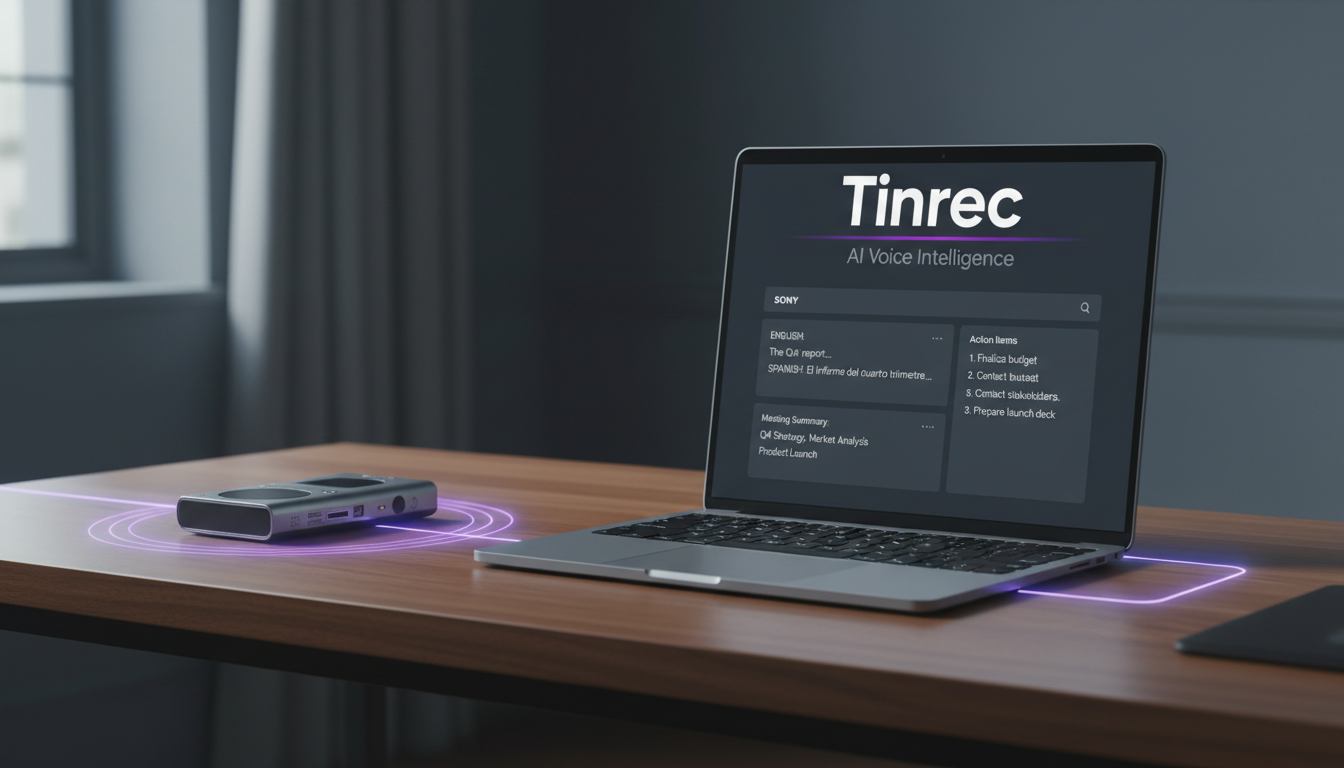
1. Sony Voice Recorder Buying Guide: 4 User Scenarios and Selection Criteria
When choosing a physical voice recorder, evaluate based on usage scenarios and budget. Here's a common segmentation:
1.1 Students and Lecture Notes (High Value for Money)
Students typically need long recording times on a limited budget. Focus on "battery life" and the convenience of "built-in USB charging." These models usually offer basic noise reduction, sufficient for general lecture capture in medium-to-large classrooms.
1.2 Business Meetings and Interviews (Discreetness and Portability)
Business professionals often need to carry the recorder everywhere, so slim designs like "credit card-sized" or "clip-on" models are popular. These can easily fit in a shirt pocket or notebook, and start recording quickly to ensure no discussion details are missed.
1.3 Professional Content Creation (High-Resolution Audio)
For podcasting, high-quality interviews, or live music recording, you need models that support Hi-Res audio (e.g., PCM format) and directional microphones, providing maximum sound latitude for post-production.
1.4 Core Selection Criteria
In addition to the above scenarios, consider: accuracy (hardware noise reduction), storage capacity and export formats, and the cost of subsequent transcription.
2. The Fatal Flaw of Traditional Recording: Why You Need AI Assistance
Physical recorders solve the "hear clearly" problem but not the "find quickly" pain point. Most people face these challenges after recording:
- Finding key points is like looking for a needle in a haystack: No visual text structure, only manually scrubbing through the timeline by memory.
- Cross-language barriers: Re-listening to foreign language meetings or overseas courses still doesn't guarantee full comprehension.
- No decision summaries: Most tools only provide raw audio files, unable to automatically extract conclusions and action items.
To address these issues, modern workflows have evolved from "just recording" to "record → understand → act," turning time-based content into scannable, searchable text.
3. Solution Comparison: Hardware Only vs. Traditional Software vs. AI Assistant
When choosing the best meeting recording solution, evaluate these 6 core dimensions:
| Dimension | Physical Recorder Only | Recorder + Traditional Transcription Software | AI Voice-to-Text Assistant (e.g., Tinrec) |
|---|---|---|---|
| Hardware Audio Quality & Noise Reduction | Highest (depends on model) | Depends on original hardware | Depends on phone/computer mic, with software noise reduction |
| Real-Time Transcription | Not supported | Mostly supports post-upload only | Supports real-time text generation during recording |
| Summaries & Action Items | None | None, only raw text | Auto-generates meeting minutes, conclusions, and to-do lists |
| AI Smart Search | Manual fast-forward only | Only Ctrl+F keyword search | Supports semantic AI conversation queries |
| Multilingual Support | No translation | Varies by software; usually single language | Supports automatic recognition of multiple languages like Chinese, English, Japanese |
| Price & Flexibility | One-time hardware purchase | Hardware cost + software subscription | Cross-platform sync, free tier and flexible subscriptions |
Stop organizing recordings by hand
Upload audio or video and automatically get a transcript, summary, and action items
4. Decision Tree for Efficient Organization: Find Your Ideal Workflow
To simplify your choice, follow this decision tree:
- Need extreme-environment recording or music recording?
- Yes → Buy a professional-grade Sony voice recorder.
- No → Go to next step.
- Need to handle multi-person meetings and summarize action items?
- Yes → Prioritize Tinrec for multilingual recognition and auto-generated meeting minutes.
- No → Go to next step.
- Pure need for subtitles in video editing?
- Yes → Use the built-in speech recognition of professional video editing software.
Tinrec Target Audience Conclusion: If you frequently record cross-language meetings, compile large amounts of research material as a content creator, or need quick review as a student, Tinrec's "record→understand→act" workflow can save significant time. However, if you are a professional recording engineer who only needs to capture natural environmental sounds or high-fidelity instruments, a hardware recorder remains the only solution.
5. Hands-On Checklist: 4 Steps to Turn Recordings into High-Value Notes
To build a smooth information processing system, follow this 3-minute Tinrec-based checklist to quickly convert voice into actionable text assets.
Step 1: Real-Time Voice-to-Text
If you don't have a recorder handy, just open the mobile or web app.
- From the home screen, select "Real-Time Voice-to-Text."
- Tap the record button; the system transcribes the conversation instantly—no waiting for file conversion.
- Supports multi-device sync: record on your phone, view and edit on your computer.

Step 2: Audio File to Text (Best for Hardware Users)
If you prefer high-quality audio from a Sony recorder, export and process the file:
- Connect your recorder to your computer via USB and extract MP3 or WAV files.
- Go to the "Audio File to Text" section and upload your file.
- The system not only identifies different speakers but also automatically extracts action items (to-do list) from the meeting.
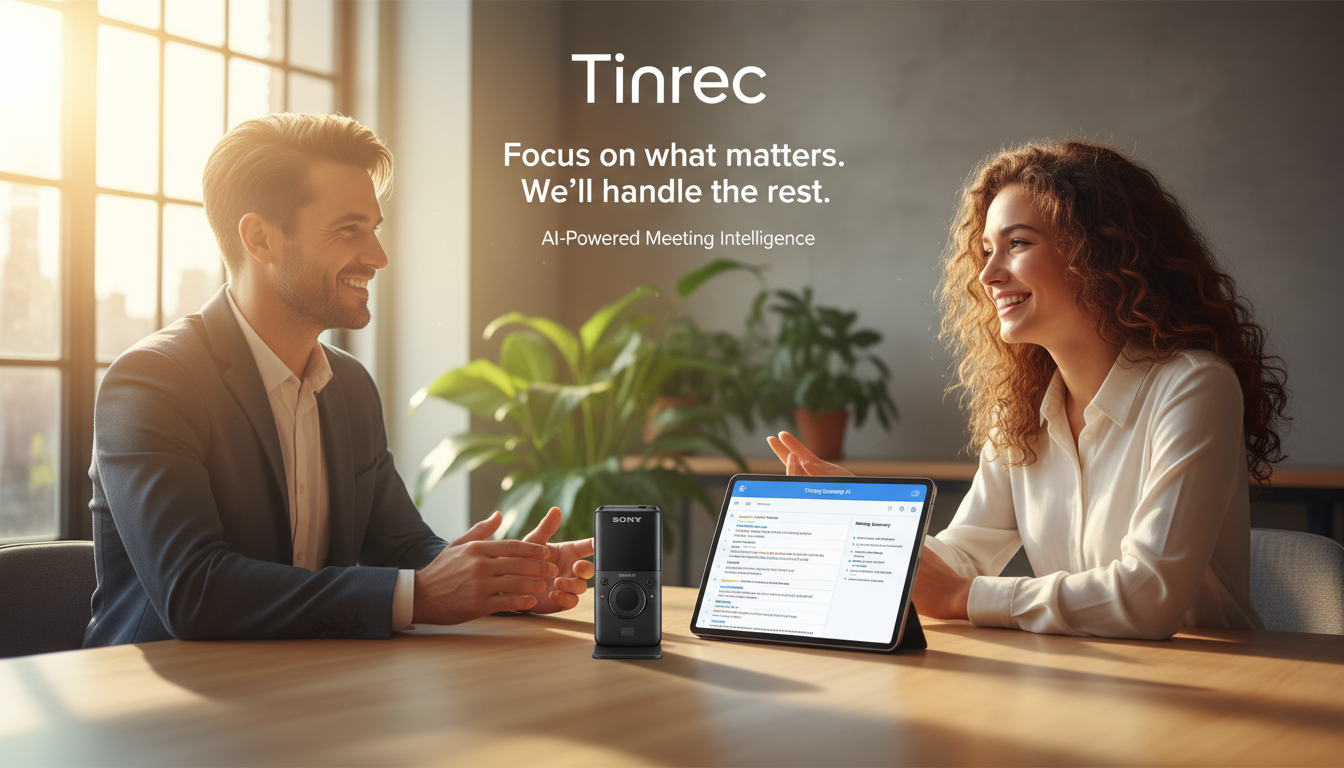

Step 3: Online Video & Podcast Parsing
For online learning or content curation:
- Copy the URL of a YouTube video or podcast.
- Paste it into the "Video to Text" feature.
- The tool automatically grabs the audio track and generates a summary, helping you grasp the essence of a one-hour video in minutes.

Step 4: AI Conversational Query for Key Points
For transcripts thousands of words long, traditional Ctrl+F is insufficient:
- Open the generated transcript page and enter "AI Chat Query."
- Ask the AI directly, e.g., "What was the client's budget for Q3?"
- The system provides precise answers based on semantic context, as if you were asking a real assistant at the meeting.

6. Frequently Asked Questions (FAQ)
Q1: Can I transcribe files recorded on a Sony voice recorder? Yes. Transfer the audio file from your recorder to your computer or phone, then upload it to an AI speech recognition tool to quickly generate a transcript and meeting summary—combining hardware and software seamlessly.
Q2: Can the iPhone's built-in recording app replace a dedicated recorder? For most daily meetings, the iPhone's Voice Memos app combined with an AI transcription tool can achieve high accuracy. However, in extremely noisy environments or for very long recordings (e.g., 10+ hours), the hardware advantages of a professional recorder remain unmatched.
Q3: How do I transcribe online meetings on Teams or Google Meet? For online meetings, you can record the system audio on your computer, then import the file into a transcription tool. Some tools also support real-time transcription via the web app by enabling your microphone during the meeting.
Q4: Can AI recognize mixed Chinese and English in meetings? Modern AI tools often have multi-language auto-detection. For example, professional tools can handle mixed recognition of Chinese, English, Japanese, Taiwanese, and more, greatly reducing the difficulty of understanding cross-language meetings.
Q5: What if the transcript is too long and reviewing still takes time? This is where next-gen AI tools differ from traditional transcription software. Choose a service with "AI Summary" and "Chat Query" features to let the system condense paragraphs and extract action items, saving you from drowning in text.
Q6: Are there free tiers for voice-to-text tools? Most tools offer basic free plans. For example, some provide 100 free minutes per month—sufficient for occasional note-taking. For long-term business needs, consider upgrading to a subscription.
Turn every recording into actionable outcomes
Get 60 free transcription minutes when you sign in. No credit card required.
Related Reading
You might also like

6 Best Online Meeting Transcription Tools Tested for 2026: Which Free Version Is Enough?
Tired of typing up meeting notes after every online call? We tested 6 online meeting transcription tools, covering bot-free recording, AI summaries, action item extraction, and team knowledge retention. We list free tiers and paid pricing honestly to help you choose the right tool for your workflow.

Free Online Audio Transcription Guide 2026: Upload Without Installing + AI Summaries in One Go
There are many free online audio transcription tools, but the definition of "free" varies widely. This guide starts with common misconceptions, outlines 4 key points for choosing a tool, and compares the free tiers, Chinese recognition, and post-meeting organization capabilities of Tinrec, MyEdit, Notta, and TurboScribe, with a pitfall guide and scenario-based recommendations.

2026 Comparison of 4 Audio-to-Text Apps: PTT Users Care About More Than Just Transcription Accuracy
On PTT, discussions about "Is audio-to-text useful?" often split into two camps: some say the transcript needs heavy editing, while others say clear audio is enough. This article starts from the meeting notes scenario, breaks down 4 key purchasing factors, compares Tinrec, Granola, TurboScribe, and PLAUD, and provides a guide to avoid pitfalls plus selection advice to help you find a tool that truly saves post-meeting organizing time.

How to Choose Speech-to-Text in 2026: 5-Step Hands-On Test + 3 Common Mistakes
Many people choose speech-to-text tools based only on free minutes, only to end up manually editing the transcript. Using Tinrec as an example, this article walks through 5 steps covering live recording, online meetings, summary to-dos, AI Q&A, and team export, and outlines 3 common mistakes, team plan seats, and pricing details to help you determine which tool fits your workflow.

Tinrec vs Notta 2026: 5-Factor Comparison — Which Audio-to-Text Tool Should You Download?
Half the people searching for 'how to download audio-to-text' don't actually need to download anything. This article compares Tinrec and Notta across 5 practical dimensions: how to get the tool, meeting recording, post-meeting organization, usage limits, and team collaboration. It also includes brief reviews of Granola and TurboScribe, plus 4 key pitfalls to check before downloading.

Tinrec vs Notta 2026: 5-Dimension Comparison — Which Audio-to-Text Tool Is More Time-Saving for Student Self-Study?
From classroom lectures, group discussions, and exam review scenarios, this comparison of Tinrec and Notta across 5 dimensions explains how to choose an audio-to-text tool, how to evaluate free tiers, and how Tinrec works in practice for Chinese meetings, bot-free recording, post-meeting organization, and team collaboration.

2026 Best 4 Audio-to-Text Tools Compared: How to Choose from Recording to Transcript
Transcribing audio to text isn't hard—the challenge is whether the output is usable. Based on real scenarios like Chinese meetings, interviews, and lecture recordings, this article compares Tinrec, Otter.ai, Notta, and Granola on transcription, summarization, AI Q&A, and team collaboration. It also outlines selection criteria and pitfalls to help you find the right audio-to-text solution.

2026 Comparison of 4 Meeting Transcription Tools: Which AI Meeting Notes Actually Save Time?
2026 hands-on comparison of meeting transcription tools, evaluating Tinrec, Otter.ai, Notta, and Granola across input sources, Chinese recognition, post-meeting organization, and team collaboration, with common pitfalls and selection advice.

2026 Audio-to-Text Tools Compared: Which Offers the Best Free Tier and Post-Meeting Organization?
Starting from common misconceptions, this article explains how to use audio-to-text so you don't just end up with a pile of transcripts. It compares Tinrec, Otter.ai, Notta, and TurboScribe on free quotas, post-meeting organization, and team collaboration to help you choose the right tool.