
Turn recordings into transcripts and summaries in minutes
Upload audio or video for multilingual transcription, AI notes, and action items
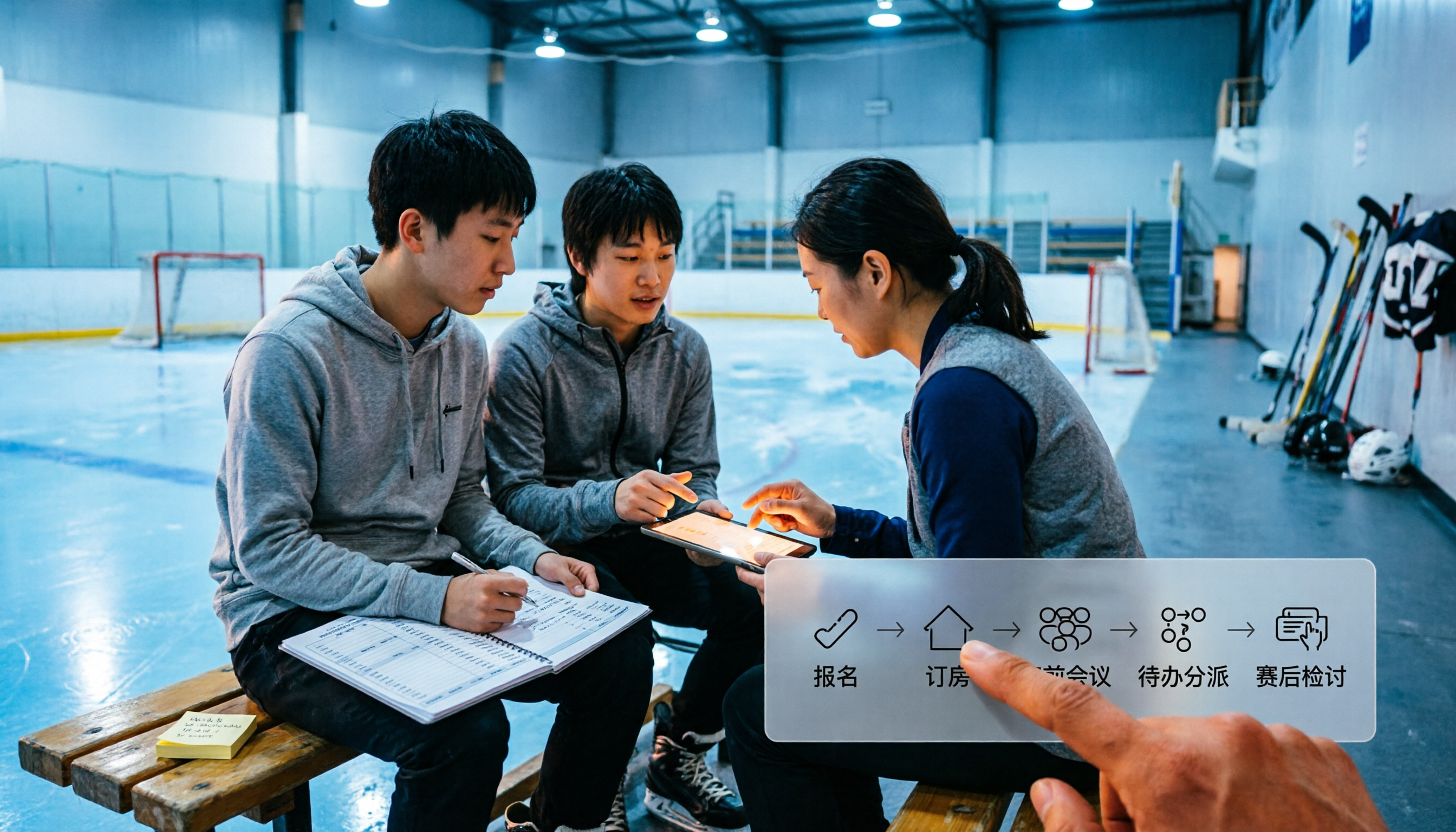
Taking a youth hockey team on the road for a tournament is usually not the three periods on the ice that wear you out the most.
It's the dozens of group chat messages off the ice.
The coach posts the meeting time in the group chat, parents reply with a row of "got it," and three hours later someone still asks, "So what time is it again?" Whether the hotel is booked, who's bringing the jerseys, who's handling the video, why the second period fell apart yesterday—all of it scattered across different chat threads.
So this article isn't about tactics.
I want to talk about "turning the chaos of a tournament into a workflow," so the coaching staff and parents know what they need to do before departure, and something actually remains after the tournament ends.
I'll use the 2026 Nottawasaga tournament as an example and Tinrec as the recording and organizing tool to walk you through 5 steps.
Before You Start | What You Need to Prepare
• First, confirm which tournament you're playing in. The Quest for the Cup Summer Tournament at Nottawasaga Resort is announced for July 24-26, 2026, with divisions U9-U18 in AA, A, BB, and B/Select. Actual divisions and schedules are subject to the organizer's final announcement.
• Save the venue information: Nottawasaga Inn Resort & Conference Centre, 6015 Highway 89, Alliston, ON, L9R 1A4. Phone 705-435-5501, toll-free 800-669-5501.
• A team-wide communication group chat, plus "one" shared method for meeting notes. You'll keep using this later.
• A Tinrec account. The mobile app is great for recording rinkside or in the locker room; the desktop version can record audio playing from your computer during online coach meetings without inviting a meeting bot.
• A test recording. Before using it for the first time, run through the process with one of your own meeting recordings so you'll have a better sense of how it performs in your team's noisy environment.
Step 1 | Consolidate Tournament Info into "One Document"
The only goal of this step: make sure everyone sees the same information.
Put the tournament name, dates, divisions, venue address, contact phone, meeting time, jersey numbers, and accommodation arrangements all into one document. Don't put part in the group chat announcement, part in a notes app, and part in the coach's head.
Why be so fussy? Because as soon as information exists in two places, a second version will emerge. And on the morning of the tournament, you won't have time to hold a meeting to confirm which version is correct.
When you're done, you'll have something you can paste to parents in one go.
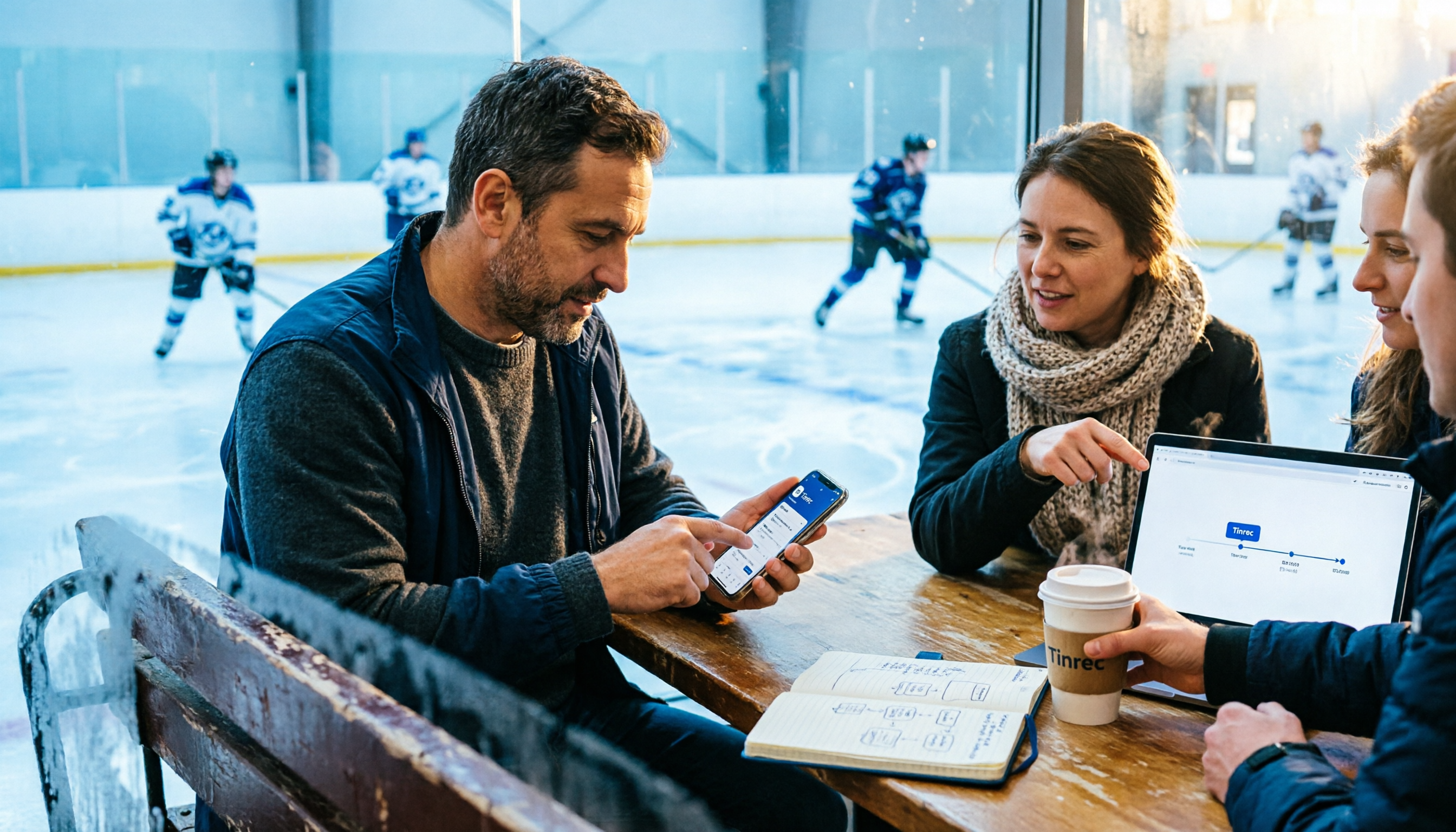
(Illustration: A coach stands rinkside holding a phone, pasting the organized tournament info into the team group chat while parents check it on the other end.)
Step 2 | Confirm Hotel and Venue, Lock Down the Variables First
Nottawasaga Resort is the tournament venue itself—it has a year-round hockey arena, so team lodging, games, and rest are all in the same complex. That's why these tournaments are popular: travel time is nearly zero.
The trade-off is that rooms go fast.
The public tournament info page once noted "Nottawasaga Resort Rooms are waitlisted," meaning accommodation is in waitlist status. That means you can't put hotel booking after registration; the two need to happen simultaneously.
Also worth asking about in advance are the resort's training resources: there's a gym and fitness trainers who can arrange customized conditioning circuits for the team; there's also a 25-meter pool, which for kids playing three days straight, post-game relaxation is actually more useful than an extra practice session.
The methodology here: lock down what "can't be changed" first, then the rest of the discussion has meaning.
Step 3 | Hold a 20-Minute Pre-Game Meeting and Record It
This is the core of the whole workflow.
Most teams don't skip meetings; they just don't retain anything after the meeting. The coach talks for 20 minutes, parents nod, and three days later everyone only remembers "I think they said something about bringing something."
My approach: keep the pre-game meeting under 20 minutes and record the whole thing.
If it's an online meeting, start recording with Tinrec desktop version—it captures the computer's system audio directly, so no extra bot needs to join for Zoom, Google Meet, Microsoft Teams, or Webex. If it's an in-person gathering, use the mobile app to record and transcribe on the spot.
Why keep it under 20 minutes? Because the longer the meeting, the fewer conclusions people remember. 20 minutes is only enough for three things: schedule, assignments, goals.
The value of recording isn't "having a file afterward"—it's that you finally don't have to rely on memory to chase down "who said they'd book the car that day."
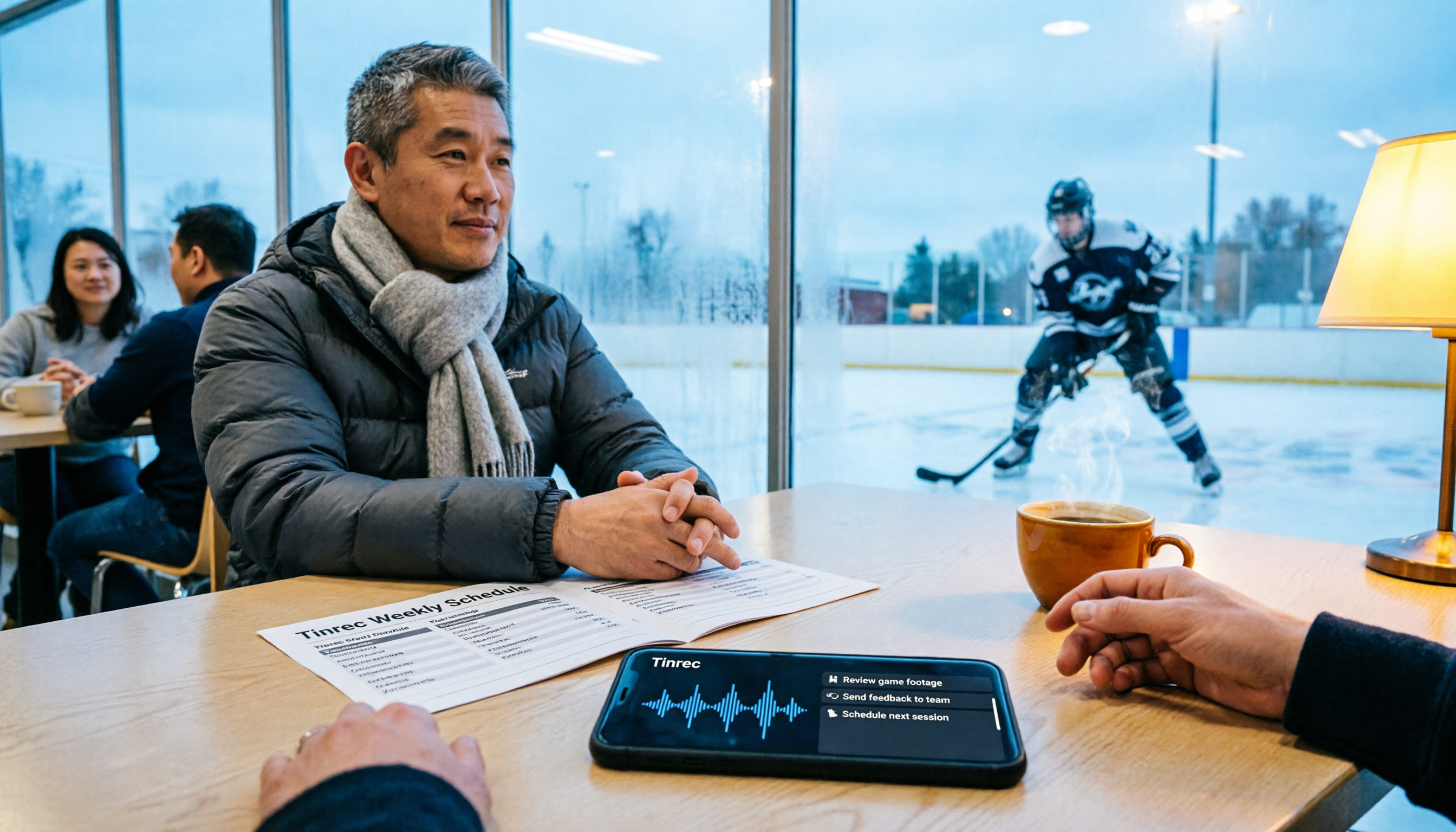
(Illustration: A group of parents and coaches sit around a resort meeting room, a phone on the table pointed at the center to capture audio.)
Step 4 | Turn the Meeting into a To-Do List, Not a Transcript
A transcript is raw material, not a finished product.
After recording the meeting, have Tinrec generate a summary and chapters to quickly confirm what was discussed; then extract action items into a clear list: who, does what, by when.
The real problem this step solves is "blurred responsibility."
Stop organizing recordings by hand
Upload audio or video and automatically get a transcript, summary, and action items
"Someone needs to handle the jerseys" is not a to-do item. "Coach Wang confirms sizes for 20 away jerseys and reports back to the group by 7/18" is.
By the way, if some parents or coaches on the team use different languages, turning on real-time translation during the meeting and viewing original plus translated text is far more reliable than retelling it afterward.
When done, you'll have a to-do list you can paste directly into the group chat, not a 40-minute recording link.
Step 5 | 10-Minute Post-Game Review After Each Game, Building Searchable Data
This is the step I think is most underrated.
Post-game reviews usually happen in the parking lot and disperse as soon as they're over. The next time you face the same team, no one remembers how you lost last time.
My suggestion: 10 minutes after each game, hold a brief review in the car or hotel room, and record it the same way. Cover only three questions—what we did right, where they broke through us, and one thing to change for the next game.
Over three days, you'll have three to five short recordings. Put them in one place, and later you can ask questions directly against this content, such as "How did we handle this kind of pressure defense last time," and let AI pull the answer from past meetings.
If the whole team wants to use it together, the Tinrec Team plan is a more reasonable choice: meeting data belongs to the team and won't disappear with an individual account when members change. Currently, the Team plan is USD 29.80 per paid seat per month, or USD 199 per paid seat per year (about USD 16.58/month), with each paid seat providing 2,000 minutes of team shared import quota per month; the first eligible team trial is 7 days, 1 free seat, and 300 minutes of shared import quota. Under an active team plan, real-time recording currently does not deduct minutes; file and web link imports consume team shared minutes.
Prices and benefits are subject to the official purchase page.
FAQ and Troubleshooting
Q: Accommodation is already waitlisted—is there still hope?
First confirm your waitlist position, and simultaneously look for alternative lodging around Alliston, factoring in "daily commute time." Nottawasaga's advantage is that lodging and venue are in the same complex; once you stay outside, meeting times need to be pushed earlier. Decide this as early as possible—don't wait until the week before the tournament.
Q: The coach has no time for meetings, the group chat is already chaotic—do we really need another process?
Quite the opposite. The purpose of this process is not to add meetings, but to prevent existing meetings from being held a second time. Record once for 20 minutes to replace the twenty follow-up messages later—it saves time in the long run.
Q: It's very noisy rinkside—will the recording transcribe accurately?
We don't recommend promising any fixed accuracy rate. Transcription quality is affected by recording quality, background noise, accents, multiple people speaking at once, and technical terminology. The practical approach: hold important meetings in a quiet indoor setting with the phone placed in the center of the table; treat rinkside notes as supplementary material and cross-check important content against the recording.
Q: What if multiple people talk over each other?
This is a common challenge for all transcription tools. My approach is to ask everyone to say their name before speaking ("I'll add here, Jason's dad..."), which helps more with reading the transcript later than any technical setting.
Q: Is it necessary to record post-game reviews? Sounds a bit excessive.
Try recording just one game first. Most people's reaction after trying it is: turns out we've been rehashing the same issue every year.
Advanced Tips | 3 Ways to Make This Workflow Smoother
1. Build a team glossary. Add player nicknames, tactic codes, and opponent team names to the team glossary, and the recognition experience for technical terms will be noticeably different. This is a Team plan feature, but for a team that plays together long-term, the benefits compound.
2. Use AI Q&A to look back at history. Don't just use search. Ask directly, "What happened in the second period last time we played this team," and let the tool compile answers from past meetings—much faster than re-listening to recordings yourself.
3. Export results to where you already work. Export meeting minutes to Google Docs or Notion and paste them into your team's existing document structure. The tool doesn't need to replace your habits; it just needs to prepare the raw material.
If You Don't Use Tinrec, Here Are Other Options
Built-in phone voice memos + manual organizing. Free, zero learning curve; the downside is you're on your own for organizing, and usually you never open the recording again.
Built-in transcription in Zoom, Google Meet, Teams. Good enough for online meetings, but only works within that platform; cross-platform, cross-device records can't be centralized, and in-person post-game reviews in the parking lot can't be recorded.
If your needs mainly come down to "Chinese-language meetings, recording both online and offline, and keeping data for the whole team," then a tool like Tinrec that combines recording, transcription, summaries, to-dos, and team space in one place will save you the hassle of stitching together several services afterward.
Summary
These 5 steps boil down to one thing: turn verbal information into written information.
One shared tournament document, one locked-down accommodation variable, one 20-minute pre-game meeting, one to-do list with names and deadlines, plus a 10-minute post-game review after each game.
What you'll get back: no need for another confirmation meeting on the morning of the tournament; after the three-day schedule ends, you'll have a document you can reuse next year, instead of a pile of scattered group chat messages.
The next step is simple: open your team's group chat, organize the tournament info into one document, and paste it. Then at your next coach meeting, press record. Test it step by step, and you'll gradually turn this method into a team habit.
(Reminder: Please comply with local regulations when recording and transcribing, and obtain participant consent when necessary.)
References
- Hockey Tournaments & Hockey Training Camp | Hockey & Soccer | Nottawasaga Inn Resort & Conference Centre, Alliston, Ontario
- Youth HL / LL / Select / MD Tournaments – Weekend Hockey Tournament
- Team Sports - Nottawasaga Resort
- Nottawasaga Tournament - Barrie Christian Hockey League : Website by RAMP InterActive
- Sporting Events & Tournaments - Nottawasaga Resort
Turn every recording into actionable outcomes
Get 60 free transcription minutes when you sign in. No credit card required.
Related Reading
You might also like
2026 Comparison of 2 Audio-to-Text Tools: Notta Cost Tested vs. Tinrec Alternative
Starting with the actual cost of Notta's free plan—120 minutes per month and 3 minutes per recording—this side-by-side comparison of Notta and Tinrec covers free quotas, paid structures, meeting recording methods, post-meeting workflows, and team plans to help you decide which is better for long-term use.
2025 Nottawasaga Salmon Run Viewing Guide: 5 Ways to Participate and Practical Tips
The 2025 See the Salmon Run will take place on September 27 at Pretty River in Nottawa, Ontario, Canada, hosted by the Blue Mountain Watershed Trust. This article covers the event time, location, self-guided trail, three learning stations, children's activities, and a 25 km extended route, and offers practical tips for five ways to participate and record the experience, including specific methods for using recording tools to capture expert commentary.

What Is Faiyaz Notta Researching in 2026? 5 Steps to Understand His Pancreatic Cancer Research
In 2026, understanding Faiyaz Notta isn't about counting papers—it's about his research questions, methods, and flagship projects. This guide uses 5 steps—institutional positioning, methodology, the ELDER Study, and a personal tracking system—to build a quarterly-updatable reading approach.

2026 Nottambula San Salvo: Complete Guide to Dates, Lineup, Transportation, and On-Site Tips
When and where is Nottambula San Salvo 2026 (San Salvo White Night)? Who's in the lineup? This guide covers the organizer, 11th edition details, Giorgio Prezioso headlining, transportation, nearby summer events, and the most common mistakes first-timers make.

2025 Nottawasaga Fall Classic Guide: How to Choose Between the 10K and 20K Races
The 2025 Nottawasaga Fall Classic will take place on October 18, 2025, in Wasaga Beach, Canada, hosted by the Collingwood Paddling Club, offering 10K and 20K paddle races. This article summarizes key event details, distance selection tips, course analysis, spectator points, and a pitfall checklist to help you quickly decide which category to register for and plan your day.
2026 Nottawasaga Hockey Tournament Schedule: Calendar Subscription & Pre-Game Meeting Notes
When searching for the 2026 Nottawasaga hockey tournament schedule, most people look for a 'full schedule' but end up with last year's info or hotel booking pages. This guide starts with common pitfalls, then shows how to confirm the organizer, subscribe to the calendar via webcal, track venues and live scores, and use Tinrec to turn pre-game meetings and coach discussions into trackable records.

3 Recommended Summer Night Events in San Salvo 2025: Nottambula's 10th Edition Takes the Stage
Nottambula 2025's 10th edition drew thousands to San Salvo, with music, street performers, street bands, and DJ sets going late into the night. This first-person guide helps you decide whether it's worth adding to your Abruzzo itinerary, how to handle crowds, timing, transportation, and energy, plus alternative options for summer nights in San Salvo.
2026 Nottawasaga Hockey Tournament Schedule: 5 Free Ways to Check
There is no single public page for the 2026 Nottawasaga hockey tournament schedule. This guide covers 5 practical ways to find and organize it: league venue pages, calendar subscriptions, resort phone and email notifications, venue pages, and using Tinrec to turn game info and pre-game meetings into searchable, queryable data.
How to Find the 2026 Nottawasaga Hockey Tournament Schedule: 5 Steps to Master Ontario Event Info
A guide to finding the 2026 Nottawasaga hockey tournament schedule in Ontario: public info shows Aug 8-10, Nottawasaga Resort, U9-U18 AA/A/BB Select, but the full schedule should be confirmed with the organizer. The article walks you through 5 steps to verify the event, venue, lodging, and pre-game meeting notes, and explains how to use Tinrec to turn coach and parent meetings into action items.