

Turn recordings into transcripts and summaries in minutes
Upload audio or video for multilingual transcription, AI notes, and action items
2026 Comparison of 4 Lecture Recording-to-Text Tools: How to Balance Chinese Transcripts, Summaries, and Free Quotas
For most people, the real bottleneck in lecture recording-to-text isn't whether it can transcribe at all
The most common approach is this: press record on your phone during class, then after class drop the audio file into some online transcription site, and get back a plain text with no punctuation, no paragraphs, and no speaker identification.
When you open it, you still have to go back and re-listen to that two-hour recording.
The problem usually isn't that the tool isn't powerful enough, but that from the start you treat 'recording-to-text' as a single step rather than the entire workflow of 'lecture recording → transcript → key points → review'.
This article will first clarify what to look for when choosing a tool, then lay out the four tools I've actually tested for comparison, and finally tell you directly which one to choose for different scenarios.
Before Choosing a Tool, Understand These 4 Key Points
1. Check the 'single-session duration' limit first, not just the free minutes
Many tools advertise 120 free minutes per month, but hide a condition: a single piece of content can be at most 3 minutes.
That quota might barely work for a meeting, but for a 50-minute class it's completely unusable. Before choosing, be sure to confirm the per-file limit.
2. What else does the tool give you after the transcript
A tool that only gives text saves you typing time.
A tool that automatically generates summaries, chapters, and key points saves you the time of 're-listening once'—and that's usually the part college and graduate students truly lack.
3. Chinese and mixed Chinese-English handling capability
Classrooms in Taiwan rarely use pure Chinese or pure English; it's mostly 'lecturing in Chinese, using English for technical terms'.
For this mixed-language content, the gap between tools is more obvious than you'd think. Actual performance is still affected by recording quality, accent, classroom echo, and multiple people talking over each other—no tool can guarantee against that.
4. Record on phone, organize on computer—how smooth is cross-device use
Use your phone in class, use your laptop at home to organize notes—if the tool only supports a single platform, you'll be forced to do an extra file transfer. Support for iOS, Android, and web versions makes things much easier.
Tinrec—The workflow I use most after testing
Tinrec is an AI meeting notes and collaboration tool for individuals and teams, supporting iOS, Android, desktop, and web versions.
It doesn't just convert sound to text; it organizes 'lecture recordings' into data that can be searched, queried, and further processed into notes.
During class: transcribe while recording
Sit in the classroom, open Tinrec and start recording, and the transcript appears on screen in real time.
By the end of class you already have a text file with content, rather than a file you still have to play from the beginning. For online courses, the desktop version can directly capture the computer's system audio, handling meetings like Zoom, Google Meet, Microsoft Teams, and Webex without needing to invite an extra meeting bot.
After class: summaries, chapters, and key points all at once
This is where it pulls ahead of pure transcription tools.
For a two-hour class, Tinrec automatically generates summaries and chapters, breaking the long recording into scannable sections, and also extracts action items from the discussion—report due dates, next preview scope, and similar information—without you having to listen and take notes yourself.
For English-taught courses or classes with foreign teachers, you can view the original text, translation, or bilingual comparison in real time during recording.
Review stage: ask it questions directly
This is a relatively rare capability among tools at the same price point.
Before an exam, you don't need to re-listen to a two-hour recording, nor do you need to Ctrl+F randomly in the transcript; you can directly ask it: 'What is the final report format the professor mentioned?' 'What is the definition of that theory from week three?'
It answers based on semantics, rather than throwing a few keywords at you.
Other practical details
Audio files provided by the teacher in advance, or your own MP4 recordings, can all be uploaded for transcription; the transcribed content can be exported to Notion, Google Docs, OneNote, Dropbox for further organization, and can also generate reports, tables, and note documents.
If a research team or teaching assistants share class materials, the team version provides an independent team space, member and seat management, usage analytics, and activity logs; when members leave, the data remains owned by the team and won't disappear with individual accounts.
Stop organizing recordings by hand
Upload audio or video and automatically get a transcript, summary, and action items
Testing method and results
We tested a roughly 20-minute classroom recording with mixed Chinese and English, with the phone placed in a middle-row seat, background air-conditioning noise and occasional page-turning sounds.
The resulting transcript could be understood almost without re-listening, with occasional need to manually correct one or two characters in technical terms. This is normal; don't expect zero edits.
Things to note
The free version provides a basic quota, suitable for a trial run; if you have three or four classes to record each week, you'll still need a paid plan. Plans are divided by usage tasks into Free, Weekly Pass, Pro Monthly, and Pro Annual; for short-term projects or intensive courses, consider the Weekly Pass, while for long-term data accumulation, the Annual Pass is suitable.
Also, audio file import consumes quota, so calculate first if you plan to upload large amounts over a long period.
Team version pricing is currently USD 29.80 per paid seat per month, or USD 199 per paid seat per year (equivalent to about USD 16.58 per month); eligible teams get a 7-day trial, 1 free seat, and 300 minutes of shared quota on first signup, and each paid seat provides 2,000 minutes of shared import quota per month. Actual prices are subject to the official purchase page.
Who it's for
People who need Chinese and mixed Chinese-English transcription, want summaries and key points right after recording, want to use Q&A for quick review before exams, or alternate between phone and computer.
Besides Tinrec, what other options are there?
cSubtitle: A Chinese online transcription service with a single-file capacity of 4GB and duration up to 5 hours, supporting MP4, MOV, MP3, WAV, M4A, OGG, WMA; it automatically adds punctuation, paragraphs, and produces subtitle files with time codes, and can also batch process without requiring account registration. If you just want to turn a three-hour lecture into a plain text file, it's sufficient. But it doesn't have Tinrec's AI Q&A around recordings and team database, so you still have to dig through it yourself during review.
VEED.io: A browser-based video editing and subtitle tool; after uploading an MP3, click 'Auto Transcribe' to generate subtitles, then select a text format to download; supports WAV, M4A, AAC, OGG, and can also handle MP4, MOV, AVI videos. Its strength is adding subtitles to class videos. If you want post-class summaries, action item extraction, and query-based review, those are not its main focus.
Notta: A multilingual transcription and meeting notes tool; the free version offers 120 minutes per month but with a single-session limit of only 3 minutes; Pro annual billing is about USD 8.17 per month for 1,800 minutes per month; Business annual billing is about USD 16.67 per seat per month, including role permissions and usage reports. Suitable for cross-language content. However, it mainly relies on meeting bots or file uploads, unlike Tinrec's desktop version which can directly capture system audio for bot-free recording, and it doesn't have post-meeting Agent processing outputs.
Pitfall Guide: The 4 Most Common Mistakes in Lecture Recording-to-Text
Pitfall 1: Thinking 'having text' equals 'organized'. A transcript without paragraphs or key points actually has high reading cost. When choosing a tool, value 'what it produces' more than 'how fast it transcribes'.
Pitfall 2: Only looking at monthly free minutes, not the single-session limit. As mentioned earlier, a plan with a 3-minute single-session limit is unusable for recording lectures. This is the most common point of loss.
Pitfall 3: Leaving your phone in your bag, then blaming the tool for inaccuracy. Even the best model can't save a muffled audio file. Try to place your phone on the desk, close to the speaker; if the classroom has a lot of echo, sit closer to the front—the difference is significant.
Pitfall 4: Treating AI summaries as everything. AI may miss or misunderstand details; for grade-related information (exam scope, submission format, grading criteria), it's advisable to cross-check against the transcript's timestamps and original audio.
Also note that recording involves others' voices, and depending on local regulations you may need consent; it's better to say a word before recording group discussions or interviews.
Conclusion: Which one should you choose?
Simply put, first ask yourself 'Do I want text, or key points I can review?'
- Want Chinese transcripts plus summaries, chapters, and action items → Tinrec, one workflow from recording to notes
- Want to find answers directly via Q&A before exams without re-listening → Tinrec, few tools in this price range have AI Q&A
- Record on phone, organize on laptop, switch across devices → Tinrec, available on iOS, Android, desktop, and web
- Need to record online courses without inviting a bot into the meeting → Tinrec desktop version directly captures system audio
- Just want a cheap, generous transcript of a long audio file → Tools focused on file transcription like cSubtitle or TurboScribe
- Need to add subtitles to class videos → VEED.io
- Courses are mainly in a foreign language, and also need it for meetings → Notta
- Research teams or teaching assistants need to share class materials → Tinrec team version, with seats, usage, and activity logs
Overall, if you're a student or graduate student recording lectures every week, I suggest first running two or three classes with Tinrec's free version to see if the transcripts and summaries are sufficient for you. If it feels right, then consider upgrading; no need to pay from the start.
References
Turn every recording into actionable outcomes
Get 60 free transcription minutes when you sign in. No credit card required.
Related Reading
You might also like

Free LINE Call Recording Options in 2026: 5 Methods Compared
LINE doesn't have built-in call recording, but there are several free workarounds. This guide covers iPhone's native capture, Android screen recording, external voice recorders, and third-party recording apps—plus a hands-on test of how to use Tinrec to turn recordings into transcripts, summaries, and action items so your calls actually become useful instead of gathering dust on your phone.

4 Interview Transcription Tools Tested for 2026: Which One Saves Qualitative Researchers the Most Late Nights?
Tired of transcribing interviews until you question your life choices? This article starts with the most common inefficiencies in qualitative research, outlines 4 key criteria for choosing a transcription tool, and compares Tinrec, Notta, TurboScribe, and PLAUD Note on Chinese interviews, mixed Chinese-English speech, online interview recordings, and post-interview follow-up questions. It also includes 4 common pitfalls to avoid and selection advice.

2026 Complete Guide to Class Recording Apps: Transcription and AI Summaries
Recording a class isn't just about hitting record. This guide breaks down how to choose a class recording app in 2026, from key buying factors to real-world use cases and pitfalls to avoid. It also explains how Tinrec can turn your class recordings into study notes you'll actually use for exams, with transcription, AI summaries, AI Q&A, and team knowledge sharing.
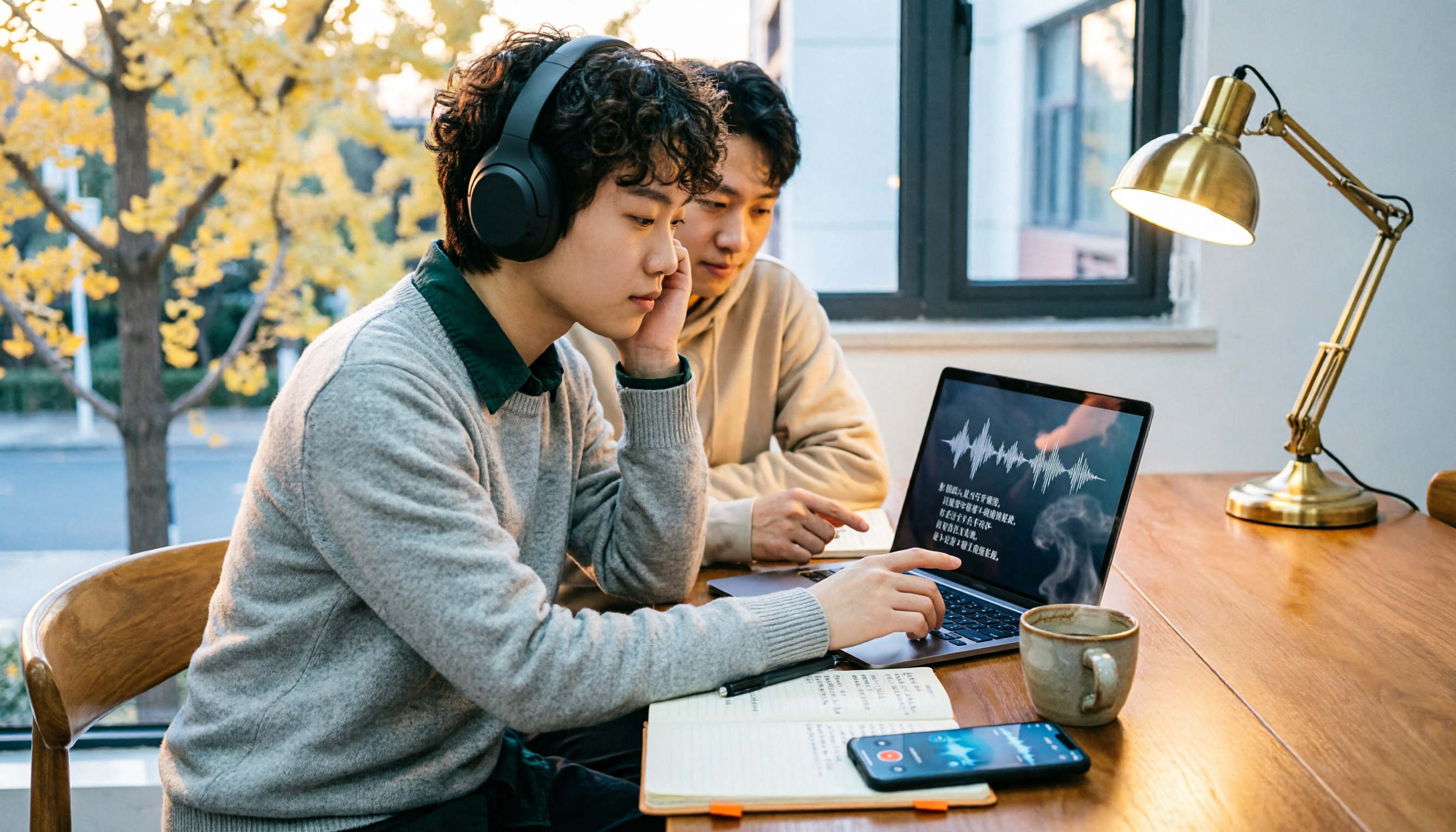
6 Student Transcription Tools Tested and Compared in 2026: Free Quotas, Chinese Recognition, and Class Notes—Which Is Enough?
Can't keep up with note-taking in class? Have interview recordings piling up that you're afraid to open? This article reviews 6 transcription tools commonly used by students, comparing free quotas, Chinese recognition, post-meeting organization, and team collaboration. It also includes market rates and precautions for hiring someone to type transcripts, helping you find the most time-saving approach within your budget.

Best Lecture Recording to Text Tools for Students in 2026: 6 Tested Options to Turn Class Audio into Transcripts Instantly
Before finals, opening a 3-hour lecture recording and listening to it again is like retaking the class. This guide reviews 6 recording-to-text tools commonly used by students, from free plans to paid subscriptions, comparing language support, transcript formats, summarization, and review capabilities to help you get the most study efficiency for your budget.
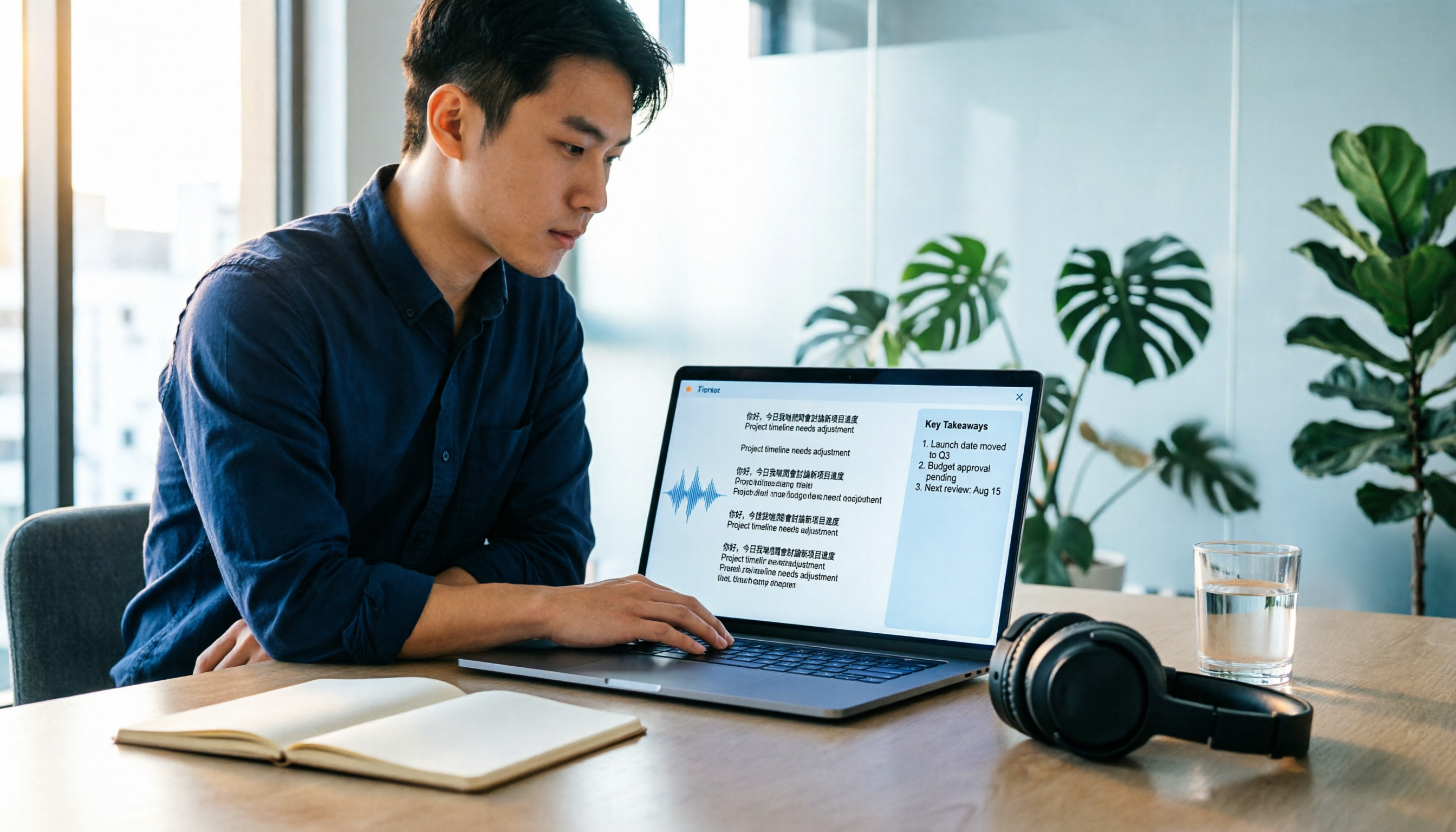
2026 Cantonese Speech-to-Text Buyer's Guide: 4 Tools Tested and Recommended
The biggest challenges in Cantonese speech-to-text are mixed Chinese-English and the gap between spoken and written language. This guide uses Tinrec as the main demo tool to walk through 5 steps for turning a Cantonese recording into a deliverable transcript and meeting minutes, while comparing Subanana, Cantosubai, and UniScribe—4 tools in total—for their use cases and limitations, helping you decide before spending time on trials.

6 Cantonese Meeting Transcription Tools Compared for 2026: Free to Paid at a Glance
We put 6 Cantonese meeting transcription tools to the test with the same criteria: language recognition (including mixed Chinese-English), meeting capture methods, post-meeting summaries and action items, team collaboration, and pricing. From free plans to enterprise team versions, this guide helps Hong Kong workers pick the right tool and stop wasting overtime listening to recordings to type transcripts.

Rémi Notta 2026: Latest Updates, Reality TV Background & Interview Organization Guide
A complete roundup of Rémi Notta in 2026: from his start on Secret Story Season 9 and his life as a Marseille fitness coach and business owner to his recent reality TV appearances. The guide also shares a practical method for turning scattered foreign-language interviews and show clips into searchable, queryable, handoff-ready data using Tinrec.

Nottawasaga Golf Tournament 2025: Which Planning Tool Is Best? We Tested 3, and This One Saves the Most Time for Chinese-Language Committee Meetings
How do you plan the 2025 Nottawasaga golf tournament? This article starts with common pitfalls, covers the Valley and Ridge courses, the CJGA tournament page, tee time starts, and dining services, and compares Tinrec, Otter.ai, Notta, and Granola for meeting notes to help the organizing committee choose the right tool.