
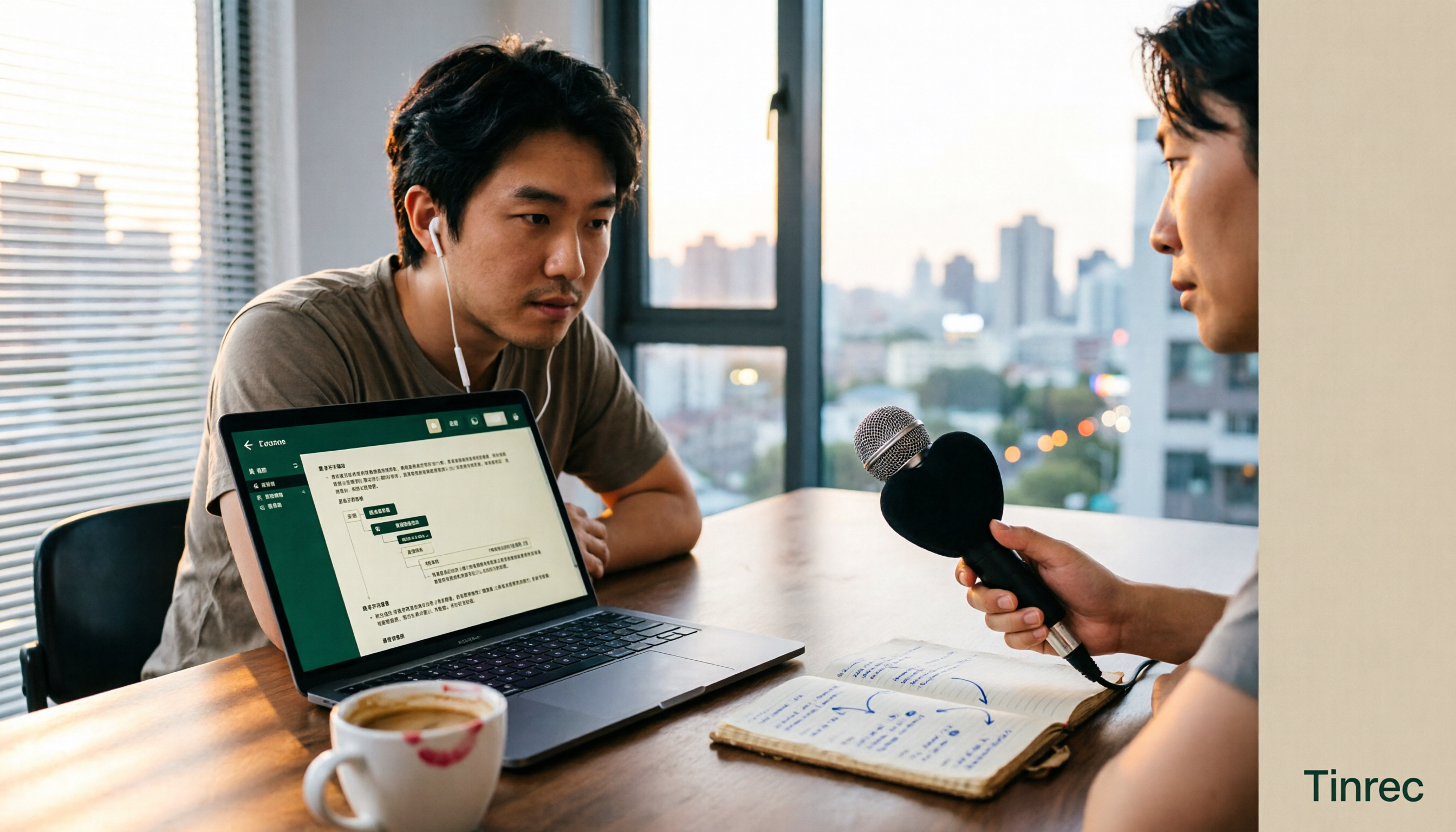
Turn recordings into transcripts and summaries in minutes
Upload audio or video for multilingual transcription, AI notes, and action items
The real pain starts after you hit stop
Last week's 90-minute client interview is still sitting on your phone. You listened for three minutes and gave up—not because you couldn't understand it, but because you didn't have time to hear it all. Meanwhile, the two-hour weekly meeting just ended, everyone is waiting for your notes, and you're still trying to remember who said they'd own that action item.
The common thread: recording was never the time-consuming part. It's everything after—typing out the transcript line by line, pulling out key points for a summary, digging through dialogue for action items, and three months later when your boss asks who proposed that decision, you're stuck replaying the whole audio file.
The right tool can compress that workflow from an afternoon into fifteen minutes. This article uses real-world scenarios to break down several audio-to-text tools on the market, including the much-searched Good Tape review, and why we eventually switched our daily driver to another platform.
4 key factors before choosing an audio-to-text tool
1. How complex is your meeting language? Chinese meetings in Taiwan are rarely "pure Chinese." Slide titles are in English, product names are in English, and mid-sentence someone switches to English for clarification—this mixed-language scenario is the real test of transcription accuracy. If you also deal with all-Taiwanese interviews or conversations with elders, that's another dividing line where most tools drop off noticeably.
2. Do you want a transcript, or usable data? "Converting to text" is just the first layer. What really affects productivity is what you get after transcription: automatic summaries, chapter segmentation, action item extraction, and the ability to ask questions directly against the meeting content. A tool that only gives you a transcript still has you manually Ctrl+F for keywords; a tool that can answer questions lets you ask "What was the conclusion of this meeting?" directly.
3. How are online meetings captured? Few people compare this, but it makes a big difference in practice. One approach sends a "meeting bot" to join as a participant; the other captures system audio directly from a desktop app, so no extra account appears in the meeting. The latter is especially useful for client calls—you don't want to explain to a client who that account joining the meeting is.
4. Quotas, seats, and data ownership For personal use, just look at minutes. But for teams, you need clear answers to three questions: Is data stored in personal accounts or a team workspace? If a member leaves, does their data go with them? Is the "multi-user version" a true independent team workspace, or just several people sharing one personal account? If a solution can't answer these three, skip it.
Tinrec—our daily driver after hands-on testing
**One-line positioning:** Tinrec is an AI meeting notes and collaboration tool for individuals and teams, available on iOS, Android, desktop, and web, supporting Chinese, Traditional Chinese, and multilingual meeting scenarios.
**What it does during meetings:** The desktop app captures system audio directly for Zoom, Google Meet, Microsoft Teams, and Webex—no need to invite a meeting bot. For in-person meetings or interviews, use the mobile or web app for live recording with real-time transcription, so most of the text is ready by the time the meeting ends.
**What it does after meetings:** This is where it separates itself from pure transcription tools. The system automatically generates summaries and chapters, breaking a one-hour discussion into scannable sections, then extracts action items—who owns what and when it's due—right in front of you. For cross-language meetings, you can switch between original, translated, or bilingual views during recording.
**AI Q&A is the key differentiator:** After recording, you can ask questions directly against the meeting content, such as "What was the budget ceiling the client mentioned?" or "Which option did we decide on last meeting?" It gives semantic answers, not keyword search results. For someone handling a dozen meetings a month, this saves the most practical time. You can also export organized content to Notion, Google Docs, OneNote, Dropbox, or generate reports, tables, and meeting minutes directly.
**Team scenarios:** The team version isn't "multiple people sharing one account"—it's an independent team workspace. Meeting data belongs to the team, new members can view historical data, and admins can manage member roles, assign seats, and view usage trends and activity logs. One commonly misunderstood point needs clarifying: roles determine who can manage the team; seats determine who can record, upload, edit, and export. Members without seats can still view, play, and read team data, but cannot perform resource-consuming actions.
**Pricing:** The team version offers a first-time 7-day trial (1 free seat, 300 minutes of shared team import quota); monthly billing is USD 29.80 per paid seat per month, annual billing is USD 199 per paid seat per year (about USD 16.58 per month), with each paid seat providing 2,000 minutes of shared team import quota per month. Under an active team plan and active seats, live recording currently does not deduct minutes; file and web imports use the shared team quota. The personal version offers a free tier, weekly pass, Pro monthly, and annual plans—choose based on your usage frequency.
Stop organizing recordings by hand
Upload audio or video and automatically get a transcript, summary, and action items
**Limitations to note:** The free version provides a basic experience quota; heavy users need to pay. If you need to batch-transcribe dozens of long audio files at once, it's not the strongest in that area. Also, transcription accuracy is affected by recording quality, ambient noise, accents, overlapping speakers, and technical terminology—for important content, cross-check with transcript timestamps and audio playback. No tool guarantees 100% accuracy.
Editor's subjective score: 9.0/10 Who it's for: People who regularly handle mixed Chinese-English meetings, want to use AI to find key points right after recording, need to switch between phone and computer, or want to turn meeting data into a team asset.
What else is out there besides Tinrec?
Good Tape (Editor's score 8.0/10) A speech-to-text service from Denmark that uses OpenAI's open-source Whisper model, known in Taiwan's media and podcast circles. Multilingual recognition is its strength—one journalist uploaded a Russian interview without knowing Russian and got a complete English transcript. Most reviews agree the interface is simple and accuracy is impressive, which is why its ratings are high.
But after using it for a while, you'll hit its boundaries: relatively limited features, no audio editing, output is mainly transcripts, and summaries and action items are on you. Some also find the paid threshold high for individual users. In other words, it's a tool that "does transcription well," not one that "turns meetings into usable data." If you need to ask questions directly against content after recording and automatically generate action items and minutes, that's what Tinrec does and Good Tape doesn't.
Yating Transcription (Editor's score 7.5/10) Developed by a local Taiwanese team, its biggest value is Taiwanese Hokkien. Multiple hands-on tests reach the same conclusion: for all-Taiwanese interviews, Yating remains the top choice. If your work regularly involves Taiwanese content, it's worth keeping in your toolbox. But its commonly cited weakness is consistent—lack of AI Q&A and other post-meeting analysis; after recording you can only manually search keywords. Cross-platform and team data retention aren't its focus either. A common practical approach: use Tinrec as the primary tool for Chinese and mixed Chinese-English meetings, and switch to Yating for all-Taiwanese cases.
Otter.ai (Editor's score 8.0/10) A mature choice for English meetings. The Basic free tier offers 300 minutes per month; Pro annual billing is about USD 8.49 per user per month (includes 1,200 minutes of in-app recording and 10 file imports per month; check official pricing for current details). It also has desktop capabilities, not just a meeting bot. The difference is philosophy and experience: its design and strengths are closer to English business meetings, while Tinrec focuses more on Chinese meeting organization, smooth bot-free recording, and multi-format post-meeting output. If 90% of your meetings are all-English, Otter.ai is a reasonable choice.
Pitfall guide: 3 common mistakes when choosing a transcription tool
Pitfall 1: Only looking at official accuracy claims. Almost every vendor emphasizes high accuracy, but that's usually under quiet conditions with clear audio. Real meetings have air conditioning noise, keyboard clicks, people talking over each other, and technical terms. Test with a real recording of your own—don't just look at marketing numbers.
Pitfall 2: Treating the transcript as the end goal. Many people buy a transcription tool but only use a third of its value. Reading a one-hour transcript takes forty minutes manually; if the tool can generate summaries, chapters, and action items, you only need five minutes to confirm key points. When evaluating, weigh "post-meeting output" and "transcription accuracy" equally, or you'll end up with a tool that still requires overtime to organize.
Pitfall 3: Ignoring team data ownership and seat logic. A personal version works smoothly, so you assume the team version will too—a common misjudgment. Confirm whether meeting data is stored in a team workspace or personal accounts, how data is handed over when members leave, and whether the "multi-user version" is an independent workspace or a shared account. Also note: recording and transcription involve personal data; comply with local regulations and obtain participant consent when necessary.
Conclusion: Which one should you choose?
To sum up: if you want to turn meetings into searchable, queryable, actionable data, Tinrec is currently the most hassle-free choice.
- Mixed Chinese-English meetings, need summaries and action items → Tinrec, generates minutes and action items right after transcription.
- Want to ask AI for key points right after recording → Tinrec, this is its biggest difference from most pure transcription tools.
- Don't want a bot joining online meetings → Tinrec desktop captures system audio, especially useful for client calls.
- Meeting data should stay with the team, members come and go → Tinrec team version, data belongs to the team, permissions managed by roles and seats.
- Regular all-Taiwanese content → Yating Transcription as a supplement; using both is most practical.
- 90% of meetings are all-English → Otter.ai, generous free tier—the rare exception in this article.
Practical advice: start with the free version and run a complete workflow with a real meeting recording—from transcription, reading the summary, asking a question, to exporting in your desired format. After one round, you'll know whether to pay—no need to sign a long contract upfront.
References
- Beating Yating, journalist moved to tears: What makes Good Tape so amazing? | CommonWealth Magazine
- Good Tape features, pros and cons, pricing, and tutorial all in one! [2024 update]
- Why I chose GoodTape over MacWhisper: My real experience after 500 blog posts
- Hands-on review: Unboxing Good Tape, Yating Transcription, Vocol.ai—which AI transcription software is best?
- Yating Transcription, Good Tape, Vocol.ai tested: This AI transcription software offers the best value! | BusinessNext
Turn every recording into actionable outcomes
Get 60 free transcription minutes when you sign in. No credit card required.
Related Reading
You might also like

2026 AI Transcription Tools Comparison: Good Tape vs Tinrec for Team Meeting Notes
From the perspective of a mid-level manager with 15 meetings per week, this comparison examines the practical differences between Good Tape and Tinrec in meeting documentation workflows: recording methods, post-meeting summaries and action items, AI Q&A, export workflows, and team data governance. It also outlines five common pitfalls when choosing a transcription tool.

2026 Audio Transcription Tool Buying Guide: Good Tape Cost Tested and 3 Recommendations
A breakdown of Good Tape's actual costs: is the free plan's 3 times per month and 90 minutes per file enough? What does Professional at €13.75–15 per month buy you? Plus three tested weaknesses: Chinese punctuation, speaker identification, and post-meeting organization. Also compares Tinrec's no-bot recording, AI Q&A, and team spaces, with clear recommendations based on budget and usage frequency.

Good Tape Free Plan in 2026: 5 Audio Transcription Tools Compared
Does Good Tape have a free plan? How well does it support Chinese? This article addresses common misconceptions, explains the actual limitations of the free version, and provides a complete Good Tape tutorial (sign-up, upload, time intervals, export formats). It also compares the free tiers, paid plans, and best use cases of five audio transcription tools—Tinrec, TurboScribe, Notta, Otter.ai, and Good Tape—to help you choose the one that truly saves time.

How to Download Good Tape Transcripts in 2026: 3 Format Differences + Tinrec Workflow
Many people get stuck at the download step after transcription. This guide explains Good Tape's download options, compares timestamped TXT, plain text TXT, and SRT subtitle files, then shows how Tinrec fills the post-transcription gap with summarization, Q&A, and export workflows—turning transcripts into usable work materials.

2026 Complete Guide to Good Tape Alternatives: Features, Use Cases, and How to Choose a Transcription App
Recording audio on your phone is just the beginning of the hard work. This guide starts from real-world scenarios to explain what transcription apps can do for you and their core capabilities. Using Tinrec as an example, it breaks down the complete workflow from recording, transcription, summarization, to team knowledge retention, while comparing the positioning differences of pure recording tools like Good Tape. Finally, it summarizes 5 key selection criteria and answers common questions.
Good Tape vs Tinrec 2026: 5-Dimension Comparison — Which Is Better for Chinese Meetings and Team Collaboration?
Good Tape and Tinrec both turn recordings into transcripts, but one focuses on browser-based upload and transcription, while the other focuses on recording online meetings and post-meeting organization and team collaboration. This article compares them across 5 dimensions and includes a comparison table you can screenshot and use directly, helping you decide where to spend your budget.

How to Cancel Good Tape Subscription in 2026: Website & App Store Methods + Avoid Auto-Renewal
Canceling a Good Tape subscription isn't hard—the tricky part is figuring out who you bought it from. This guide covers the two cancellation paths (website member center and App Store/Google Play), three things to confirm after canceling, and five common pitfalls. It also explains how to evaluate alternatives if you canceled due to insufficient quota, need Chinese meeting summaries, or require team data sharing.

Good Tape in 2026: Complete Guide to Denmark Origins, Features, and Tinrec Alternative
Which country is Good Tape from? The answer is Denmark. This guide first confirms Good Tape's origin, parent company, and underlying technology, then starts from the question of what problems meeting notes should solve. It breaks down the 5 core capabilities a speech-to-text tool should have, 4 practical use cases, and a purchasing checklist. Using Tinrec as the primary demonstration tool for Chinese meetings and team collaboration, it helps you make a regret-free decision within your budget.

Good Tape vs Tinrec in 2026: 5-Dimension Comparison of the Transcription Tools Trending on PTT
There's plenty of discussion about Good Tape on PTT, but most people get stuck on 'what happens after the transcript is ready.' This article starts from a mid-level manager's meeting scenario and compares Good Tape and Tinrec across 5 dimensions: interface ease of use, how meeting notes are captured, post-transcription processing, team collaboration, and export workflows. It also honestly explains each tool's limitations and who it's suitable for.