
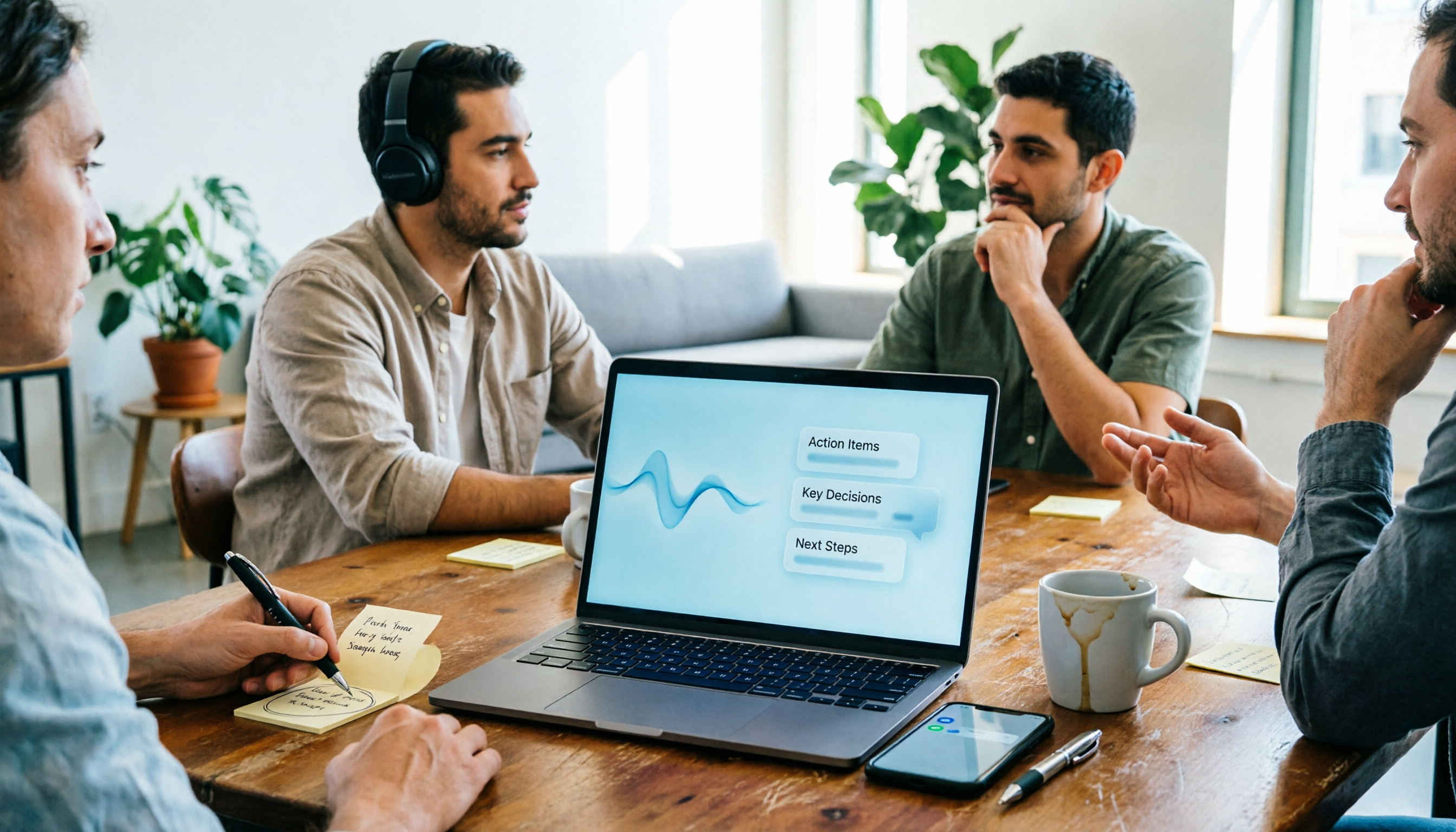
Turn recordings into transcripts and summaries in minutes
Upload audio or video for multilingual transcription, AI notes, and action items
2026 Best AI Voice Recorders Compared: PLAUD vs Tinrec – Hardware or Software?
The Pain Begins After the Meeting—You Need Usable Data, Not Just an Audio File
It's 4 PM, the project meeting just ended, and the recording is 52 minutes long. Your boss asks in the group chat: "Who took notes on those three conclusions?"
You open the voice memo app on your phone and start fast-forwarding, rewinding, pausing, and typing. This scene plays out almost daily in offices across the US.
Online meetings are even trickier. Either you forget to hit record, or the recording ends up scattered across three people's computers. Two weeks later, when you need to find "the budget cap the client mentioned," you have to listen from the beginning again.
This article isn't about spec sheet bragging rights. It's about one thing: from pressing record to delivering a meeting summary you can send to your boss, how many steps do you really need?
Before Buying a Voice Recorder, Understand These 5 Key Points
1. Are you buying hardware or a post-meeting workflow?
A voice recorder solves "capturing the audio," but what really eats up time is "organizing it." Ask yourself: do I want portable recording, or do I want searchable, queryable data that can be turned into action items? The answer determines what you should buy.
2. How do you record online meetings?
There are three main approaches: sending a meeting bot, using a desktop app to capture system audio, or uploading the file afterward. A bot appears in the participant list, which some HR or client-side people may mind; system audio capture doesn't require an extra participant. There's no absolute right or wrong here, but it directly affects whether you dare to hit record in a formal meeting.
3. Experience with Chinese, mixed Chinese-English, and technical terms
Meetings in Taiwan are rarely pure Chinese; they often include sentences like "this campaign's conversion needs more optimization." When choosing a tool, besides checking how many languages it claims to support, look for mechanisms like custom vocabulary or team hotwords so your company's product names and acronyms are recognized correctly.
4. Transcripts are only half the battle
A 50-minute transcript is about as useful as no organization at all for someone in a hurry. What you need to see is whether it can produce summaries, chapters, action items, and even let you ask questions about the content, such as "Who mentioned delaying the launch in the last meeting?"
5. For team use, data ownership matters more than features
Recordings made under a personal account leave with the employee. If meeting data is a company asset, check whether the tool offers team spaces, member roles, seat allocation, and usage logs—not just "shareable links."
Tinrec – The One with the Shortest Workflow
Tinrec is an AI meeting notes and collaboration tool for individuals and teams, available on web, desktop, and mobile. It's not positioned as a voice recorder but as a way to turn meetings into searchable, collaborative, actionable team data.
Running through the workflow once reveals the difference. The first stage is capture: the desktop app directly captures system audio, so for online meetings on Zoom, Google Meet, Microsoft Teams, or Webex, you don't need to send a bot in as a participant or obtain the meeting link beforehand. For offline occasions or client visits, use the mobile app to record in real time and transcribe as you go.
The second stage is organization: as soon as the meeting ends, the transcript is already there, along with a summary, chapters, and action items. For anyone who has to write meeting minutes weekly, this saves not just minutes but the entire afternoon.
The third stage is finding answers later: this is where it differs most from pure transcription tools. You can directly ask it "When did this meeting decide to launch?" or "What were the client's concerns about pricing?" and it answers based on the content instead of dumping keywords for you to sift through. The same data can also be used to generate reports, tables, and documents, or exported to Notion, Google Docs, OneNote, Dropbox, and other tools for further work.
Team scenarios are another focus. The team version provides an independent team space where meeting recordings, transcripts, summaries, and action items belong to the team; administration distinguishes between "roles" and "seats"—roles determine who can manage members and audit, seats determine who can record, upload, edit, and export. Members who are active but have no seat can still view and play data. There are also team hotwords, usage analytics, audit logs, and an audio recycle bin (currently retained for 30 days). This design solves a very real problem: when the person in charge changes, meeting data doesn't disappear with them.
Stop organizing recordings by hand
Upload audio or video and automatically get a transcript, summary, and action items
Pricing and limitations: the personal version offers a free tier, weekly pass, monthly pass, and annual pass, choose based on usage frequency; actual prices are subject to the official website. The team version is USD 29.80 per paid seat per month, or USD 199 per paid seat per year (about USD 16.58 per month). Eligible teams get a 7-day trial, 1 free seat, and 300 minutes of shared import quota on first signup; paid seats include 2,000 minutes of team shared import quota per month, and real-time recording under active seats is currently not deducted by minutes. Note that if your main need is "batch transcribing dozens of long files into subtitles at once," this isn't its strength; also, transcription accuracy is still affected by recording quality, accents, overlapping speech, and technical terms—verify important content against the audio.
Who it's for: people who have regular online meetings every week, need post-meeting minutes and action items, and want the team to share the same meeting data.
Besides Tinrec, What Other Options Are There?
PLAUD Note Pro / NotePin S: highly discussed AI recording hardware focused on portable recording, call recording, and long battery life; build quality and standalone operation are its value. The Taiwan official site lists Note Pro at $5,890 TWD and NotePin S at $5,690 TWD; transcription and AI features are provided with quotas based on membership plans—prices and benefits are subject to the official page. It suits people who frequently visit clients and need a standalone device; but after buying the hardware, you still have to handle file uploads and subscription quotas, and system audio capture for online meetings and team data retention are areas where software like Tinrec is more direct.
Notta: a multi-platform transcription tool with decent Chinese support; free version offers 120 minutes per month with a 3-minute limit per recording, Pro annual billing works out to about USD 8.17 per month (1,800 minutes). Suitable for those focused on file transcription and translation. However, its online meeting approach still leans toward bots or uploads, and team seat governance and auditing are not its focus—Tinrec handles these more completely.
Granola: a bot-free AI meeting notes tool that transcribes via desktop system audio and combines handwritten notes; Basic is free, Business is USD 14 per user per month. Its approach is "listen and take notes, enhance notes afterward," but it does not retain meeting audio files or support uploading existing recordings. If you need to keep recordings, import historical files, or retain Chinese meeting data, Tinrec is more suitable.
Pitfall Guide: 4 Most Common Mistakes When Choosing AI Recording Tools
Pitfall 1: Only looking at hardware specs, not calculating subscription fees. A voice recorder is a one-time purchase, but transcription and AI features usually require a subscription, and stop when the quota runs out. Before buying, calculate "monthly meeting hours × percentage needing transcription"—don't let the device become a drawer decoration.
Pitfall 2: Assuming recordings automatically become minutes. Whether hardware or software, post-meeting output depends on whether the tool has summary, chapter, and action item capabilities, and whether you spend three minutes reviewing. Using AI only as "speech to text" means you're only getting one-third of its value.
Pitfall 3: Using a personal account for company meetings. Convenient in the moment, but data disappears when people leave. If meeting content belongs to the team, prioritize solutions with team spaces and resource handover mechanisms.
Pitfall 4: Expecting 100% accuracy. Any tool will make mistakes in a meeting room with air conditioning noise, keyboard sounds, and multiple people talking at once. The right expectation is "significantly reduce manual organizing time," and important numbers and commitments should still be checked against the original.
Conclusion: Which One Should You Choose?
- Weekly online meetings, need minutes and action items afterward → Tinrec (desktop bot-free recording, summaries and action items generated directly)
- Want to ask follow-up questions about meeting content → Tinrec (ask directly, no need to dig through transcripts)
- Team needs to share meeting data, manage members and usage → Tinrec team version (roles, seats, hotwords, audit, recycle bin)
- Need long portable recording and call recording on the go → PLAUD Note Pro / NotePin S (standalone hardware, but watch subscription quotas)
- Mainly batch file transcription and translation → Notta or dedicated file transcription services
- Prefer handwriting notes while listening, no need to keep audio → Granola
If you just want to confirm "can AI save me organizing time," try the free version on a routine meeting. Testing with your own recordings and your own meeting room environment is more accurate than any spec sheet.
Finally, remember to inform others and obtain consent before recording, and comply with local regulations.
References
- Plaud Note Pro Unboxing Review | Portable AI Smart Recording Evolves! Is It Good? Who Is It For? - Mr. Mad
- Plaud Taiwan | Official Website | Leading AI Recording Device Brand
- Plaud Note | The Smartest AI Voice Recording Card Ever
- Plaud Note AI Voice Recorder: Detailed Review, Unboxing, and Usage Impressions
- Call recording is impressive! Hands-on with the GPT-4o-powered AI voice recorder "PLAUD NOTE"! A great partner for business | Saiga NAK (Gaming and Esports News Media)
Turn every recording into actionable outcomes
Get 60 free transcription minutes when you sign in. No credit card required.
Related Reading
You might also like

2026 AI Recording Tools Comparison: PLAUD vs Tinrec — Which Saves More Time?
PLAUD (PLAUD Note card, NotePin capsule) is a hardware-based AI recording device, while Tinrec is a software-only AI meeting notes tool. This comparison covers cost, online meeting recording, post-meeting workflow, team collaboration, and Chinese/multilingual support, with actual prices and plan limits to help you decide which fits your work style.

Tinrec vs PLAUD Voice Recorder 2026: 5-Dimension Comparison — Which Is Better for Meeting Notes?
PLAUD voice recorder or Tinrec? This comparison breaks down 5 dimensions — purchase cost, online meeting recording, post-meeting workflow, Chinese/multilingual support, and team governance — using official specs and pricing to help you decide which fits your meeting scenarios, with clear recommendations for different needs.

2026 AI Recorder Comparison: Tinrec vs PLAUD — Which Is Better for Meeting Notes?
PLAUD's recording hardware and Tinrec are often compared. This article examines both from the perspective of real meeting workflows, comparing them on online meetings, post-meeting organization, Chinese transcription, team collaboration, and pricing structure to help you decide between hardware and software, plus FAQs.

2026 AI Voice Recorder Comparison: Is Plaud's Software Enough?
Many people buy a Plaud recorder only to find they still need separate tools for transcripts and summaries. This article tackles common misconceptions and compares Plaud, Tinrec, Otter.ai, and Granola on online meetings, post-meeting organization, team collaboration, and cost. It also outlines 4 key buying factors and 4 pitfalls to help you decide between hardware and software.

2026 Plaud Recorder Review: PLAUD vs. Tinrec — Which Is More Cost-Effective for Students?
A student's hands-on comparison of PLAUD recorders and Tinrec, covering upfront costs, online meeting recording, post-meeting organization, and team collaboration, plus common pitfalls and free-tier advice when choosing a speech-to-text tool.

2026 Complete Guide to Voice Recorders: PLAUD Recorder vs AI Meeting Notes Tools — How to Choose?
Should you buy a PLAUD recorder? This article starts from real meeting scenarios and compares AI recording hardware like PLAUD NotePin and Note Pro with AI meeting notes tools like Tinrec. It covers audio capture methods, post-meeting organization, team collaboration, pricing, and pitfalls to help you decide whether to buy hardware or change your workflow.

Tinrec vs PLAUD: Which Recording Solution Is Right for You in 2026?
PLAUD is a portable hardware recorder, while Tinrec turns meeting recordings into transcripts, summaries, action items, and team knowledge. This comparison covers use cases, pricing, and post-meeting organization to help you decide whether you need a device or a workflow.

2026 AI Recording Showdown: Plaud Hardware vs. Tinrec Platform — Which Saves More Time?
PLAUD recording hardware or Tinrec recording platform? This comparison breaks down five dimensions — recording capture, post-meeting organization, historical data, team collaboration, and cost structure — and explains each option's unique strengths and ideal use cases to help you choose based on your actual meeting style.

Plaud Voice Recorder vs Tinrec: Which Is Better? 2026 Hands-On Comparison of 2 Options, One Needs No Hardware
Should you buy the Plaud voice recorder? This article compares Plaud (NotePin/Note Pro + Plaud App) and Tinrec across five dimensions: cost structure, meeting capture methods, post-meeting organization, Chinese-language experience, and team collaboration. It helps you decide whether to buy hardware or choose software based on the actual needs of a single meeting, and provides clear selection recommendations.