
Turn recordings into transcripts and summaries in minutes
Upload audio or video for multilingual transcription, AI notes, and action items
If you want to transcribe video to text and have coding skills plus a high-end GPU, Whisper on GitHub is the top choice. But if you want to skip complex environment setup and need automatic summaries and AI Q&A, the deployment-free Tinrec is a more practical option.
Searching for "video to text github" usually means you're tired of manual transcribing and want high-accuracy solutions. This article breaks down 3 popular GitHub open-source speech-to-text projects and a no-deploy tool, providing a multi-dimensional comparison table, detailed pros and cons, and a step-by-step tutorial for non-coders.
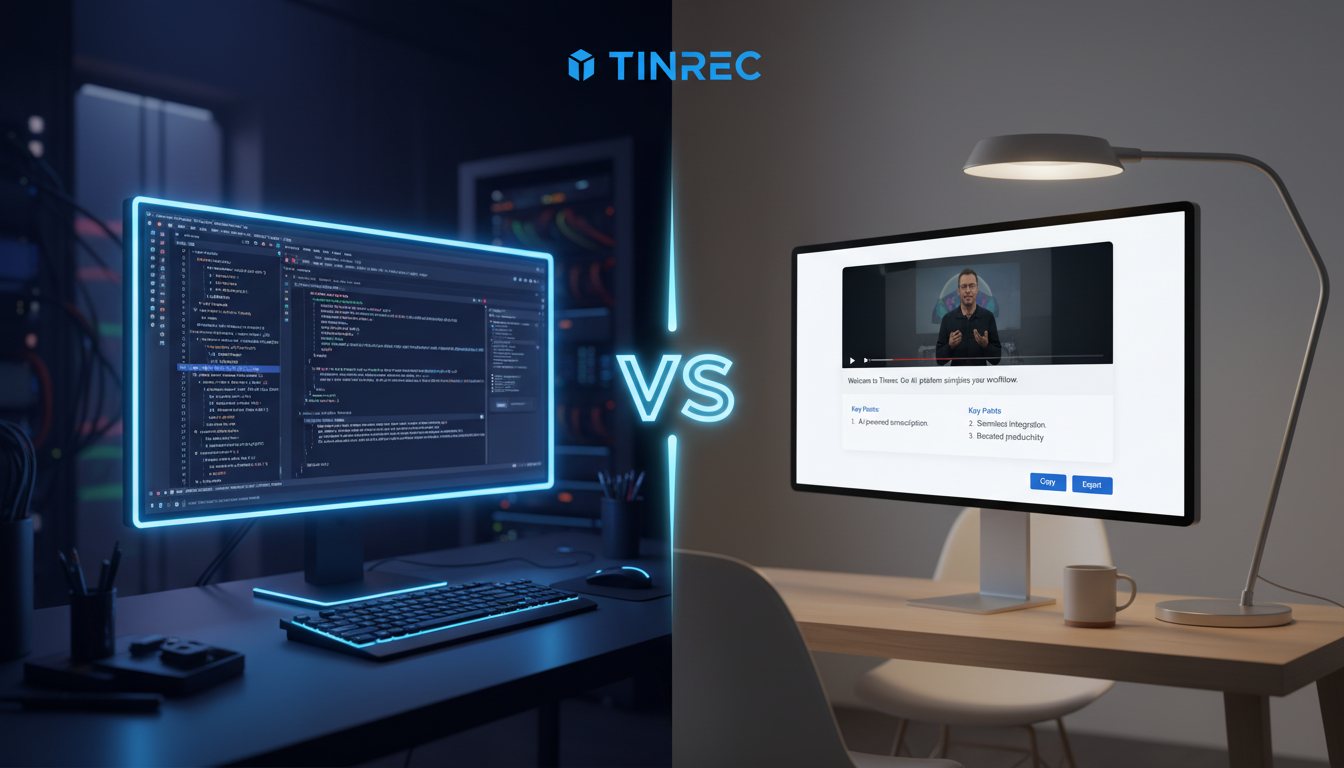
Quick navigation conclusions:
- Want full code control, maximum free usage, and local privacy → Choose open-source projects like Whisper.
- Value efficiency, need direct YouTube link parsing, or require post-meeting action items → Prioritize integrated online tools like Tinrec.
Why Look for Video-to-Text Tools on GitHub? Current State & Pain Points
Open-source projects have strong community support but come with high barriers to entry. For students and office workers who frequently handle meeting notes, class notes, or video subtitles, three major pain points often arise:
- Environment configuration errors: Installing Python, FFmpeg, configuring CUDA and dependencies often stumps non-engineers from the start.
- Stringent hardware requirements: Open-source models heavily rely on local GPU power. Using a standard laptop, transcribing a one-hour video can take hours.
- Only transcripts, no follow-up actions: Most GitHub projects just output plain text (e.g., SRT or TXT). You still need to copy-paste into other AI tools to get meeting conclusions or summaries—not truly solving the "re-listening and organizing" time sink.
Video to Text GitHub: Open-Source vs Online Tool Comparison Table
When choosing a tool, consider not just transcription accuracy but the overall workflow time cost. Here's a comparison of popular GitHub projects and Tinrec:
| Dimension | OpenAI Whisper (GitHub) | WhisperX (GitHub) | Auto-Subtitle (GitHub) | Tinrec (秒聽錄音) |
|---|---|---|---|---|
| Setup & Learning Curve | High (requires command line & local environment) | High (needs dependency setup) | Medium-High (some have basic UI) | Very Low (ready to use, multi-platform) |
| Language Support | Multilingual (depends on model size) | Multilingual | Multilingual | 10 languages auto-detection |
| Summary & Action Items | None (plain text transcription) | None (focuses on timestamp alignment) | None (focuses on subtitle generation) | Auto-generates meeting minutes & to-do action items |
| AI Interactive Query | None | None | None | Supports semantic AI chat queries |
| Import/Export Integration | Local audio files / TXT, SRT | Local audio files / TXT, VTT | Local video / SRT | Supports web video links, live recording / multi-format export |
| Price / Free Tier | Free (but hardware costs apply) | Free | Free | Free plan: up to 100 minutes/month; affordable paid plans available |
In-Depth Review: Differences Between 3 Popular GitHub Projects and Tinrec
1. OpenAI Whisper: The Benchmark for Open-Source Speech Recognition
- Best for: Developers doing secondary development, users with high-end GPUs for local processing.
- Test Performance: Very high recognition accuracy, especially with Large model—very low error rate. However, may hallucinate or repeat phrases on very long audio.
- Limitations: Requires command-line knowledge and no graphical user interface (GUI)—extremely unfriendly to general users.
2. WhisperX: Enhanced Timestamps & Speaker Diarization
- Best for: Professional subtitle groups, creators needing precise word-level timestamps.
- Test Performance: Fixes Whisper's timestamp inaccuracy, adds VAD (Voice Activity Detection) for better handling of multiple speakers.
- Limitations: Still terminal-dependent, lacks post-processing text comprehension—purely a transcription tool.
Stop organizing recordings by hand
Upload audio or video and automatically get a transcript, summary, and action items
3. Auto-Subtitle Projects: Focused on Video Subtitle Generation
- Best for: Short video creators needing quick subtitles.
- Test Performance: Typically wraps Whisper and adds video encoding to directly output MP4 with subtitles.
- Limitations: Single-function, cannot extract meeting highlights—unsuitable for knowledge management or study notes.
4. Tinrec: Complete Workflow from Audio to Action
- Best for: Cross-language meetings, online course notes, YouTube video highlights, interview transcription.
- Test Performance: No coding required; cross-platform (iOS, Android, Web). Provides accurate transcripts, but the key differentiator is converting long video text into scannable highlights and to-do lists.
- Limitations: Cloud processing requires internet; free plan caps at 100 minutes/month; heavy users need upgrade.

Hands-On Tutorial: How to Quickly Convert Video/Audio to Text and Extract Key Points
If you don't want to spend an afternoon setting up a GitHub environment, follow this standard workflow using Tinrec to complete "transcription + summarization + Q&A":
Step 1: Choose Input Method (Supports 3 Core Scenarios)
Based on your situation, pick the best recording or import method:
- Online video/podcast to text: No need to download—paste a YouTube, TikTok, or podcast link, and the system automatically parses and converts it in the background.
- Import local audio file: Supports many common audio formats—simply drag and drop interview or meeting recordings.
- Live recording to text: In a physical meeting or class, open the web app or mobile app, tap "Start Recording", and the text appears in real time—no waiting.

Step 2: Review Transcript & Speaker Labels
After upload or recording, the system automatically distinguishes speakers (e.g., Speaker A, Speaker B) and auto-detects up to 10 languages (Chinese, English, Japanese, etc.), saving manual tagging effort.
Step 3: Access AI Meeting Minutes & Action Items
This is something traditional GitHub transcription tools cannot do. The system automatically generates structured "decision summaries" and "to-do action items" from the transcript, so task assignments are ready as soon as the meeting ends.

Step 4: Use AI Chat Query for Details
If the recording is two hours long, traditional methods only allow Ctrl+F keyword search. With Tinrec's AI chat query, you can ask questions directly about the document, e.g., "What exactly was the Q3 marketing budget the boss mentioned?" The AI gives precise answers with timestamps.


Step 5: Export in Multiple Formats
Once confirmed, you can export plain text, full transcript, or key summary with one click, seamlessly integrating into your note-taking system.
Frequently Asked Questions (FAQ)
Q1: Are GitHub open-source tools completely free? The code itself is free, but running AI speech recognition models smoothly requires a sufficiently powerful GPU (graphics card). If your hardware isn't up to par, you may need to rent cloud computing power, incurring extra costs and technical overhead.
Q2: Can I use GitHub transcription tools on my phone (iPhone/Android)? Very difficult. Open-source projects are usually command-line tools designed for desktops. For mobile scenarios (e.g., out-of-office meetings, interviews), it's better to use apps like Tinrec that support iOS and Android multi-device sync.
Q3: Do these tools support transcribing remote meetings like Teams / Google Meet? GitHub tools typically only handle downloaded audio files. For Teams or Meet meetings, you can use third-party screen recording software to capture audio, then upload that file to a cloud tool for transcription and summarization.
Q4: How accurate is the transcription for foreign languages (e.g., Japanese, Korean, Cantonese)? Large Whisper models and most mature AI speech tools (including Tinrec) have strong multilingual recognition capabilities, automatically detecting and transcribing foreign content with high accuracy—great for foreign language classes or watching overseas videos without subtitles.
Q5: Can I directly use the exported transcript as meeting minutes? With pure open-source projects, you need to copy the exported TXT file into ChatGPT or Claude and manually enter prompts to generate a summary. With integrated AI tools, key points and decisions are automatically extracted alongside the transcript.
Q6: Is there a free tier if I only occasionally need transcription? Yes, most online tools offer trial quotas. For example, Tinrec provides 100 free minutes per month, enough for occasional short video or interview transcription.
Summary & Next Steps
If you're a developer familiar with Python and have ample hardware resources, exploring Whisper projects on GitHub will definitely satisfy your need for customization and full free usage.
But if you're a student, office worker, project manager, or content creator, time is your most valuable asset. Instead of wasting energy fixing environment errors, choose a tool that handles "audio to text, summarization, and to-do extraction" in one streamlined process.
We recommend starting with a 10-minute meeting recording or YouTube video link, running it through the tool to test summary accuracy and AI query convenience, and then deciding which solution best fits your long-term workflow.
Turn every recording into actionable outcomes
Get 60 free transcription minutes when you sign in. No credit card required.
Related Reading
You might also like

4 Best Free Audio-to-Text Tools in 2026: Which Free Tier Actually Works?
Free audio-to-text tools are plentiful, but the real bottleneck is the quota: some limit you to 3 minutes per recording, while others run out of monthly minutes mid-month. This hands-on test compares the free plans of 4 tools, looking at how quotas are calculated, how meetings are recorded, and what you get after the meeting. It also covers 4 common pitfalls to help you pick the one that can handle a full meeting.

2026 Speech-to-Text Comparison: Tinrec vs PLAUD Note Tested Across 5 Key Areas
Starting from students' top concerns—budget, classroom scenarios, and note organization needs—this comparison tests Tinrec and PLAUD Note across five dimensions: upfront cost, recording sources, post-transcription organization, Chinese recognition, and group collaboration, with final recommendations for different student types.

6 Best Audio-to-Text Tools for Cantonese in 2026: Which Free Option Is Actually Usable?
We tested 6 audio transcription tools for Cantonese support and free plans. Compare free limits, Cantonese accuracy, export formats, and post-meeting workflows to avoid two common traps: 'fake free' plans and tools that claim Chinese support but can't understand Cantonese. Find the one that truly works for you.

Tinrec vs Notta: 2026 Comparison of Chinese Transcription, Free Tiers, and Team Collaboration
There are many online audio-to-text tools, but the real challenge isn't the few minutes of transcription—it's the organization, follow-up questions, and handoff afterward. This article compares Tinrec and Notta across five dimensions: online usage, Chinese recognition, free tier and pricing, post-meeting organization, and team collaboration. It honestly lists limitations and plans to help you decide which better fits your work style.

How to Use Free Audio-to-Text Transcription in 2026: A Complete 5-Step Tutorial
There are many free audio-to-text tools, but "free" often means only a few minutes, no paragraph breaks, and no export. This article, from a student's practical perspective, breaks down common pitfalls of free audio transcription and uses Tinrec as an example to show how to turn class recordings, group discussions, and interview files into usable transcripts and key notes in 5 steps. It also covers how to evaluate free quotas and choose the right tool.

6 Best Online Meeting Transcription Tools Tested for 2026: Which Free Version Is Enough?
Tired of typing up meeting notes after every online call? We tested 6 online meeting transcription tools, covering bot-free recording, AI summaries, action item extraction, and team knowledge retention. We list free tiers and paid pricing honestly to help you choose the right tool for your workflow.

Free Online Audio Transcription Guide 2026: Upload Without Installing + AI Summaries in One Go
There are many free online audio transcription tools, but the definition of "free" varies widely. This guide starts with common misconceptions, outlines 4 key points for choosing a tool, and compares the free tiers, Chinese recognition, and post-meeting organization capabilities of Tinrec, MyEdit, Notta, and TurboScribe, with a pitfall guide and scenario-based recommendations.

2026 Comparison of 4 Audio-to-Text Apps: PTT Users Care About More Than Just Transcription Accuracy
On PTT, discussions about "Is audio-to-text useful?" often split into two camps: some say the transcript needs heavy editing, while others say clear audio is enough. This article starts from the meeting notes scenario, breaks down 4 key purchasing factors, compares Tinrec, Granola, TurboScribe, and PLAUD, and provides a guide to avoid pitfalls plus selection advice to help you find a tool that truly saves post-meeting organizing time.

How to Choose Speech-to-Text in 2026: 5-Step Hands-On Test + 3 Common Mistakes
Many people choose speech-to-text tools based only on free minutes, only to end up manually editing the transcript. Using Tinrec as an example, this article walks through 5 steps covering live recording, online meetings, summary to-dos, AI Q&A, and team export, and outlines 3 common mistakes, team plan seats, and pricing details to help you determine which tool fits your workflow.