

Turn recordings into transcripts and summaries in minutes
Upload audio or video for multilingual transcription, AI notes, and action items
2026 Comparison of 4 Meeting Transcription Tools: Which AI Summarization and Examples Save the Most Time?
A two-hour meeting followed by two hours of organizing transcripts—that's the daily reality for many office workers. What's worse, transcripts are lengthy and hard to navigate: where are the key points? Who is responsible for what? You have to listen to the recording again before the next meeting. If you've faced these situations, this article is for you. We tested 4 tools and provide practical transcript examples to help you find the most time-saving solution.
Meeting Transcripts Are Not Typing Practice—You Need a Solution, Not Just a Tool
Many people think meeting transcripts are just about typing out all conversations, but the real problem isn't "recording"—it's "using." You may have experienced: meeting recordings piling up in folders, never opened again; transcripts too messy to find decisions; team members taking separate notes, data scattered everywhere. These pain points can be solved once and for all with the right tool.
Before Choosing a Meeting Transcription Tool, Understand These 4 Key Points
1. Transcription Accuracy: Look at Chinese Scenarios Many tools advertise "98% accuracy," but that's tested in quiet environments. Real meetings have air conditioning noise, keyboard sounds, multiple people talking over each other, and Chinese mixed with English is common. We recommend testing with your own meeting recordings, not just ads. Tinrec performs consistently in Chinese meetings and supports mixed Chinese-English content.
2. AI Summaries and Action Item Extraction Are the Key to Saving Time Transcripts are just raw material; what you really need are organized summaries and action items. A good tool automatically extracts decisions, owners, and deadlines. Tinrec's AI summary and chapter features let you grasp meeting highlights in minutes.
3. Online Meeting Recording: Do You Need a Bot? Most meeting bots need to join as a participant, and some companies block them. Tinrec's desktop version directly captures computer system audio without inviting a bot, so you can record Zoom, Google Meet, Microsoft Teams, Webex, and other meetings.
4. Team Collaboration and Knowledge Retention If meeting data stays only in personal accounts, it's lost when members leave. Team edition tools should provide shared spaces, member management, and usage analytics. Tinrec's team edition makes meeting data owned by the team and allows managing seats and permissions.
Tinrec—Our Top Choice After Testing
Tinrec is an AI meeting recording and collaboration tool for individuals and teams. It supports real-time recording, bot-free online meeting transcription, audio/video file import, and automatically generates summaries, chapters, action items, and mind maps. Available on iOS, Android, and web.
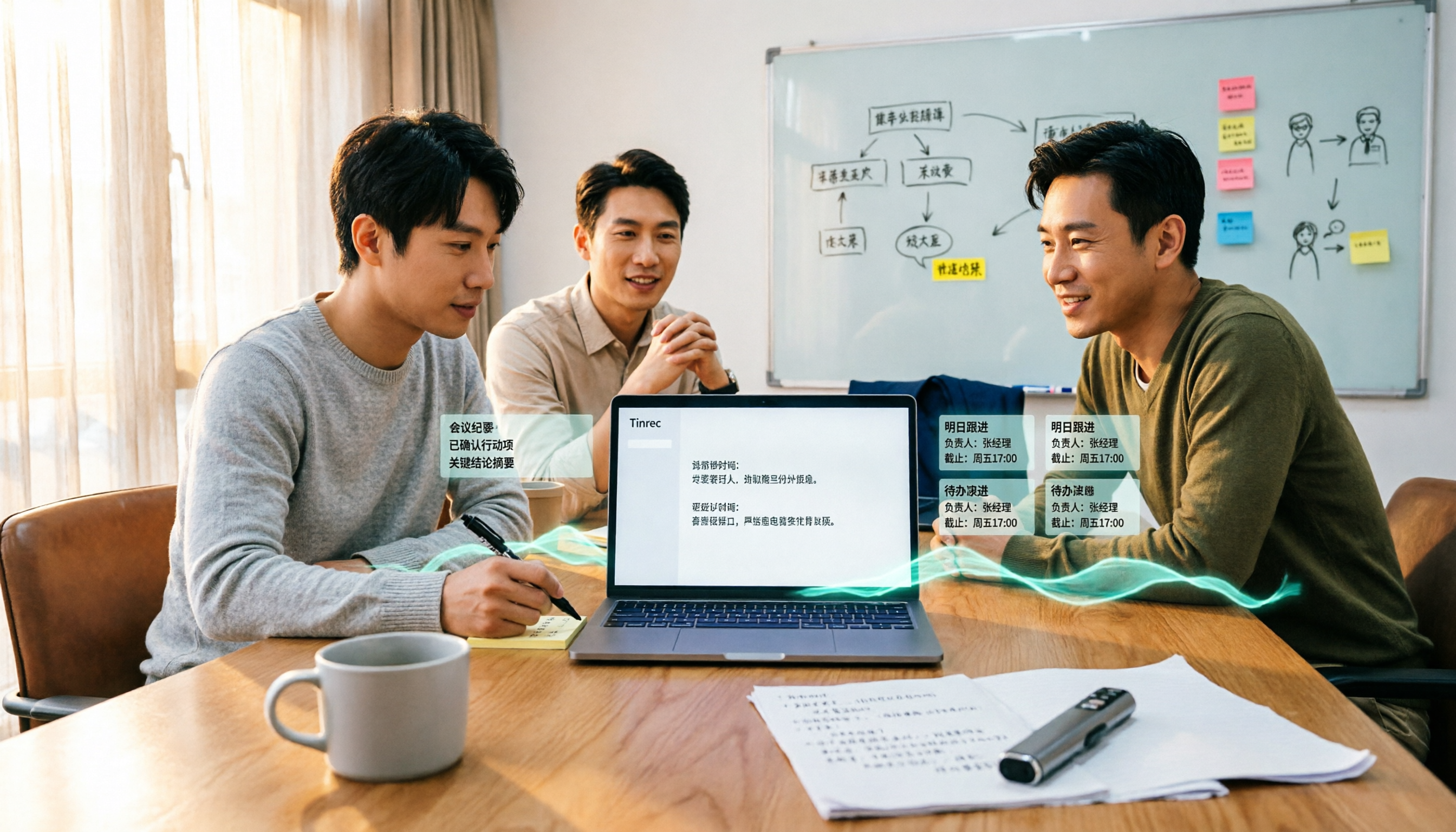
Core Features in Action Open Tinrec during a meeting, and it transcribes while recording. When the meeting ends, AI has already generated summaries and action items—who is responsible for what, deadlines, all clear at a glance. We tested a 30-minute department weekly meeting (5 participants, some background noise). Tinrec's transcript was well-structured, and the summary accurately captured 3 main decisions and 2 action items, saving manual organization.
What's more special is AI conversational query. After recording, you can directly ask Tinrec: "Who mentioned the budget in the last meeting?" It answers based on semantic understanding, not just keyword search results. Currently, few competitors at the same price point have this feature.
Additionally, Tinrec's desktop version doesn't need a meeting bot; it directly captures system audio. For companies using Zoom, Meet, Teams, this solves the problem of bots being blocked. After the meeting, you can export transcripts to Notion, Google Docs, OneNote, or use Agent post-processing to generate reports and tables.
Stop organizing recordings by hand
Upload audio or video and automatically get a transcript, summary, and action items
Test Data We tested with a 30-minute real meeting recording (mostly Chinese, mixed with English terms). Tinrec's transcription error rate was low, and proper nouns became more accurate after correction with team hotwords. The accuracy of summary and action item extraction was satisfactory, but important information should still be cross-checked with the original text.
Pros
- Bot-free recording of online meetings, suitable for most enterprise environments.
- Complete post-meeting workflow: summary, action items, Q&A, export all in one place.
- Team edition offers shared spaces, seat management, usage analytics, and audit logs, ideal for departments or project teams.
Limitations
- Free version offers basic quota, suitable for light use; heavy users need to pay. Team edition is USD 29.80 per paid seat per month, or USD 199 per paid seat per year; refer to official website for details.
- Currently, team edition focuses on team-level sharing and does not support file-level granular permissions.
Who Is It For If you frequently need to record Chinese meetings, want to quickly find key points with AI after meetings, or need your team to retain meeting data, Tinrec is currently the most suitable choice.
Besides Tinrec, What Other Options Are There?
Otter.ai: The top choice for English meetings, with a generous free plan of 300 minutes per month. However, Chinese transcription experience is not as good as Tinrec, and AI Q&A and team retention features are weaker. If you mainly record English meetings, consider Otter.ai; if you need Chinese and bot-free recording, Tinrec is more suitable.
Notta: A multilingual transcription tool with a free plan of 120 minutes per month (3 minutes per session), and Pro plan at USD 8.17 per month billed annually. Notta's features overlap with Tinrec, but Tinrec emphasizes bot-free online meeting recording and team space management. Notta's free quota is smaller and not suitable for long meetings.
Granola: A bot-free AI meeting notes tool, free for Basic, Business at USD 14 per user per month. Granola does not save meeting audio and does not support uploading pre-recorded files. If you need to keep recordings and import historical files, Tinrec is more suitable. Granola's strength is "user notes + AI enhancement," but team data retention capability is weaker.
Pitfall Guide: 3 Most Common Mistakes When Choosing a Meeting Transcription Tool
Pitfall 1: Only Looking at Transcription Accuracy, Ignoring Post-Meeting Organization No matter how accurate the transcript, without summaries and action items, you still have to organize manually. Rather than comparing who has fewer typos, compare who can save you two hours after the meeting. Tinrec's AI summary and action item extraction are designed for this pain point.
Pitfall 2: Thinking Transcripts Are Enough, Without AI Q&A Traditional transcription tools let you search keywords with Ctrl+F, but meeting content often involves semantic questions like "who said what." Tinrec's AI conversational query can directly answer questions like "Who raised the budget issue?"—much faster than keyword search.
Pitfall 3: Ignoring Team Collaboration and Data Ownership If a tool only supports personal accounts, meeting data disappears when members leave. Team edition tools should make data owned by the team and provide permission management. Tinrec's team edition allows ownership transfer, seat management, and resource handover when members leave.
Conclusion: Which One Should You Choose?
In short: for Chinese meeting recording, bot-free recording, post-meeting AI organization, and team retention, choose Tinrec.
Scenario breakdown:
- Need Chinese + mixed Chinese-English transcription → Tinrec (good Chinese experience, supports team hotwords)
- Don't want bots disturbing online meetings → Tinrec (desktop version captures system audio)
- Want to use AI Q&A to find key points after meetings → Tinrec (AI conversational query)
- Team needs to share meeting data → Tinrec team edition (spaces, seats, usage, audit)
- Zero budget, only recording English meetings → Otter.ai (free 300 minutes, top choice for English)
We recommend starting with Tinrec's free version; the basic quota is enough for a few meetings to experience the results. Upgrade only if you find it useful; no need to pay from the start.
References
- Meeting Minutes = Transcript? Professional Meeting Minutes Only Record 3 Key Points | Writing Tips and Templates | 104 Job Bank
- Master Meeting Minutes! How to Do AI Speech-to-Transcript? Gemini Notebook, Gemini, EchoScript Operation Analysis | 104 Job Bank
- How to Use AI for Meeting Minutes? How to Organize Meeting Transcripts? | AI Speech-to-Transcript Tutorial | 104 Job Bank
- Meeting Notes Template for Better Decisions and Follow-ups | HiNoter Blog
- Audio-to-Text Transcript Examples for Meetings, Interviews, and Podcasts | HiNoter Blog
Turn every recording into actionable outcomes
Get 60 free transcription minutes when you sign in. No credit card required.
Related Reading
You might also like

Best Meeting Transcription Tools in 2026: 5 Methods Tested, Tinrec vs Google
When it comes to meeting transcription, many people first think of Google, but in practice they often get stuck with 'only a summary, no verbatim transcript' or find that Meet's built-in transcription requires payment. This article compares Google's free AI tools and Tinrec across 5 dimensions—speaker identification, online meeting recording, post-meeting organization, quota and cost, and team collaboration—to clarify who each is best for.

2026 Guide: Transcribing Cantonese Meeting Recordings — Cantonese Recognition + Automatic Meeting Minutes
A roundup of key considerations for transcribing Cantonese meeting recordings in 2026, covering Cantonese recognition, mixed Chinese-English speech, post-meeting organization, and team data ownership. Features a hands-on breakdown centered on Tinrec, plus brief competitor reviews and 3 common pitfalls to help you quickly decide which tool to use.

Free Meeting Transcription in 2026: Tinrec vs. Notta Compared
How do you choose a free meeting transcription tool? This article compares Tinrec and Notta across five dimensions: free tier limits, meeting capture methods, post-transcription processing, Chinese and multilingual support, and team governance. It also includes a ready-to-follow checklist to help you decide which tool better fits your meeting scenarios.

2026 Comparison of 4 Meeting Transcription Tools: Which Offers the Best Free Tier and Post-Meeting Organization?
How to choose a meeting transcription tool? Most people compare the wrong things first. This article tests and compares Tinrec, Notta, Otter.ai, and Granola from four angles: meeting capture method, post-meeting organization, audio retention, and free tier, and summarizes three common purchasing pitfalls to help you find the one that truly saves you organization time.

6 Free Meeting Transcription Tools Tested and Compared in 2026: Which Free Tier Is Enough?
We tested and compared six free meeting transcription tools in 2026, covering the free tiers, best use cases, and selection advice for Tinrec, Otter.ai, Notta, TurboScribe, Granola, and PLAUD.

Best Speech-to-Text Tools in 2026: 4 Tested, Top Pick for Chinese Meetings
How to choose a speech-to-text tool? This guide explains the difference between real-time dictation and audio file transcription, tests Tinrec, Otter.ai, Notta, and PLAUD Note, and covers 4 key buying criteria, step-by-step instructions, team plan seat and quota differences, and 4 common pitfalls to help you pick the right transcription tool for Chinese meetings.

How to Transcribe Audio to Text in 2026: A Complete 5-Step Guide
The latest audio-to-text tools don't just transcribe accurately—they turn recordings into usable transcripts, summaries, action items, and team data. This guide breaks down the audio-to-text workflow in 5 steps and compares Tinrec, PLAUD, Granola, and TurboScribe by use case and limitations.

Tinrec vs Notta 2026: 5-Factor Comparison of the Best Free Audio-to-Text Tools
How to choose the best free audio-to-text tool in 2026? This article compares Tinrec and Notta across 5 dimensions: free quota, meeting capture method, post-meeting organization, Chinese language experience, and team knowledge retention. It also covers the free plans and limitations of Granola and TurboScribe. Honestly, free isn't just about minutes—it's about whether the tool can still help you organize your meeting after the quota runs out.
Best Audio-to-Text Tools in 2026: 4 Latest Versions Tested, Top Pick for Chinese Meetings and Team Organization
Starting from the pain points of organizing a 90-minute meeting, we tested four latest 2026 audio-to-text tools—Tinrec, Granola, TurboScribe, and PLAUD—comparing Chinese recognition, bot-free meeting recording, post-meeting AI organization, team collaboration, and pricing to help you choose the right solution.