

Turn recordings into transcripts and summaries in minutes
Upload audio or video for multilingual transcription, AI notes, and action items
3 Spanish Speech-to-Text Tools Tested: Is Notta's Free Plan Enough?
After a Spanish Meeting, Your Transcript Is Still Stuck in the Recording
You finish a 50-minute meeting with a Mexican client on Wednesday afternoon, taking notes as you listen, but your notes end up with just a few keywords. To fill in the gaps, you'd have to replay the entire recording—and this happens four or five times a month.
Another scenario: interviews. After recording a one-hour Spanish interview for Latin American market research, just extracting the interviewee's exact words takes two hours. The same goes for lecture recordings, podcast material, and international online meetings. The bottleneck is never "did we record it?" but "what do we do after recording?"
If you've ever gotten transcripts full of errors, random paragraph breaks, or used up your free quota after two tries, this article is for you.
Before Choosing a Spanish Transcription Tool, Understand These 4 Key Points
1. Language list ≠ accent capability. A website saying "supports Spanish" is different from whether it can understand Argentine or Chilean accents. Spanish from Spain and Latin American countries differ greatly in vocabulary, speed, and connected speech. When choosing a tool, look for its ability to handle multiple languages and mixed-language sentences, not just the number of checked languages.
2. Check the "per-file duration" for free quotas. Many tools say "120 free minutes per month," which sounds sufficient, but the real limit is hidden in the per-file cap. For example, if a single file can only be 3 minutes, a 40-minute interview needs to be split into a dozen uploads—just organizing filenames will drive you crazy.
3. Does it offer post-processing after transcription? A transcript is just raw material. Whether it can automatically generate summaries, chapters, action items, and allow direct questions about the content determines whether you save 30 minutes or 3 hours.
4. Are audio files retained? Is it cross-platform? Record on your phone today, organize on your computer tomorrow—if the tool doesn't support cross-device use, you'll waste a lot of time in between. Also, confirm whether audio files are saved so you can verify exact quotes later.
Tinrec – Our Top Pick After Testing
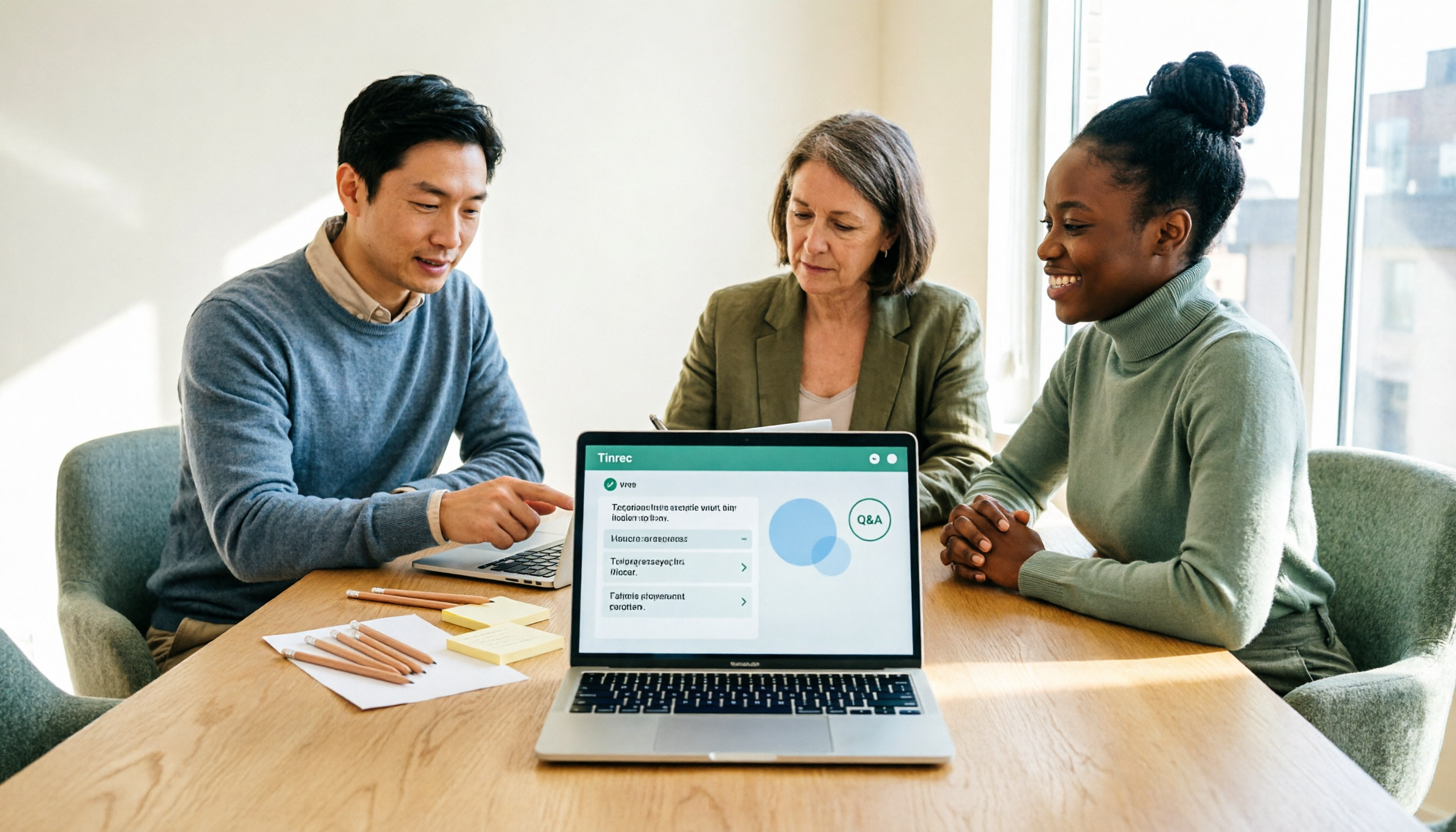
Tinrec is an AI meeting notes and collaboration tool for individuals and teams, available on mobile app, desktop, and web.
No bot recording for online meetings. When using Zoom, Google Meet, Teams, or Webex for international meetings, Tinrec's desktop version directly captures system audio—no need to invite a meeting bot. This is practical for external client meetings—you don't want a stranger's account appearing in the participant list. The transcript is generated in real-time during the meeting, so you have a complete record when it ends.
Summaries, chapters, and action items all in one place. After the meeting, AI organizes summaries and chapters, and extracts action items from discussions. For cross-language meetings, you can enable real-time translation and view in original, translated, or bilingual mode—especially convenient for those handling both Chinese and foreign language content.
Ask follow-up questions after the meeting. This is where it stands out from most pure transcription tools: after recording, you can directly ask "What was the budget cap the client mentioned?" or "Who is responsible for the next proposal?" It provides semantic answers, not a bunch of keyword search results for you to sift through.
Practical advantages:
Stop organizing recordings by hand
Upload audio or video and automatically get a transcript, summary, and action items
- Recording, transcription, summarization, action items, and export in one workflow—no moving files between three tools.
- Desktop version records without a bot, keeping external meetings clean.
- Supports multilingual meeting transcription and real-time translation; team plans include team hotwords to maintain common technical terms and reduce misheard proper nouns.
- Team plans centralize meeting data in one space, with member, role, seat, usage analytics, and audit logs—data doesn't leave with departing members.
Limitations to note: File import and different plans have quota differences; heavy users should confirm their plan first. Fixed accuracy is not guaranteed—recording quality, accents, overlapping speech, and technical terms all affect results; for important content, verify against the audio. It's also not a bot that automatically joins all calendar meetings; you need to initiate recording manually.
Who it's for: Those who frequently hold online meetings and need to quickly produce minutes and action items, or teams that need to share meeting data.
Besides Tinrec, What Are the Alternatives?
Notta: A veteran tool for multilingual transcription and translation, with Spanish as one of its main languages. After uploading audio, you can select the language for automatic transcription and translate into English, German, French, etc. The free plan offers 120 minutes per month, but each file is capped at 3 minutes—a 40-minute interview needs to be split into a dozen parts, suitable for occasional short audio. It lacks Tinrec's bot-free desktop meeting recording workflow and doesn't offer action items or follow-up Q&A after meetings. Paid Pro annual plan is about US$8.17/month for 1,800 minutes per month.
TurboScribe: Takes the high-volume approach. Free plan allows 3 files per day, each up to 30 minutes; paid plan allows up to 10 hours per file and 50 files at once—great for bulk uploading pre-recorded audio and subtitle translation. But it's a file transcription tool without team spaces, action items, or meeting collaboration; live online meeting notes are not its strength.
Otter.ai: A mature choice for English meetings, with a generous free plan of 300 minutes per month. If 80% of your meetings are in English, it works well; but for Chinese or multilingual meeting organization, post-meeting action items, and team data retention, Tinrec's workflow is more complete.
Pitfall Guide: 3 Most Common Mistakes When Choosing a Spanish Transcription Tool
Pitfall 1: Only looking at "supports Spanish." Accents and vocabulary vary greatly between Spain and Latin American countries. Rather than checking the language list, test with your own meeting recording—that's more accurate than any official description.
Pitfall 2: Ignoring the per-file duration limit of free quotas. 120 minutes per month sounds like a lot, but a 3-minute per-file limit will have you constantly splitting files. The real question is: can I upload this recording in one go?
Pitfall 3: Using a transcription tool as a typewriter. Getting only a transcript means using only one-third of the features. Summaries, action items, follow-up questions, and export after transcription are where you truly save time.
Conclusion: Which One Should You Choose?
- Frequently hold cross-language online meetings and need summaries and action items afterward → Tinrec (one workflow, no tool switching)
- Don't want a meeting bot appearing in client meeting participant lists → Tinrec (desktop version captures system audio directly)
- Team needs to share meeting data, manage seats and usage → Tinrec Team Plan (includes usage analytics and audit logs)
- Only occasional short audio files, want to try Spanish transcription for free → Notta Free Plan (note the 3-minute per-file limit)
- Have dozens of hours of pre-recorded audio and subtitle needs → TurboScribe
- Meetings are almost entirely in English → Otter.ai
We recommend testing with a real recording of your own first to see if the transcript and summary are directly usable, then decide whether to upgrade. Final reminder: obtain consent from participants before recording and transcription, and comply with local regulations.
References
Turn every recording into actionable outcomes
Get 60 free transcription minutes when you sign in. No credit card required.
Related Reading
You might also like

4 Transcript Download Tools Tested in 2026: Notta Export Limits vs. Tinrec Team Workflow—Which Is More Practical?
Many people searching for "Notta download transcript" really want to confirm the format, batch limits, and team handoff methods after downloading a transcript. This article compares the export process and post-meeting workflow of Notta, Tinrec, Otter.ai, and TurboScribe, and highlights the permission and plan restrictions most easily overlooked when downloading transcripts.

2026 Test of 3 Desktop Meeting Recording Tools: Is Notta Desktop Good Enough for Chinese Meetings?
Starting from real meeting scenarios of a mid-level manager, this article compares Notta Desktop, Granola, Otter.ai, and Tinrec on bot-free recording, Chinese recognition, post-meeting organization, and team collaboration. It also summarizes 5 key purchasing points and 4 common pitfalls to help you decide which tool fits your meeting rhythm.

Notta Download: 5 Key Factors to Consider Before Installing in 2026
What to know before downloading Notta? This article compares Notta and Tinrec across 5 dimensions: download and installation, meeting recording methods, free quota, post-meeting organization, and team collaboration. It also covers complete installation steps for Notta desktop on Windows and macOS, export limitations, and FAQs to help you decide which tool better fits your meeting workflow.
3 Mac Meeting Recorder Tools Tested in 2026: Notta Download Guide & Tinrec Review
Tired of typing transcripts after Mac meetings? We tested Notta, Otter.ai, Granola, and Tinrec, covering Notta Mac download and install steps (.dmg drag-and-drop, system requirements, free plan limits), plus comparisons of bot-free recording, AI Q&A, action item extraction, and team collaboration to help you choose the right meeting notes tool.

Notta Pricing 2026: Plans, Costs, and How Tinrec Compares
When looking up Notta pricing, the most common mistake is treating the annual-billing monthly rate as the month-to-month price. This article breaks down Notta's Free, Pro, and Business plans—costs, quotas, and add-ons—and explains why Tinrec is better suited for Chinese-language meetings and team collaboration across five dimensions: meeting capture, post-meeting workflow, cost predictability, team governance, and Chinese-language experience.

Notta for Windows Download Guide 2026: Installation, System Requirements, and Meeting Transcription Tested
Looking for a meeting transcription tool for Windows? This guide covers Notta for Windows download and installation steps, system requirements, and free plan limits. It also compares Tinrec desktop, Otter.ai, and Granola on bot-free recording, post-meeting organization, and team collaboration to help you choose the right tool.

3 Chrome Extensions for Meeting Transcription Tested in 2026: Is Notta's Free Version Enough?
People searching for 'notta chrome extension free' usually want to know what Notta's free Chrome extension can actually do and where its limits are. Starting from a real 50-minute Google Meet frustration, this article breaks down the free quota traps of Chrome extension recording, the difference between system audio and tab recording, and compares Notta, Otter.ai, Granola, and Tinrec, ending with scenario-based selection advice.

Notta Education Discount 2026: How to Get 50% Off — Eligibility, Steps & Plans
How do you apply for the Notta education discount? This guide covers eligibility for the official 50% off education offer, the web-based application steps, discounted pricing, and which plans qualify. It also compares similar transcription tools for meeting notes and team collaboration, helping students and faculty decide whether it's worth the spend.

What Is Notta in 2026? 5 Steps to Tell the Drug and the AI Meeting Tool Apart
Searching for "Notta" brings up Turkish drug instructions? Same name, different things: one is a prescription drug containing montelukast sodium, the other is an AI transcription tool. This article uses 5 steps to help you distinguish the two Nottas and compares Tinrec, Notta, Otter.ai, and Granola in real-world tests on Chinese transcription, post-meeting organization, and team collaboration.