

Turn recordings into transcripts and summaries in minutes
Upload audio or video for multilingual transcription, AI notes, and action items
Two-hour meetings, two more hours of follow-up—the problem is often not you, but the wrong tool
Monday through Friday, at least three meetings a day. When a meeting ends and your boss asks, "Who said that budget bottom line last time?" you have to dig through an hour of recordings. So many people start looking for audio-to-text tools, and their first move is to search for 'notta purchase,' hoping to solve the problem quickly with a credit card.
But the most common misjudgment is right here: treating "available to buy" as "the right buy." The real difference between transcription tools isn't on the checkout page—it's in three things: whether it understands the audio you record, what you can do with the transcription afterward, and whether you and your colleagues can share the same data.
This article starts with what you should understand before paying, then compares each tool one by one.
4 Key Points to Understand Before Paying
1. Don't just look at total minutes—check the per-recording limit. Some free plans offer one or two hundred minutes per month, which seems sufficient, but a single recording can only be a few minutes long, making them useless for hour-long meetings. Before buying, confirm the maximum duration per recording and whether uploaded files share the same quota as live recording.
2. The price may differ depending on where you buy. For the same tool, the price on the official website versus in-app purchases through the App Store or Google Play often varies due to platform fees and exchange rates, and refund processes are tied to the platform. Before paying, open both and check the final amount shown on the checkout page.
3. The difference between personal and team plans is "seats." A team plan isn't multiple people sharing one account; it's an independent workspace with role and seat management: roles determine who can manage members and settings, while seats determine who can record, upload, edit, and export. These two things are often confused, leading to the most common purchasing mistakes.
4. Does it offer post-transcription processing? A tool that only provides a verbatim transcript means you still have to read through it and write the minutes yourself. Tools with summaries, chapters, action items, and Q&A truly save you time. This is also where the biggest differences between tools lie.
Tinrec—Our Top Recommendation After Hands-On Testing
Tinrec is an AI meeting notes and collaboration tool for individuals and teams, available on iOS, Android, desktop, and web. Its biggest difference from other tools is that it treats "recording" as a starting point, not an endpoint.
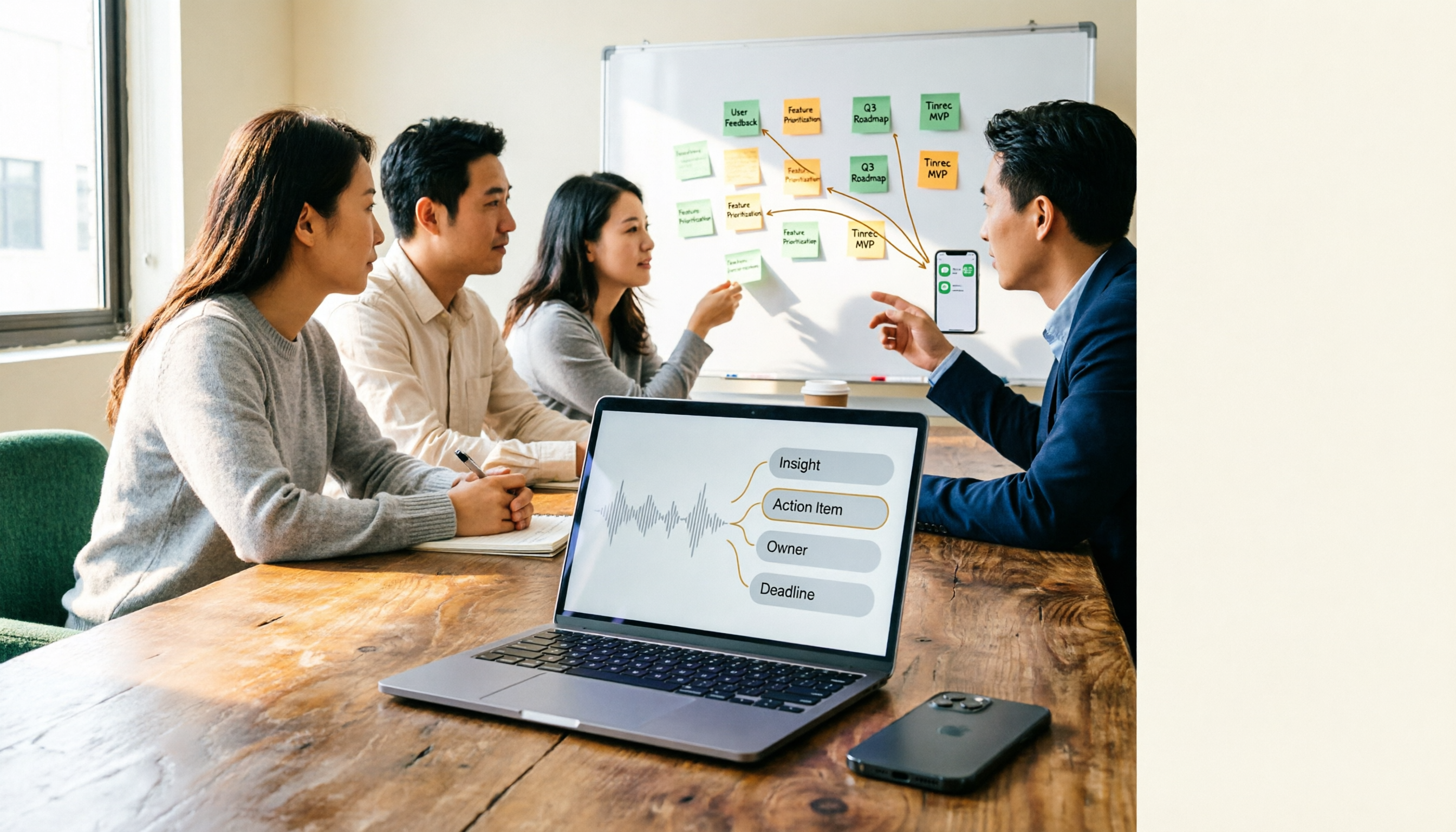
When you open Tinrec during a meeting, it records and generates a transcript simultaneously on screen. For online meetings, you don't need to invite a bot—the desktop version directly captures your computer's system audio, working with Zoom, Google Meet, Microsoft Teams, and Webex. No extra "meeting recorder" account suddenly appears, and clients won't find it odd. After the meeting, AI summaries and chapters are already organized, with action items listing who is responsible for what and what needs follow-up.
What truly sets it apart is post-meeting querying. You can ask questions directly about past meetings, such as "What was the quoted bottom line last time?" It answers based on semantics rather than dumping a string of keywords for you to search through. Organized content can be exported to Notion, Google Docs, OneNote, or Dropbox for further processing, and can also generate reports, tables, or meeting minutes. For cross-language meetings, real-time translation is available, viewable in original, translated, or bilingual side-by-side format.
Stop organizing recordings by hand
Upload audio or video and automatically get a transcript, summary, and action items
Three practical advantages: first, bot-free recording means no need to explain the extra "participant" in external meetings; second, the post-transcription workflow is complete—summaries, chapters, action items, Q&A, export, and document generation all in one place; third, the team plan is an independent workspace where data belongs to the team, including roles, seats, usage analytics, audit logs, audio recycle bin, and team hotwords. When a member leaves, resources can be transferred to other members, so data doesn't disappear with them. The team plan is currently USD 29.80 per paid seat per month, or USD 199 per paid seat per year (equivalent to about USD 16.58 per month), with each paid seat providing 2,000 minutes of shared team import quota per month; eligible teams can first try 7 days with 1 free seat and 300 minutes of shared quota.
Limitations should also be clear: the free version has limited quota, and heavy users need to pay; transcription accuracy is affected by recording quality, accents, background noise, and overlapping speech, so zero errors shouldn't be expected—important content should be verified by replaying at specific timestamps. Actual prices and benefits of personal plans are subject to the official purchase page.
Who it's for: people who frequently handle Chinese and mixed Chinese-English meetings, don't want bots joining online meetings, want to use Q&A to find key points after recording, or need to turn meeting data into team assets—this is currently the best-fit choice.
Besides Tinrec, What Other Options Are There?
Notta: A veteran choice for multi-platform transcription and translation. The free version offers 120 minutes per month with a 3-minute per-recording limit; Pro annual billing is about USD 8.17 per month with 1,800 minutes per month. Regarding purchase channels, Pro can be paid by credit card on the web version or through in-app purchases on the App Store or Google Play, with the same account usable across devices; Business currently only supports credit card payment on the web, and Enterprise is not available for online purchase. Note that App Store prices may differ from the web version—check the amount on the store confirmation page before paying. It lacks the complete package of bot-free recording plus seat governance that Tinrec's desktop version offers.
Otter.ai: A mature choice for English meetings. Basic is free with 300 minutes per month; Pro annual billing is about USD 8.49 per user per month with 1,200 minutes. If 90% of your meetings are in English, it's sufficient; but Chinese and mixed Chinese-English organization isn't its strength, and it lacks Tinrec's approach of turning meetings into a team workspace with audit and seat management.
PLAUD Note / NotePin: The hardware recording approach. NotePin is about USD 159, Note Pro about USD 189, suitable for recording in-person conversations and phone calls on the go. But you need to buy separate devices, online meetings still require returning to the computer, and there's no Tinrec-style AI Q&A or team database afterward.
Pitfall Guide: 3 Most Common Mistakes When Buying These Tools
Pitfall 1: Only buying in-app without comparing web prices. App Store or Google Play pricing for the same tool is often higher than the official website due to platform fees and exchange rates, and refunds must go through the platform. Notta officially states that App Store prices may differ from the web version—open both before buying and check the final amount on the checkout page.
Pitfall 2: Only looking at "minutes per month" without checking the "per-recording limit." For example, Notta's free version offers 120 minutes per month, which sounds like a lot, but the per-recording limit is 3 minutes—useless for real meetings. Before buying, confirm the per-recording duration, whether you can upload existing audio files, and whether files share quota with live recording.
Pitfall 3: Buying it only for verbatim transcripts. Most people pay and only use it for transcription, which is like using only one-third of it. The summaries, action items, Q&A, and exports after transcription are what truly save overtime hours. Rather than manually Ctrl+F through half an hour of transcript, just ask "What were the conclusions of this meeting?"
Conclusion: Which One Should You Actually Buy?
Need Chinese and mixed Chinese-English transcription, plus bot-free recording for online meetings → Tinrec, our top pick after hands-on testing.
Want to find key points by asking directly after recording → Tinrec, its AI Q&A is a rare feature among similar tools.
Team needs to share meeting data, manage member seats and usage → Tinrec team plan, data belongs to the team, transferable, auditable.
Meetings are 90% English, budget-first → Otter.ai, the rare exception recommendation in this article.
Want to record in-person conversations and phone calls on the go → PLAUD, a reasonable choice for the hardware approach.
One last honest word: don't just swipe your card right away. First use the free quota for one or two of your own work meetings, test with your own recording conditions, and pay only when you find it truly useful—that's the way to buy without regrets.
References
- Create a Notta subscription – Notta - Help Center
- Notta Pricing: Compare Plans, Features & Costs
- Notta Memo - The Ultimate Pocket-Sized All-in-One AI Voice Recorder
- Understand Notta's Plans Pricing – Notta - Help Center
- Notta Pricing 2026: Free vs Pro vs Business Plans Compared - Official Tinrec Blog
Turn every recording into actionable outcomes
Get 60 free transcription minutes when you sign in. No credit card required.
Related Reading
You might also like
Tinrec vs Notta (2026): Which AI Meeting Notes Tool Is Better for Chinese-Speaking Teams?
People searching for notta reviews often want to know if it can support their meeting workflow, not just accuracy. This comparison of Notta and Tinrec across four dimensions—meeting capture, post-meeting output, free tier limits, and team governance—helps you decide which fits your work style.

2026 Comparison of 5 Online Audio Converter Tools: Conversion Is Just the Start—Instant Transcripts Are the Key
Most people searching for an online audio converter aren't really trying to solve a format issue—they're trying to avoid listening to the recording again. This article breaks down the difference between file conversion and AI transcription, using Tinrec as an example to explain how bot-free meeting recording, transcripts, summaries, action items, AI Q&A, and team spaces work. It also covers 5 key buying considerations and FAQs.

2026 AI Meeting Recorder Comparison: Notta vs. Tinrec for Chinese Meetings
Notta is often the first stop when searching for AI meeting recorder tools, but free tiers and team management involve trade-offs. This article compares Notta, Otter.ai, TurboScribe, and Tinrec based on real meeting scenarios, outlining selection criteria, pitfalls to avoid, and ideal use cases to help you choose the tool that truly saves time.

2026 Audio-to-Text App Comparison: Are Reddit Reviews of Notta Accurate?
People searching "notta review reddit" are usually deciding whether it's worth paying for. This guide breaks down real Reddit feedback and controversies around Notta, explains the 4 key factors when choosing an audio-to-text app, and compares Tinrec, Notta, Otter.ai, and PLAUD Note on differences, limitations, and best-fit users.

How to Use Notta Vocal Remover in 2026: 4-Step Guide & Alternatives
Notta Online Vocal Remover is often the first stop for those searching for a free vocal remover. This guide covers the actual steps, format and length limits, honestly addresses concerns about the page's current status, and explains how to turn separated vocals into transcripts and action items.

2026 Meeting Transcription Tools Compared: Risks of Notta Mod APK and Legal Alternatives
Many people search for the latest Notta Mod APK to bypass free usage limits. This article explains the practical risks of cracked versions—version confusion, update and account data issues—and compares Tinrec, Notta, Otter.ai, and TurboScribe in meeting notes, summary action items, AI Q&A, and team collaboration to help you choose a solution that truly saves time.

Notta vs Tinrec (2026): Hands-On Comparison to Avoid 3 Buying Mistakes and Find a Faster Meeting Notes Workflow
People searching for "notta" either want its meaning or the Notta transcription tool. This article tackles three common buying mistakes and compares Notta and Tinrec in meeting capture, post-meeting organization, and team data retention to help you decide which workflow fits your meeting style.

4 Online Transcription Tools Reviewed for 2026: Beyond Notta, How to Choose for Chinese Meeting Notes
Notta's online tool requires no registration and transcribes text upon upload, but the free version is limited to 3 minutes per file. This article compares Notta, Tinrec, Otter.ai, and TurboScribe based on three needs—occasional transcription, weekly meetings, and team knowledge retention—covering free quotas, meeting capture methods, and post-meeting outputs to help you choose the right tool at a glance.

Tinrec vs Notta 2026: 5-Factor Comparison for Italian Meetings
People searching 'notta in italian' likely want to know if Notta can handle Italian meetings. This article first addresses Notta's current Italian language support, then compares it head-to-head with Tinrec across 5 practical dimensions: meeting audio capture, post-transcription workflow, cross-language real-time understanding, free tier flexibility, and team governance. It concludes with clear scenario-based recommendations.