

Turn recordings into transcripts and summaries in minutes
Upload audio or video for multilingual transcription, AI notes, and action items
The real pain starts after the meeting ends
It's 4:30 PM, and the online meeting just wrapped up. The screen still shows unorganized discussions, your notebook has only a few scattered keywords, and you're thinking the same thing: how long will it take to turn this meeting into an email I can actually send?
And it gets worse two days later. Your boss asks, "Who said they'd handle that budget last time?" You remember it was discussed, but you can't recall which minute or who said it. Listening to the recording from the start is too slow, and searching the transcript by keyword is imprecise.
If you're looking for "how to take meeting notes efficiently" or just want to understand how to use Notta and whether it's sufficient, this article starts with the most-searched Notta tutorial and then compares the actual differences among other tools.
Before choosing a meeting recorder, understand these 4 key points
First, what's left after transcription. A transcript is just the starting point. What really eats up time is "reading an hour's worth of text and then writing a summary and action items." Some tools only give you text, essentially handing the work right back to you.
Second, how meeting content gets in. Online meetings, in-person recordings, existing audio files, impromptu phone recordings—ideally, all four sources should be handled. Tools that only support file uploads won't help you during the meeting itself.
Third, performance with Chinese and mixed Chinese-English. Real office recordings in Taiwan often include technical terms, mixed Chinese-English speech, multiple people talking over each other, and air conditioning noise. English-oriented tools usually lose points here.
Fourth, how free tiers are calculated. Some offer "total minutes per month," some have "max length per file," and others limit "number of files per day." These three approaches differ significantly, so it's easy to realize you've gone in the wrong direction only after your trial ends.
Tinrec — the most hassle-free option after testing
Tinrec is an AI meeting recorder and collaboration tool for individuals and teams, available on web, desktop, and mobile. Its core promise is turning meetings into searchable, queryable, and further processable data.
During the meeting, it transcribes as it records. Open the desktop app or mobile app and start recording; the transcript appears in real time. This is how you'd use it for in-person interviews or physical meetings—no need to wait until recording ends to upload and queue for transcription.
No need to invite a bot into online meetings. This is the most practical difference from most meeting assistants. Tinrec's desktop version directly captures your computer's system audio, so when handling meetings on Zoom, Google Meet, Microsoft Teams, or Webex, you don't need to add an extra account to the participant list. This is especially noticeable in external meetings—clients won't see a stranger's name sitting in the meeting room.
Note that this doesn't mean it "automatically joins all calendar meetings." You still need to actively open Tinrec to start recording; it just doesn't require an extra participant during the process.
The hour after the meeting is where it truly saves time. When the meeting ends, summaries, chapters, key points, and action items are automatically generated. You don't need to re-listen from minute one; jump straight to conclusions and "who needs to do what." If you need to follow up, you can ask questions directly about the meeting content, such as "What was the sales team's conclusion when we discussed the budget last time?" It answers based on the content rather than dumping a bunch of keyword search results.
Cross-language meetings are also handled: during recording, you can switch between original text, translation, or bilingual view.
For team use. The team version isn't multiple people sharing a single personal account; it's an independent team workspace. Audio files, folders, and action items are centrally stored; admins can invite members, assign seats, and view usage trends and activity logs. When a member leaves, is removed, or loses their seat, their team resources are transferred to other active members and won't disappear with the personal account.
Currently, the team version offers a 7-day trial with 1 free seat and 300 minutes of shared team import quota for first-time eligible users. Paid plans are USD 29.80 per paid seat per month, or USD 199 per paid seat per year (about USD 16.58/month), with 2,000 minutes of shared team import quota per seat per month. Actual prices and promotions are subject to the official purchase page.
Stop organizing recordings by hand
Upload audio or video and automatically get a transcript, summary, and action items
Things to note. The free version provides a basic experience quota; if you have meetings to organize every day, you'll quickly need to upgrade. Also, the team version uses team-level sharing with role and seat-based permission management, not fine-grained access control for individual files—sufficient for most small teams, but if you need "only three people can view this file" level control, confirm the details first.
Who is it for? People who frequently have mixed Chinese-English meetings, don't want bots in the meeting room, want summaries and action items right after meetings, and need shared team data.
How to use Notta: complete workflow and other options
Notta: intuitive interface, a veteran in multilingual transcription
Notta is probably the first tool most people encounter when searching for "AI meeting recorder." It's a web-based AI note-taking app that combines recording, transcription, translation, and sharing in one interface, with cross-device sync.
The workflow is roughly like this: after logging into the Notta website, the dashboard lists several entry points—record audio, import file, live meeting transcription, record video. Pick one to start; when finished, the system generates a transcript that you can edit and share with team members. The mobile app also has a quick-start design: long-press the record button to start immediately, and it supports voice assistant activation.
Its strengths are language support and file processing; the transcription, translation, and subtitle line is quite complete. Official current figures: free version offers 120 minutes per month with a 3-minute limit per recording; Pro annual billing is about USD 8.17/month with 1,800 minutes per month; Business annual billing is about USD 16.67 per seat per month, including unlimited transcription, role permissions, and usage reports.
How does it differ from Tinrec? Notta's approach is more like "turning files or meetings into editable text and subtitles," with a straightforward process. Tinrec focuses on after the meeting—bot-free desktop recording, post-meeting AI queries, and regenerating meeting content into reports, tables, or documents.
Be aware of the free version's 3-minute limit per recording. Recording a one-hour meeting will split the content into many segments, making organization more fragmented.
Three other tools worth considering
Otter.ai: A veteran choice for English meetings. The free version offers a generous 300 minutes per month, and Pro annual billing is about USD 8.49 per user per month. If your meetings are primarily in English, it's more than sufficient. But Chinese and Taiwanese accents aren't its strong suit; Tinrec's difference here is Chinese meeting support plus bot-free system audio capture on desktop.
TurboScribe: Suitable for batch processing a bunch of pre-recorded long audio files. The paid version supports files up to 10 hours each and up to 50 files at once, at USD 120 per year. But it's essentially a file transcription tool; live meetings, post-meeting queries, and team collaboration aren't its focus—that's exactly the scope Tinrec covers.
Granola: Also takes the bot-free approach, emphasizing "user handwritten notes plus AI enhancement," suitable for people who like to type during meetings. Note that it doesn't support uploading pre-recorded audio files and doesn't retain meeting audio; if you need to keep recordings and import historical files, Tinrec is more suitable.
Pitfall guide: 3 most common mistakes when choosing a meeting recorder
Pitfall 1: Only looking at transcription minutes, not what comes after transcription. Minutes are the easiest to compare, but they only represent "how much can be transcribed," not "whether the transcription is usable." A 60-minute transcript without summaries and action items still requires you to read it all yourself. Before choosing a tool, ask yourself: do I want text, or something I can send out directly?
Pitfall 2: Treating "having a recording" as "having notes." Many people record the entire meeting but never listen to it a second time. The value of a recording only appears when it's organized, searchable, and queryable. That's why recent tools are moving toward post-meeting processing; pure recording is no longer enough.
Pitfall 3: Ignoring team data ownership. If data is stored in personal accounts, when a colleague leaves, changes departments, or you change jobs, that content disappears with them. If you need team collaboration, choose a solution with team workspaces and resource transfer mechanisms from the start, rather than waiting until data has accumulated for six months before thinking about migrating.
Conclusion: Which one should you choose?
In one sentence: first clarify whether you're solving "transcription" or "what happens after the meeting."
- Chinese meetings, mixed Chinese-English, don't want bots in the meeting room → Tinrec, desktop version captures system audio directly, with post-meeting summaries, action items, and AI queries.
- Meeting data should become a shared team asset, need to manage members and usage → Tinrec Team, independent team workspace, seat management, usage analytics, and activity logs.
- Meetings primarily in English, accustomed to meeting bots → Otter.ai, generous free tier, mature English experience.
- A bunch of long audio files to batch transcribe into subtitles → TurboScribe, its advantages are file length and batch quantity.
- Like to handwrite notes during meetings, don't need to keep recordings → Granola, the combination of bot-free and note enhancement.
If this is your first time with such tools, we recommend running a real meeting with the free tier first—test with your own recordings and your own meeting room environment; that's more accurate than any review. Consider upgrading only if it works for you; no need to pay upfront.
References
Turn every recording into actionable outcomes
Get 60 free transcription minutes when you sign in. No credit card required.
Related Reading
You might also like

What is VOCOL GmbH Kevelaer? 5-Step Verification and Meeting Intelligence Guide
Searching for VOCOL GmbH Kevelaer usually means you're verifying a German tank manufacturer or preparing for a meeting with a European supplier. This article first uses public sources to quickly answer VOCOL GmbH's address, products, and contact details, then uses Tinrec as an example to explain how cross-language meetings can be turned from recordings and transcripts into summaries and action items—organized into trackable team data.

2026 VOCOL Capillary GC Column Comparison: How to Choose for Purge-and-Trap VOC Analysis
VOCOL capillary GC columns come in more than one specification—change the film thickness, inner diameter, or column length, and the suitable application changes completely. Based on real-world needs for purge-and-trap and GC/MS, this article covers 4 key column selection points, a comparison of common specifications, suitable and unsuitable scenarios, and the 4 most common pitfalls before purchasing, helping you avoid detours before placing your order.

2026 Comparison of 3 Meeting Notes Tools: How to Choose Between Dcard-Buzzed Vocol.ai and Tinrec
Searching for vocol.ai on Dcard mostly yields feature lists about 'one-click transcript generation.' But what really matters is three things: whether meetings are online or in-person, whether you need a transcript or deliverable post-meeting materials, and whether data stays in a personal account or a team space. This article breaks down the actual workflow and uses Tinrec to explain how each step works.

What Does Notta Mean in 2026? A 5-Dimension Comparison of Tinrec vs. Notta to See Which Fits You Better
Notta is not the same as nada. This article breaks down three meanings of notta (colloquial contraction, rare surname, and transcription tool brand), then compares Notta and Tinrec's meeting note capabilities across 5 dimensions to help you decide whether to check a dictionary or choose a tool.

Notta vs Tinrec in 2026: 5-Dimension Comparison — Which Is Better for Chinese Meeting Notes?
What exactly can Notta do? This article first explains Notta's positioning, 58-language transcription, meeting integrations, and free plan limits in one paragraph, then compares it with Tinrec across five dimensions: transcription languages, meeting capture methods, post-meeting organization, team governance, and pricing structure. Finally, it offers scenario-based recommendations for choosing the right tool.

Notta vs Ultimate Vocal Remover 2026: 4-Factor Comparison — Which Free Vocal Remover Should You Choose?
Free vocal removers seem plentiful, but their limitations vary widely. This article compares Notta's free online vocal remover with the open-source desktop tool Ultimate Vocal Remover across 4 dimensions, covering format support, the 20-minute limit, dual-track output, and how to judge separation artifacts. It also includes selection criteria and 3 common pitfalls to help you find the right tool.
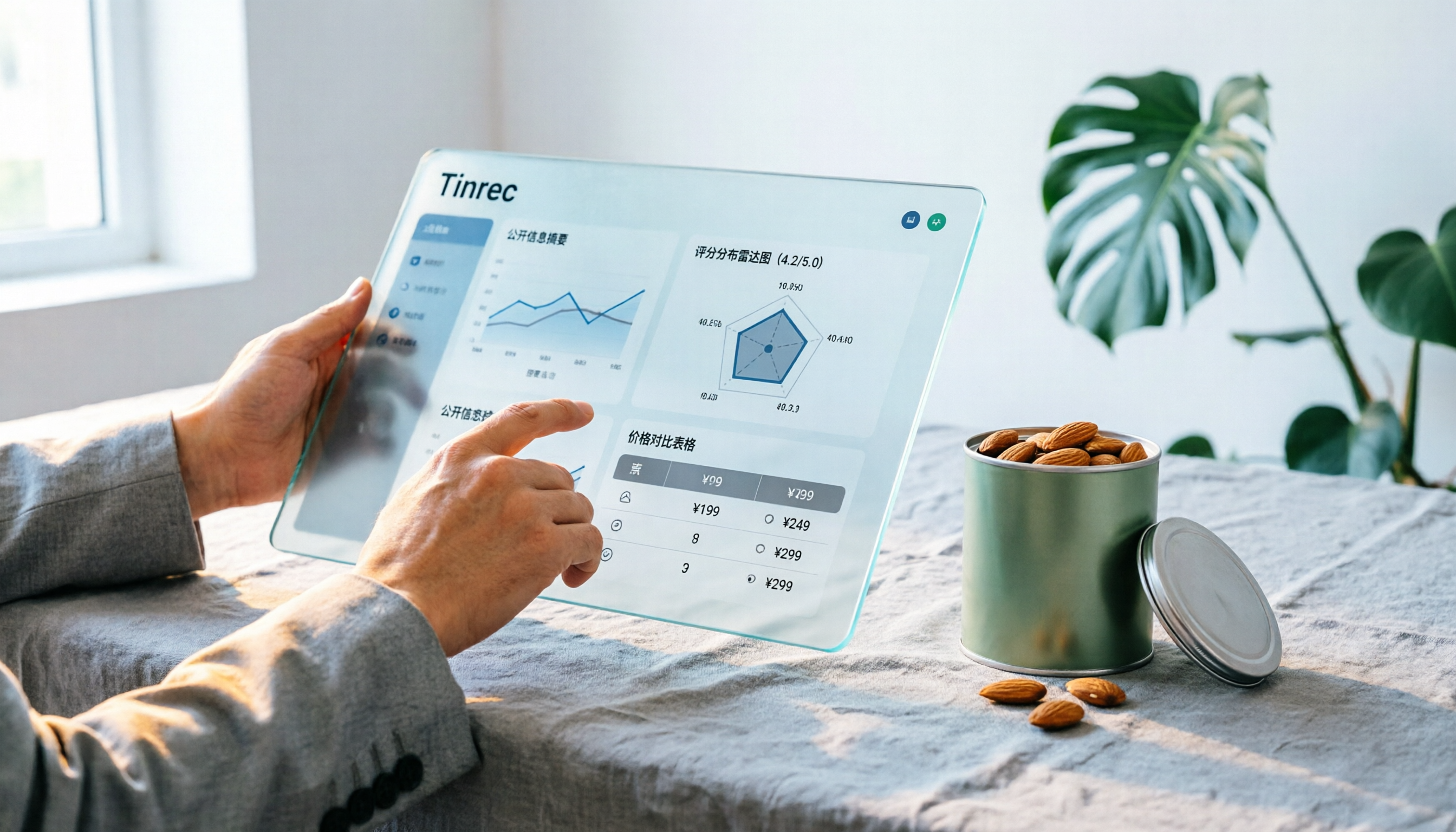
Notta Sin Foods Sugar-Free Snacks Buying Guide 2026: Reviews of 2 Products and Recommendations
There are few Chinese reviews of Notta Sin Foods. This guide compiles public information from the official website, Instagram, Amazon, and bigbasket into a buying guide: it breaks down the two main products, Choco Almond Spread and MilBites, explains the rating distribution behind the 4.5 stars, and summarizes three common buying mistakes to help you think clearly before ordering whether the alternative sweetener taste and price are really right for you.

How to Prepare for the 2026 Vocol Gubin Job Opening: 5 Steps from Understanding the Job Posting to Interview Notes
Vocol Sp. z o.o. has an opening for a pracownik biurowy (office administrator) in Gubin, Poland, with a gross salary starting at 4,666 PLN, a fixed-term contract, and 40 hours per week. This article covers 4 key points for understanding the job posting, a practical interview preparation process, and the tools I actually use to record and organize communication.

5 'Sweat' Reviews Compared: How to Read Lynn Nottage's Working-Class Rage
People searching for 'sweat lynn nottage review' usually aren't wondering if the play is good—they want to know what angle to take. This guide distills key points from five reviews—Los Angeles Times, Variety, The New York Times, blogger Kevin Stephany, and a 2026 Glasgow production—plus methods and tools for organizing research before and after seeing the play.