

Turn recordings into transcripts and summaries in minutes
Upload audio or video for multilingual transcription, AI notes, and action items
How to Log In to Good Tape in 2026: Steps & Chinese Meeting Transcription Alternative
If you're searching for good tape iniciar sesion, there are usually two situations: either you already have an account and just want to find the login page quickly, or you haven't decided whether to use it yet and want to understand what it can actually do for you.
The answers to these two questions are different. The first only needs a URL—thirty seconds and you're done. The second asks: is your recording a Chinese meeting, an English interview, or a mix of both? Do you want a transcript, or meeting materials you can follow up on and share with colleagues?
Below, we'll first cover the actual Good Tape login process and its positioning, then walk you through a complete Chinese meeting workflow using Tinrec, so you can decide where to stop.
What Is Good Tape? Understand Its Positioning Before Logging In
Good Tape is an automatic transcription service that converts audio or video files into text. Its official positioning is that it can handle any language and any audio quality, focusing on speed and accuracy, primarily targeting journalists and people who need to organize recordings.
It offers desktop apps for Mac and Windows, as well as iOS and Android apps. You can record directly in the app, and recordings sync instantly to your Good Tape account—no need for a separate recorder or manual file transfer.
Regarding privacy, the company explicitly states that it does not use user data to train AI models. Danish media outlet Zetland's newsroom reported saving 20,000 hours per year through automatic transcription.
Simply put, its core is "turning sound into text"—done quickly and reliably.
Before You Start | What You Need Before Logging In to Good Tape
- An account. First-time users should create an account from the signup page:
https://app.goodtape.io/signup/flow. Those who already have an account can go directly to the login page. - A recording you want to convert to text. It can be a meeting, interview, class, or voice memo.
- A stable internet connection. Transcription happens in the cloud, and disconnection will interrupt the process.
- A judgment call: Is this recording primarily in Chinese? If so, we recommend allowing extra proofreading time for the transcription results.
Step 1 | Find the Good Tape Login Entry
The only purpose of this step is to get to the correct login page without wandering through search results.
Good Tape's login page URL is https://goodtape.io/auth/login. The official signup entry is https://app.goodtape.io/signup/flow. We recommend bookmarking both URLs so you don't have to search again next time.
Note that there are many similarly named transcription services and tutorial pages online with slightly different URLs. Recognizing the goodtape.io domain is the first step to avoid entering your credentials on the wrong page.
Step 2 | Create an Account and Complete Login
First-time users should go to the signup page to create a Good Tape account, set up login credentials, and then return to the login page. Those who already have an account simply enter their username and password.
If you're using a company or shared computer, remember to log out before leaving, especially when the account contains interview recordings or client meeting content.
After logging in, you'll enter your workspace, where you can see recordings previously uploaded or synced from the app.
Step 3 | Upload a Recording and Get a Transcript
Upload an audio or video file to Good Tape, and the service will automatically convert it to text. This step doesn't require much configuration—language and audio quality are handled by the system.
Before uploading, it's worth adopting a small habit: rename the file to something recognizable, like "2026-03-Client Interview," instead of the default recording number. After you accumulate twenty or thirty files, you'll thank yourself.
Once transcription is complete, you get a transcript. At this point, Good Tape has completed its main task.
Step 4 | Determine Whether Your Needs End at the Transcript
This step has no interface, but it's the most critical decision point.
If your situation is "I have a recording and need a text file," then Good Tape's process ends here—next comes proofreading and archiving.
But if what you want is "right after the meeting, a summary I can send to colleagues with decisions, action items, and owners," then the transcript is just raw material, not a finished product. Based on official information, Good Tape's positioning focuses on automatic transcription itself, and the subsequent organization work usually still requires manual effort.
This is exactly why I usually suggest readers look one layer deeper—not because the tool is bad, but because the level of need is different.
Step 5 | Record a Chinese Meeting with Tinrec
If you decide to hand off "post-meeting organization" to a tool as well, you can refer to the following workflow. This article uses Tinrec as an example—an AI meeting notes and collaboration tool for individuals and teams.
The purpose of this step is to get clean meeting audio. Tinrec's desktop version captures your computer's system audio directly. When handling online meetings like Zoom, Google Meet, Microsoft Teams, or Webex, you don't need to invite a meeting bot into the room.
Stop organizing recordings by hand
Upload audio or video and automatically get a transcript, summary, and action items
In practice, you open Tinrec desktop before the meeting and press start recording. The meeting audio is captured and a transcript is generated in real time. For offline meetings, you can record directly with the mobile app or upload an existing recording file.
Why emphasize "no bot"? Because what most people resist isn't transcription—it's suddenly having an extra participant in the meeting and having to explain to clients what it is. Removing this step lowers the psychological barrier to adoption significantly.
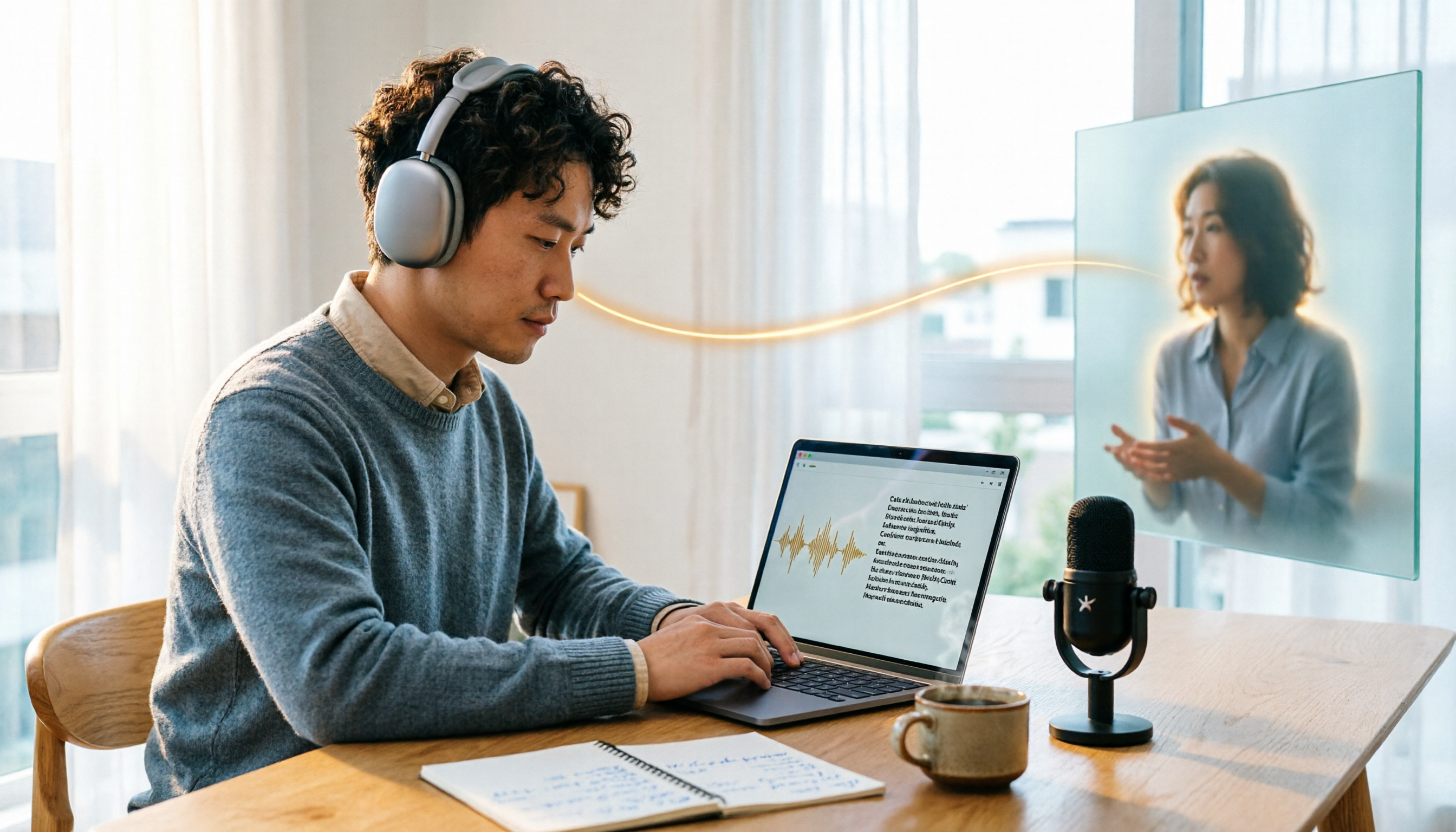
(Scenario illustration: No one in the meeting room mentions recording. A laptop sits on the table, and a real-time transcript quietly runs in a corner of the screen.)
Step 6 | Generate Summaries, Action Items, and Export with Tinrec
After recording, this is where Tinrec differs most from pure transcription tools.
The system automatically generates summaries and chapters, breaking a one-hour meeting into scannable sections, then extracts action items from the discussion. If there are foreign-language speakers in the meeting, you can enable real-time translation and view it in original, translated, or bilingual mode.
If you want to confirm the context of a decision afterward, you can ask questions directly about the meeting content without re-listening to the recording. Finally, export the results as a document or bring them into Notion, Google Docs, OneNote, or Dropbox for further use.
For team use, the team plan provides a separate team space: meeting data belongs to the team, you can assign member roles and seats, and administrators can view usage trends and activity logs. Currently, the team monthly plan is USD 29.80 per paid seat per month, and the annual plan is USD 199 per paid seat per year. Each paid seat provides 2,000 minutes of team shared import quota per month. Eligible teams can try 7 days with 1 free seat and 300 minutes of shared import quota. Actual pricing and benefits are subject to the official purchase page.
FAQ and Troubleshooting
Q: Where exactly is the Good Tape login page?
A: The official login page is https://goodtape.io/auth/login, and the signup page is https://app.goodtape.io/signup/flow. We recommend bookmarking them to avoid clicking on similarly named sites.
Q: Is Good Tape's free plan enough? A: The company offers a free plan, but it has usage limits. Actual quotas and conditions may change, so refer to the current announcement on the official website. If you only transcribe one or two recordings occasionally, testing with the free plan first is reasonable.
Q: How well does Good Tape transcribe Chinese recordings? A: The official positioning is a language-agnostic transcription service. However, actual Chinese performance is affected by accents, noise, multiple people speaking simultaneously, and technical terminology. Honestly, others can't judge this for you—we recommend testing with a real recording of your own. You'll have an answer in ten minutes.
Q: What should I do if there are typos in the transcript? A: First check the recording quality. Being too far away, a noisy environment, and people interrupting each other are the main sources of typos. Rather than proofreading word by word afterward, spend thirty extra seconds confirming microphone placement during recording.
Q: How should I choose between Tinrec and Good Tape? A: It depends on where you get stuck. If you only need to convert audio files to text and mostly work with English content, Good Tape's workflow is straightforward. If you need Chinese meeting notes, post-meeting summaries, action item extraction, follow-up questions, and team sharing, Tinrec covers a more complete scope. Neither is universally stronger—they suit different people.
Q: If a team member leaves, will meeting data be taken away? A: Tinrec team plan data belongs to the team, not the individual uploader. When a member exits, is removed, or loses their seat, administrators can transfer their team resources to other active members. Note that members without a seat can still view and play team data but cannot upload, edit, or export.
Advanced Tips | 3 Ways to Make Meeting Data Actually Useful
1. Build team hotwords. Every industry has a set of technical terms that AI doesn't understand. Tinrec team plan lets you maintain team-specific terminology so these words are correctly recognized during transcription, reducing time spent fixing typos afterward. This is a feature that requires team-level setup, which individual transcription tools rarely address.
2. Replace re-listening with Q&A. A meeting recording can easily be sixty minutes, but what you're looking for is often just one commitment. Instead of dragging the progress bar, ask questions directly about the meeting content and let the tool pull out the relevant sections. In practice, finding information usually goes from ten-plus minutes to one or two minutes.
3. Connect exports to your existing workflow. Writing meeting notes and leaving them there is the most regrettable waste. Set up export formats and send conclusions directly to project pages in Notion or Google Docs, so your next meeting starts from the previous action items.
If You Don't Use Tinrec, Here Are Other Options
Good Tape: Primarily automatic transcription, fast, multilingual, with desktop and mobile apps. Suitable for tasks that end at the transcript.
Notta: Also covers multi-platform transcription, meeting notes, file import, and translation, and offers team plans. One of the options with similar positioning.
Both are worth trying. But if you care about Chinese meetings, bot-free recording, and post-meeting knowledge retention, Tinrec's design hits exactly these points.
Conclusion
Back to the original question: Is good tape iniciar sesion your endpoint or starting point?
If you just need to log in, upload, and get a transcript, the process is the first four of the six steps above. Bookmark the URLs, name your files well, and you're done.
But if you find that you always start spending real time after getting the transcript—organizing key points, extracting action items, writing a version others can understand—then consider handing off this part to a tool as well. Try it once with a real meeting recording you have on hand. Run through recording, transcription, summary, and action items, and you'll roughly be able to judge whether this workflow is worth keeping in your daily work.
References
- Good Tape: Servicio de transcripción automática para archivos de audio y video, enfocado en la velocidad y precisión.
- Good Tape Login and Free Plan Guide 2026: A Transcription Tool Students Can Use - Official Tinrec Blog
- Good Tape - Automated Transcription | Secure AI Automatic Transcript Tool
- Good Tape (@goodtape) / X
- Sign Up — Good Tape
Turn every recording into actionable outcomes
Get 60 free transcription minutes when you sign in. No credit card required.
Related Reading
You might also like
Good Tape Pricing 2026 & Transcription Tool Buying Guide: 6 Tested Recommendations
How much does Good Tape actually cost per month? The official pricing page doesn't list a starting price, and third-party sources cite both €9 and €15. This article first compiles the currently available pricing information and free plan limits for Good Tape, then starts from 'what you need it for' to compare the positioning and price ranges of 6 tools including Tinrec, Notta, Otter.ai, TurboScribe, and Granola, helping you choose the right plan within your budget.

How to Log In to Good Tape io in 2026: A 5-Step Guide
Many people search for 'good tape io login' but get stuck on the login page. The problem is often that they haven't registered yet or they're on the wrong URL. This guide walks you through 5 steps from registration to login and troubleshooting common errors, and shows you the correct locations for the Good Tape login and signup pages.

Notta AI vs Tinrec 2026: 5-Dimension Comparison — Which Is Better for Chinese Meeting Notes?
Many people search "how is notta ai" because they want a tool that truly handles meeting notes. This article takes a mid-level manager's practical perspective and compares Notta AI and Tinrec across five dimensions: meeting capture, Chinese transcription, post-meeting outputs, team governance, and pricing flexibility. It also honestly explains each tool's limitations to help you decide which one fits your meeting scenarios.

Good Tape vs. Tinrec: Which AI Transcription Tool Is Better for Team Meetings in 2026?
People searching for "good tape com" often confuse the podcast media site goodtape.com with the transcription service goodtape.io. This comparison looks at real meeting scenarios to contrast Good Tape and Tinrec on online meeting recording, post-meeting organization, Chinese language experience, and team knowledge retention, helping you decide which one to choose.

Notta Pricing 2026: Plans, Costs & 6 AI Meeting Note Tools Compared
How much does Notta really cost? This guide breaks down Notta's Free, Pro, and Business plans with actual pricing and usage limits, and compares 6 meeting note tools—Tinrec, Otter.ai, Fireflies.ai, TurboScribe, and Granola—so you can budget based on your meeting volume and team size.

How to Get Good Tape Invoices in 2026: Monthly E-Invoices & Enterprise Single Invoicing
Good Tape invoices are tucked away in the settings page. This guide covers 4 ways to get them: enable monthly e-invoice delivery, download directly from settings, add your tax ID and billing address, and request a single invoice from sales when you have many seats. It also compares Good Tape and Tinrec across 4 dimensions—team pricing, meeting input sources, post-meeting organization, and data ownership—to help you decide which one to choose before purchasing.

5 Tape Brands Tested and Compared in 2026: How to Choose for Repairs, Packaging, and Hair Extensions
The search term "good tape in brands" actually mixes three different needs: repair tape, packaging tape, and tape-in hair extensions. This article breaks down these three search intents, compiles real-world tests and user feedback for five representative brands, and provides buying criteria and sourcing channel recommendations.

Good Tape Free vs Tinrec: 2026 Recording-to-Text Comparison
Many people search for 'good tape es gratis' but really want to know if the free version is enough. This article compares Good Tape and Tinrec across five dimensions: free quota, online meeting recording, post-meeting summaries and action items, language and translation, and team collaboration and governance. It concludes with clear recommendations for different use cases.

4 Audio Transcription Tools Compared for 2026: What Does 'Good Tape en Français' Mean?
In French, 'good tape' means 'a good recording' (un bon enregistrement), not adhesive tape. This article first explains the correct usage of 'good tape en français' and the industry terms 'good tape/bad tape,' then compares four audio transcription tools: Tinrec, Good Tape, Otter.ai, and Notta, covering meeting capture methods, post-meeting outputs, data storage, team seats, and pricing limits.