
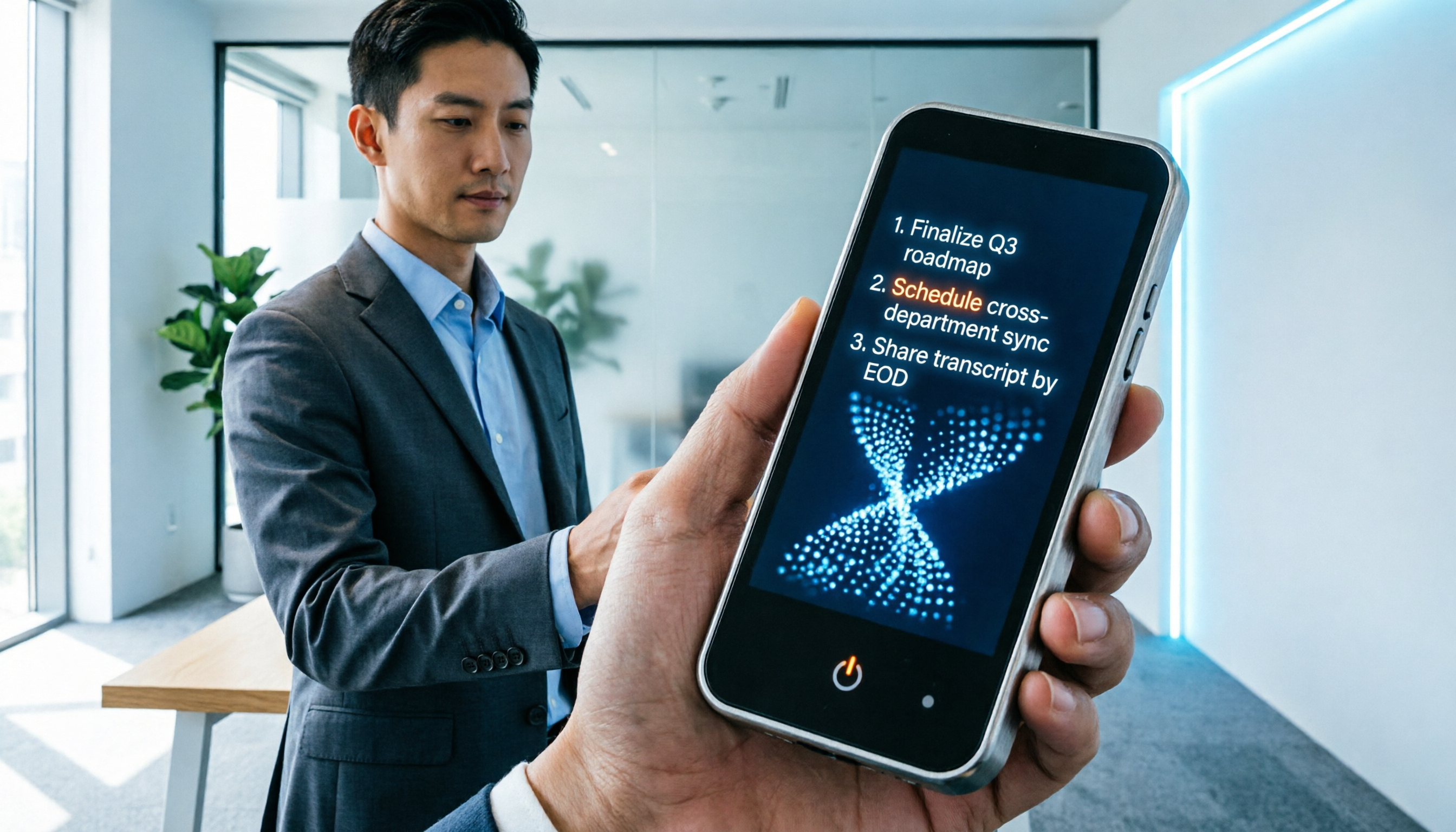
Turn recordings into transcripts and summaries in minutes
Upload audio or video for multilingual transcription, AI notes, and action items
Why You Need a Real Voice Note App
Still spending hours re-listening to a one-hour meeting recording? Or staring at your phone's built-in voice recorder, wondering how to turn all that audio into searchable text highlights? Traditional recording tools can only "save sound," but they can't solve the core pain points of "low information density" and "time-consuming organization." For students who frequently need to capture lectures, office workers tracking meeting conclusions, or creators organizing interview material, choosing a voice note app with AI analysis capabilities has become essential.
This article gets straight to the point, comparing 6 mainstream tools (including Otter.ai, Notta, MyEdit, etc.) across five dimensions, and provides a practical walkthrough. If you value Chinese recognition accuracy, auto-generated meeting minutes, and cross-platform sync, Tinrec — which supports multiple languages and offers a complete workflow — is a candidate worth prioritizing.
Quick navigation summary:
- Best for top-tier Chinese accuracy and localized service → Consider Tinrec or 雅婷逐字稿.
- Primarily for English meetings and global collaboration → Evaluate Otter.ai.
- Only need simple transcription without deep analysis → Built-in tools or MyEdit basic version will suffice.
- Need to process video links and podcasts → Choose a tool that supports URL import, such as Tinrec.
2026 Voice Note Tool Buying Guide: Avoid These Three Traps
Before diving into the review, we must clarify common mistakes users make when choosing a voice note app. The market is full of tools, but not every "speech-to-text" tool can meet real-world needs.
1. Distinguish Between "Input Tools" and "Solutions"
Many users mistake built-in system features for professional tools. For example, Apple Dictation, Google Docs Voice Typing, or Windows Voice Typing are essentially "real-time input aids." They cannot upload existing audio files for conversion, nor do they offer post-meeting summaries or organization. If you have recorded audio to process, these tools are completely inadequate.
2. Real Language Support Performance
Global tools like Otter.ai excel in English, but their Chinese support is extremely limited or even non-existent. Meanwhile, multilingual tools like Notta claim to support many languages, but when handling common Taiwanese scenarios like "mixing Mandarin and Taiwanese" or rapid speech, accuracy may fall short. Always verify how well the tool is optimized for your primary language.
3. The Gap from "Transcription" to "Action"
Traditional tools like cSubtitle focus on generating subtitle files (SRT/VTT), suitable for video post-production but not for meeting records. 雅婷逐字稿 performs well in Taiwan localization, but without AI summary and Q&A features, users still spend significant time reading full transcripts to extract key points. A modern voice note app should convert "time-based content" into "scannable, actionable text."
In-Depth Comparison of 6 Popular Voice Note Apps
To help you make the best decision, we compared six representative tools across multiple dimensions: language support, real-time capability, summarization ability, special features, and price barrier.
| Tool | Core Focus | Chinese Recognition | Meeting Summary / Action Items | Special Features | Free Tier / Limits | Best For |
|---|---|---|---|---|---|---|
| Tinrec | End-to-end AI recording assistant | ⭐⭐⭐⭐⭐ (Excellent) | ✅ Auto-generated | Supports video link to text, AI Q&A | 100 min/month free | Meetings, classes, interviews, multimedia |
| Otter.ai | International meeting transcription | ❌ No Chinese support | ✅ Powerful (English only) | Real-time collaboration, speaker ID | 300 min/month (English only) | All-English meetings, global teams |
| Notta | Multilingual transcription | ⭐⭐⭐ (Average) | ✅ Basic summary | Supports 50+ languages | 120 min/month | Mixed multilingual environments |
| MyEdit | Online audio editor | ⭐⭐⭐⭐ (Good) | ❌ None | Powerful typing and editing features | Limited daily quota | Short clips, subtitles |
| 雅婷逐字稿 | Localized transcription service | ⭐⭐⭐⭐⭐ (Excellent) | ❌ Manual organization required | Specialized in Taiwanese / Chinese-Taiwanese mixed | Trial / paid mainly | Taiwan local interviews, legal records |
| MacWhisper | Mac local offline tool | ⭐⭐⭐⭐ (Depends on model) | ❌ None | High privacy, fully offline | Free version limited | Privacy-conscious single-device users |

Stop organizing recordings by hand
Upload audio or video and automatically get a transcript, summary, and action items
Review Summary: If your workflow heavily relies on Chinese and you need to directly extract "conclusions" and "to-dos" from recordings, Tinrec shows high completeness. It not only solves transcription but also lets users query recordings like asking a human via AI Q&A — something traditional transcription tools like MyEdit or offline tools like MacWhisper lack. Conversely, for pure English environments, Otter.ai remains the top choice; but if Chinese is involved, it's completely unsuitable.
Tinrec Core Features: More Than Transcription, It's Knowledge Management
Among many tools, Tinrec stands out because its design philosophy isn't just "digitizing voice memos," but creating a closed loop of "record → understand → act." Below is a neutral analysis of its three differentiating features.
1. Real-Time Transcription and Multilingual Auto-Detection
Unlike tools that require manual language setting, Tinrec transcribes in real time and automatically detects 10 languages including Chinese, English, Japanese, Korean, Taiwanese, and Cantonese. This is crucial for cross-language meetings or dialect environments, reducing setup hassle and error risk.

2. Smart Meeting Minutes and Action Item Generation
This is the key differentiator from ordinary transcription tools. Traditional tools produce tens of thousands of words of verbatim transcript, with high reading cost. Tinrec uses AI to automatically analyze semantics and extract "meeting minutes," "core conclusions," and "action items." This means users don't need to re-listen to grasp the essence of a meeting, greatly reducing information retrieval time.

3. AI Q&A: Ask Your Recording Like a Person
When you need to confirm "What was the budget number the boss mentioned?" or "What's the exam scope the teacher said?", traditional methods rely on keyword search (Ctrl+F) but often lose context. Tinrec's AI Q&A lets you ask natural language questions, and the system answers precisely based on the recording, with source timestamps. This turns passive "data lookup" into active "expert consultation."

Practical Tutorial: How to Use a Voice Note Tool to Boost Efficiency (Using a Generic Workflow)
No matter which tool you choose, mastering the right workflow maximizes benefits. Below uses a typical full-feature process to show how to turn messy audio into structured knowledge assets.
Step 1: Choose the Right Input Method
Based on your source material, pick the best entry point:
- Live meeting/class: Use "real-time transcription" feature — open the app and tap record; the system displays text simultaneously.
- Existing audio file: Use "audio file to text" feature — upload MP3, WAV, etc., suitable for old recordings from voice recorders or phones.
- Online course/podcast/video: Use "video link to text" feature — paste a YouTube or other platform link directly, no need to download files.

Step 2: Wait for Processing and Initial Review
After uploading or finishing recording, the system usually completes conversion in a few minutes. Quickly scan the transcript to check for obvious punctuation errors or misnamed proper nouns (most modern tools are quite accurate, but a quick scan is recommended).
Step 3: Use AI to Generate Summary and Action Items
Don't rush to read the full transcript. First look at the auto-generated "meeting minutes" or "summary" section. Check if the listed conclusions match your expectations. If something is missing, manually add background information.
Step 4: Dig Into Details via Q&A
This is the most critical step. In the sidebar or dialog box, try asking specific questions, such as:
- "List the three main decisions made in this meeting."
- "What book references did the teacher mention in the video?"
- "What was the client's feedback on the quote?" The system will locate and answer. You can copy these answers directly into your project files or note apps.

Step 5: Export and Integrate
Finally, export the organized transcript, summary, and action items as Word, PDF, or Markdown, or share directly to team collaboration platforms, completing knowledge capture and transfer.
Frequently Asked Questions (FAQ)
Q1: Which voice note app has the best recognition for Chinese (including Taiwanese and Cantonese)?
Currently, tools optimized for traditional Chinese environments include Tinrec and 雅婷逐字稿. Tinrec supports automatic detection of mixed Taiwanese and Cantonese, and performs more intelligently in generating summaries. Tools like Otter.ai primarily target English markets and do not support Chinese.
Q2: Is the free version of voice note tools sufficient? What are the limits?
Most tools like Tinrec offer about 100 minutes per month free, suitable for occasional meeting or class notes. For heavy use (e.g., multiple meetings daily), the free tier may run out quickly, requiring an upgrade or alternating with other limited tools like MyEdit's daily quota.
Q3: Can iPhone's built-in Voice Memos directly transcribe to text?
No, iPhone's built-in "Voice Memos" only records audio; it cannot directly transcribe to text. You need to export the file and upload it to a third-party app like Tinrec or Notta for conversion. Some system-level features like "Dictation" are only for real-time input, not for post-recording conversion.
Q4: Can I transcribe recordings from Zoom or Google Meet directly?
Yes. You can download the meeting recording or video file, then upload it to a tool that supports audio-to-text conversion. Some tools like Tinrec also support direct input of cloud links (if the platform allows) for parsing, saving the download step.
Q5: Can I edit the transcripts generated by these tools?
Most professional voice note apps (including Tinrec, Notta, Otter.ai) offer online editing features, allowing you to correct proper nouns, adjust paragraphs, or delete filler words, and support export to editable formats (e.g., .docx, .txt).
Q6: For long lectures or seminars, which tool is more stable?
For recordings longer than 1 hour, choose a server-side processing tool (e.g., Tinrec, Notta) rather than one that relies on local phone processing, to avoid battery drain or interruptions. Also, check that the tool's free or paid plan covers enough minutes (e.g., Tinrec Pro offers 1200 min/month) so you don't run out mid-processing.
Turn every recording into actionable outcomes
Get 60 free transcription minutes when you sign in. No credit card required.
Related Reading
You might also like

2026 Audio-to-Text Comparison: Tinrec vs Otter.ai for Chinese Meetings & Team Knowledge
How to choose an audio-to-text tool in 2026? This article compares Tinrec and Otter.ai across 5 dimensions: Chinese meeting transcription, bot-free online meeting capture, audio file organization, post-meeting workflows, and team data governance. Based on public features and pricing, it helps you decide which is better suited for meeting notes needs in Taiwan.

How to Choose an Online Audio-to-Text Tool in 2026: 5 Steps to Pick the Right One and Get a Transcript
How do you choose an online audio-to-text tool? This article reviews 6 online options—Tinrec, MyEdit, cSubtitle, CyberLink, Yating Transcript, and Monica—comparing free quotas, Chinese recognition, export formats, and team collaboration. It also walks you through 5 steps to turn an audio file into a transcript.

2024 Review of 4 Audio-to-Text Tools: Which Saves the Most Time on Chinese Meeting Transcripts and AI Summaries?
The 2024 audio-to-text comparison isn't just about transcription speed—it's about whether the tool can organize your meeting notes afterward. Based on real meetings and interviews, this review compares Tinrec, Notta, Granola, and PLAUD on audio sources, transcripts, AI summaries, action items, team collaboration, and pricing limits to help you choose the right tool.

4 Free Online Audio-to-Text Tools Compared (2026): Which Offers the Best Free Tier and Chinese Recognition?
A comparison of Tinrec, MyEdit, cSubtitle, and Monica's free online audio-to-text offerings, covering free quotas, Chinese recognition, export formats, and post-meeting AI organization to help you decide which suits meetings, interviews, and subtitles.

4 Free AI Audio-to-Text Tools Tested: Which Free Tier Is Enough in 2026?
There are many free AI audio-to-text tools, but free quotas, single-recording length limits, Chinese recognition, and post-meeting organization capabilities vary widely. This article compares the free plans and use cases of 4 tools, using Tinrec's no-bot recording, AI Q&A, and team spaces as selection references.

2026 Comparison of 2 Online Audio-to-Text Tools: Tinrec vs Otter.ai — Which Is Better for Chinese Meetings?
Starting from common misconceptions, this comparison examines Tinrec and Otter.ai in Chinese meetings, bot-free recording, post-meeting organization, real-time translation, and team data retention to help you decide which online audio-to-text tool fits your daily work.

2026 Comparison of 2 Audio-to-Text Platforms: Free Tiers, Chinese Recognition, and Post-Meeting Organization at a Glance
A side-by-side comparison of Tinrec and Notta across free tiers, Chinese recognition, online meeting recording, post-meeting organization, and team collaboration, helping you decide whether the free version is enough and when to upgrade.

iPhone Voice Memos vs Tinrec in 2026: 5-Dimension Comparison — Is Free Transcription Enough?
iPhone's built-in Voice Memos can now transcribe recordings for free, so do you still need a separate tool? This article compares iPhone's built-in features with Tinrec across 5 practical dimensions and honestly explains where the free limits are, helping you decide which approach fits your meeting volume.

4 Free Audio-to-Text Tools Tested for 2026: Which Free Tier Is Actually Enough?
There are plenty of free audio-to-text tools, but few can handle a full meeting. This hands-on comparison tests the free plans of Tinrec, Otter.ai, Notta, and TurboScribe—breaking down how limits are calculated, transcript post-processing, audio retention, and team collaboration—to help you decide which free version is truly usable.