
Turn recordings into transcripts and summaries in minutes
Upload audio or video for multilingual transcription, AI notes, and action items
Speech-to-Text GitHub Projects Too Hard to Use? Check Out These 6 Alternatives
Many developers and tech enthusiasts searching for speech-to-text solutions often start with speech-to-text GitHub, hoping to find powerful open-source models like OpenAI Whisper. However, the reality is: while open-source models are free and powerful, they require setting up the Python environment, GPU acceleration, and downloading model weights. For non-technical users or professionals seeking an out-of-the-box solution, the time cost is extremely high.
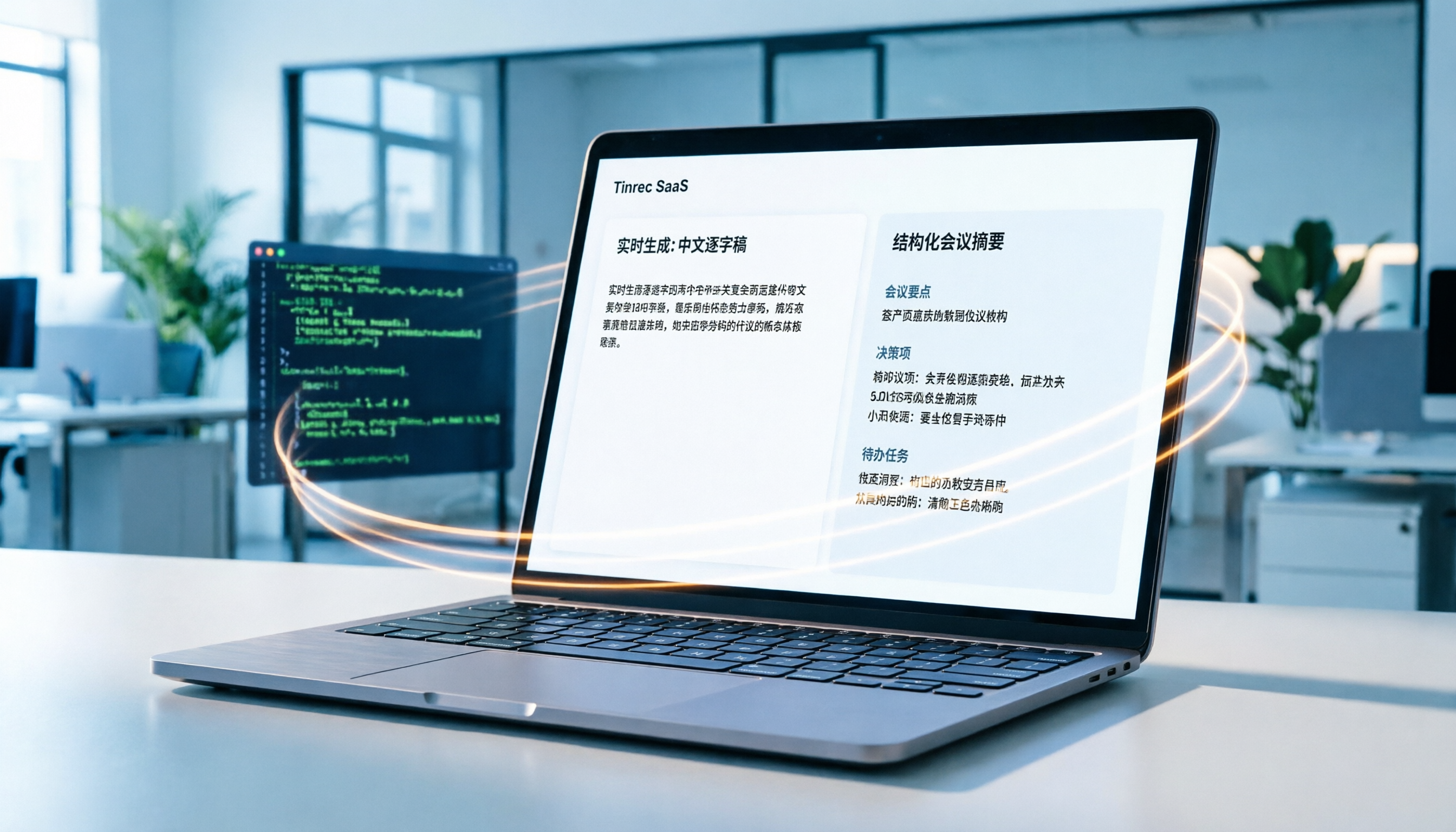
If you don't want to deal with code but still need high-precision Chinese transcription and meeting summaries, Tinrec (Second Listen Recorder) is a modern option worth considering. It is based on advanced speech recognition technology but packages the complex underlying logic into a simple interface. Especially in Chinese contexts, its recognition rate and subsequent AI organization capabilities outperform many tools that only provide raw transcripts.
This article covers:
- Why do most people eventually abandon open-source GitHub solutions? (Pain point analysis)
- Comparison of 6 mainstream speech-to-text tools (including Tinrec, Whisper, Otter.ai, etc.)
- Tinrec hands-on tutorial: How to go from recording to generating action items in just a few steps
- FAQ: Address common concerns about iPhone recordings, Teams meetings, etc.
Quick Navigation Conclusion:
- Privacy-conscious and tech-savvy → Choose OpenAI Whisper or Faster Whisper (requires self-deployment).
- Mac users preferring local operation → Choose MacWhisper.
- High Chinese accuracy, meeting summaries, and cross-platform sync → Prioritize Tinrec.
- Primarily English meetings → Consider Otter.ai.
Why Open-Source Speech-to-Text GitHub Projects Aren't for Everyone?
Searching GitHub for speech-to-text or whisper yields thousands of projects. While most boast "free" and "high accuracy," practical use often hits three major pain points:
1. High environment setup barrier
Most quality projects (e.g., Faster-Whisper) require installing Python, PyTorch, or CUDA. For non-programmers like marketers, administrative assistants, or students, resolving dependency conflicts can take hours and even crash the system.
2. Lack of "post-processing" capabilities
Open-source models typically output only "raw text transcripts." However, the workplace needs not just text but "structured information." For example: who said what? What are the meeting conclusions? What are the action items? Basic GitHub models don't automatically summarize, requiring manual organization.
3. High hardware resource consumption
Running high-precision Whisper Large models locally usually requires a dedicated NVIDIA GPU. While MacBooks with M-series chips can run it, they consume significant memory and battery, affecting other tasks.

In contrast, cloud-based SaaS tools like Tinrec offload computing to servers, letting users focus on content, enabling a complete workflow from "recording" to "understanding" to "action," greatly lowering the barrier.
In-Depth Comparison of 6 Speech-to-Text Tools: Tinrec vs. Whisper vs. Others
To help you choose, we compare the most representative 6 tools on the market, covering open-source models, local apps, and cloud services.
| Dimension | Tinrec (Second Listen Recorder) | OpenAI Whisper (GitHub) | MacWhisper | Otter.ai | Notta | TurboScribe |
|---|---|---|---|---|---|---|
| Core Positioning | AI recording assistant & meeting minutes | Open-source speech recognition model base | Mac local Whisper client | Real-time English meeting transcription | Multi-language online transcription | Cost-effective online transcription |
| Chinese Accuracy | ⭐⭐⭐⭐⭐ (Optimized well) | ⭐⭐⭐⭐ (Depends on model) | ⭐⭐⭐⭐ (Depends on model) | ⭐ (No Chinese support) | ⭐⭐⭐ (Stability average) | ⭐⭐⭐⭐ |
| Deployment Difficulty | None, register and use | High (requires coding environment) | Low (Mac App) | None | None | None |
| AI Summary/Action Items | ✅ Auto-generates minutes & To-Do | ❌ Requires extra LLM integration | ❌ Text only | ✅ Supports English summaries | ✅ Supports summaries | ❌ Text only |
| AI Chat Query | ✅ Supports semantic Q&A | ❌ Not supported | ❌ Not supported | ✅ Supports English Q&A | ❌ Not supported | ❌ Not supported |
| Cross-Platform Support | iOS, Android, Web | All platforms (requires compilation) | macOS only | Web, iOS, Android | Web, iOS, Android | Web |
| Pricing/Free Tier | Free: 100 min/month | Fully free (hardware cost) | Paid license/subscription | Limited free tier | Limited free tier | Free trial then paid |
Stop organizing recordings by hand
Upload audio or video and automatically get a transcript, summary, and action items
Key Difference Analysis
- Tinrec vs. OpenAI Whisper: Whisper is an underlying engine, while Tinrec builds on similar technology with application-level optimizations. Tinrec adds "speaker separation," "AI summarization," "multi-language auto-detection," and "AI chat query," solving the "what to do after transcription" problem.
- Tinrec vs. Otter.ai: Otter.ai dominates the English market but has poor Chinese support. If your meetings include Chinese, Taiwanese, or Cantonese, Tinrec is a better choice.
- Tinrec vs. MacWhisper: MacWhisper suits Mac users who insist on "data staying local," but lacks seamless sync on iPhone or Windows. Tinrec offers multi-device sync, ideal for hybrid scenarios like recording on phone and editing on computer.

Tinrec Hands-On Tutorial: From Recording to AI Query
If you decide to try a more efficient workflow, here are four core scenarios for using Tinrec to process voice content. Whether it's live meetings, old recordings, or online video learning, it's easy.
Scenario 1: Live Meeting/Classroom Recording to Text
Suitable for: In-person meetings, class notes, interview recordings.
- Start live recording: Open the Tinrec app or web version, tap "Record & Transcribe Live."
- Begin recording: Tap to start; the system transcribes speech to text in real-time. You can mark important moments.
- Auto-generate minutes: After recording ends, AI processes the audio to generate a transcript, meeting minutes, and action items.
- View results: In the details page, you see a structured meeting summary instead of a wall of text.
Scenario 2: Upload Existing Audio Files
Suitable for: Organizing past voice recordings, Line voice message backups.
- Upload entry: Choose "Audio File to Text."
- Import file: Supports MP3, WAV, M4A, etc., upload from phone or computer.
- Wait for processing: The system transcribes in the cloud; you can close the page and get notified when done.
- Edit and export: Check transcript accuracy, correct proper nouns, then export as Word or TXT.

Scenario 3: YouTube/Podcast Video to Text
Suitable for: Content creators organizing material, students learning online courses.
- Copy link: Copy the video URL from YouTube or a podcast platform.
- Paste to parse: In Tinrec, select "Podcast/Online Video to Text" and paste the link.
- Get transcript: The system auto-extracts the audio track and transcribes, also generating a video content summary.
- Use material: Directly copy key passages for article writing or note-taking.

Scenario 4: Use AI Chat Query for Key Content
This is the biggest differentiator between Tinrec and traditional tools. No more Ctrl+F searching for keywords.
- Open AI chat: In a transcribed record, tap "AI Chat Query."
- Ask in natural language: For example, "What was the conclusion about the budget in this meeting?" or "What are the main pain points the customer mentioned?"
- Get precise answer: AI synthesizes the answer from the recording content and marks the timestamp source.
- Verify and cite: Tap the citation marker next to the answer to jump to the corresponding audio segment for verification.

FAQ: About Speech-to-Text and Tinrec
Q1: What languages does Tinrec support? Is Chinese recognition accurate?
Tinrec supports automatic recognition of 10 languages including Mandarin Chinese, English, Japanese, Korean, German, Taiwanese Hokkien, Cantonese, and more. It is specifically optimized for Chinese contexts, offering better accuracy than many international tools for meetings with technical jargon or Chinese-English mixing.
Q2: Compared to OpenAI Whisper on GitHub, what advantages does Tinrec have?
Whisper is a model requiring users to build the service, handle audio preprocessing, and text organization. Tinrec provides a complete product experience including multi-device sync, speaker separation, AI auto-summarization, action item extraction, and AI Q&A, saving time on technical maintenance and post-processing.
Q3: Can I record directly on iPhone or Android and transcribe?
Yes. Tinrec offers iOS and Android apps that support real-time recording and transcription. This is more powerful than the built-in dictation feature because it handles long recordings and generates structured summaries afterward, not just real-time text input.
Q4: Can it handle online meeting recordings from Teams or Google Meet?
Yes. You can use Tinrec's live recording feature to capture audio while playing the meeting on your computer (recommend using a virtual audio cable or external microphone), or upload the downloaded meeting recording file for transcription and summarization.
Q5: Does Tinrec have a free plan? What are the limits?
Tinrec offers a free version with up to 100 minutes of transcription per month. For light users or those wanting to test the tool, this is enough to experience core features. For heavier use, upgrade to Basic or Pro plans.
Q6: Can I export the generated transcript? What formats are supported?
Yes. You can export transcripts and meeting minutes as TXT, Word, or PDF files, making it easy to integrate into your workflow or archive.

Summary: The Key to Choosing a Tool Lies in "Post-Transcription Value"
Users searching for "speech-to-text GitHub" essentially want high-quality, low-cost transcription. However, as AI applications mature, "accurate transcription" is now table stakes. The real competitive edge lies in what happens after transcription.
- If you're a developer who enjoys tinkering with code, OpenAI Whisper remains a powerful foundation.
- If you're a professional, student, or creator needing results, Tinrec's "Record → Understand → Act" workflow compresses what used to take hours of manual work into just a few minutes of review.
We suggest using Tinrec's free tier to upload a 10-minute meeting recording or course video, experience the efficiency gains from AI summaries and chat queries, and then decide if it earns a spot in your long-term toolkit.
Turn every recording into actionable outcomes
Get 60 free transcription minutes when you sign in. No credit card required.
Related Reading
You might also like

2026 Audio-to-Text Comparison: Tinrec vs Otter.ai for Chinese Meetings & Team Knowledge
How to choose an audio-to-text tool in 2026? This article compares Tinrec and Otter.ai across 5 dimensions: Chinese meeting transcription, bot-free online meeting capture, audio file organization, post-meeting workflows, and team data governance. Based on public features and pricing, it helps you decide which is better suited for meeting notes needs in Taiwan.

How to Choose an Online Audio-to-Text Tool in 2026: 5 Steps to Pick the Right One and Get a Transcript
How do you choose an online audio-to-text tool? This article reviews 6 online options—Tinrec, MyEdit, cSubtitle, CyberLink, Yating Transcript, and Monica—comparing free quotas, Chinese recognition, export formats, and team collaboration. It also walks you through 5 steps to turn an audio file into a transcript.

2024 Review of 4 Audio-to-Text Tools: Which Saves the Most Time on Chinese Meeting Transcripts and AI Summaries?
The 2024 audio-to-text comparison isn't just about transcription speed—it's about whether the tool can organize your meeting notes afterward. Based on real meetings and interviews, this review compares Tinrec, Notta, Granola, and PLAUD on audio sources, transcripts, AI summaries, action items, team collaboration, and pricing limits to help you choose the right tool.

4 Free Online Audio-to-Text Tools Compared (2026): Which Offers the Best Free Tier and Chinese Recognition?
A comparison of Tinrec, MyEdit, cSubtitle, and Monica's free online audio-to-text offerings, covering free quotas, Chinese recognition, export formats, and post-meeting AI organization to help you decide which suits meetings, interviews, and subtitles.

4 Free AI Audio-to-Text Tools Tested: Which Free Tier Is Enough in 2026?
There are many free AI audio-to-text tools, but free quotas, single-recording length limits, Chinese recognition, and post-meeting organization capabilities vary widely. This article compares the free plans and use cases of 4 tools, using Tinrec's no-bot recording, AI Q&A, and team spaces as selection references.

2026 Comparison of 2 Online Audio-to-Text Tools: Tinrec vs Otter.ai — Which Is Better for Chinese Meetings?
Starting from common misconceptions, this comparison examines Tinrec and Otter.ai in Chinese meetings, bot-free recording, post-meeting organization, real-time translation, and team data retention to help you decide which online audio-to-text tool fits your daily work.

2026 Comparison of 2 Audio-to-Text Platforms: Free Tiers, Chinese Recognition, and Post-Meeting Organization at a Glance
A side-by-side comparison of Tinrec and Notta across free tiers, Chinese recognition, online meeting recording, post-meeting organization, and team collaboration, helping you decide whether the free version is enough and when to upgrade.

iPhone Voice Memos vs Tinrec in 2026: 5-Dimension Comparison — Is Free Transcription Enough?
iPhone's built-in Voice Memos can now transcribe recordings for free, so do you still need a separate tool? This article compares iPhone's built-in features with Tinrec across 5 practical dimensions and honestly explains where the free limits are, helping you decide which approach fits your meeting volume.

4 Free Audio-to-Text Tools Tested for 2026: Which Free Tier Is Actually Enough?
There are plenty of free audio-to-text tools, but few can handle a full meeting. This hands-on comparison tests the free plans of Tinrec, Otter.ai, Notta, and TurboScribe—breaking down how limits are calculated, transcript post-processing, audio retention, and team collaboration—to help you decide which free version is truly usable.