
Turn recordings into transcripts and summaries in minutes
Upload audio or video for multilingual transcription, AI notes, and action items
YouTube Videos Too Long? Save 90% Time with AI Summaries
Faced with hour-long tech talks, industry trend analyses, or online courses, many people have the illusion of "saved means learned," but rarely have time to rewatch. Traditional methods require manual note-taking or rely on inaccurate auto-captions, which are inefficient and prone to missing key information.
This article evaluates and compares 6 mainstream tools for "YouTube video AI summarization," including Tinrec, Notta, Otter.ai, and more. We will conduct an in-depth comparison on language support, summary quality, ease of use, and pricing, and provide a hands-on tutorial for Tinrec, showing you how to convert video links into searchable, Q&A-ready structured notes.
Quick Navigation:
- Prioritize Chinese accuracy and AI Q&A: Check the Tinrec review first.
- Mainly process English content: Consider Otter.ai or Notta.
- Need editing combined with captions: VEED.IO is a common choice.
- Limited budget/occasional use: Check each tool's free tier limits.
Why You Need a Dedicated YouTube AI Summarization Tool
Standard YouTube captions only provide time-aligned text without structured organization. Specialized AI summarization tools address these pain points:
- Information Density Filtering: Automatically remove filler words and extract core ideas.
- Cross-Language Barriers: Many quality videos are in English or other languages; AI translation and summarization reduce comprehension barriers.
- Knowledge Retrieval Efficiency: With AI chat, you can directly ask "What is the conclusion about XX in the video?" without scrubbing the timeline.

In-Depth Comparison of 6 Popular YouTube AI Summarization Tools
To help you make the best choice, we selected 6 representative tools for dimensional comparison. Among them, Tinrec stands out in Chinese support and workflow integration, while Otter.ai excels in English meeting scenarios.
Tool Comparison Table
| Tool | Language Support | Input Method (URL/File) | AI Summary & Action Items | AI Chat Query | Free Tier/Pricing | Best For |
|---|---|---|---|---|---|---|
| Tinrec | Excellent (10 languages incl. Chinese, English, Japanese, Korean, Taiwanese, Cantonese) | Supported (YouTube URL/audio/recording) | Auto-generated (summary, conclusions, action items) | Supported (semantic search) | Free 100 minutes/month | Chinese content, cross-language learning, meeting notes |
| Otter.ai | Weak (mostly English) | Limited (mainly recording/upload) | Average (key point extraction) | Supported (English only) | Free 300 minutes/month | English meetings, interviews |
| Notta | Good (multilingual but Chinese fluctuates) | Supported (URL/recording) | Good | Supported | Free 120 minutes/month | Multilingual meetings, content |
| VEED.IO | Good (multilingual captions) | Supported (mainly video editing) | Weak (no structured summary) | Not supported | Free with watermark | YouTubers editing, captioning |
| TurboScribe | Good (based on Whisper) | Supported (audio files) | Weak (transcription only) | Not supported | Free 3 files/day | Pure transcription, developers |
| Yating | Excellent (Taiwanese, mixed Chinese/English) | Weak (mainly file upload) | None | None | Pay per use | Taiwan local interviews, medical records |
Stop organizing recordings by hand
Upload audio or video and automatically get a transcript, summary, and action items
Key Dimension Analysis
1. Language Support and Chinese Accuracy
For Chinese users, Tinrec offers automatic recognition of 10 languages including Chinese, Taiwanese, and Cantonese, giving it a significant advantage when processing local creator content or mixed-language meetings. In contrast, Otter.ai can barely handle Chinese, and Notta, while multilingual, has slightly lower stability in Chinese proper noun recognition compared to Tinrec.
2. AI Summary and Follow-up Actions
Most tools like TurboScribe only provide transcripts, leaving users to read long texts. Tinrec and Notta go further by generating "meeting summaries" and "action items." Tinrec's differentiator is its summary structure, which is more aligned with workplace decision-making needs, clearly separating conclusions from discussion points.
3. AI Chat Query (Chat with Video)
This is a key efficiency booster. Tinrec allows users to ask questions based on the transcribed video content, e.g., "What are the three marketing strategies mentioned by the speaker?" The system uses semantic search to retrieve and answer, not just keyword matching. This feature also exists in Otter.ai but is limited to English.

Tinrec Hands-On: How to Turn a YouTube Video into Smart Notes
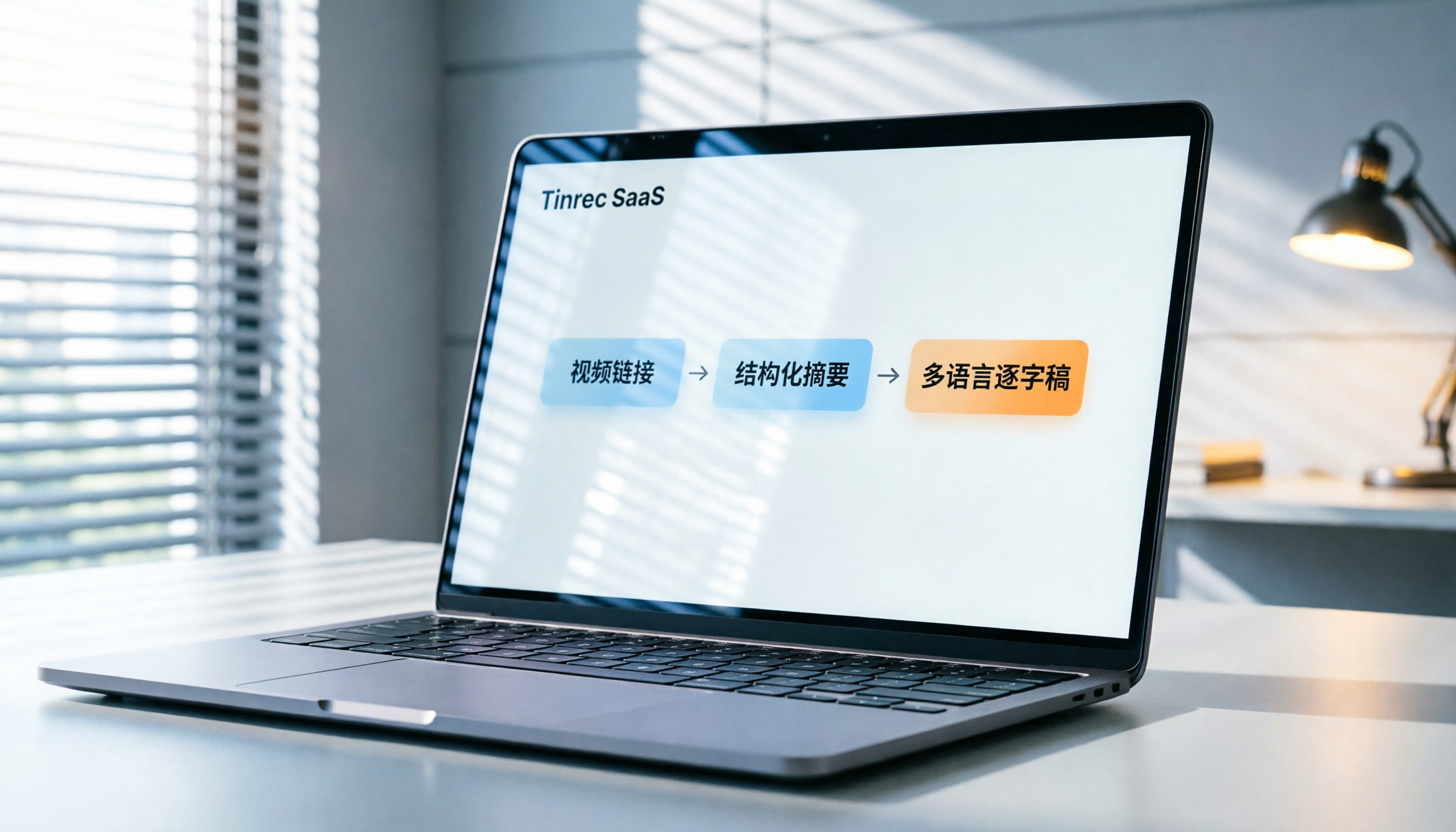
Below, we use Tinrec as an example to show how to get structured AI summaries and interactive notes from a YouTube link in minutes.
Step 1: Import YouTube Video Link
- Log in to Tinrec web or open the App.
- Select "Podcast/Online Video to Text" function.
- Copy the target YouTube video URL and paste it into the input box.
- The system will automatically grab the audio track and start conversion—no need to download the video file.

Step 2: View Auto-Generated Transcript and Summary
After conversion, Tinrec displays a dual-panel interface:
- Left panel: Full transcript with clickable text that jumps to the corresponding video timestamp.
- Right panel: AI-generated summary including "Content Outline," "Key Conclusions," and "Suggested Action Items."
You can quickly scan the summary to decide whether to dive into specific sections.
Step 3: Use AI Chat for Deeper Exploration
If you're interested in a particular point in the summary or have specific questions, use the "AI Chat Query" feature:
- Type your question in the chat box, e.g., "Where is the data source mentioned in the video?" or "Please list the pros and cons of the second case in bullet points."
- Tinrec responds instantly based on the video content, with timestamp references.
- This feature is especially useful for exam review or technical research, drastically cutting down information retrieval time.

Step 4: Export and Share
Once you're satisfied, export the transcript and summary as TXT, DOCX, or PDF, making it easy to integrate into your personal knowledge base or team collaboration platform.
FAQ
Q1: What languages does Tinrec support for YouTube video summaries?
Tinrec supports automatic recognition and transcription of 10 languages, including Simplified/Traditional Chinese, English, Japanese, Korean, German, Taiwanese, and Cantonese. For mixed-language content, its accuracy is superior to single-language model tools.
Q2: Can I use the YouTube-to-text feature with the free plan?
Yes. The Tinrec free plan offers up to 100 minutes of recording/transcription per month, applicable to YouTube video link conversion. If you exceed the limit, consider upgrading to Basic or Pro, or wait for the next month's reset.
Q3: What advantages does Tinrec have over Otter.ai?
Otter.ai is a globally recognized English meeting tool but does not support Chinese transcription. If your YouTube videos are in Chinese, Taiwanese, or mixed Chinese/English, Tinrec is a better fit. Additionally, Tinrec is optimized for Asian language semantic understanding and summary generation tailored to local usage habits.
Q4: How accurate is the transcription? Can it distinguish speakers?
Tinrec uses advanced speech recognition models, achieving high accuracy with clear audio. It also includes speaker diarization, automatically labeling different speakers (e.g., Speaker A, Speaker B) for easy interview or multi-person meeting organization.
Q5: Besides YouTube, does it support other video platforms?
Yes, Tinrec's "Podcast/Online Video to Text" feature supports not only YouTube but also various major podcast platforms and online video links. As long as the link allows direct audio stream access, it can usually be processed.
Q6: How is video content privacy and security ensured?
Tinrec prioritizes user data privacy. All uploaded audio and generated text are encrypted. For enterprise users, we recommend reviewing the official privacy policy and enterprise-grade security standards to comply with internal requirements.
Conclusion: Choose the Right AI Video Assistant for You
In the age of information overload, leveraging AI tools for learning and work is inevitable. If you mainly process English content and value ecosystem integration, Otter.ai is a solid choice. However, if you need to handle Chinese, Taiwanese, or multilingual content and want to extract actionable conclusions and tasks from videos, Tinrec offers a more complete and localized solution.
By transforming passive "watching" into active "querying and interaction," you can absorb knowledge more effectively and spend time on valuable thinking and application. We recommend starting with Tinrec's free tier to experience its AI chat query feature and see how it differs from traditional transcription tools.
Turn every recording into actionable outcomes
Get 60 free transcription minutes when you sign in. No credit card required.
Related Reading
You might also like

2026 Audio-to-Text Comparison: Tinrec vs Otter.ai for Chinese Meetings & Team Knowledge
How to choose an audio-to-text tool in 2026? This article compares Tinrec and Otter.ai across 5 dimensions: Chinese meeting transcription, bot-free online meeting capture, audio file organization, post-meeting workflows, and team data governance. Based on public features and pricing, it helps you decide which is better suited for meeting notes needs in Taiwan.

How to Choose an Online Audio-to-Text Tool in 2026: 5 Steps to Pick the Right One and Get a Transcript
How do you choose an online audio-to-text tool? This article reviews 6 online options—Tinrec, MyEdit, cSubtitle, CyberLink, Yating Transcript, and Monica—comparing free quotas, Chinese recognition, export formats, and team collaboration. It also walks you through 5 steps to turn an audio file into a transcript.

2024 Review of 4 Audio-to-Text Tools: Which Saves the Most Time on Chinese Meeting Transcripts and AI Summaries?
The 2024 audio-to-text comparison isn't just about transcription speed—it's about whether the tool can organize your meeting notes afterward. Based on real meetings and interviews, this review compares Tinrec, Notta, Granola, and PLAUD on audio sources, transcripts, AI summaries, action items, team collaboration, and pricing limits to help you choose the right tool.

4 Free Online Audio-to-Text Tools Compared (2026): Which Offers the Best Free Tier and Chinese Recognition?
A comparison of Tinrec, MyEdit, cSubtitle, and Monica's free online audio-to-text offerings, covering free quotas, Chinese recognition, export formats, and post-meeting AI organization to help you decide which suits meetings, interviews, and subtitles.

4 Free AI Audio-to-Text Tools Tested: Which Free Tier Is Enough in 2026?
There are many free AI audio-to-text tools, but free quotas, single-recording length limits, Chinese recognition, and post-meeting organization capabilities vary widely. This article compares the free plans and use cases of 4 tools, using Tinrec's no-bot recording, AI Q&A, and team spaces as selection references.

2026 Comparison of 2 Online Audio-to-Text Tools: Tinrec vs Otter.ai — Which Is Better for Chinese Meetings?
Starting from common misconceptions, this comparison examines Tinrec and Otter.ai in Chinese meetings, bot-free recording, post-meeting organization, real-time translation, and team data retention to help you decide which online audio-to-text tool fits your daily work.

2026 Comparison of 2 Audio-to-Text Platforms: Free Tiers, Chinese Recognition, and Post-Meeting Organization at a Glance
A side-by-side comparison of Tinrec and Notta across free tiers, Chinese recognition, online meeting recording, post-meeting organization, and team collaboration, helping you decide whether the free version is enough and when to upgrade.

iPhone Voice Memos vs Tinrec in 2026: 5-Dimension Comparison — Is Free Transcription Enough?
iPhone's built-in Voice Memos can now transcribe recordings for free, so do you still need a separate tool? This article compares iPhone's built-in features with Tinrec across 5 practical dimensions and honestly explains where the free limits are, helping you decide which approach fits your meeting volume.

4 Free Audio-to-Text Tools Tested for 2026: Which Free Tier Is Actually Enough?
There are plenty of free audio-to-text tools, but few can handle a full meeting. This hands-on comparison tests the free plans of Tinrec, Otter.ai, Notta, and TurboScribe—breaking down how limits are calculated, transcript post-processing, audio retention, and team collaboration—to help you decide which free version is truly usable.