
Turn recordings into transcripts and summaries in minutes
Upload audio or video for multilingual transcription, AI notes, and action items
In Taiwan and Hong Kong, LINE has almost replaced traditional phones as the primary communication tool for work and daily life. However, many users encounter a major challenge when conducting important business negotiations or recording emotional moments: "Why can't LINE record calls directly?"
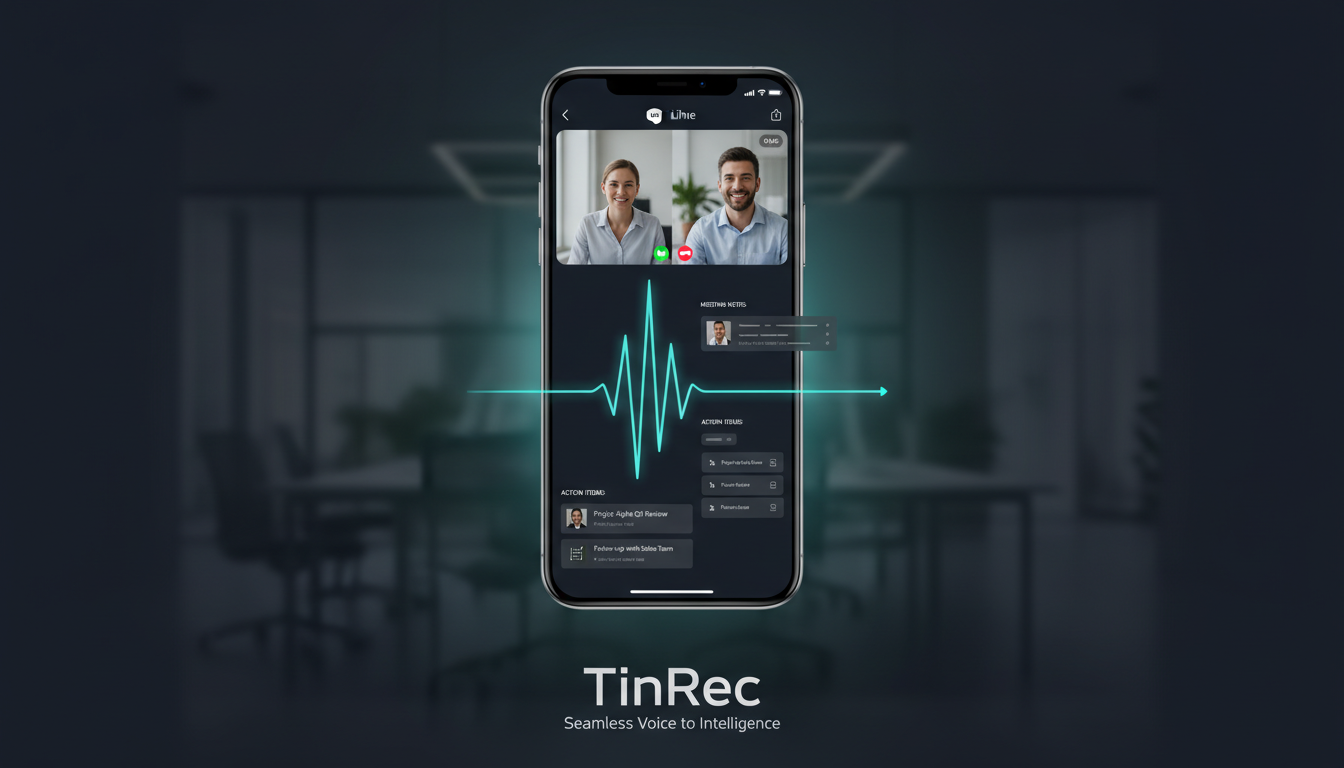
According to analysis from hk01.com and various tech media, due to strict privacy policies and operating system limitations (especially iOS), LINE has never introduced a built-in call recording feature. This forces users to seek various "workarounds." This article delves into current solutions and introduces how the AI tool TinRec (秒聽錄音) can transform simple audio files into valuable text assets.
Why Is LINE Call Recording So Difficult?
First, understand the "system limitations."
- The iOS (iPhone) Barrier: Apple is extremely strict about privacy, and the system level directly blocks apps from accessing the microphone to record "system audio" in the background. This means that when you enable screen recording, you often only capture the screen without the other party's voice, or the recording app is forced to stop the moment the call connects.
- Android Fragmentation: Although Android was more open earlier, Google has significantly restricted call recording permissions since Android 9.0. While some third-party apps still work, stability depends on the phone brand and model, often resulting in "only recording your own voice."
Practical Solutions for iOS and Android
Given these challenges, the following methods have been tested as relatively effective:
1. iPhone Users: Hardware Is the Only Solution
Due to comprehensive software restrictions, the most stable solution for iPhone users is a "physical add-on."
- Use a Secondary Phone for Recording: The simplest but most effective. Enable speakerphone and use another phone or voice recorder to capture the audio.
- Specialized Recording Earphones/Devices: There are devices like Magmo designed for iPhone that use piezoelectric sensing to directly record the vibration of the phone's speaker. Although costly, they require no jailbreak and are easy to operate.
2. Android Users: Try Third-Party Apps
- Cube ACR: A veteran call recording app that can still record LINE calls via VoIP recording on some Android models. It's recommended to first download the free version to test if your device supports two-way recording.
- Built-in Screen Recorder: Some customized UIs (like older Samsung or Xiaomi), under certain settings, allow screen recording to also capture "media volume," offering a potential no-install option.
Stop organizing recordings by hand
Upload audio or video and automatically get a transcript, summary, and action items

PC Version of LINE: The Easiest Breakthrough
If you are in an office environment, it is strongly recommended to use LINE on a computer. On Windows or Mac, system permissions are more flexible, allowing you to easily use the built-in recorder or software like OBS Studio to capture "system audio" and "microphone audio." This is typically the method with the clearest sound quality and lowest failure rate.
Advanced Application: Using TinRec (秒聽錄音) to Turn Recordings into Value
Successfully recording a call is just the first step; how to organize these hours-long audio files is the key to efficiency. This is where the AI tool TinRec (秒聽錄音) shines.
Many business professionals are no longer satisfied with just "archiving" but need "content analysis." TinRec is a versatile AI voice-to-text tool that perfectly addresses the pain points of post-recording processing.
Core Feature Application Scenarios:
- Call Recording to Text (Audio to Text): After obtaining an MP3 file through methods like computer recording or speakerphone recording, simply import it into TinRec. It uses advanced AI models to quickly convert even fuzzy call content into accurate transcripts. It supports multi-language recognition, accurately identifying mixed Chinese and English business conversations.

AI Meeting Summary: Facing a lengthy one-hour call, TinRec can automatically distill "core summaries" and "action items." You don't need to re-listen to the entire recording; within seconds, you grasp the meeting highlights, a huge time-saver for project managers or sales personnel.
Multi-Platform Support and Subtitle Generation: Beyond processing LINE recordings, TinRec also supports converting YouTube video links to text and generating subtitles. This means it's not just a call assistant but also a powerful tool for learning and content creation.
With TinRec, you no longer need to repeatedly drag the progress bar to find a specific point; AI turns your audio into searchable, editable text notes.
Legal and Ethical Reminders
Finally, it's essential to emphasize that while recording is technically possible, legal caution is required.
- One-Party Consent: In Taiwan, if you are a participant in the call, recording secretly to preserve evidence is generally considered legal (depending on the situation). However, publicly distributing the recording may violate privacy or personal data laws.
- Workplace Etiquette: For business meetings, it's advisable to politely inform the other party at the start of the call: "To avoid missing key points, I'll be recording and using AI to organize notes." Usually, the other party will understand, and it also demonstrates your professionalism.
Conclusion
While LINE call recording is challenging, it's not impossible. From hardware add-ons to PC-side recording, there are always ways to capture audio. But truly smart workers leverage AI tools like TinRec (秒聽錄音) to convert simple audio recordings into high-value text information, making every call a driving force for productivity.
Turn every recording into actionable outcomes
Get 60 free transcription minutes when you sign in. No credit card required.
Related Reading
You might also like

2026 AI Meeting Recorder App Comparison: Which One Actually Turns Meetings into Deliverables?
A hands-on comparison of four AI meeting recorder apps in 2026. We break down the real differences between Tinrec, Otter.ai, Granola, and PLAUD across four angles: bot-free recording, post-meeting summaries and action items, AI Q&A, and team knowledge retention. Plus, four common pitfalls to avoid when choosing, so you can decide which one truly saves you post-meeting cleanup time.

How to Choose an AI Meeting Notes Tool in 2026: 5 Steps from Recording to Action Items
How do you pick an AI meeting notes tool? First assess your meeting type, language, and data ownership, then use 5 steps to turn recordings into transcripts, summaries, and action items. This article also covers Tinrec's actual capabilities, limits on free and team plans, and details often overlooked when buying.

2026 Free AI Meeting Notes Tools: 5 Trials & How to Choose Free Tiers
A mid-level manager who holds 15 meetings a week shares hands-on experience after trying free AI meeting notes tools: how to evaluate free tiers, whether you can ask follow-up questions about meeting content, real-world performance with Chinese and mixed Chinese-English, and who Tinrec, CLOVA Note, Otter.ai, and PLAUD Note are each best for, plus 3 common pitfalls.

2026 Complete Guide to iOS Meeting Notes Apps: Tinrec vs Otter.ai – 5 Key Comparison Dimensions
Starting from the most common student pain points, this guide compares two iOS meeting notes apps—Tinrec and Otter.ai—across five dimensions: how to record online meetings, Chinese and mixed Chinese-English transcription, post-meeting organization and export, input sources and cross-device use, and payment cycles and budget. It concludes with selection advice based on usage scenarios.

2026 Comparison of 5 English Meeting Minutes Tools: Which Saves the Most Time from Transcript to Minutes?
English meeting minutes are not verbatim transcripts. This article first clarifies common misconceptions and standard formats for meeting minutes, then reviews 5 tools that can turn English meeting recordings into transcripts, summaries, and action items, including free tiers and paid pricing, to help you pick the one that saves the most time.

How to Use AI for Meeting Minutes in 2026: 5 Steps from Recording to Team Data
For mid-level managers juggling a dozen meetings a week and still stuck writing up minutes afterward, this guide breaks down how to use AI for meeting minutes in 5 steps: recording, transcription, summary and chapters, action item extraction, and team knowledge retention. It also reviews 7 AI meeting minutes tools, their positioning, pricing, and best-fit scenarios, so you can pick the right one for your team.

What Are Meeting Minutes in 2026? 4 Steps from Recording to Complete Minutes
What do meeting minutes mean? How do they differ from meeting records? This article first uses 4 steps to explain how to turn a meeting recording into trackable meeting minutes, then compares Tinrec and Otter.ai across 5 dimensions—Chinese-language meetings, recording methods, post-meeting outputs, team governance, and pricing—to help you decide which approach to use.

2026 Comparison of 6 Meeting Minutes Tools: Which Format Produces Actionable Records Fastest?
How to write meeting minutes that won't get rejected? This article breaks down the 5 core fields and writing principles of meeting minutes, and compares the format support, free quotas, and pricing of 6 tools—Tinrec, Otter.ai, Fireflies.ai, Notta, Granola, and TurboScribe—to help you choose the best record-keeping solution for your team.

Best AI Meeting Collaboration Platforms 2026: 6 Tools with Auto Summaries & Team Knowledge Capture
From bot-free recording and post-meeting summaries to team knowledge retention, here are 6 AI meeting collaboration solutions, with Tinrec as the primary example, to help you quickly choose the right tool for your needs.