
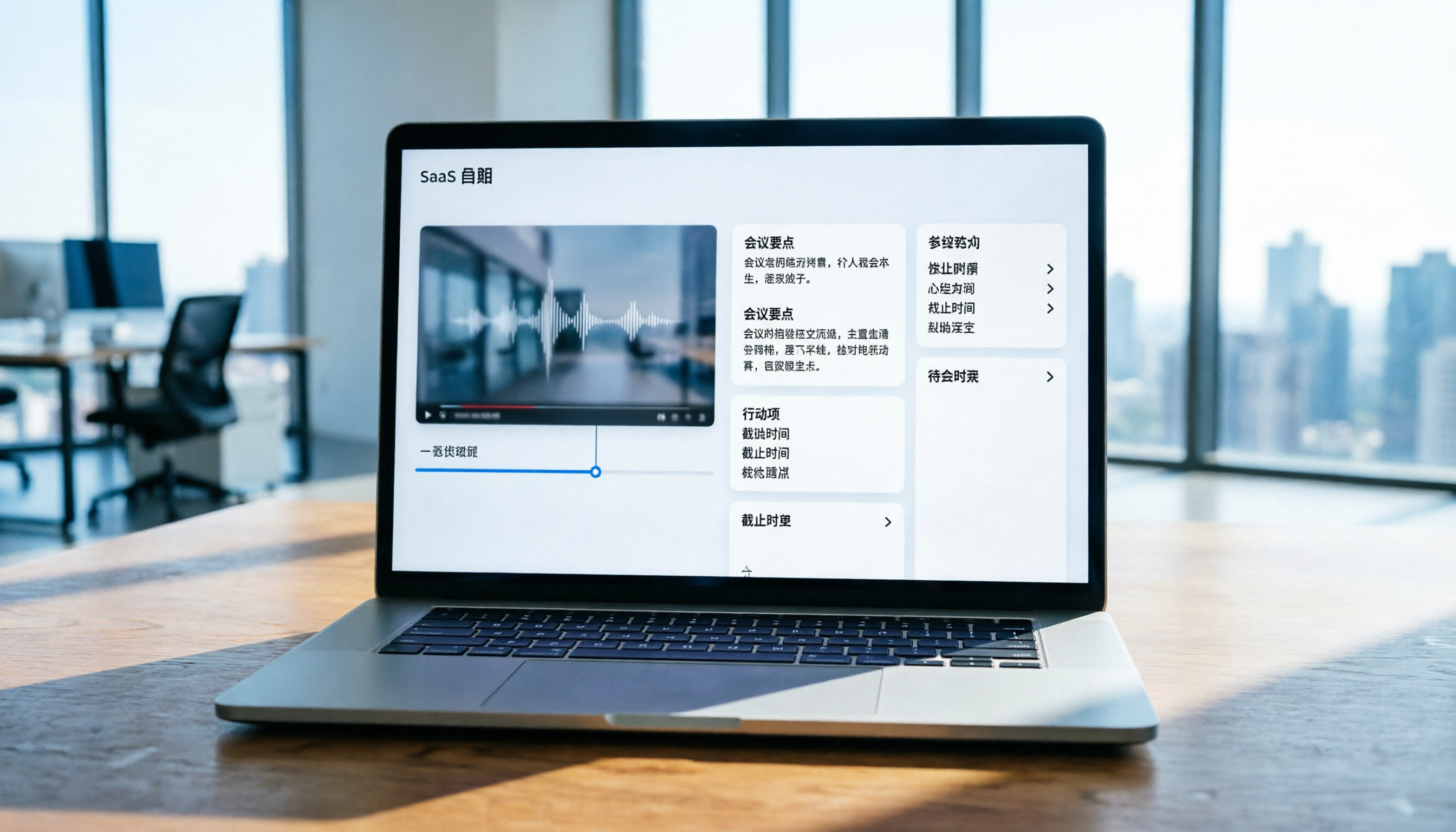
Turn recordings into transcripts and summaries in minutes
Upload audio or video for multilingual transcription, AI notes, and action items
Why You Need AI to Summarize Bilibili Videos
Bilibili (B站) hosts a vast array of knowledge-based content, from programming tutorials and language learning to industry analysis. However, facing videos that last tens of minutes or even hours, manually taking notes is not only time-consuming but also prone to missing key details. Many users share the same pain points: "I know the video has valuable content, but I don't have time to watch it fully" or "I can't quickly review the key points after watching."
Traditional methods like screenshots or handwritten notes are inefficient, while modern AI tools can transform "time-based content" into "scannable, searchable text." This article will guide you on how to choose the right tool and, using Tinrec as an example, demonstrate how to automatically convert Bilibili video content into structured summaries and action items in 4 simple steps.
Quick Navigation Conclusions:
- Prioritize Chinese accuracy and multi-device sync → Choose tools optimized for Asian languages (e.g., Tinrec).
- Only need simple subtitle files → Consider basic editing software built-in features.
- Need deep interaction and Q&A → Select tools with AI chat query capabilities to ask about video details directly.
5 Key Dimensions for Choosing a Bilibili Video Summarization Tool
When selecting an AI summarization tool, don't just look at brand recognition; consider whether it solves your actual workflow problems. Here are five core dimensions for evaluation:
- Language Support and Recognition Accuracy: Bilibili content is mostly in Chinese, mixed with technical terms or slang. The tool must handle Chinese (Traditional/Simplified) and even dialects well.
- Input Source Diversity: Does it support direct video links? Or only audio file uploads? Tools that support links save the hassle of downloading and converting.
- Summary Depth and Structure: Does it only provide a verbatim transcript, or can it generate structured notes with "key takeaways" and "To-Do" items?
- AI Interactive Query Capability: Can you ask questions about the video content? For example, "What are the three marketing strategies mentioned in the video?" This is more efficient than Ctrl+F search.
- Export and Integration Convenience: Can the generated content be easily exported as TXT, DOCX, or copied to note-taking apps like Notion/Obsidian?
Mainstream Tool Comparison Analysis
To help you choose intuitively, here is a comparison of common tools and Tinrec:
| Comparison Dimension | Tinrec (Miao Listening) | Otter.ai | Notta | MacWhisper | System Built-in Dictation |
|---|---|---|---|---|---|
| Chinese Recognition Accuracy | ⭐⭐⭐⭐⭐ (Optimized for Asian languages) | ⭐ (Mainly supports English) | ⭐⭐⭐ (Average) | ⭐⭐⭐⭐ (Depends on local model) | ⭐⭐ (Easily affected by background noise) |
| Video Link Support | ✅ Supports (YouTube/Bilibili, etc.) | ❌ Not supported | ✅ Supported | ❌ Requires audio download first | ❌ Not supported |
| AI Summary & Action Items | ✅ Automatically generates meeting notes/to-dos | ✅ Basic summary | ✅ Basic summary | ❌ Transcript only | ❌ None |
| AI Chat Query | ✅ Supports semantic Q&A | ✅ Supported | ✅ Supported | ❌ Not supported | ❌ Not supported |
| Cross-Platform Support | iOS / Android / Web | Web / iOS / Android | Web / iOS / Android | macOS only | System-specific |
| Free Tier | 100 minutes per month | Limited minutes | Limited minutes | Free (local processing) | Free |
From the comparison, if your main use case is processing Chinese content and you want to start the workflow directly from a video link, Tinrec offers a more complete solution. Its "Record → Understand → Act" closed loop is suitable for users who need to turn information into concrete outputs.
Stop organizing recordings by hand
Upload audio or video and automatically get a transcript, summary, and action items

Practical Tutorial: 4 Steps to Summarize Bilibili Videos with AI
Below, using Tinrec as an example, we demonstrate how to turn a Bilibili tutorial video into actionable notes. This workflow also applies to other tools that support video links.
Step 1: Obtain the Video Link or Audio File
First, open the Bilibili video you want to summarize and copy the URL. If the tool does not directly support Bilibili links, you can use an online converter to turn the video into MP3/WAV format or directly record system audio.
Step 2: Import Content into the AI Tool
Go to Tinrec's "Podcast/Online Video to Text" feature page. Paste the copied video link into the designated field. If you are using a local audio file, select "Audio File to Text" and upload the file.

The system will start processing automatically; the time depends on the video length. Tinrec automatically detects the language and transcribes without manual language setting.
Step 3: Review the Transcript and AI Auto-Summary
Once processing is complete, you will see the full transcript. Then, switch to the "Summary" view. The AI has automatically organized the content into:
- Core Topic: What is the video mainly about?
- Key Points List: Critical knowledge points or steps.
- Action Items (To-Do): Actions the video suggests viewers take.

You can quickly scan these summaries to confirm they cover the content you're interested in. If something is missing, you can click on the timestamps in the transcript to jump back to the corresponding video segment.
Step 4: Deepen Understanding with AI Chat Query
This is a step that traditional tools cannot do. In Tinrec's "AI Chat Query" interface, you can ask questions as if talking to a person. For example:
- "What is the second marketing case mentioned in the video?"
- "Please list all the software tools mentioned."
- "Is this content suitable for beginners? Please explain why."
The AI will give precise answers based on the video content and cite source segments. This allows you to extract the exact information you need without rewatching the entire video.

Finally, export the organized notes as TXT or DOCX and save them to your knowledge base.
Frequently Asked Questions (FAQ): About AI Summarization of Bilibili Videos
Q1: Can Tinrec directly process Bilibili video links?
Yes, Tinrec supports multiple online video and podcast links. Although some tools may have access restrictions for certain regional platforms, you can usually transcribe by entering a standard video URL. If the link cannot be recognized, it is recommended to download the video as an audio file and upload it.
Q2: Is the free version sufficient for daily use?
For light users, Tinrec's free version offers 100 minutes per month, enough for a few short videos or one meeting recording. If you are a heavy user (e.g., students recording many classes weekly, media professionals), consider upgrading to the Basic or Pro plan for more minutes and full features.
Q3: How accurate is the AI summary? Can it misinterpret the original meaning?
Accuracy heavily depends on the underlying Automatic Speech Recognition (ASR) and Large Language Model (LLM) capabilities. Tinrec is optimized for Chinese and handles colloquial speech and technical terms well. However, for highly specialized or niche content, manual quick verification of the summary, especially numbers and proper nouns, is recommended.
Q4: Besides Bilibili, does this method work for YouTube or Podcasts?
Absolutely. In fact, this workflow is effective for any long-form audio or video content. Whether it's YouTube tutorials, podcast interviews, or online meeting recordings, you can convert them into text notes using the same steps.
Q5: How can I protect the privacy of video content?
If processing public videos, privacy risk is low. However, if you upload internal meeting recordings or unpublished content, choose tools that promise data encryption and do not use your data for model training. Tinrec offers enterprise-level privacy protection suitable for sensitive business content.
Q6: Will loud background music affect transcription?
Background noise can affect recognition rates. Modern AI tools usually have some noise reduction capability, but the best practice is to ensure clear audio sources. If the video audio quality is poor, more manual proofreading time may be needed after transcription.
Conclusion: From "Passive Watching" to "Active Mastery"
Using AI to summarize Bilibili videos is not just about saving time, but also about improving knowledge absorption efficiency. By choosing the right tool (e.g., Tinrec with Chinese optimization and AI chat), and following the standard workflow of "Import → Transcribe → Summarize → Query," you can turn messy audiovisual information into structured knowledge assets.
We suggest starting with one video you need to organize most urgently. Once familiar with the process, gradually apply it to your daily learning and work. Remember, tools are just aids; the real value lies in how you use the extracted key points to create your next action.
Turn every recording into actionable outcomes
Get 60 free transcription minutes when you sign in. No credit card required.
Related Reading
You might also like

2026 Multilingual Meeting Transcription Tools Compared: Tinrec vs Granola for Chinese Meetings
The hardest part of a multilingual meeting isn't the meeting itself—it's remembering who agreed to what. This comparison evaluates Tinrec and Granola across six practical dimensions: multilingual transcription and live translation, meeting audio retention, post-meeting summaries and action items, export workflows, team seat governance, and pricing. Includes FAQs to help you decide which tool fits your meeting style.

2026 Multilingual Meeting Transcription Tools Compared: Which Is Best for English Meetings and Mixed Chinese-English Conversations?
A hands-on comparison of four multilingual meeting transcription tools in 2026, covering pure English meetings, mixed Chinese-English meetings, and post-meeting workflows. We compare Tinrec, Otter.ai, Granola, and Notta on recording methods, multilingual performance, post-meeting outputs, and team plans, with key buying factors and pitfalls to avoid.

Best Multilingual Meeting Transcription Tools in 2026: We Tested 4, and This One Handles Mixed Chinese-English Meetings Best
How do you take meeting minutes for multilingual meetings? This article first provides a ready-to-use bilingual Chinese-English meeting minutes template with field explanations, then evaluates and compares four tools—Tinrec, Otter.ai, Notta, and Granola—based on four key criteria: language switching, post-meeting output, audio retention, and Chinese-language experience. It also includes a pitfalls guide and selection recommendations.

Tinrec vs Otter.ai 2026: 5-Dimension Comparison for Multilingual Meeting Notes in Chinese Scenarios
How to choose a multilingual meeting transcription tool? This article compares Tinrec and Otter.ai across 5 dimensions—Chinese recognition, bot-free recording, post-meeting organization, team collaboration, and pricing—to help you find the best fit for multilingual meeting notes.

Tinrec vs Notta 2026: 5-Dimension Comparison for Multilingual Meeting Notes — Which Is Better for Students?
Starting from the pain points of cross-language group meetings for final projects, this article compares multilingual meeting note tools like Tinrec and Notta across 5 key dimensions. It includes meeting notes example structures, free tier limits, and pricing analysis to help students find the most time-saving and cost-effective choice.

4 Multilingual Meeting Transcription Platforms Tested: Which Handles Mixed Chinese-English Meetings Best in 2026?
In cross-border meetings with mixed Chinese and English, the real time sink is often post-meeting organization. This article compares Tinrec, Otter.ai, Notta, and PLAUD from two angles: real-time comprehension during meetings and complete post-meeting organization. It also covers 4 key buying factors and 4 pitfalls to avoid, helping you find the tool that truly fits your workflow.

2026 Multilingual AI Meeting Recorder Comparison: Which Handles Mixed Chinese-English and Bilingual Transcripts Best?
The hardest part of cross-language meetings isn't recording—it's post-meeting organization. This hands-on comparison tests Tinrec, Notta, Otter.ai, and Fireflies.ai on recording methods, bilingual transcripts, post-meeting summaries, and team sharing for multilingual meetings. We also cover 5 key buying factors and 4 common pitfalls to help you choose the right tool for your meeting style.

4 Multilingual Meeting Transcription Tools Tested: Which Handles Mixed Chinese-English Meetings Best in 2026?
Many people search for "multilingual meeting notes examples" looking for a ready-to-use format, but the real time sink is transcribing the recording. This article tests Tinrec, Otter.ai, Granola, and Notta on mixed Chinese-English meetings, covering 4 key buying factors, 4 common mistakes, and scenario-based recommendations.

Tinrec vs Notta 2026: 5-Dimension Comparison — Which Is Better for Multilingual Meeting Notes and Live Translation?
How to choose a multilingual meeting transcription tool? This article compares Tinrec and Notta across 5 dimensions: live translation display, meeting audio capture, post-meeting output, team governance, and quota pricing. It also covers suitable scenarios for Otter.ai and Granola to help you determine which tool fits your meeting style.