
Turn recordings into transcripts and summaries in minutes
Upload audio or video for multilingual transcription, AI notes, and action items
In the digital workplace of 2026, time is the most expensive resource. Whether it’s a multi-hour international meeting, a business call requiring precise records, or the tedious subtitle transcription for content creators, voice-to-text technology has evolved from a simple helper into an essential productivity core.
According to market observations, we used to rely on manual transcription—taking three to four hours to transcribe a one-hour recording. With the maturity of AI models (such as Whisper and GPT-4o), the demand for real-time accuracy has skyrocketed. This article reviews the hottest solutions in 2026 and dives deep into the recently buzzed-about TinRec, exploring whether it can truly solve your work pain points.
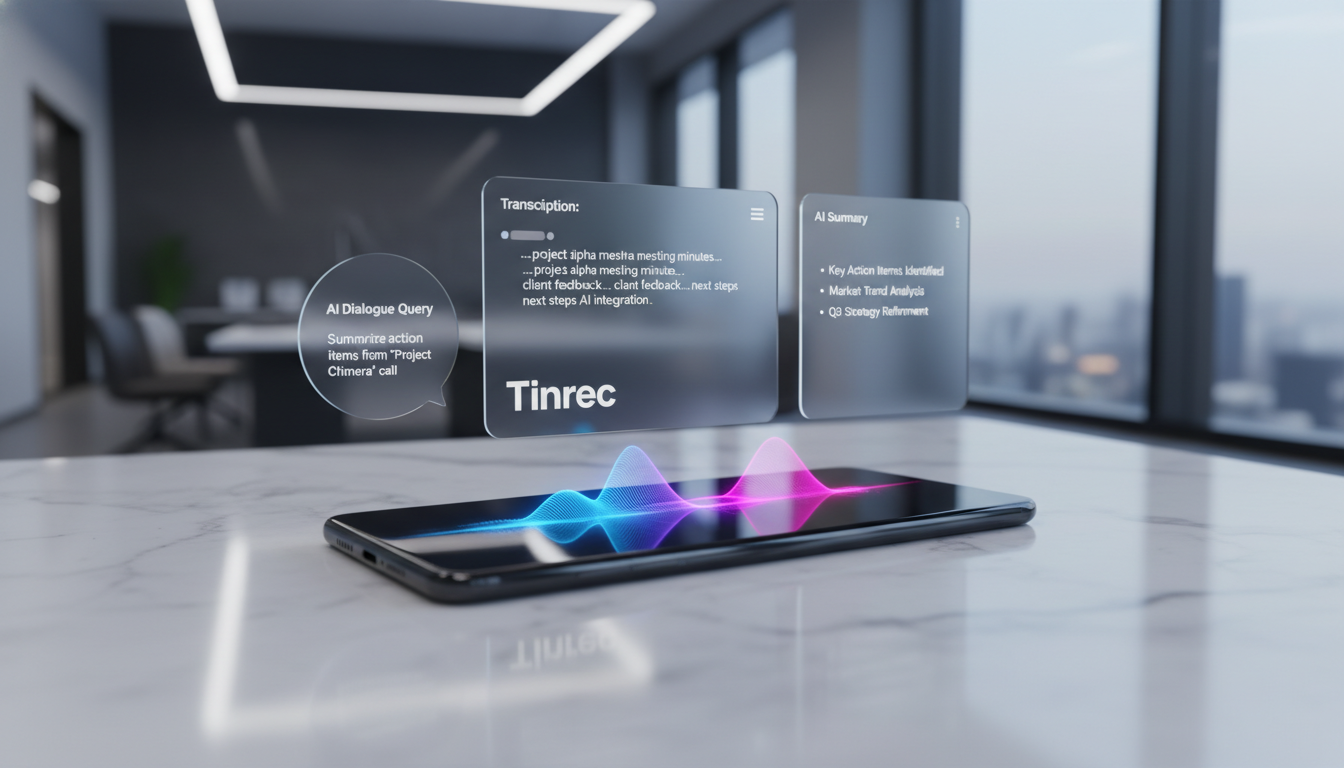
Why Are We Still Struggling with Recording Management in 2026?
Despite technological advances, many professionals (PMs, sales reps, journalists, students) still face three core pain points when dealing with large amounts of voice data:
- Forgotten meeting details, lack of structure: After a meeting, only vague impressions remain. Traditional recorders preserve audio, but finding “who said what” or key decisions is like searching for a needle in a haystack.
- Time-consuming transcription, low productivity: Content creators or researchers spend 3-4 times the recording length on transcription, severely squeezing core work time for creation and analysis.
- No action items after meetings: This is the most critical pain point. Recordings sit on the hard drive, and “to-dos” and “responsible parties” are never extracted, causing project execution to stall.
2026 Tool Comparison: Hardware Recorders vs. Pure Software AI Solutions
In the current market, solutions mainly fall into “hardware+software” and “pure software flexibility.” Below we objectively compare the representative TinRec with the popular hardware device PLAUD NOTE to help you choose the right tool.
AI Recording Solution Comparison Table
| Dimension | TinRec | PLAUD NOTE | Traditional Recording App/Recorder |
|---|---|---|---|
| Type | Pure software (App/Web), cross-device sync | Hardware card + App | Single hardware or simple App |
| Core Advantage | High flexibility: No extra device needed, record anytime, supports video link to text | Convenient call recording: MagSafe magnetic recording, ideal for heavy phone users | Pure recording: No internet required, stable audio quality |
| Transcription | Real-time transcription + file import + YouTube link | Requires App for transcription | Usually not supported or manual |
| AI Capabilities | Very strong: Auto summary, action item extraction, Chat with Audio | Supports summary and mind map | None |
| Portability | Phone/computer is the tool (zero burden) | Carry an extra card | Carry extra device |
| Cost | Subscription (free tier available, Pro ~$8.25/month) | Hardware cost ($159+) + subscription | One-time hardware cost |
Review Insight: If you’re a gadget lover and have heavy daily phone call recording needs, PLAUD NOTE’s hardware quality and MagSafe feature are very attractive. But if you value lightweight portability and high cost-performance, and your work involves on-site meetings, file management, or video subtitle creation, TinRec’s pure software model is clearly more flexible with no hardware cost burden.
TinRec Hands-On Review: From “Recording” to “Action” in a Complete Workflow
Based on user feedback and real-world testing from 2025 to 2026, TinRec stands out because it’s not just about “turning speech into text” but offers a complete workflow from Recording → Understanding → Action. Here’s a deep dive into its four core features:
1. Real-time Transcription for Calls and On-site Meetings
This is the most praised feature by business users. Despite increasing restrictions on iOS and Android, TinRec provides a stable recording solution. In tests, it clearly records two-way calls or on-site meetings and instantly converts speech to text. This means that right after a meeting ends, you already have a rough transcript—a valuable tool for business negotiations, interviews, or customer service records.
Stop organizing recordings by hand
Upload audio or video and automatically get a transcript, summary, and action items
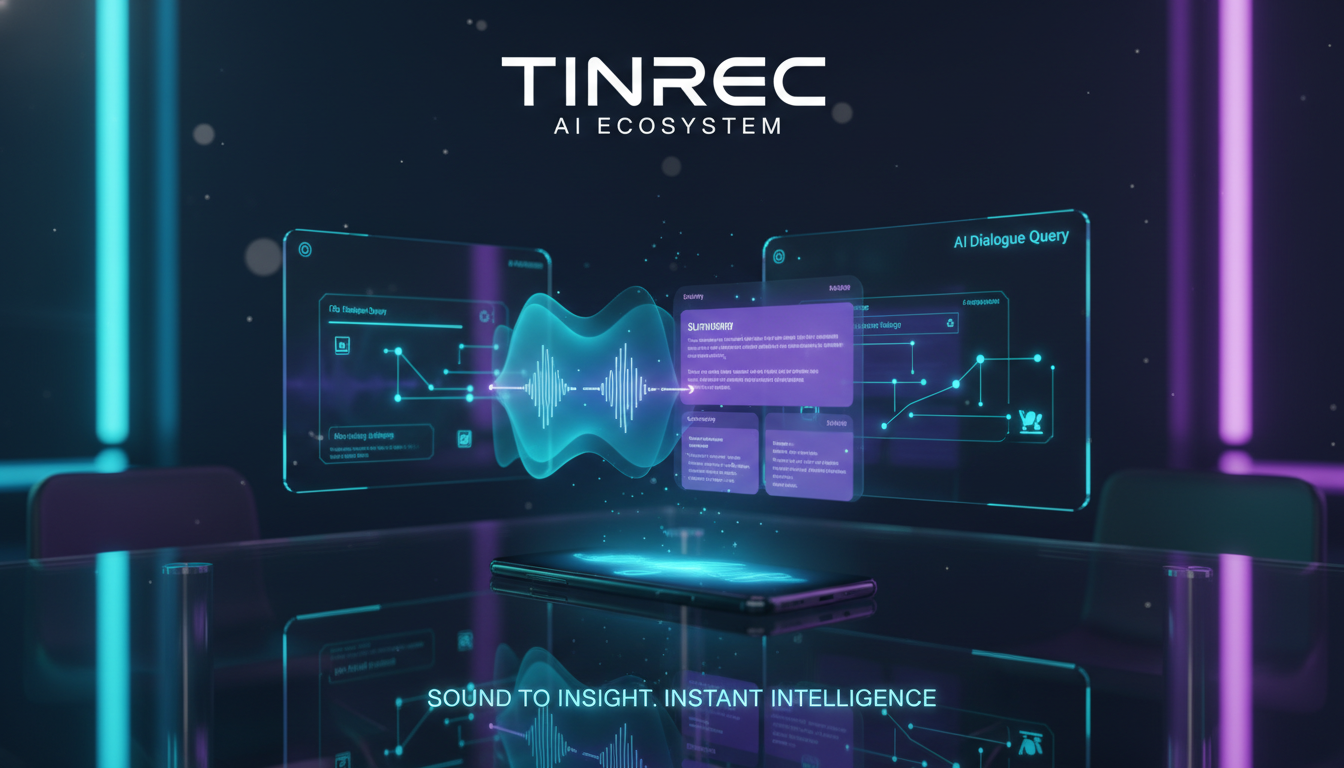

2. Multi-format Support: MP3 Import and YouTube Video to Subtitles
This is the biggest difference between TinRec and pure recording hardware. It handles not only “mic-recorded sounds” but also “existing files.”
- Audio File Import: Supports MP3, M4A, WAV, etc. A 60-minute lecture recording takes only about 3-5 minutes to transcribe in tests.
- YouTube Subtitle Generation: A killer feature for creators. Just paste a video link, and TinRec grabs the audio track and generates a timestamped subtitle file (SRT) that can be directly imported into editing software, dramatically shortening post-production time.

3. AI Meeting Summary and Action Item Extraction
A plain transcript can be too long and hard to read. TinRec’s built-in “Meeting Minutes AI” automatically analyzes the full text and extracts three levels of key points:
- Summary: Quickly understand the meeting context.
- Key Decisions: Record conclusions reached.
- Action Items: List who needs to do what. This directly solves the pain point of “no action items after meetings,” turning recordings into executable task lists.

4. Unique Highlight: AI Chat with Audio
This is TinRec’s most differentiating feature. Traditional tools only let you keyword search (Ctrl+F), but TinRec allows you to ask questions in natural language. For example, you can ask the AI: “What was the conclusion about the marketing budget in this meeting?” or “What did John promise to deliver next week?” The AI answers based on the recording content. This makes users feel like they’re “asking a person” rather than “searching a document,” greatly improving information retrieval efficiency.

Practical Tutorial: How to Boost Efficiency 10x with TinRec
Here is a proven high-efficiency workflow for business professionals and content creators:
Step 1: Choose Recording or Import Source
- On-site/Call: Open the App and tap “Real-time Transcription”—great for meeting minutes or lecture notes.
- Existing Files: Upload MP3 files from your recorder via the web version or App.
- Online Content: Paste a YouTube or Podcast link and use the “Podcast/Online Video to Text” feature.
Step 2: Smart Transcription and Language Recognition
TinRec supports Chinese, English, Japanese, Korean, Cantonese, Taiwanese, and 10 other languages. Confirm the language setting before transcribing. Even for mixed Chinese-English tech meetings or interviews with accents, it delivers high-accuracy transcripts.
Step 3: Use AI to Extract Key Points
After transcription, don’t rush to read the full transcript. First, click AI Summary to see the “Meeting Minutes” and “Action Items.” This usually covers 80% of important information.
Step 4: AI Chat and Content Export
If you need details, use the AI Chat with Audio feature to ask about specifics. Finally, export in different formats as needed:
- Meeting Notes: Export as TXT or PDF to share with your team.
- Video Production: Export SRT subtitles for editing software.

Frequently Asked Questions (FAQ)
Q1: Does TinRec have a free version? What’s the trial limit? Yes, TinRec offers a free version with up to 100 minutes of recording per month, and most core features are available. It’s very friendly for students or light users.
Q2: Does transcription require an internet connection? Yes. TinRec uses cloud-based high-accuracy AI models (similar to Whisper/GPT architecture) to ensure the best recognition accuracy, so an internet connection is needed during transcription. Note that real-time transcription is not available offline.
Q3: How well does it handle Taiwanese accents or mixed Chinese-English speech? Based on tests, TinRec is well-optimized for Traditional Chinese and performs excellently with Taiwanese accents. In the common tech scenario of mixed Chinese-English (e.g., “Fix this bug”), the AI accurately switches languages.
Q4: Can TinRec record Google Meet or Teams meetings? TinRec’s App can record audio from the phone speaker (some Android models support internal recording; iOS requires speakerphone). Alternatively, you can import your computer’s meeting recording file (MP3/M4A) into TinRec’s web version for transcription and summarization.
Q5: How about file privacy and security? TinRec uses cloud encryption for files. According to official info, transcripts are only accessible to the user and used for AI processing.
Q6: If I’m a video creator, can I directly import a YouTube link? Yes. This is a key feature of TinRec—no need to download the video and convert to MP3 first. Just paste the YouTube link, and it generates a transcript and summary, perfect for organizing competitor video content or creating study notes.
Conclusion: Free Your Hands, Let AI Record for You
Based on the latest 2026 reviews, TinRec stands out as a top productivity tool thanks to its powerful AI transcription engine, cross-platform flexibility, and unique “AI Chat with Audio” feature. If you’re tired of inefficient handwritten notes or suffering from transcription hell, this tool offers a highly competitive software solution worth trying for yourself.
Turn every recording into actionable outcomes
Get 60 free transcription minutes when you sign in. No credit card required.
Related Reading
You might also like

2026 Comparison of 5 Online Meeting Tools: Google Meet Download vs. Tinrec — Which Should You Choose?
2026 hands-on comparison of 5 online meeting tools, covering Google Meet download methods and Tinrec, comparing features, pricing, and use cases to help you find the best meeting notes solution.
3 Google Meet Presentation Methods Compared: Screen Share, Window, or Tab? (2026 Test)
Presenting on Google Meet isn't as simple as hitting Share Screen. Our tests reveal common pitfalls: full-screen sharing exposes private notifications, videos play without audio, and post-meeting notes are left to attendees. This article breaks down the real differences between three sharing methods (entire screen, single window, browser tab), the must-know requirements for co-presenting, and how Tinrec's bot-free recording turns your presentation into searchable, actionable meeting data.
3 Google Meet for Windows Options Tested: Which Is Best for Meeting Notes in 2026?
There are several ways to use Google Meet on Windows, but meeting notes are often overlooked. This article compares three options hands-on: Google Meet PWA, the GMeet desktop client, and the Tinrec meeting notes tool. It also shares how to turn Google Meet meetings into transcripts, summaries, and action items. Ideal for professionals and teams who need to meet on Windows and organize meeting content.
Best Google Meet for Mac Meeting Recorder? 2026 Tested 5, This One Excels at Chinese Transcription
Using Google Meet on a Mac for meetings, most people get the first step wrong. This article addresses common misconceptions, explains the correct approach to using Google Meet on Mac, and how to use Tinrec (Miao Ting Lu Yin) to record system audio without a bot, automatically generate transcripts, summaries, and action items. It also covers 5 key purchasing considerations and FAQs.
Google Meet on Android TV in 2026: 3 Workarounds & Automated Meeting Notes
Google officially ended Meet calling on Android TV in early 2025, so you need to understand hardware, remote audio, and platform limits before trying to meet on your TV. This guide debunks common myths, tests workarounds like Cast and web versions, and shows how to use Tinrec desktop to record Google Meet without a bot, automatically generating transcripts, summaries, and action items. Team plan seats and usage limits are also explained.
How to Install Google Meet as a Desktop App in 2026: 5-Step Guide
Google doesn't offer an official .exe installer for Google Meet; the only supported desktop method is a PWA. This guide first helps you distinguish between 'joining meetings' and 'post-meeting organization,' then compares third-party GMeet clients, Google Meet PWA, and Tinrec. It provides a 5-step tutorial on how to turn Google Meet into a desktop app on Windows and how to capture meeting content.
5 Ways to Use Google Meet Codes in 2026: Joining, Getting, and Expiration Rules Explained
How do you use a Google Meet code? This guide covers 5 common ways to join and get codes, including Calendar, Gmail, Chat, Classroom, direct code entry, and nickname restrictions. It also explains code expiration rules, usage tips, and how to use Tinrec to turn meeting transcripts, summaries, and action items into team knowledge.
Google Meet vs Tinrec 2026: 5-Dimension Comparison for Online Meeting Notes
Google Meet doesn't have a traditional desktop installer—it's web and PWA only. This article breaks down 5 dimensions from a student's perspective, explaining why Tinrec is better suited as your primary tool for meeting notes, transcripts, AI summaries, and team collaboration.
4 Google Meet Costume Party Ideas Compared for 2026: Filters, Party Flow, and Post-Meeting Notes
Google Meet's built-in filters include accessories, costumes, and characters categories, making costume parties a blast. But after the meeting, activity records, task assignments, and to-dos often get left behind. This article compares 4 approaches and supporting tools, covering filter setup, party flow, and post-meeting AI organization to help you choose.