
Turn recordings into transcripts and summaries in minutes
Upload audio or video for multilingual transcription, AI notes, and action items
For many professionals in Hong Kong, Macau, or those with frequent business exchanges in Cantonese-speaking regions, organizing meeting minutes can be a nightmare. The unique nine tones and six contours of Cantonese, along with abundant colloquial particles and the common workplace phenomenon of mixing Chinese and English (Chinglish), render many standard speech-to-text software useless.
Have you ever experienced: after a two-hour Cantonese meeting, listening to the recording three times and still unable to produce accurate transcripts? Or facing hours of interview recordings, unable to find those key few minutes? This article reviews the 2026 Cantonese speech recognition tools on the market and delves into how AI technology can solve these pain points.
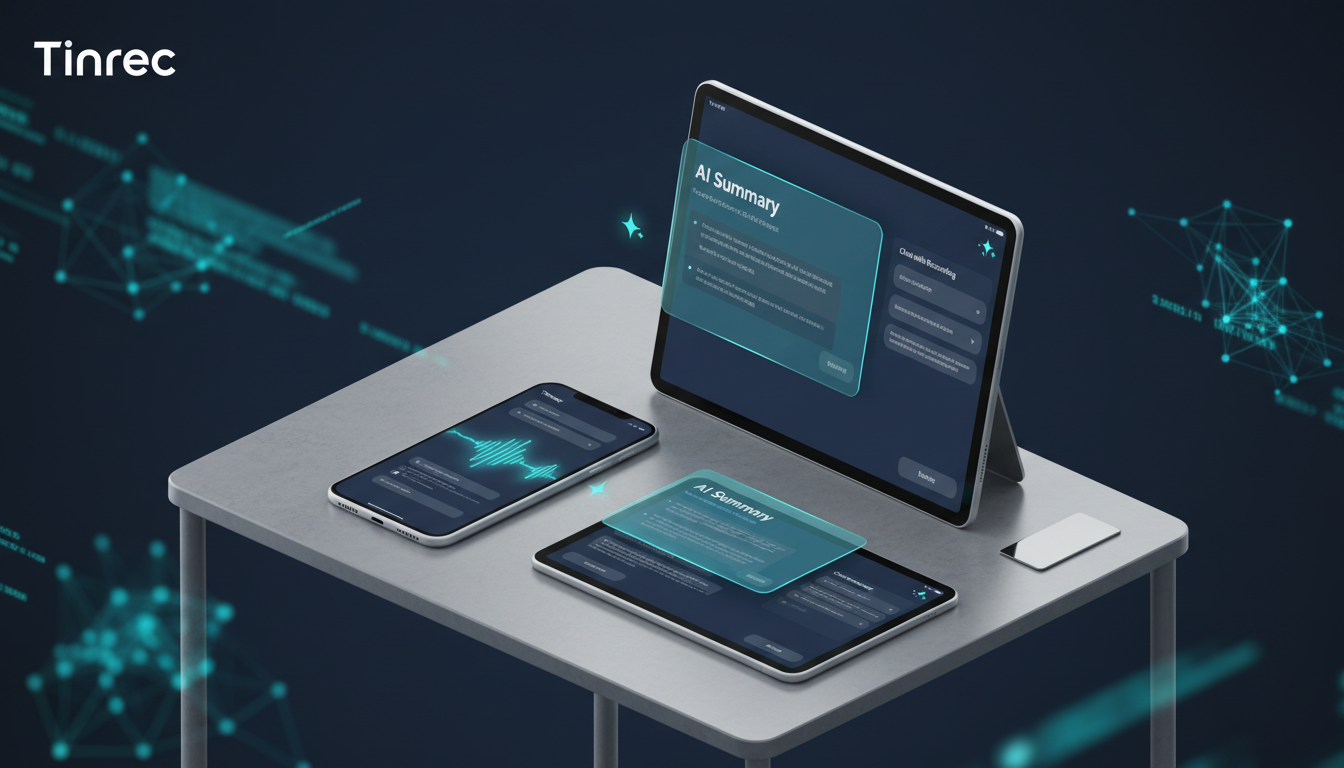
Why Is Cantonese Recording So Difficult? Three Major Pain Points
Before choosing a tool, we must understand why traditional transcription or universal speech input methods fail to meet professional needs:
- Separation of spoken and written language: Cantonese spoken forms (e.g., 咁, 嘅, 喺度) differ greatly from formal written Chinese. Many software forcibly convert Cantonese spoken language into written Chinese, distorting meaning and making proofreading more exhausting than rewriting.
- Difficulty recognizing mixed Chinese-English: In professional meetings, speakers often mix English terms into Cantonese (e.g., "What's the deadline for your Project?"). Most single-language engines cannot accurately capture both languages simultaneously.
- Lack of structured information: Simple transcripts often become a large block of text without focus. What users truly need are "conclusions," "action items," and "decision points," not a mere record.
2026 Popular Cantonese Speech-to-Text Tool Comparison
To help you choose the best tool, we selected common universal dictation tools (e.g., built-in phone keyboards, basic recorder apps) and specialized AI meeting efficiency tool Tinrec (Moments Recording) for a multi-dimensional comparison.
| Dimension | Built-in Phone / Universal Speech Input | Tinrec (Moments Recording) |
|---|---|---|
| Cantonese Recognition | Basic (often affected by accent, punctuation messy) | Advanced (optimized Cantonese model, supports long audio) |
| Mixed Chinese-English Handling | Poor (requires manual language switching) | Excellent (automatically recognizes mixed contexts) |
| AI Summaries & Action Items | None (plain text only) | Auto-generated (meeting minutes, conclusions, to-dos) |
| Content Search | Only keyword search (Ctrl+F) | AI Chat Query (e.g., "What did Jason promise?") |
| Multi-Device Sync | Usually single device only | All Platforms (iOS, Android, Web cloud sync) |
| Pricing Model | Free but limited | Free (100 min/month) / Paid (600+ min/month) |
As shown, while universal tools suit short voice input, for long meetings, interviews, or scenarios requiring actionable outputs, AI tools with "understanding" capabilities are a better choice.
In-Depth Review: How Tinrec Solves Cantonese Meeting Challenges
Tinrec (Moments Recording), in its 2026 update, has been optimized for multilingual environments, making it a strong candidate for handling Cantonese content. It's not just a "recorder" but a complete "Record → Understand → Act" workflow platform.
1. Optimized Recognition Engine for Cantonese
Tinrec supports automatic recognition of 10 languages including Cantonese, Chinese, and English. In tests, facing fast Cantonese dialogues mixed with English terms (e.g., Marketing, Sales jargon), Tinrec maintained high transcription accuracy, significantly reducing manual correction time.
Stop organizing recordings by hand
Upload audio or video and automatically get a transcript, summary, and action items
2. Turn Recordings into "Conversable" Knowledge Base
This is the biggest difference between Tinrec and traditional tools—AI Chat Query. Traditionally, to find a key point, you had to drag the progress bar and re-listen repeatedly. In Tinrec, you can ask natural language questions like: "What was the conclusion about Q3 budget?" or "Who is responsible for following up with suppliers?" The AI answers directly based on the recording content, a huge efficiency boost for hours-long meeting recordings.
3. Auto-Generate Structured Notes
After recording, Tinrec automatically extracts meeting minutes and action items. It's not a simple summary; it distinguishes "key discussions," "decisions," and "action items," saving project managers and secretaries about 80% of organization time.
4. Flexible Import Sources
Besides live real-time transcription, Tinrec also supports audio file transcription (uploading m4a, mp3, etc.) and podcast/video transcription. This means you can paste a YouTube Cantonese interview or podcast link directly to quickly get transcripts and summaries, ideal for content creators and learners.
Practical Tutorial: How to Quickly Organize Cantonese Meetings with Tinrec
Here is the standard workflow for using Tinrec for Cantonese meeting minutes:
Step 1: Start Recording or Import File
- Live Meeting: Open Tinrec app or web version, tap "Start Recording." Ensure clear microphone pickup.
- Existing File: If you already have a recording, use "Import Audio" to upload.
Step 2: Set Language Recognition
- Before starting transcription or when uploading, ensure the recognition language setting includes "Cantonese." If the meeting contains extensive English, Tinrec's multilingual model will assist automatically.
Step 3: Real-Time Transcription & Marking
- During recording, you'll see text appear in real-time. For important moments, tap the marker button for later review.
Step 4: AI Smart Analysis
- After the recording ends, the system generates a transcript. Tap "AI Analysis" to auto-produce summaries, keywords, and action items.
Step 5: Use AI Chat to Query Details
- If the summary doesn't cover all details, use the "AI Chat" window on the right to ask questions (e.g., "List all mentioned amounts") for quick information retrieval.

Step 6: Export & Share
- After confirming content, export notes as PDF, Word, or Markdown to share with team members.
Frequently Asked Questions
Q1: Are there completely free Cantonese-to-text software? Most fully free tools (like built-in phone dictation) usually have time limits or don't support long recording export. Tinrec offers a free version with 100 minutes of transcription per month, sufficient for occasional personal use.
Q2: Will noisy recording environments affect Cantonese recognition? Yes. All speech recognition software relies on clear audio. In noisy environments, use a directional microphone or place the recorder closer to the speaker. Tinrec has some noise reduction capability, but clear original audio remains key to high accuracy.
Q3: Can these tools distinguish different speakers (Speaker Diarization)? Yes, Tinrec supports voiceprint recognition to automatically differentiate speakers (e.g., "Speaker 1", "Speaker 2") in the transcript, facilitating multi-person meeting organization.
Q4: Can I convert Cantonese YouTube videos to text? Yes. Use Tinrec's podcast/video transcription feature. Just paste the video URL to generate transcripts and summaries, very useful for study notes.
Q5: How about data security? Will my meeting records leak? When choosing a tool, pay attention to privacy policies. Tinrec, as a professional enterprise-grade tool, typically uses encrypted transmission and storage to ensure user data security.
Q6: If the meeting mixes Cantonese with many English terms, is recognition accurate? This is where new-generation AI tools excel. Compared to older dictation software, modern tools like Tinrec have better understanding of mixed Chinese-English contexts, accurately spelling English terms rather than converting them to homophonic Chinese characters.
Choosing the right Cantonese speech-to-text tool can free you from tedious transcription tasks, allowing you to spend time on more valuable thinking and decision-making. If you're looking for an assistant that combines accuracy with AI intelligence, try Tinrec and experience the seamless transition from "recording" to "action."
Turn every recording into actionable outcomes
Get 60 free transcription minutes when you sign in. No credit card required.
Related Reading
You might also like

2026 AI Meeting Notes Tools Tested: How to Write Sales Meeting Notes Without Missing Deal Signals
The hard part of sales meeting notes isn't typing speed—it's deciding what will still matter three months later. Starting from 'who will read these notes,' this article covers 4 key judgments for sales meeting notes, 4 common mistakes, and compares Tinrec, Otter.ai, Notta, and Granola on Chinese meetings, bot-free recording, and post-meeting organization to help you choose the right approach for your team.

2026 Sales Meeting Notes Tools Compared: Which One Turns Customer Words into Action Items?
How do you write sales meeting notes without them turning into a transcript? Starting from the real pain points salespeople face after customer meetings, this article covers 4 key selection criteria, compares Tinrec with Otter.ai, Notta, and Granola, and highlights the 4 most common note-taking mistakes.

2026 Smart Meeting Collaboration Tools Comparison: Tinrec vs Otter.ai Across 5 Dimensions — Which Handles Chinese Meetings Better?
Meeting tools aren't just about transcription speed. This article starts with common purchasing pitfalls and compares Tinrec and Otter.ai across 5 dimensions: meeting capture methods, Chinese and mixed Chinese-English recognition, post-meeting organization and AI follow-up, team governance, and quota and pricing. It includes a comparison table and FAQ to help you decide which tool better fits your meeting scenarios.

2026 Smart Meeting Collaboration Platform Buying Guide: 4 Hands-On Tests and Selection Advice
Can't find conclusions after a meeting? The problem often isn't transcription accuracy—it's choosing the wrong approach from the start. This guide focuses on three decision points: how meetings are recorded, what you get afterward, and who ultimately holds the data. We hands-on test Tinrec and compare it with Otter.ai, Notta, and Granola, including quota calculations and tips to avoid pitfalls with roles and seats, helping you choose the platform that truly works for you.

How to Use Sales Meeting Notes in 2026: 5 Steps from Recording to Deal Tracking
Sales meeting notes don't end with a transcript. This article addresses common mistakes and outlines 5 steps for recording, organizing, and following up before, during, and after meetings, plus practical differences in team plans regarding seats and data handover.

2026 Smart Meeting Collaboration Tools Compared: Which One Handles Post-Meeting Work Without a Meeting Bot?
Many people think meeting tools only need transcription, but the real trouble is finding key points after the meeting, tracking action items, and keeping team data from walking out the door with individuals. This article compares Tinrec, Otter.ai, Notta, and Granola using the same meeting workflow, and covers selection criteria, common pitfalls, and team seat concepts to help you choose a smart meeting collaboration tool that fits your team.

Tinrec vs Zoom in 2026: 5-Dimension Comparison — How to Choose an AI Meeting Collaboration Platform
Meetings scattered across Teams, Meet, and Webex mean records get scattered too — a real pain point for many teams. This article compares Tinrec and Zoom across five dimensions from the perspective of consolidating cross-platform meetings, explaining what problems bot-free recording, post-meeting summaries and action items, AI Q&A, team spaces, and seat governance each solve, and outlines five key considerations when choosing an AI meeting collaboration platform.

2026 Smart Meeting Collaboration Tools: 4 Top Picks Tested and Compared
Tired of working overtime on meeting notes? We tested four smart meeting collaboration tools in real meeting scenarios for 2026, comparing bot-free recording, mixed Chinese-English transcription, AI Q&A, and team seat management. We also highlight key buying factors and common pitfalls to help you choose the right one.

2026 Smart Meeting Assistant Comparison: Tinrec vs Fireflies.ai — How They Work and Where They Differ
A side-by-side comparison of two smart meeting assistants, breaking down meeting capture, Chinese-language experience, post-meeting output, team governance, and pricing, plus a practical workflow from meeting to deliverable to help you decide which fits your budget and use case.