
Turn recordings into transcripts and summaries in minutes
Upload audio or video for multilingual transcription, AI notes, and action items
Why You Need a 'One-Click Meeting Minutes' Tool: What the Data Reveals
According to a Harvard Business Review Analytic Services report and recent workplace surveys, senior executives spend an astonishing 23 hours per week in meetings. However, most people can only maintain sustained focus for 10 to 18 minutes. This means that during the majority of meeting time, key information, decision details, and action items are easily overlooked.
Traditional voice recorders can save audio, but the cost of 're-listening' is extremely high—a 60-minute recording often takes 2 to 3 hours to organize into coherent notes. This is exactly why 'AI meeting note tools' have explosively grown in 2025: they do more than just transcribe text; they use AI to 'one-click generate' structured meeting minutes and to-do lists, turning unstructured speech into actionable tasks.
This article will review market-leading tools including Tinrec (Instant Recording), Notta, and Otter.ai to help you find the best productivity tool for your team.
In-Depth Review of 5 Popular AI Meeting Note Tools in 2025
1. Tinrec (Instant Recording): All-in-One AI Recording Assistant with Dialect Support and AI Chat
Tinrec is positioned not just as a recording tool, but as a complete workflow solution from 'recording' to 'understanding' to 'action'. Its biggest highlight is the powerful AI Chat Query feature. Users don't need to read the entire transcript; they can simply ask, 'What was the conclusion about the marketing budget in this meeting?' and the AI will answer based on the recording content. Additionally, its support for dialects like Taiwanese Hokkien and Cantonese gives it a unique edge in the Chinese-speaking market.
- Core Advantages: Real-time voice-to-text during recording, auto-generates meeting minutes and action items, supports 10 languages (including dialects).
- Ideal For: Teams dealing with multilingual/dialect meetings, students, content creators.
2. Notta: Powerhouse of Multilingual Transcription
Notta is renowned for its high-accuracy automatic speech recognition (ASR) technology, supporting transcription in up to 58 languages. It can automatically differentiate speakers and offers real-time translation.
- Core Advantages: Wide language support (58 languages), high accuracy (98.86% in ideal conditions).
- Limitations: Free version has strict limits (only 3 minutes per recording), limited custom vocabulary options.
3. Otter.ai: Top Choice for English Meetings
Otter is a veteran AI meeting tool, especially adept at meeting notes in English environments. Its OtterPilot can automatically join Zoom, Teams, or Google Meet meetings for recording.
- Core Advantages: Excellent English recognition, automatic video meeting joining, real-time annotation.
- Limitations: Weaker performance with Chinese and accented English; primarily English interface and logic.
4. Fireflies.ai: Powerful CRM Integration Specialist
Fireflies.ai focuses on integration with business processes. It can connect to CRM systems like Salesforce and HubSpot, automatically populating meeting notes into customer records.
- Core Advantages: Integration with 50+ business apps, speaker talk time analysis.
- Limitations: Interface is more complex, steeper learning curve for beginners.
5. Xmind AI: Turn Meetings into Visual Mind Maps
Unlike the transcription tools above, Xmind AI focuses on turning chaotic meeting content into structured 'mind maps'. It is suitable for brainstorming-type meetings.
- Core Advantages: Visualizes idea connections, suitable for creative brainstorming sessions.
- Limitations: Not ideal for meetings requiring verbatim accuracy, such as legal or contract discussions.
Stop organizing recordings by hand
Upload audio or video and automatically get a transcript, summary, and action items
Super Comparison: Which Tool is Right for You?
To help you choose intuitively, we have compiled the following core feature comparison table:
| Comparison Dimension | Tinrec (Instant Recording) | Notta | Otter.ai | Fireflies.ai |
|---|---|---|---|---|
| Chinese Recognition Optimization | ★★★★★ (incl. Taiwanese/Cantonese) | ★★★★☆ | ★★☆☆☆ | ★★★☆☆ |
| Real-time Voice to Text | Supported | Supported | Supported | Supported |
| Summary & Action Items | Auto-generates structured minutes + to-do list | Supports summary | Supports summary | Supports summary |
| AI Chat Query | Supported (directly ask about recording) | Summary only | Supported (OtterPilot) | Supported (AskFred) |
| Cross-Platform Support | iOS, Android, Web | iOS, Android, Web | iOS, Android, Web | Web, App, Integrations |
| Free Plan Limits | 100 minutes/month | 3 minutes per recording | 300 minutes/month | Limited quota |
Analysis: If your meetings are primarily in English and use Zoom/Teams, Otter is a good choice; if you need extensive CRM integration, Fireflies is most suitable; but if you mainly use Chinese (including dialects) and need one-click generation of action items and want to review key points via AI chat, Tinrec offers a complete workflow that better fits local needs.
Tutorial: How to Use Tinrec to Generate Meeting Action Items with One Click
Many people download tools but don't know how to integrate them into their workflow. Below, using Tinrec as an example, we demonstrate how to turn a 1-hour lengthy weekly meeting into an actionable to-do list in 5 minutes.
Step 1: Record in Real-Time or Import Files
- In-Person Meetings: Open the mobile app or web version, click Real-Time Voice to Text. Tinrec will display the transcript in real time as you record, allowing you to mark key points anytime.
- Online Meetings/Videos: For pre-recorded files, use the Audio to Text feature to upload; for YouTube tutorials or podcasts, use the Podcast/Online Video to Text feature by pasting the link.
Step 2: One-Click AI Meeting Summary
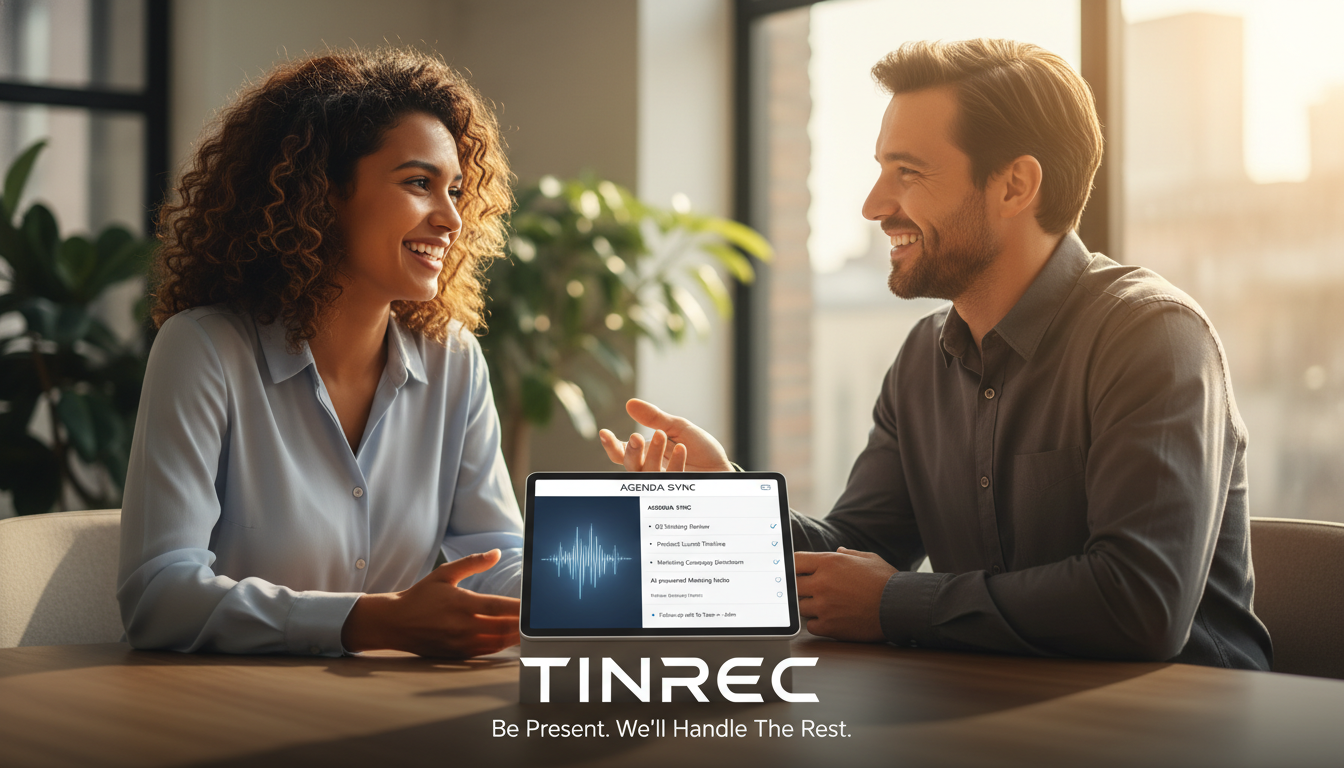
After recording, the system automatically processes the audio file. No need to re-listen; Tinrec's AI analyzes the context and produces the following:
- Full Transcript: With timestamps.
- Smart Summary: Condenses core meeting conclusions.
- To-Do List: This is the most crucial step. The AI automatically identifies sentences like 'Xiaoming needs to submit the report by next Wednesday' and extracts them as: 'Task: Submit report / Assignee: Xiaoming / Due: Next Wednesday'.
Step 3: Use AI Chat Query to Retrieve Missing Details
If you forget a detail while organizing, never go back to rewind and re-listen! Use the AI Chat Query feature, and type in the dialog box:
- 'What was the CEO's specific opinion on the Q3 budget?'
- 'What are the three risk points mentioned in this meeting?'
Tinrec will accurately answer your questions based on the recording content, greatly saving time spent confirming information.
Frequently Asked Questions (FAQ)
Q1: Are these AI meeting note tools secure? Most professional tools (such as Tinrec, Notta, Otter) use encrypted transmission and storage. For highly confidential meetings, it is recommended to choose tools that support enterprise-grade security standards (e.g., SOC 2) and verify whether the tool allows data deletion.
Q2: Can AI accurately transcribe if the meeting is noisy? Background noise does affect accuracy. Although tools like Krisp offer noise cancellation, it is recommended to keep the device close to the speaker when using a recording app. Tinrec's AI model is optimized for voice environments and can maintain recognition accuracy in moderate noise, but a clear audio source remains key.
Q3: What features are included in Tinrec's free version? Tinrec offers a free trial with up to 100 minutes of recording per month. This is quite sufficient for users who occasionally need to record meetings or class notes. If you need more time (e.g., 1200 minutes per month), consider upgrading to the Pro version.
Q4: Can it recognize Taiwanese Hokkien or Cantonese? This depends on the tool's language library. Otter mainly supports English; Tinrec specifically supports Chinese, English, Japanese, Korean, German, and Taiwanese Hokkien and Cantonese among 10 languages, making it more friendly for users in Taiwan and Hong Kong.
Q5: Can I export recordings to Word or PDF? Yes, almost all recommended tools support export. Tinrec allows exporting transcripts, summaries, and to-do lists as TXT, Word, PDF, or Markdown formats, making it easy to paste into Notion or send meeting notes via email.
Q6: Can I directly transcribe YouTube videos or podcasts? Some tools only support microphone recording. However, Tinrec has a Online Video to Text feature; simply paste a YouTube or podcast link to generate a transcript and summary, ideal for learning and content organization.
By leveraging these 'one-click' AI tools, you can automate time-consuming paperwork and save precious time for decision-making and execution, truly achieving an efficient workplace workflow.
Turn every recording into actionable outcomes
Get 60 free transcription minutes when you sign in. No credit card required.
Related Reading
You might also like

2026 Smart Meeting Collaboration Apps Compared: Stop Just Recording—How to Choose AI Minutes and Team Knowledge Retention
Many people treat smart meeting apps as recording-to-text tools, only to manually organize everything afterward. This article starts with common misconceptions, outlines 4 key purchasing criteria, compares Tinrec, Otter.ai, Granola, and Notta for different use cases, and provides step-by-step guidance on connecting recording, summaries, action items, AI Q&A, and team spaces into an executable workflow.

2026 Comparison of 4 Sales Meeting Note Tools: Which Best Organizes Customer Needs and Action Items?
Sales meeting notes are not verbatim transcripts. This article provides field templates and practical writing tips you can apply directly, and compares Tinrec, Otter.ai, Notta, and Granola on Chinese meeting support, post-meeting organization, and team handoff to help you choose the right tool.

2026 Sales Meeting Notes Tools Compared: Which One Turns Client Promises into Action Items?
Sales meeting notes aren't verbatim transcripts—they capture client needs, budget, decision process, concerns, and our commitments in a trackable record. This article explains what sales meeting notes are and the five key points to record, then compares Tinrec, Otter.ai, Notta, and Granola from four angles: no-bot recording, Chinese recognition, post-meeting AI Q&A, and team data ownership. Includes pitfalls to avoid and selection advice.

2026 Smart Meeting Collaboration Free Plans: 4 Tools Compared
Meetings take time, but post-meeting organization is where the real hours go. This guide reviews the free plans of four smart meeting collaboration tools in 2026, breaking down how audio gets into the tool, what you get after transcription, performance with mixed Chinese-English speech, and team management. It also hands-on tests Tinrec's bot-free recording, AI Q&A, and team spaces to help you decide which one is truly sufficient.

2025 Smart Meeting Collaboration Tools Compared: Which Handles Chinese Meeting Notes and Team Knowledge Best?
How to choose a smart meeting collaboration tool in 2025? This article examines four key criteria: how meetings are recorded, whether audio is retained, whether you can query meetings afterward, and team seats and data ownership. It compares Tinrec, Otter.ai, Granola, and PLAUD in terms of positioning, limitations, and pricing to help you pick the right one for Chinese-speaking teams.

2026 AI Meeting Notes Tools Tested: How to Write Sales Meeting Notes Without Missing Deal Signals
The hard part of sales meeting notes isn't typing speed—it's deciding what will still matter three months later. Starting from 'who will read these notes,' this article covers 4 key judgments for sales meeting notes, 4 common mistakes, and compares Tinrec, Otter.ai, Notta, and Granola on Chinese meetings, bot-free recording, and post-meeting organization to help you choose the right approach for your team.

2026 Sales Meeting Notes Tools Compared: Which One Turns Customer Words into Action Items?
How do you write sales meeting notes without them turning into a transcript? Starting from the real pain points salespeople face after customer meetings, this article covers 4 key selection criteria, compares Tinrec with Otter.ai, Notta, and Granola, and highlights the 4 most common note-taking mistakes.

2026 Smart Meeting Collaboration Tools Comparison: Tinrec vs Otter.ai Across 5 Dimensions — Which Handles Chinese Meetings Better?
Meeting tools aren't just about transcription speed. This article starts with common purchasing pitfalls and compares Tinrec and Otter.ai across 5 dimensions: meeting capture methods, Chinese and mixed Chinese-English recognition, post-meeting organization and AI follow-up, team governance, and quota and pricing. It includes a comparison table and FAQ to help you decide which tool better fits your meeting scenarios.

2026 Smart Meeting Collaboration Platform Buying Guide: 4 Hands-On Tests and Selection Advice
Can't find conclusions after a meeting? The problem often isn't transcription accuracy—it's choosing the wrong approach from the start. This guide focuses on three decision points: how meetings are recorded, what you get afterward, and who ultimately holds the data. We hands-on test Tinrec and compare it with Otter.ai, Notta, and Granola, including quota calculations and tips to avoid pitfalls with roles and seats, helping you choose the platform that truly works for you.