
Turn recordings into transcripts and summaries in minutes
Upload audio or video for multilingual transcription, AI notes, and action items
Why Video Subtitle Generation and Transcription Are Essential for Modern Creators and Learners
In 2026, with the explosion of video content, whether you're a content creator making subtitles for videos, or a student or professional organizing online courses or meeting recordings, the need to convert video to text has never been greater. Traditional methods come with several pain points:
- High Time Cost: Manually transcribing 1 hour of video often takes 3 to 4 hours of pausing, replaying, and typing.
- Difficult Information Retrieval: Video files are linear—you can't search keywords with
Ctrl+Flike text, making review and research inefficient. - Language Barriers: Without subtitles, understanding foreign language videos (e.g., English tech talks or Japanese tutorials) is extremely challenging.
Thus, choosing a tool that can accurately generate video subtitles and understand semantics is key to boosting productivity.
Comparison of Popular Solutions: Editing Software vs. Professional AI Transcription Tools
There are two main types of solutions on the market: professional editing software with built-in auto-subtitle features (like Adobe Premiere Pro), and AI transcription tools focused on content understanding and note generation (such as Tinrec).
If you need subtitles for editing, editing software is the choice. But if your goal is content organization, article writing, script creation, or study notes, a dedicated AI transcription tool is more efficient and feature-rich.
Here's a comparison for content organization and subtitle generation:
| Dimension | Tinrec | Traditional Video Editing Software (e.g., Premiere Pro/CapCut) | Manual Transcription Services |
|---|---|---|---|
| Core Use | Content understanding, note taking, transcript export | Video editing, effects, hardcoding subtitles | High-precision proofreading, publication-grade subtitles |
| Video Input | File upload + YouTube/web link parsing | Must download video file first, then import | Need to transfer large files |
| Processing Speed | Very fast (1 hour audio in minutes) | Depends on computer performance; rendering takes time | Very slow (hours to days) |
| Multi-language Support | Supports Chinese, English, Japanese, Korean, and 10+ others | Usually one or few languages | Depends on translator; expensive |
| AI Smart Features | Auto summary, action item extraction, AI query | None (transcription only) | None |
| Output Formats | TXT, Word, PDF, SRT (subtitle files) | SRT, hardcoded subtitles | Various document formats |
| Cost | Free tier/subscription (high value) | Expensive software licenses | Expensive (per minute) |
As shown above, if your goal is to quickly extract text from video, Tinrec offers a more complete workflow from audio/video to understanding to action.
In-Depth Review: How Tinrec Achieves Efficient Video Subtitle Generation and Content Management
Tinrec is more than just a recording tool. For video subtitle generation and audio/video-to-text needs, it provides a unique solution, especially for users who don't want to download large video files.
Stop organizing recordings by hand
Upload audio or video and automatically get a transcript, summary, and action items
1. Direct Web Link Parsing (YouTube to Text)
This is the biggest difference between Tinrec and traditional tools. For learners and researchers, there's no need to use third-party tools to download YouTube videos. Simply paste the video URL, and Tinrec quickly parses the audio track in the cloud and generates a transcript. This is extremely convenient for organizing podcasts, webinars, or instructional videos.

2. Support for Multiple Video and Audio Formats
If you already have recorded video files (e.g., Zoom meeting recordings, interview videos), Tinrec supports uploading various audio and video formats. After upload, the system automatically performs speaker separation (identifying who is speaking), which is very helpful for creating interview transcripts.

3. AI Summaries and Conversational Queries (Beyond Simple Subtitles)
Generating a transcript is just the first step. Tinrec's core value lies in understanding.
- AI Smart Summary: Automatically condenses a one-hour video into bullet-point key takeaways, conclusions, and action items.
- AI Conversational Query: This is something traditional subtitle tools can't do. You can directly ask the AI, "What are the marketing figures mentioned in this video?" or "What are the speaker's plans for next quarter?" The system accurately answers based on the transcript content, saving you the time of replaying to confirm.

Practical Tutorial: 3 Steps to Quickly Convert Video to Text and Export Subtitles
Here's how to use Tinrec to quickly convert an interview video into a transcript and organize key points:
Step 1: Import the Video Source
Go to Tinrec Web or App.
- For YouTube videos: Select the "Podcast/Online Video to Text" feature and paste the URL.
- For local files: Click "Import" and upload your MP4 or MOV video file.
Step 2: Choose Language and Start Transcription
The system supports 10+ languages including Chinese, English, Japanese, and Korean. Confirm the primary language of the video for the highest recognition accuracy. Tinrec's AI engine processes quickly in the cloud; typically, 1 hour of content takes just a few minutes to transcribe.
Step 3: Review Transcript and Export
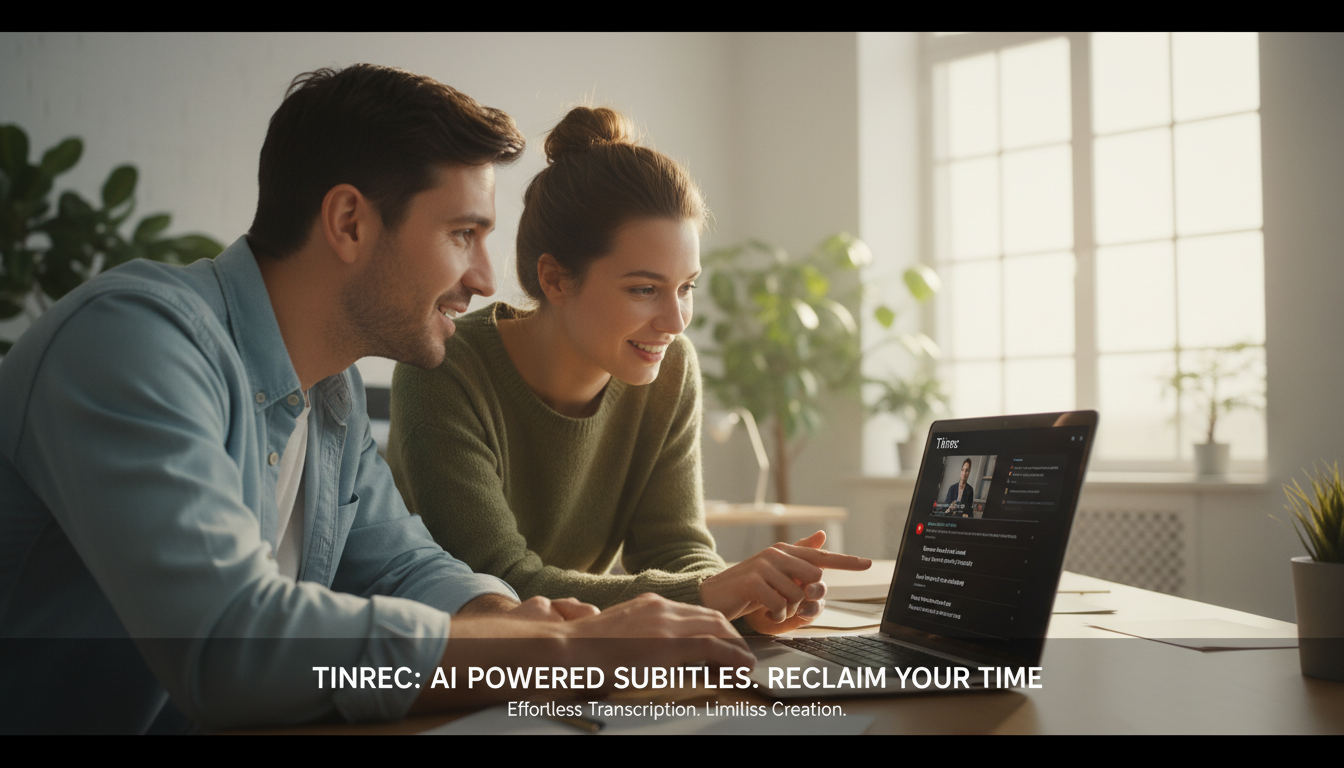
After transcription, you'll see:
- Timeline Transcript: Click on text to jump to the corresponding video/audio segment for easy proofreading.
- AI Notes: On the right side, structured meeting minutes or content summaries are automatically generated.
- Export Options: Click the share or export button to choose TXT, Word, or PDF format for easy editing into formal subtitle files or articles.

FAQ
Q1: How accurate is Tinrec's transcription? A: Tinrec uses advanced AI speech recognition models. With clear audio quality, accuracy is extremely high. It handles mixed Chinese-English terms well, but ensure low background noise when recording or selecting videos.
Q2: Can I use Tinrec to create YouTube subtitle files (SRT)? A: Tinrec currently exports transcripts (text with timestamps) in TXT or Word format. After exporting, you can easily copy the text into subtitle editing software for fine-tuning, saving significant time compared to manual transcription.
Q3: Are there usage limits on the free plan? A: Tinrec offers a free tier with up to 100 minutes of transcription per month, sufficient for occasional short videos or meeting notes. For heavy use, consider upgrading to Basic or Pro.
Q4: Does it work on mobile? Can I use it on iPhone? A: Yes, Tinrec syncs across devices, including iOS, Android, and Web. You can record audio or import videos on your phone, then edit and organize on the web, with automatic syncing.
Q5: Can I transcribe Zoom or Google Meet recordings? A: Yes. As long as you have the meeting recording file (audio or video format), upload it to Tinrec's "Audio File to Text" section, and it will generate a transcript with speaker separation.
Q6: How well does it handle mixed-language videos (e.g., Chinese and English)? A: Tinrec has strong multi-language recognition capabilities, handling common Chinese-English mixed scenarios. This feature greatly reduces comprehension barriers for users organizing multinational meetings or overseas instructional videos.
Turn every recording into actionable outcomes
Get 60 free transcription minutes when you sign in. No credit card required.
Related Reading
You might also like

How to Write English Meeting Minutes in 2026: 6 Sections + AI Auto-Summary
English meeting minutes are not a verbatim transcript. This guide starts with the most common mistakes, then covers the 6 standard sections of meeting minutes, ready-to-use English phrases and tenses, and compares Tinrec, Otter.ai, Granola, and Notta for Chinese-language meetings and post-meeting organization—so you can deliver usable minutes in half an hour.

4 Free Meeting Notes Tools Tested: Which Free Tier Actually Works? (2026)
Many free meeting notes tools exist, but 'free' means very different things. This article cuts through common misconceptions and compares Tinrec, Otter.ai, Notta, and TurboScribe on free quotas, Chinese recognition, and post-meeting organization to help you find the one that truly saves time.

2026 Meeting Minutes Action Items: 4 Free Tools Compared
Your English meeting minutes look great, but no one takes action afterward? The problem usually isn't the English—it's the action items section. This guide covers practical English phrasing for action items, assigned tasks, deadlines, and resolutions, and compares four meeting-notes tools with free plans: Tinrec, Otter.ai, Notta, and Granola. Includes free-tier limits, key buying criteria, and common pitfalls to avoid.

How to Write Meeting Minutes in English: Standard Format & Key Phrases (2026 Guide)
Learn how to write English meeting minutes: correct terminology, a 12-item standard format, resolutions and past-tense action verbs, plus a hands-on tool test and comparison of 3 alternatives. Master English meeting minutes in one guide.

5 Meeting Transcription Tools Tested for 2026: Which Free Version Is Enough?
Spending two hours after a meeting organizing notes? This article compares Tinrec, Otter.ai, Notta, and Granola based on real-world usage, covering recording methods, transcript quality, post-meeting organization, and free tiers to help you find the one that fits your workflow.

5 Meeting Minutes Templates Tested for 2026: Which One Actually Tracks Action Items?
We break down 5 common meeting minutes templates (general meetings, board meetings, project stand-ups, client meetings, remote/asynchronous) and explain the required fields and best use cases for each. We also show how Tinrec's real-time transcription, AI summaries, action item extraction, and team spaces turn templates from manual forms into post-meeting outputs. Includes FAQs and selection tips.

Free AI Meeting Notes in 2026: How to Choose Free Tiers + Summaries & Action Items in One Go
How to choose a free AI meeting notes tool? Instead of comparing who offers the most minutes, look at the real limits of free tiers, Chinese and mixed Chinese-English recognition, how online meetings are captured, and whether summaries and action items can be generated afterward. This article uses 5 key criteria to help you pick the right tool, and demonstrates with Tinrec the complete workflow from recording to transcription to team knowledge retention.

How to Take Sales Meeting Notes in 2026: Tinrec Bot-Free Recording + Automatic Post-Meeting Organization
Sales meeting notes aren't just about transcribing every word. This article starts with common pitfalls and walks you through pre-meeting preparation, meeting recording, post-meeting summaries, and action items. It also compares Tinrec and Otter.ai on Chinese sales meetings, bot-free recording, post-meeting organization, and team knowledge retention.

3 Sales Meeting Notes Formats Tested for 2026: AI-Generated Minutes and Action Items Save the Most Time
Sales meeting notes aren't just about filling out a form—they capture customer needs, objections, commitments, and next steps. This article starts with the common mistake of "filling in the form after the fact," breaks down what should be recorded in sales meeting notes, compares three formats in real-world tests, and shows how Tinrec can generate transcripts, summaries, and action items in real time during the meeting. It ends with a buying checklist and FAQs.