
Turn recordings into transcripts and summaries in minutes
Upload audio or video for multilingual transcription, AI notes, and action items
With AI technology fully deployed in 2026, we are no longer satisfied with simple "chatbots"—we seek AI assistants that truly solve workflow problems. As mentioned in a recent popular article on Google Gemini Complete Guide, AI can now help us read emails, create presentations, and even plan trips. However, for content creators, students, or professionals who need to organize large amounts of video and audio materials, the biggest pain point is often: how to quickly extract key information from hours-long YouTube videos or recordings?
This article focuses on the core need of "YouTube video to text" and compares general-purpose AI (like Gemini) with specialized transcription tools (like Tinrec Instant Transcription) to help you choose the most productive tool.
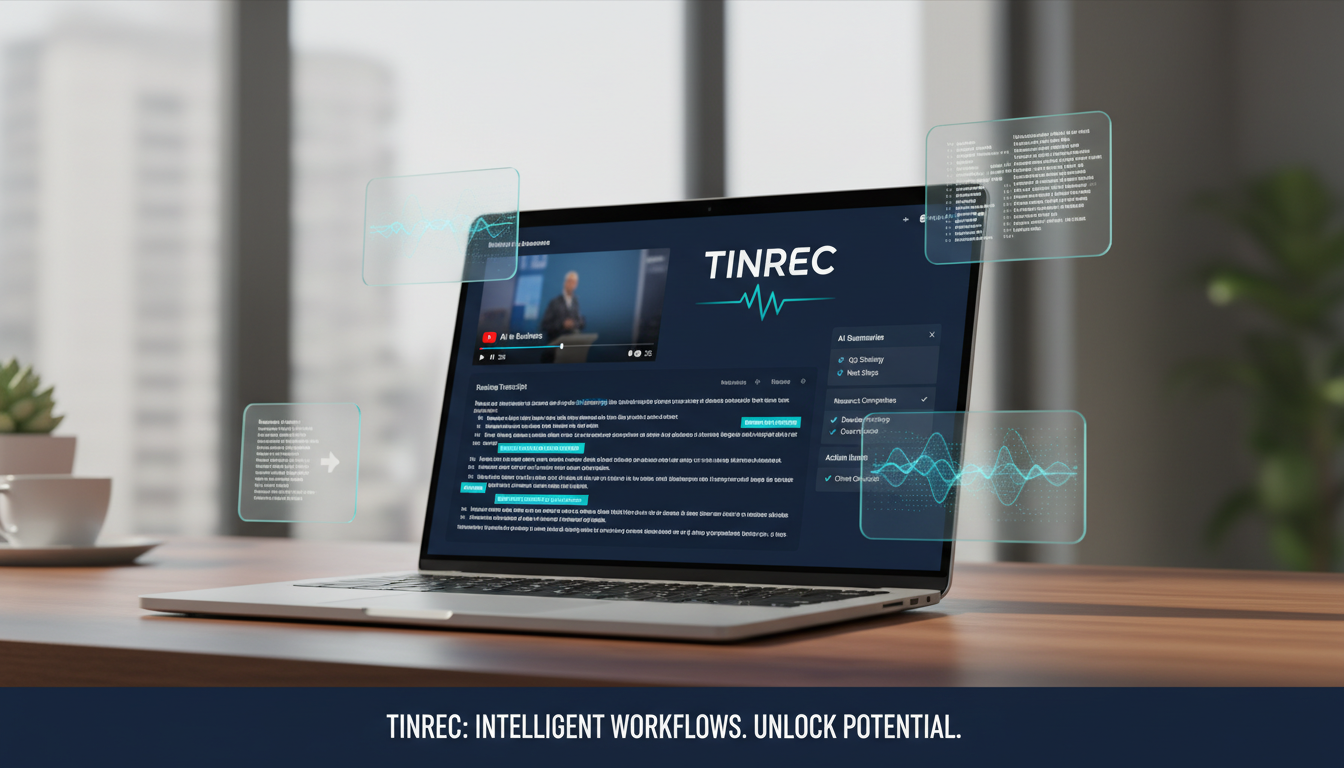
1. Why Do We Need "Video to Text" Tools? Current Situation and Pain Points
In an era of information overload, video content is abundant but often has extremely low "information density." Have you ever encountered these situations?
- High cost of re-listening: To find a 2-minute key argument, you have to rewatch a 1-hour interview video or podcast.
- Difficult note-taking: Pausing to type while listening is inefficient and easy to miss key points.
- Cannot search content: Videos and audio files are "linear," unlike text files where you can quickly locate keywords with
Ctrl+F. - No action after meetings: After watching a tutorial or attending a meeting, there is no structured summary or specific to-do items (Action Items).
The traditional solution is manual transcription, which is time-consuming and labor-intensive. Newer AI tools aim to convert "time-based content" into "scannable, searchable, actionable text."
2. Tool Comparison: General-Purpose AI vs. Specialized Transcription Tools
Tools on the market mainly fall into two categories: large language models like Google Gemini (integrated into Workspace), and specialized vertical tools focused on "audio/video to text," such as Tinrec (Instant Transcription). Here is an in-depth comparison when processing video content:
| Comparison Dimension | Google Gemini (General-Purpose) | Tinrec Instant Transcription (Specialized) |
|---|---|---|
| Core Positioning | All-in-one AI assistant (email, presentations, chat) | Transcription assistant focused on "record → understand → act" |
| YouTube to Text | Requires extensions or pasting partial content, length limits | Supports direct URL input, automatically parses long videos and podcasts |
| Language Support | Multilingual, but weaker at mixed Taiwanese/Hokkien and Cantonese | Supports 10 languages including English, Chinese, Japanese, Korean, Taiwanese, Cantonese, with automatic detection |
| Real-time Capability | Primarily post-processing | Supports real-time transcription during recording, transcribe as you record |
| Output Content | Mainly summary | Complete timeline transcript + AI meeting minutes + action item extraction |
| Interactive Q&A | General conversation | AI chat based on the recording/video content (dedicated knowledge base) |
Analysis and Recommendation: If you just need a quick answer like "What is this video about?", Gemini is convenient. But if you need precise transcripts, backtracking to specific timestamps, or handling multilingual content (e.g., mixed English-Chinese, Taiwanese), Tinrec is more feature-rich and suitable.
Stop organizing recordings by hand
Upload audio or video and automatically get a transcript, summary, and action items

3. Tinrec In-Depth Review: More Than Just Transcription, It's a Knowledge Base
Tinrec (Instant Transcription) differs from traditional transcription tools by building a complete workflow from "input" to "understanding" to "output".
3.1 Diverse Input: Resolving Format Anxiety
In addition to on-site recording via the mobile app, Tinrec's web version supports powerful import features. For learners, the most useful is the Podcast/Online Video to Text function. You don't need to download the video—just paste the YouTube link, and the system transcribes it in the cloud. This is extremely helpful for organizing online courses or long interviews.

3.2 Structured Output: Summaries and Action Items
Many tools only give you dense text. Tinrec uses AI to automatically generate "meeting minutes" and "to-do action items." This is especially important for workplace meetings, because we often need not "who said what," but "what is the conclusion" and "who will do what next."

3.3 AI Conversational Q&A: Ask the Video Like You Would Ask a Person
This is Tinrec's most distinctive highlight. Traditional tools only allow keyword search after transcription. But in Tinrec, you can enable the AI Chat feature and ask directly:
- "What is the speaker's market forecast for 2026?"
- "What are the three main risks mentioned in this video?" The AI answers based on the recording content, effectively giving you a personal assistant who has watched the video.

4. Practical Tutorial: How to Turn a YouTube Video into Study Notes
Below is a demonstration of using Tinrec to convert a 1-hour YouTube lecture into structured notes:
Step 1: Get the Video Link Go to YouTube and copy the URL of the video you want to process.
Step 2: Use the Link Transcription Feature Go to Tinrec's Podcast/Online Video to Text entry, and paste the URL into the input box. The system will automatically detect the language (if the video is bilingual, it's recommended to select the primary language or use auto-detect).
Step 3: Get Transcript and Summary Wait for transcription to complete (typically a 1-hour video takes just a few minutes). After completion, you'll see a timestamped transcript on the left, and an AI-generated "Content Summary" and "Mind Map Logic" on the right.
Step 4: Use AI for Deep Insights If you see an interesting point in the summary but want more details, you don't need to scrub the video timeline. Simply type a question in the AI chat box on the right, e.g., "Please explain the technical details of the third point in detail." The system will query the transcript for an accurate answer.
Step 5: Export and Share Finally, you can use the Export feature to export your organized notes as Word, PDF, or Markdown, and integrate them into your Notion or note-taking app.

5. Frequently Asked Questions (FAQ)
Q1: Does Tinrec support iPhone and Android? Yes, Tinrec supports multi-device sync. You can use the iOS or Android App for recording, then edit and organize on your computer via the web version—data syncs automatically.
Q2: Can it recognize Taiwanese or Cantonese in the video? Yes. Tinrec supports automatic recognition of 10 languages including Chinese, English, Japanese, Korean, German, Taiwanese, and Cantonese. It adapts well to mixed-language contexts common among Taiwanese users.
Q3: Is the free version sufficient? Tinrec offers a free version with up to 100 minutes of recording/transcription per month, which is enough for occasional meetings or short videos. For heavy usage, consider upgrading to Basic or Pro.
Q4: Besides YouTube links, can I upload my own audio files? Absolutely. You can use the Audio to Text feature to upload common audio formats like MP3, WAV, M4A for transcription.
Q5: How accurate is the transcription? In clear audio environments, accuracy typically exceeds 95%. Tinrec features voiceprint recognition to differentiate speakers, which is very useful for meeting minutes.
Q6: Can I directly convert Zoom or Google Meet recordings to text? Yes. It's recommended to enable Tinrec's recording feature during the meeting (or upload the recording file afterward). The system will automatically generate meeting minutes with speaker differentiation, more complete and less error-prone than manual notes.
Turn every recording into actionable outcomes
Get 60 free transcription minutes when you sign in. No credit card required.
Related Reading
You might also like

How to Write English Meeting Minutes in 2026: 6 Sections + AI Auto-Summary
English meeting minutes are not a verbatim transcript. This guide starts with the most common mistakes, then covers the 6 standard sections of meeting minutes, ready-to-use English phrases and tenses, and compares Tinrec, Otter.ai, Granola, and Notta for Chinese-language meetings and post-meeting organization—so you can deliver usable minutes in half an hour.

4 Free Meeting Notes Tools Tested: Which Free Tier Actually Works? (2026)
Many free meeting notes tools exist, but 'free' means very different things. This article cuts through common misconceptions and compares Tinrec, Otter.ai, Notta, and TurboScribe on free quotas, Chinese recognition, and post-meeting organization to help you find the one that truly saves time.

2026 Meeting Minutes Action Items: 4 Free Tools Compared
Your English meeting minutes look great, but no one takes action afterward? The problem usually isn't the English—it's the action items section. This guide covers practical English phrasing for action items, assigned tasks, deadlines, and resolutions, and compares four meeting-notes tools with free plans: Tinrec, Otter.ai, Notta, and Granola. Includes free-tier limits, key buying criteria, and common pitfalls to avoid.

How to Write Meeting Minutes in English: Standard Format & Key Phrases (2026 Guide)
Learn how to write English meeting minutes: correct terminology, a 12-item standard format, resolutions and past-tense action verbs, plus a hands-on tool test and comparison of 3 alternatives. Master English meeting minutes in one guide.

5 Meeting Transcription Tools Tested for 2026: Which Free Version Is Enough?
Spending two hours after a meeting organizing notes? This article compares Tinrec, Otter.ai, Notta, and Granola based on real-world usage, covering recording methods, transcript quality, post-meeting organization, and free tiers to help you find the one that fits your workflow.

5 Meeting Minutes Templates Tested for 2026: Which One Actually Tracks Action Items?
We break down 5 common meeting minutes templates (general meetings, board meetings, project stand-ups, client meetings, remote/asynchronous) and explain the required fields and best use cases for each. We also show how Tinrec's real-time transcription, AI summaries, action item extraction, and team spaces turn templates from manual forms into post-meeting outputs. Includes FAQs and selection tips.

Free AI Meeting Notes in 2026: How to Choose Free Tiers + Summaries & Action Items in One Go
How to choose a free AI meeting notes tool? Instead of comparing who offers the most minutes, look at the real limits of free tiers, Chinese and mixed Chinese-English recognition, how online meetings are captured, and whether summaries and action items can be generated afterward. This article uses 5 key criteria to help you pick the right tool, and demonstrates with Tinrec the complete workflow from recording to transcription to team knowledge retention.

How to Take Sales Meeting Notes in 2026: Tinrec Bot-Free Recording + Automatic Post-Meeting Organization
Sales meeting notes aren't just about transcribing every word. This article starts with common pitfalls and walks you through pre-meeting preparation, meeting recording, post-meeting summaries, and action items. It also compares Tinrec and Otter.ai on Chinese sales meetings, bot-free recording, post-meeting organization, and team knowledge retention.

3 Sales Meeting Notes Formats Tested for 2026: AI-Generated Minutes and Action Items Save the Most Time
Sales meeting notes aren't just about filling out a form—they capture customer needs, objections, commitments, and next steps. This article starts with the common mistake of "filling in the form after the fact," breaks down what should be recorded in sales meeting notes, compares three formats in real-world tests, and shows how Tinrec can generate transcripts, summaries, and action items in real time during the meeting. It ends with a buying checklist and FAQs.