
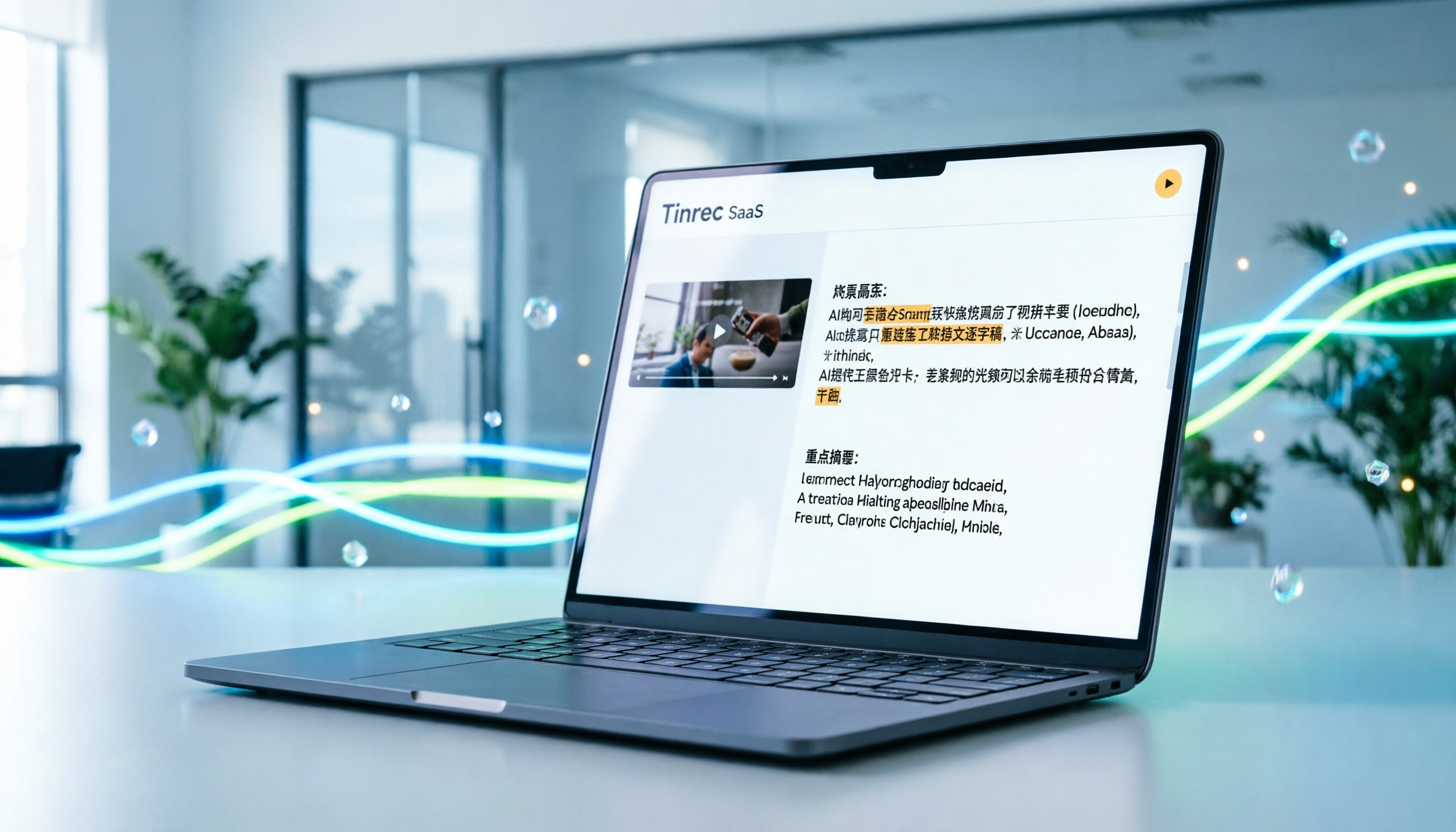
Turn recordings into transcripts and summaries in minutes
Upload audio or video for multilingual transcription, AI notes, and action items
Why You Need a Dedicated Tool for Douyin Video Transcription
In the age of short videos, Douyin (TikTok) is not just an entertainment platform—it's a goldmine for market trends and competitor analysis. However, faced with fast speech, background music interference, or frequent industry jargon, relying on manual transcription or built-in voice input often results in low accuracy, inability to distinguish speakers, and lack of concise summaries.
Many users searching for "Douyin video to text" aren't just looking for a messy transcript—they want:
- High-accuracy Chinese transcripts: correctly recognizing colloquialisms, slang, and technical terms.
- Automated key point extraction: distilling core ideas from minutes of video.
- Seamless workflow: processing via link without downloading the video.
This article compares five popular tools for these needs, and uses Tinrec (Miao Ting Lu Yin) as an example to show how its "Internet video to text" feature quickly turns Douyin content into editable, searchable text assets.
Quick Navigation Summary:
- Prioritizing Chinese recognition accuracy and AI summaries → Choose Tinrec or Notta.
- Need offline processing and technical deployment skills → Consider OpenAI Whisper.
- Just need simple subtitle files and don't mind manual tweaking → cSubtitle or VEED.IO.
- For Taiwan-specific Taiwanese/Mandarin-English mix → Yating Transcript.
In-Depth Comparison of 5 Douyin Video-to-Text Tools
When choosing a tool, we focus on five dimensions: language support, ease of use (link support), AI value-add (summaries/QA), export format flexibility, and price.
Here's a comparative analysis for Douyin video transcription:
| Tool | Language Support & Chinese Accuracy | Input Method (Link/Upload) | AI Summary & Query | Export Formats | Free Trial/Pricing |
|---|---|---|---|---|---|
| Tinrec | 10 languages (CN/EN/JP/KR etc.), optimized for Chinese | Video link, audio upload, live recording | Yes: auto-generated notes, AI chat query | TXT, DOCX, SRT, VTT | Free: 100 min/month; paid plans are cost-effective |
| Notta | Multi-language, but some users report occasional Chinese errors | Upload, some browser extensions | Supports summaries and key markups | TXT, DOCX, SRT | Limited free version; subscription is pricey |
| Otter.ai | No Chinese (optimized for English) | Upload, live recording | Strong English meeting summaries and speaker ID | TXT, DOCX, SRT | Low free cap; best for English-only content |
| VEED.IO | Multi-language subtitle generation | Must upload video file | No dedicated AI query; focuses on editing | SRT, VTT, MP4 | Free version has watermark; good if you also need editing |
| OpenAI Whisper | Very high accuracy, supports 99 languages | Self-deployment or third-party UI | No built-in UI; needs custom integration | Depends on implementation | Open-source free, but requires technical skill and compute |

From the comparison, if your goal is to process "Douyin Chinese videos" and later analyze content, Tinrec offers a more complete solution with direct link conversion and AI chat query, avoiding the hassle of downloading and re-uploading.
Stop organizing recordings by hand
Upload audio or video and automatically get a transcript, summary, and action items
Step-by-Step Tutorial: How to Use Tinrec to Convert Douyin Videos to Text
Here's how to efficiently convert a Douyin video into a transcript and summary using Tinrec. This workflow works for marketers analyzing competitor talking points, creators seeking inspiration, or students organizing instructional content.
Step 1: Get the Douyin Video Link
In the Douyin app or web version, find the video you want to convert, tap "Share," and select "Copy Link." No need to download the video file—this saves storage and speeds up processing.
Step 2: Use the "Podcast/Internet Video to Text" Feature
Log in to Tinrec's web or app version, select the "Podcast/Internet Video to Text" feature. Paste the copied Douyin link into the input box.

- Action: Paste the link and click start conversion.
- Expected result: The system automatically grabs the audio track and starts transcribing.
- Note: Ensure the link is publicly accessible; longer videos take more processing time.
Step 3: Review the Transcript and AI Auto-Summary
Once conversion is done, you'll see the full transcript. Tinrec automatically segments paragraphs and generates a structured "Meeting Note Summary" (here, a video key point summary).

- Value: Traditional tools only give text—you read thousands of words yourself. Tinrec tells you the video's main points, saving 80% reading time.
Step 4: Use AI Chat to Query Specific Information
If the video is long, use the "AI Chat Query" feature on the right. For example, ask: "What marketing budget suggestions are mentioned in this video?" or "List the three common mistakes mentioned."

- Action: Type your question in the chat box.
- Expected result: AI answers accurately based on the transcript and highlights source timestamps.
- Value: Transform from passive reading to active questioning—quickly locate key info.
Step 5: Export and Apply
After confirming content, export as DOCX for editing, or as SRT/VTT subtitle files for your own video production.

Common Mistakes & Quality Checks
When transcribing Douyin videos, these issues often arise. Avoid them proactively:
Common Mistakes
- Background music interference: Douyin videos often have loud background music. If accuracy is low, try a simple audio tool to reduce background volume, or choose an AI tool with noise suppression (e.g., Tinrec has built-in optimization).
- Overlapping speakers: If two or more people talk rapidly, AI may confuse speakers. Manually mark speaker changes during editing.
- Misrecognition of proper nouns: Industry terms or brand names may be mistranscribed. Use Tinrec's AI chat query or search-and-replace to correct them—much faster than relistening.
Quality Check Standards
A "usable" Douyin transcript should meet:
- Key terms correct: product names, data, core viewpoints accurate.
- Timestamps clickable: clicking text jumps to the corresponding video position for verification.
- Actionable items: for tutorial videos, steps should be clear; for interviews, quotable lines should be extractable.
FAQ
1. What free tools are recommended for Douyin video transcription?
Tinrec offers a free version with 100 minutes per month, enough for a few short videos. Other free options like Google Live Transcribe only handle live audio, not video files or links.
2. Can Tinrec process Douyin links directly, or do I need to download the video?
Tinrec's "Podcast/Internet Video to Text" feature supports direct link parsing—no need to download the video file, greatly improving workflow efficiency.
3. Which tool has the best Chinese recognition accuracy?
For Chinese, Tinrec and Notta perform well. Otter.ai is optimized for English and doesn't support Chinese. For Taiwanese or Cantonese, Tinrec and Yating Transcript are better choices.
4. Can the transcribed text be exported as subtitle files (SRT)?
Yes. Tinrec supports SRT and VTT export, making it easy for creators to use the transcript as subtitles in their own videos.
5. Does loud background music affect transcription accuracy?
Yes. But modern AI tools (like Tinrec) have some noise filtering capability. If results are still poor, try finding a version with less background music or use a vocal isolation tool first.
6. Can iPhone users do this on their phone?
Yes. Tinrec has an iOS app. You can copy the Douyin link on your iPhone, open the app, paste it, and start conversion—or use live recording transcription on the go.
By choosing the right tool, Douyin videos are no longer just forgettable entertainment—they become valuable assets for your knowledge base and creative material.
Turn every recording into actionable outcomes
Get 60 free transcription minutes when you sign in. No credit card required.
Related Reading
You might also like

2026 Audio-to-Text Comparison: Tinrec vs Otter.ai for Chinese Meetings & Team Knowledge
How to choose an audio-to-text tool in 2026? This article compares Tinrec and Otter.ai across 5 dimensions: Chinese meeting transcription, bot-free online meeting capture, audio file organization, post-meeting workflows, and team data governance. Based on public features and pricing, it helps you decide which is better suited for meeting notes needs in Taiwan.

How to Choose an Online Audio-to-Text Tool in 2026: 5 Steps to Pick the Right One and Get a Transcript
How do you choose an online audio-to-text tool? This article reviews 6 online options—Tinrec, MyEdit, cSubtitle, CyberLink, Yating Transcript, and Monica—comparing free quotas, Chinese recognition, export formats, and team collaboration. It also walks you through 5 steps to turn an audio file into a transcript.

2024 Review of 4 Audio-to-Text Tools: Which Saves the Most Time on Chinese Meeting Transcripts and AI Summaries?
The 2024 audio-to-text comparison isn't just about transcription speed—it's about whether the tool can organize your meeting notes afterward. Based on real meetings and interviews, this review compares Tinrec, Notta, Granola, and PLAUD on audio sources, transcripts, AI summaries, action items, team collaboration, and pricing limits to help you choose the right tool.

4 Free Online Audio-to-Text Tools Compared (2026): Which Offers the Best Free Tier and Chinese Recognition?
A comparison of Tinrec, MyEdit, cSubtitle, and Monica's free online audio-to-text offerings, covering free quotas, Chinese recognition, export formats, and post-meeting AI organization to help you decide which suits meetings, interviews, and subtitles.

4 Free AI Audio-to-Text Tools Tested: Which Free Tier Is Enough in 2026?
There are many free AI audio-to-text tools, but free quotas, single-recording length limits, Chinese recognition, and post-meeting organization capabilities vary widely. This article compares the free plans and use cases of 4 tools, using Tinrec's no-bot recording, AI Q&A, and team spaces as selection references.

2026 Comparison of 2 Online Audio-to-Text Tools: Tinrec vs Otter.ai — Which Is Better for Chinese Meetings?
Starting from common misconceptions, this comparison examines Tinrec and Otter.ai in Chinese meetings, bot-free recording, post-meeting organization, real-time translation, and team data retention to help you decide which online audio-to-text tool fits your daily work.

2026 Comparison of 2 Audio-to-Text Platforms: Free Tiers, Chinese Recognition, and Post-Meeting Organization at a Glance
A side-by-side comparison of Tinrec and Notta across free tiers, Chinese recognition, online meeting recording, post-meeting organization, and team collaboration, helping you decide whether the free version is enough and when to upgrade.

iPhone Voice Memos vs Tinrec in 2026: 5-Dimension Comparison — Is Free Transcription Enough?
iPhone's built-in Voice Memos can now transcribe recordings for free, so do you still need a separate tool? This article compares iPhone's built-in features with Tinrec across 5 practical dimensions and honestly explains where the free limits are, helping you decide which approach fits your meeting volume.

4 Free Audio-to-Text Tools Tested for 2026: Which Free Tier Is Actually Enough?
There are plenty of free audio-to-text tools, but few can handle a full meeting. This hands-on comparison tests the free plans of Tinrec, Otter.ai, Notta, and TurboScribe—breaking down how limits are calculated, transcript post-processing, audio retention, and team collaboration—to help you decide which free version is truly usable.