
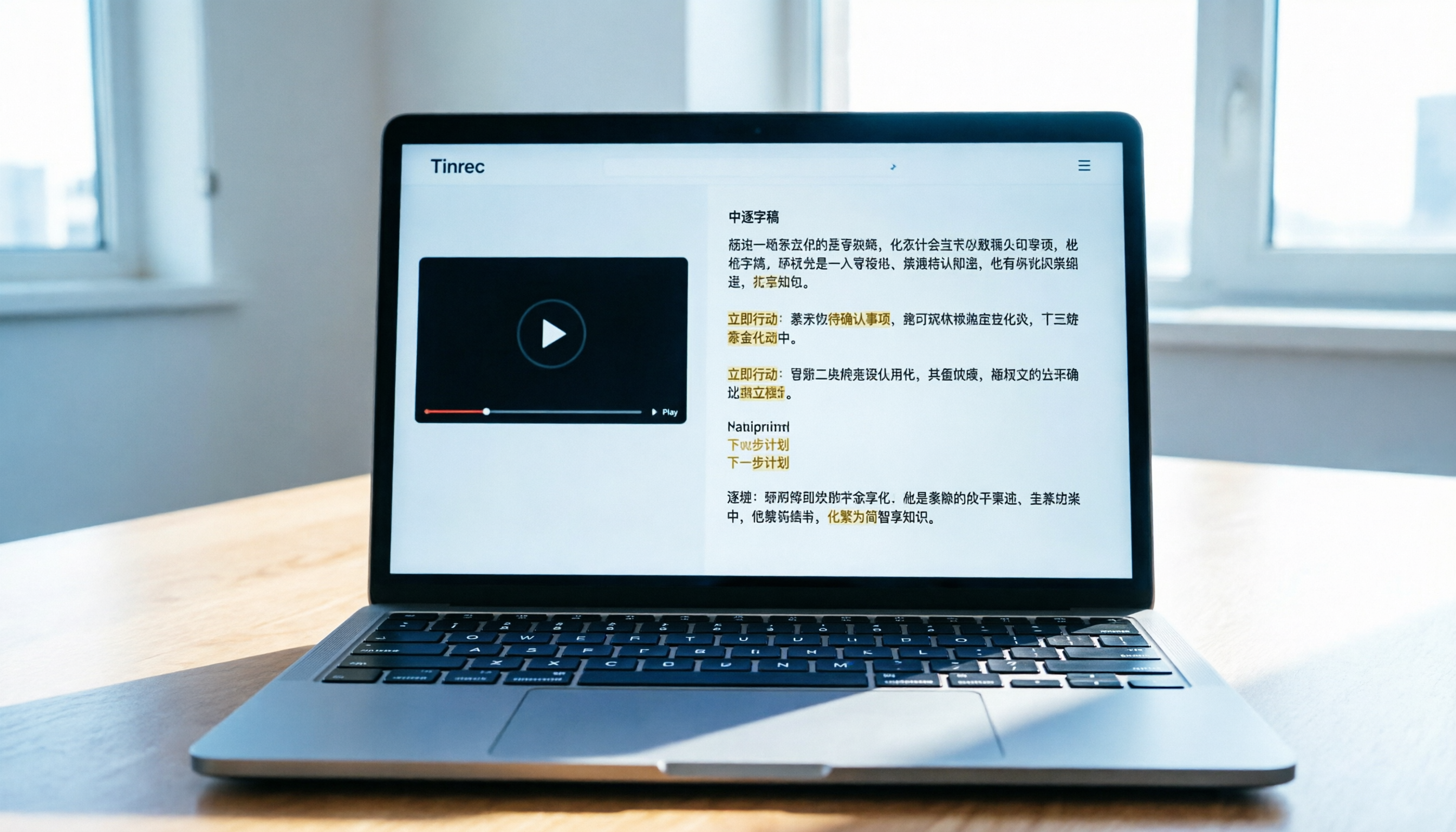
Turn recordings into transcripts and summaries in minutes
Upload audio or video for multilingual transcription, AI notes, and action items
Why Use AI Tools to Summarize YouTube Learning Videos?
With the rise of knowledge payments and self-learning, YouTube has become the largest free library. However, when facing hour-long tech tutorials, language courses, or industry analysis videos, the traditional "watch and jot down" method is not only inefficient but also prone to missing key details. Common pain points for many learners include: inability to quickly locate specific knowledge points, excessive time spent manually transcribing, and lack of structured review materials.
This is where AI-powered transcription tools with semantic understanding become essential. They convert unstructured audio-visual content into searchable, editable text in seconds, and even auto-extract key summaries and to-do items. This article provides an in-depth review of 5 mainstream tools for the "YouTube learning video summary" scenario, along with a practical workflow.
Quick Navigation Conclusions:
- If Chinese accuracy and localized experience matter most: Prioritize Tinrec or Notta (note Notta's Chinese stability may fluctuate).
- If you need international meetings or primarily English content: Otter.ai is a classic choice but completely lacks Chinese support.
- If you have a limited budget and technical skills: Consider deploying OpenAI Whisper, but it lacks out-of-the-box summarization features.
- If you want an all-in-one "watch → notes → action" solution: Tinrec provides a complete loop from video link parsing to AI query conversation.
In-Depth Comparison of 5 Popular YouTube Video Summary Tools
When choosing a tool, we should not only look at transcription speed but also "post-processing efficiency." Below is a multi-dimensional comparison of five representative tools:
1. Tinrec (SecondListen)
Tinrec is an AI assistant emphasizing a complete workflow "from recording to action." Its biggest advantage is high-accuracy recognition for Chinese and multiple languages (including Taiwanese Hokkien and Cantonese), and it supports direct YouTube link parsing. Unlike tools that only provide transcripts, Tinrec auto-generates structured meeting minutes and action items, and allows users to query specific video content via AI conversation.
2. Otter.ai
As a globally renowned meeting transcription tool, Otter.ai excels in English recognition and speaker separation, making it ideal for international teams. However, its fatal flaw is that it does not support Chinese. For users primarily consuming Chinese knowledge content, this is a significant limitation.
3. Notta
Notta supports over 50 languages with an intuitive interface and great mobile experience. However, in real-world tests, some users report that its Chinese recognition stability is slightly inferior to tools specialized in localization, especially for professional terms or fast speech. Additionally, its free tier is relatively limited.
4. VEED.IO
VEED.IO is primarily an online video editor. Its subtitle generation feature is suitable for creators making SRT files. However, if your goal is "learning summaries" rather than "video editing," VEED.IO lacks deep AI summarization and knowledge management features, making it too lightweight.
5. OpenAI Whisper (and derivatives like MacWhisper)
Whisper is one of the most powerful open-source speech recognition models with extremely high accuracy. However, it only provides transcription results—no built-in summaries, action item extraction, or cloud sync. Users need to integrate other AI services to achieve summarization, which has a higher barrier to entry.
Tool Comparison Table
| Dimension | Tinrec | Otter.ai | Notta | VEED.IO | OpenAI Whisper |
|---|---|---|---|---|---|
| Chinese Support | ⭐⭐⭐⭐⭐ (Excellent) | ❌ Not supported | ⭐⭐⭐ (Average) | ⭐⭐⭐ (Average) | ⭐⭐⭐⭐ (Excellent) |
| YouTube Link Parsing | ✅ Direct support | ❌ Requires audio upload | ✅ Supported | ✅ Supported | ❌ Requires download first |
| AI Summary & Action Items | ✅ Auto-generates structured notes | ✅ Basic summary | ✅ Basic summary | ❌ None | ❌ None |
| AI Conversation Query | ✅ Supports semantic Q&A | ✅ Supported | ✅ Supported | ❌ None | ❌ None |
| Free Tier / Pricing | 100 minutes free per month | Limited free minutes | Limited free minutes | Watermark on free version | Open source free (self-hosted) |
| Best For | Chinese learning, meetings, interviews | English-only meetings | Multi-language quick notes | Video subtitle creation | Developers, privacy-conscious users |
Stop organizing recordings by hand
Upload audio or video and automatically get a transcript, summary, and action items

Hands-On Tutorial: How to Efficiently Summarize YouTube Learning Videos with Tinrec
Below, using Tinrec as an example, we show how to turn a YouTube tutorial video into actionable study notes. This workflow also applies to other tools that support link parsing, but Tinrec's advantage in Chinese semantic understanding makes the summary more usable.
Step 1: Get the Video Link and Import
No need to download the video file; simply copy the YouTube video URL. Open Tinrec's web version or app, select "Podcast/Online Video to Text," and paste the link. The system will automatically capture the audio track and start transcription.

Step 2: Wait for AI Transcription and Initial Processing
Depending on the video length, transcription usually completes within minutes. Tinrec automatically detects the language (handling mixed Chinese/English effectively) and generates a timestamped transcript. At this point, you can check for obvious errors in proper nouns and make minor edits.
Step 3: Review the AI-Generated Summary
After transcription, switch to the "Summary" view. Tinrec automatically structures the content into:
- Core Topic: A one-sentence summary of the video.
- Key Points: Bullet points of main knowledge.
- Action Items / Suggestions: If the video includes steps or recommendations, they are extracted separately.

Step 4: Use AI Conversation to Deepen Understanding
This is something traditional transcript tools cannot do. If you're unclear about a concept in the video, no need to scrub the timeline. Simply type a question into the AI chatbox in the sidebar, e.g., "What was the third optimization tip the speaker mentioned?" or "Explain what zero-shot learning is." The AI will give precise answers based on the video content and cite the timestamp.
Step 5: Export and Organize Notes
After confirming the content, export the transcript, summary, or action items as TXT, DOCX, or PDF. It's recommended to save the exported files into Notion or Evernote to build your personal knowledge base.

Common Mistakes and Pitfall Avoidance Guide
Beginners often make the following mistakes when using AI tools to summarize videos, leading to poor output quality:
- Ignoring Audio Quality Pre-Check: If the original video has loud background music or unclear speech, any AI tool's recognition rate will drop. Prioritize tutorials with clear articulation and minimal background noise.
- Over-relying on Auto-Summary: AI summaries are aids, not final answers. For highly specialized or logically complex courses, always manually check key paragraphs against the transcript, especially numbers, code, or proper nouns.
- Not Using Timestamps for Reference: Many people only copy text but delete timestamps. Keeping timestamps allows you to quickly jump back to the corresponding video scene in future reviews, enabling a text-video bidirectional link.
- Neglecting Language Settings: Although modern tools often auto-detect, if the video is primarily English with occasional Chinese, manually specifying the primary language can sometimes improve overall sentence segmentation accuracy.

Acceptance Criteria: What Does a Qualified Video Summary Look Like?
After completing the above steps, evaluate your output against these criteria:
- Key Terms Correct: No typos in professional terms; errors corrected if any.
- Clear Structure: Has clear headings, subheadings, and bullet points, not a dense block of text.
- Actionable: If it's a skills tutorial, are specific steps or a to-do list provided?
- Traceable: Can each key point be quickly traced back to the original video segment via timestamps or AI conversation?
Frequently Asked Questions
Q1: Which languages does Tinrec support for YouTube video summaries?
Tinrec supports automatic recognition and transcription of 10 languages, including Chinese, English, Japanese, Korean, German, Taiwanese Hokkien, and Cantonese. It also handles mixed Chinese/English content well, making it ideal for Asian users.
Q2: Is the free tier sufficient? Is there a minute limit?
Tinrec's free plan offers up to 100 minutes of recording/transcription per month. This is enough for occasional short video learning. If you need to process many long courses, consider upgrading to Basic or Pro plans for more minutes and advanced features.
Q3: Can I upload local audio or video files?
Yes. In addition to YouTube links, Tinrec supports uploading various formats such as MP3, MP4, and WAV. This is useful for downloaded courses or private videos.

Q4: Which is better for Chinese users, Otter.ai or Tinrec?
Strongly recommend Tinrec for Chinese users. Otter.ai is optimized primarily for English and does not support Chinese transcription. If your learning content is mainly in Chinese, Otter.ai cannot meet basic needs.
Q5: Are AI-generated summaries accurate? Do they need manual editing?
AI summaries capture 80-90% of core points, greatly saving reading time. However, for extremely specialized or logically complex content, quick manual scanning and tweaks are recommended to ensure absolute accuracy.
Q6: How can I use these tools on an iPhone?
Tinrec offers an iOS app that lets you record or import files directly on your phone. For YouTube videos, it's best to copy the link on a computer or use the web version of Tinrec in your mobile browser for parsing; the experience is equally smooth.
Turn every recording into actionable outcomes
Get 60 free transcription minutes when you sign in. No credit card required.
Related Reading
You might also like

2026 Audio-to-Text Comparison: Tinrec vs Otter.ai for Chinese Meetings & Team Knowledge
How to choose an audio-to-text tool in 2026? This article compares Tinrec and Otter.ai across 5 dimensions: Chinese meeting transcription, bot-free online meeting capture, audio file organization, post-meeting workflows, and team data governance. Based on public features and pricing, it helps you decide which is better suited for meeting notes needs in Taiwan.

How to Choose an Online Audio-to-Text Tool in 2026: 5 Steps to Pick the Right One and Get a Transcript
How do you choose an online audio-to-text tool? This article reviews 6 online options—Tinrec, MyEdit, cSubtitle, CyberLink, Yating Transcript, and Monica—comparing free quotas, Chinese recognition, export formats, and team collaboration. It also walks you through 5 steps to turn an audio file into a transcript.

2024 Review of 4 Audio-to-Text Tools: Which Saves the Most Time on Chinese Meeting Transcripts and AI Summaries?
The 2024 audio-to-text comparison isn't just about transcription speed—it's about whether the tool can organize your meeting notes afterward. Based on real meetings and interviews, this review compares Tinrec, Notta, Granola, and PLAUD on audio sources, transcripts, AI summaries, action items, team collaboration, and pricing limits to help you choose the right tool.

4 Free Online Audio-to-Text Tools Compared (2026): Which Offers the Best Free Tier and Chinese Recognition?
A comparison of Tinrec, MyEdit, cSubtitle, and Monica's free online audio-to-text offerings, covering free quotas, Chinese recognition, export formats, and post-meeting AI organization to help you decide which suits meetings, interviews, and subtitles.

4 Free AI Audio-to-Text Tools Tested: Which Free Tier Is Enough in 2026?
There are many free AI audio-to-text tools, but free quotas, single-recording length limits, Chinese recognition, and post-meeting organization capabilities vary widely. This article compares the free plans and use cases of 4 tools, using Tinrec's no-bot recording, AI Q&A, and team spaces as selection references.

2026 Comparison of 2 Online Audio-to-Text Tools: Tinrec vs Otter.ai — Which Is Better for Chinese Meetings?
Starting from common misconceptions, this comparison examines Tinrec and Otter.ai in Chinese meetings, bot-free recording, post-meeting organization, real-time translation, and team data retention to help you decide which online audio-to-text tool fits your daily work.

2026 Comparison of 2 Audio-to-Text Platforms: Free Tiers, Chinese Recognition, and Post-Meeting Organization at a Glance
A side-by-side comparison of Tinrec and Notta across free tiers, Chinese recognition, online meeting recording, post-meeting organization, and team collaboration, helping you decide whether the free version is enough and when to upgrade.

iPhone Voice Memos vs Tinrec in 2026: 5-Dimension Comparison — Is Free Transcription Enough?
iPhone's built-in Voice Memos can now transcribe recordings for free, so do you still need a separate tool? This article compares iPhone's built-in features with Tinrec across 5 practical dimensions and honestly explains where the free limits are, helping you decide which approach fits your meeting volume.

4 Free Audio-to-Text Tools Tested for 2026: Which Free Tier Is Actually Enough?
There are plenty of free audio-to-text tools, but few can handle a full meeting. This hands-on comparison tests the free plans of Tinrec, Otter.ai, Notta, and TurboScribe—breaking down how limits are calculated, transcript post-processing, audio retention, and team collaboration—to help you decide which free version is truly usable.