
Turn recordings into transcripts and summaries in minutes
Upload audio or video for multilingual transcription, AI notes, and action items
Why You Need an AI Audio-to-Text Tool: Say Goodbye to Ineffective Meeting Notes
In today's workplace, we spend a lot of time in Zoom, Google Meet, or physical meetings. However, after meetings, we often face three major pain points:
- Information Black Hole: If an audio file isn't transcribed, it's like a "black box" — you can't use search (Ctrl+F) to find key points, and replaying an hour of audio often takes twice as long.
- Time-Consuming Transcription: Manually typing transcripts is extremely draining, resulting in delayed sharing of key decisions with the team after meetings.
- Lack of Action: Having a transcript doesn't mean having "conclusions." Most people only record "who said what," but miss "what to do next (Action Items)."
This article reviews 5 popular automatic transcription tools on the market in 2025 and adds the recently acclaimed productivity dark horse Tinrec to the comprehensive comparison, helping you find the best solution.
2026 Popular Automatic Transcription Software Comparison: 5 Tools vs. Tinrec
To help you quickly choose the right tool, we've compared language support, Chinese accuracy, AI features, and pricing.
Feature Comparison Table of Automatic Transcription Software
| Tool | Platform Supported | Core Strength | Chinese Support | Price (Reference) | AI Chat Query Support |
|---|---|---|---|---|---|
| Tinrec | Web, iOS, Android | Real-time transcription + AI chat query + action item generation | Excellent (includes Taiwanese/Minnan and Cantonese) | Free trial / Basic $4.9/month | ✅ (Key feature) |
| Otter AI | Web, iOS, Android | Real-time English meeting transcription and team collaboration | Weak (specializes in English) | $16.99/month (Pro) | ❌ |
| RecCloud | Web, Mobile | Multi-language translation and video-to-text | Very good | NT$116/month | ❌ |
| Sonix | Web | Powerful editor and timestamp features | Very good | $10/hour | ❌ |
| Happy Scribe | Web | AI + Human hybrid service (great for subtitles) | Average | $12/hour | ❌ |
| Rev AI | Web, Mobile | Highly accurate professional transcription | Excellent | $14.99/month | ❌ |
Detailed Review: Pros and Cons of Each Tool
1. Tinrec (Seconds Audio) – Best AI Meeting Assistant for Chinese Users
Tinrec is not just a transcription tool; it's more like a "smart" voice recorder. Its biggest difference from other tools is its focus on the complete workflow of **"from audio to action."** Besides basic real-time transcription, it can directly generate "meeting minutes" and "to-do items," and supports a unique "AI chat query" feature that lets you find answers from your recordings through Q&A, solving the problem of difficult-to-read long transcripts.

2. Otter AI – Top Choice for English Meetings
If your work environment is entirely in English, Otter AI is a very mature choice. It deeply integrates with Zoom and Google Meet and instantly labels speakers during meetings.
- Pros: Excellent English recognition, user-friendly interface.
- Cons: Limited support for Chinese (especially Taiwanese accents or mixed Chinese-English), and the free version has many restrictions (only 300 minutes/month).
3. RecCloud – Multilingual Video & Audio Processing
RecCloud is a cloud-oriented tool that supports over 99 languages. Its specialty is handling video files and auto-translation.
- Pros: Extensive language library, relatively affordable.
- Cons: Limited export formats, and editing capabilities are not as powerful as Sonix.
4. Sonix – Editor’s Workbench for Media Professionals
Sonix provides a very detailed online editor, even allowing you to adjust timestamps and punctuation. It's great for podcasters or journalists.
- Pros: Powerful editing, automatic timestamps.
- Cons: Charged by the hour, which can be costly for frequent meeting users.
5. Rev AI & Happy Scribe – High Accuracy but Higher Cost
Both tools offer "human transcription" options, achieving up to 99% accuracy, making them suitable for documents requiring legal-level precision.
Stop organizing recordings by hand
Upload audio or video and automatically get a transcript, summary, and action items
- Pros: Extremely high accuracy.
- Cons: Human services are expensive, and AI generation is slower than real-time transcription tools.
In-Depth Review: How Tinrec Achieves a Closed Loop from "Audio" to "Action"
After testing the above software, if you need a productivity tool that combines **"high Chinese accuracy"** with **"high cost-effectiveness,"** Tinrec stands out in the Traditional Chinese market. Below are its core differentiators:
1. Real-Time Audio-to-Text: Not Just Saving, But Also Simultaneous Understanding
Unlike many tools that require "upload and wait after recording," Tinrec supports **real-time audio-to-text transcription**. As the meeting happens, you can see text being generated line by line on your phone or computer. This is very useful for scenarios where you need instant confirmation of what's being recorded (e.g., interviews, class notes).
2. AI Chat Query: Ask Your Notes Like You Would Ask a Person
This is Tinrec's most differentiating feature. Traditional tools give you a 5000-word transcript that you still have to read yourself. Tinrec's AI Chat Query allows you to ask questions directly, such as: "What was the budget cap mentioned in this meeting?" or "List all action items assigned to Peter." The AI answers you based on the recording content, transforming "browsing documents" into "getting answers."

3. Multi-Source Input: Handles Both Videos and Audio Files
Besides live recording, Tinrec also fully supports file processing:
- Audio File to Text: Supports MP3, WAV, M4A and other formats, suitable for organizing past voice recordings.
- Podcast/Online Video to Text: Just paste a YouTube or Podcast link to generate a summary. This is very efficient for content creators organizing materials or students summarizing online course notes.
4. Automatically Generate Structured Summaries and Action Items
Tinrec doesn't just dump text on you; it uses AI to automatically organize content into:
- Full Text Summary: Get the gist of an hour-long session in one minute.
- Meeting Minutes: Structured key points.
- To-Do Items (Action Items): Clearly list who should do what by when.

Hands-On Tutorial: 3 Steps to Quickly Generate High-Quality Meeting Minutes
Using Tinrec as an example, here's how to turn a lengthy weekly meeting into an actionable document:
Step 1: Start Recording or Import a File
- In-Person Meeting: Open Tinrec App or web version, click **real-time audio-to-text**, and ensure clear microphone reception. Tinrec supports iOS and Android multi-device sync, so you can record on your phone and edit on your computer later.
- Online Meeting/File: If you have a Zoom recording file, directly upload it using the **audio file to text** feature.

Step 2: AI Analysis and Revision
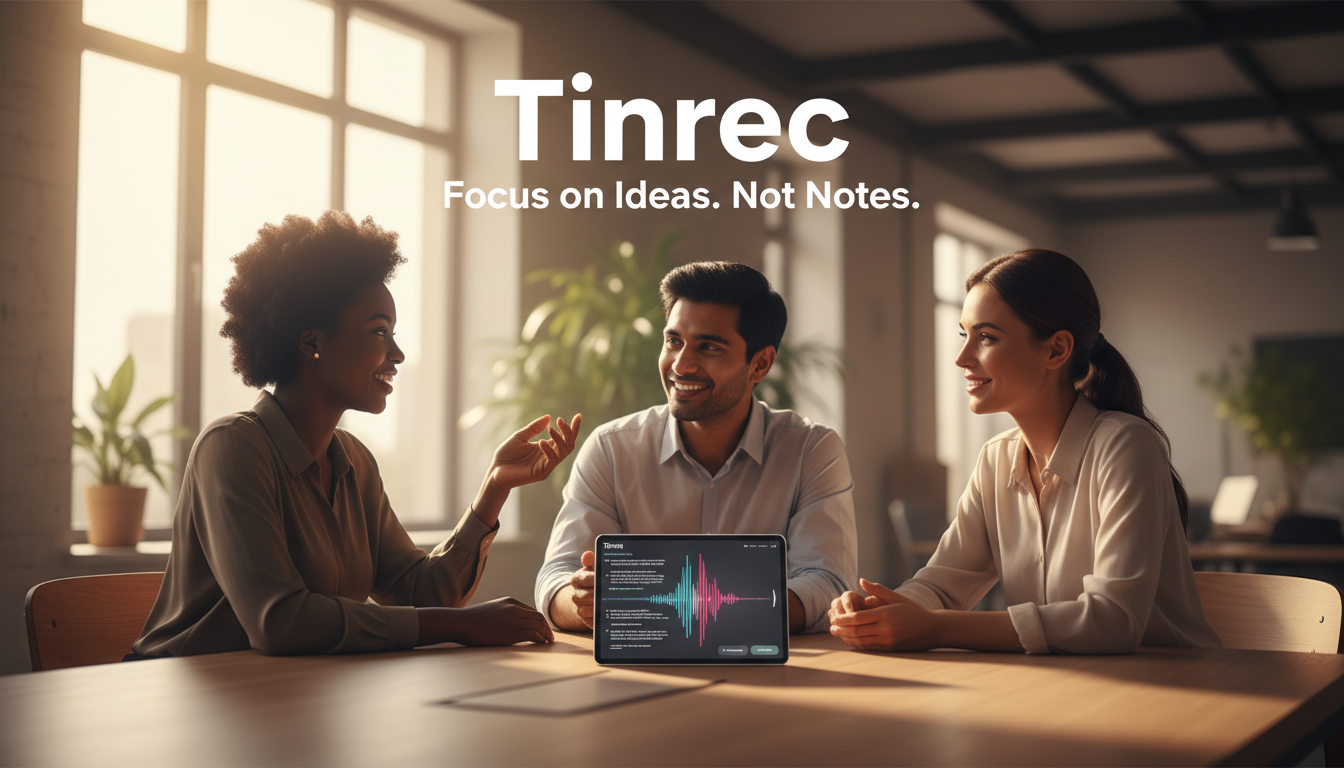
After transcription, the system will automatically differentiate speakers (Speaker Diarization). You can quickly browse the AI-generated "meeting summary" and "to-do list." If there are technical terms, Tinrec's editor also supports quick corrections.
Step 3: Deep Review with AI Chat
This is the most critical step. Don't just read the summary; try using the AI Chat panel on the right to input commands:
- "Summarize the discussion on Q3 marketing budget."
- "Was there any mention of risks regarding product launch delays?" This ensures you haven't missed any details.
Step 4: Export and Share
Once confirmed, you can export the results as Word, PDF, or TXT, and directly paste into your company's Notion or email to send to the team.

FAQ
Q1: Do these automatic transcription tools support Chinese? How accurate are they? Most international software (e.g., Otter) has weak Chinese support. RecCloud and Tinrec have good recognition for Traditional Chinese, even mixed Chinese-English. Tinrec further supports Taiwanese, Cantonese, and 10 other languages, making it suitable for users in Taiwan.
Q2: Is it safe to transcribe audio to text? Will data leak? Choosing tools with enterprise-level security standards is important. Tinrec and Sonix, among other paid tools, usually have strict privacy policies, support SSL encrypted transmission, and audio files are only accessible by the user.
Q3: Can I use a mobile app for audio-to-text transcription? Yes. Tinrec, Otter, and Rev all offer iOS and Android apps. Tinrec supports multi-device sync, so you can record a meeting on your phone and seamlessly edit it on your computer web version, perfect for mobile work.
Q4: What are the usual limitations of the free version? Most have time limits. For example, Otter's free version gives 300 minutes per month; Happy Scribe only offers a 10-minute trial. Tinrec provides 100 minutes of free recording per month, which is relatively generous for light users. If you need more, upgrading to Basic ($4.9/month) is cheaper than most hourly tools.
Q5: How good is the transcription in noisy environments? Background noise is the biggest enemy of AI. Although tools like Tinrec have noise reduction capabilities, it's still recommended to use a directional microphone in noisy environments or place the recording device closer to the speaker to achieve over 95% accuracy.
Q6: Can I directly convert a YouTube video to text? Yes. You can use Tinrec's video-to-text feature. Just paste the video link, and the system will automatically extract the audio track and generate the transcript and summary, saving you the download time.
Turn every recording into actionable outcomes
Get 60 free transcription minutes when you sign in. No credit card required.
Related Reading
You might also like

How to Write English Meeting Minutes in 2026: 6 Sections + AI Auto-Summary
English meeting minutes are not a verbatim transcript. This guide starts with the most common mistakes, then covers the 6 standard sections of meeting minutes, ready-to-use English phrases and tenses, and compares Tinrec, Otter.ai, Granola, and Notta for Chinese-language meetings and post-meeting organization—so you can deliver usable minutes in half an hour.

4 Free Meeting Notes Tools Tested: Which Free Tier Actually Works? (2026)
Many free meeting notes tools exist, but 'free' means very different things. This article cuts through common misconceptions and compares Tinrec, Otter.ai, Notta, and TurboScribe on free quotas, Chinese recognition, and post-meeting organization to help you find the one that truly saves time.

2026 Meeting Minutes Action Items: 4 Free Tools Compared
Your English meeting minutes look great, but no one takes action afterward? The problem usually isn't the English—it's the action items section. This guide covers practical English phrasing for action items, assigned tasks, deadlines, and resolutions, and compares four meeting-notes tools with free plans: Tinrec, Otter.ai, Notta, and Granola. Includes free-tier limits, key buying criteria, and common pitfalls to avoid.

How to Write Meeting Minutes in English: Standard Format & Key Phrases (2026 Guide)
Learn how to write English meeting minutes: correct terminology, a 12-item standard format, resolutions and past-tense action verbs, plus a hands-on tool test and comparison of 3 alternatives. Master English meeting minutes in one guide.

5 Meeting Transcription Tools Tested for 2026: Which Free Version Is Enough?
Spending two hours after a meeting organizing notes? This article compares Tinrec, Otter.ai, Notta, and Granola based on real-world usage, covering recording methods, transcript quality, post-meeting organization, and free tiers to help you find the one that fits your workflow.

5 Meeting Minutes Templates Tested for 2026: Which One Actually Tracks Action Items?
We break down 5 common meeting minutes templates (general meetings, board meetings, project stand-ups, client meetings, remote/asynchronous) and explain the required fields and best use cases for each. We also show how Tinrec's real-time transcription, AI summaries, action item extraction, and team spaces turn templates from manual forms into post-meeting outputs. Includes FAQs and selection tips.

Free AI Meeting Notes in 2026: How to Choose Free Tiers + Summaries & Action Items in One Go
How to choose a free AI meeting notes tool? Instead of comparing who offers the most minutes, look at the real limits of free tiers, Chinese and mixed Chinese-English recognition, how online meetings are captured, and whether summaries and action items can be generated afterward. This article uses 5 key criteria to help you pick the right tool, and demonstrates with Tinrec the complete workflow from recording to transcription to team knowledge retention.

How to Take Sales Meeting Notes in 2026: Tinrec Bot-Free Recording + Automatic Post-Meeting Organization
Sales meeting notes aren't just about transcribing every word. This article starts with common pitfalls and walks you through pre-meeting preparation, meeting recording, post-meeting summaries, and action items. It also compares Tinrec and Otter.ai on Chinese sales meetings, bot-free recording, post-meeting organization, and team knowledge retention.

3 Sales Meeting Notes Formats Tested for 2026: AI-Generated Minutes and Action Items Save the Most Time
Sales meeting notes aren't just about filling out a form—they capture customer needs, objections, commitments, and next steps. This article starts with the common mistake of "filling in the form after the fact," breaks down what should be recorded in sales meeting notes, compares three formats in real-world tests, and shows how Tinrec can generate transcripts, summaries, and action items in real time during the meeting. It ends with a buying checklist and FAQs.