
Turn recordings into transcripts and summaries in minutes
Upload audio or video for multilingual transcription, AI notes, and action items
According to the latest tech trends in 2026 (reference: Best AI Notetaking Tools for Meetings in 2025), AI meeting tools have evolved from mere "recording & storage" to deep "semantic understanding and action transformation." In the past, we relied on handwritten notes or painfully replaying recordings afterward, but in the era of hybrid work and information overload, choosing the right tool can save hours of low-efficiency labor each week.
This review breaks down the differences among mainstream tools and provides an in-depth analysis of Tinrec (Instant Recording Transcription), which focuses on "from recording to action," offering a complete meeting notes solution.
1. The Pain Points: Why Traditional Recording and Note-Taking Are Outdated
Before diving into tools, let's recall the real scenarios most professionals and students face. Many people use their phone's built-in voice recorder during meetings or classes, but often end up with these three major problems:
- Extremely low information density, high cost of replay: To find a specific decision point (e.g., next quarter's budget amount) in a one-hour recording, you often have to drag the progress bar back and forth, wasting a lot of time.
- Text without highlights: Traditional "speech-to-text" tools can produce transcripts, but with tens of thousands of words, you still need to manually read and extract the summary.
- Lack of action linkage: After the meeting, recordings are usually archived in a folder, and the "action items" and "decisions" are easily forgotten, leading to poor execution.
A true AI meeting tool should not just be a "recorder" but your "second brain," helping you filter information and automatically turn it into actionable content.
2. 2026 Hot AI Meeting Tools Feature Comparison
There are many excellent tools on the market (e.g., ClickUp, Otter, etc.), each with its strengths. When choosing a tool, we recommend evaluating from three dimensions: "language support," "AI comprehension," and "subsequent application." Below is an objective comparison of mainstream recording tools and Tinrec (Instant Recording Transcription) to help you clarify your needs:
| Comparison Dimension | Traditional Recorder / Phone Built-in | Common Western AI Tools | Tinrec (Instant Recording Transcription) |
|---|---|---|---|
| Core Positioning | Simple audio storage | Project management integration / Strong English transcription | All-scenario AI recording assistant (Record → Understand → Act) |
| Multilingual Support | None / Weak | English-focused, Chinese support varies | Supports 10 languages including Chinese, English, Japanese, Korean, Cantonese, Taiwanese, etc. |
| Real-time Transcription | No | Partially supported | Supported (transcribes while recording) |
| AI Summary & Action Items | No | Paid or premium tier | Auto-generates meeting minutes, conclusions, and to-do items |
| Information Retrieval Method | Auditory replay (very slow) | Keyword search (Ctrl+F) | AI-powered Q&A (ask the recording like a person) |
| External Files/Links | Not supported | Supports audio file upload | Supports audio, video files, YouTube/Podcast links |
| Pricing | One-time hardware cost | Subscription (usually higher) | Free tier (100 min/month) / Paid tiers with high value |
From the table above, Tinrec has been deeply optimized for multilingual environments and AI interactivity, especially for Asian users. Notably, its AI Q&A feature solves the pain point of traditional transcripts that can only be "read" but not "queried."

Stop organizing recordings by hand
Upload audio or video and automatically get a transcript, summary, and action items
3. In-Depth Review: How Tinrec Goes Beyond Just Recording
Tinrec (Instant Recording Transcription) is more than a transcription tool; its core value lies in building a complete information processing workflow. Here are the key highlights from our test:
(1) Real-time Transcription and Multi-device Sync
Tinrec supports iOS, Android, and Web. During a meeting, you can see the text generated in real time. This is extremely useful for scenarios like international meetings or academic lectures where you need to listen and confirm key points simultaneously. After recording, data syncs automatically to the cloud for editing on your computer.

(2) Smart Summary and Action Item Extraction
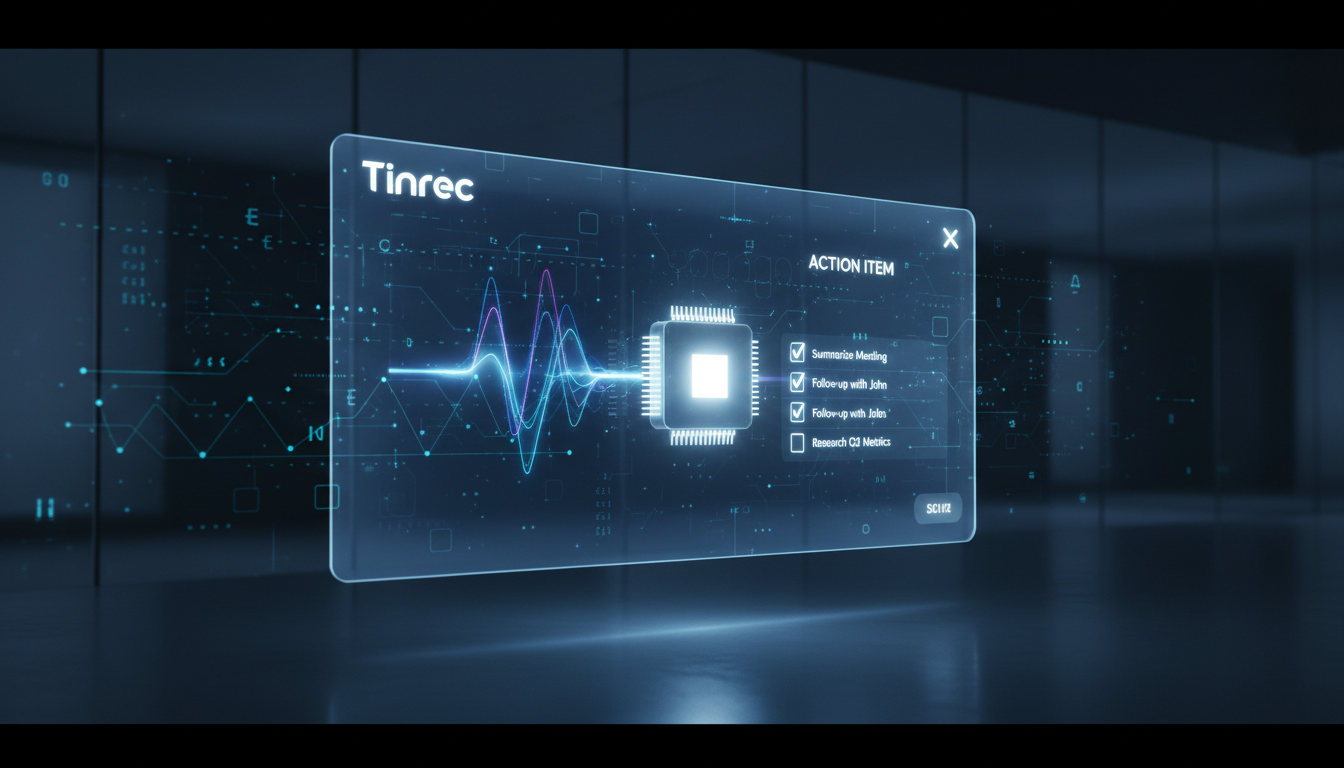
This is the key feature to solve "no action after meetings." Tinrec's AI automatically analyzes the entire conversation and outputs structured content:
- Full Summary: Quickly understand what happened in the meeting.
- Chapter Overview: Auto-segments topics.
- Action Items: Directly lists who needs to do what – the most needed feature for project managers and team leaders.

(3) AI Q&A: Find Information Like Chatting
This is the biggest difference from traditional tools. For a 2-hour interview or meeting, you don't need to read from start. You can type questions in the chat box, e.g., "What was the decision on the marketing budget?" or "List all discussions about the product launch date." Tinrec will precisely answer based on the recording, drastically reducing information retrieval time.

(4) Diverse Content Input: Videos and Podcasts
Besides live recording, Tinrec also supports importing external files. For content creators or students, you can paste YouTube video links or upload podcast audio files to quickly generate transcripts and summaries, turning multimedia content into note material.
4. Practical Tutorial: How to Use AI Tools to Boost Efficiency 3x
Below is a standard operating procedure using Tinrec, applicable for meeting notes or study notes:
Step 1: Start Recording or Import Material
- Live Meeting: Open Tinrec App or web version, go to Real-time Transcription. Make sure to select the correct language (e.g., English or mixed mode) for best accuracy.
- Existing File: If you have an MP3 or M4A file, use the Audio File to Text feature to upload.
- Online Learning: To organize key points from a YouTube tutorial, copy the link and paste it into the Video to Text entry.
Step 2: Review AI Smart Analysis
After recording ends or upload completes, the system processes automatically. Don't rush to read the transcript; first check the AI Summary and Action Items. This helps you grasp 80% of the core content in one minute, confirming meeting conclusions and assignees.

Step 3: Use AI Q&A for "Interrogation"
If you find something unclear in the summary, use the AI Q&A feature. Try asking: "What were the reasons discussed for the Q3 performance decline?" The AI will compile answers from different points in the recording, eliminating the need for manual replay.
Step 4: Export and Share
Once confirmed, you can export the notes as Word, PDF, or TXT and send them to attendees, or copy them into note-taking apps like Notion/Evernote.

5. Frequently Asked Questions (FAQ)
Q1: Does Tinrec support iPhone and Android? Yes, Tinrec supports multi-device sync, including iOS App, Android App, and Web version. All data in your account is automatically available across devices, making it easy to record and review anytime.
Q2: If the meeting mixes English and Taiwanese, can the AI understand? Tinrec supports 10 languages including Chinese, English, Japanese, Korean, Taiwanese, Cantonese, etc. The AI has certain recognition ability in mixed-language environments, but it's recommended to prioritize the main language in settings for best transcription results.
Q3: What are the limits of the free version? Tinrec offers a free tier with 100 minutes of transcription per month, with full features (including AI summary and Q&A). This is sufficient for light users; for more time, Basic (600 min/month) and Pro (1200 min/month) plans offer high value.
Q4: Can the generated transcript be edited? Yes. The system-generated transcript supports online editing. You can correct proper nouns or misrecognized words to ensure accuracy of the final output.
Q5: How secure is this type of tool? Tinrec values user privacy. Recordings and transcriptions are only accessible by you and are not used for public model training. You can delete cloud data at any time.
Q6: Why do I need a dedicated AI tool over my phone's built-in recorder? Phone recordings only "record sound," making information retrieval extremely difficult. The core value of AI tools like Tinrec lies in "structured data" and "retrieval ability." It turns one hour of audio into structured notes you can read in 5 minutes, which is the key to productivity improvement.
Turn every recording into actionable outcomes
Get 60 free transcription minutes when you sign in. No credit card required.
Related Reading
You might also like

2026 Free Meeting Notes to PRD Tools: Tinrec vs Otter.ai Compared
Spent a whole semester in group meetings, but still can't turn piles of transcripts into a PRD? This article starts from the real pain points of student projects and compares Tinrec and Otter.ai across 5 dimensions for generating PRDs from meeting notes, including Chinese meeting handling, bot-free recording, free tiers, and team collaboration, to help you decide which one fits you better.

Tinrec vs Granola 2026 Comparison: 5 Dimensions to See Which Generates Better Meeting Reports
How to choose an AI meeting report tool in 2026? This article compares Tinrec and Granola, two bot-free meeting tools, across 5 dimensions: audio retention and file import, Chinese transcription experience, post-meeting report generation, AI Q&A, and team collaboration and governance. Includes pricing and FAQ to help you decide which fits your meeting scenario.

How to Create Meeting Minutes Templates in 2026: 5 Steps from Field Design to AI Organization
How do you create meeting minutes templates? This article starts with common pitfalls and teaches you how to use Tinrec's AI meeting notes feature to automatically generate transcripts, summaries, action items, and tables in 5 steps, plus purchasing considerations and FAQs.

5 Meeting Minutes Template Formats Compared for 2026: Which One Tracks Action Items Fastest?
We compare 5 common meeting minutes template formats, from basic fields to action tracking to formal board records, and test how Tinrec uses AI to automatically generate transcripts, summaries, and action items, saving you time on manual form filling.

Best AI Meeting Notes Tools in 2026: We Tested 4 — This One Handles Chinese Meetings and Task Lists Best
After a meeting ends, the hardest part usually isn't the meeting itself — it's turning the discussion into a trackable task list. Starting from real meeting scenarios, this article breaks down four key factors for choosing a meeting notes tool, tests Tinrec, Otter.ai, Granola, and PLAUD Note, and includes copy-paste task list and follow-up email prompt templates, common pitfalls to avoid, and selection advice.

2026 Comparison of 3 Meeting Task Assignment Tools: Why Tinrec Beats Notta for Teams
Manually filling out meeting task assignment sheets is error-prone and hard to track. This hands-on comparison of Tinrec and Notta explains how Tinrec uses bot-free recording, automatic action item extraction, and team spaces to turn manual meeting task lists into an automated process.

6 AI Meeting Table Generators Tested in 2026: Which Can Turn Transcripts into Tables and To-Dos?
After a meeting, you have the transcript and summary, but the table you actually need to submit still has to be filled out yourself. This article reviews 6 AI meeting tools, covering bot-free recording, Chinese transcription, to-do extraction, and table and report generation, with a 'how to choose' guide to help you decide, and honestly lists free and paid quotas for each option.

2026 Comparison of 3 Meeting Minutes Tools: Word vs Excel vs Tinrec — Which Saves the Most Time?
Word or Excel for meeting minutes? This hands-on comparison tests Word, Excel, and Tinrec AI recording in the meeting documentation workflow, from transcription and AI summaries to action item tracking and team collaboration, helping you decide which tool fits different scenarios.

2026 Meeting Task List Tools: Auto-Extract Action Items + Team Tracking
How to choose a 2026 meeting task list tool? This guide starts from the decision point of 'where do tasks come from' and uses Tinrec as an example to demonstrate the complete workflow: real-time transcription, AI summary, action item extraction, AI Q&A, and team space tracking. It also covers 5 key considerations for purchasing and answers common questions.