
Turn recordings into transcripts and summaries in minutes
Upload audio or video for multilingual transcription, AI notes, and action items
Why Is Processing Cantonese Recordings So Painful?
As a video creator, journalist, or administrative staff, you've likely experienced this frustrating moment: a 1-hour meeting or interview can take 3 to 4 hours of repeated listening to produce a complete verbatim transcript. Cantonese has a unique context, with significant differences between spoken and written forms, and workplace environments often involve mixed Chinese and English (Chinglish), plus background noise, causing traditional voice recognition software to frequently fail.
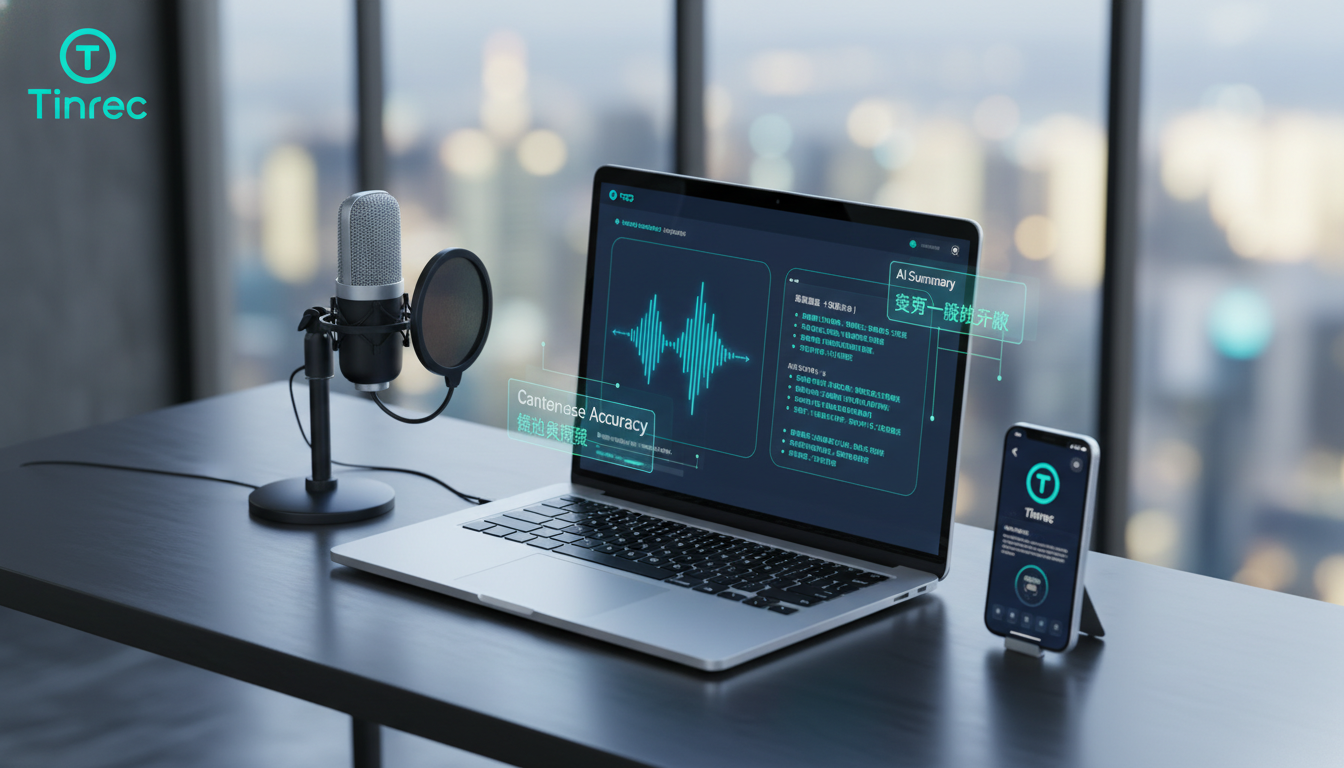
This is not just labor-intensive; it's a productivity killer. If audio files are only saved and not quickly converted into searchable, actionable text, their value is nearly zero.
Fortunately, AI technology in 2026 can effectively solve these pain points. This article combines the latest test data to review 6 mainstream Cantonese audio-to-text tools and provide the best recommendations based on your needs (whether for video subtitling or meeting decisions).
2026 Major Cantonese Audio-to-Text Tools Deep Comparison
We selected 6 tools that are optimized for Cantonese or have powerful AI capabilities: Subanana, Adobe Premiere Pro, ArcTime, Taption, pyTranscriber, and Tinrec (Instant Recording).
1. Accuracy and Language Processing (Based on Test Data)
According to the latest comparative tests, focusing on the common scenarios for Hong Kong creators of mixed Chinese and English (Chinglish) and background noise:
- Subanana: Excels in Cantonese recognition. In mixed Chinese and English contexts, accuracy reaches 97.5%, and it is the only tool that supports direct spoken-to-written conversion (accuracy 95.3%). This is an irreplaceable feature for users who need to convert Cantonese content into formal articles.
- Adobe Premiere Pro: Although the industry standard for editing, its Cantonese recognition accuracy is around 89.4% and is sensitive to background noise, suitable for professional editors already in the Adobe ecosystem.
- pyTranscriber / ArcTime: These tools mostly rely on Google API or credit systems, with average accuracy (about 80%-89%), suitable for users with limited budgets who are willing to spend time proofreading.
- Tinrec (Instant Recording): As a new-generation AI recording assistant, Tinrec's strength lies in its multilingual model versatility and comprehension. It supports 10 languages including Cantonese, Chinese, and English. Although it is slightly inferior in fine-tuning extremely authentic spoken-to-written conversion compared to Subanana (which specializes in Hong Kong Cantonese), its advantages are real-time performance and subsequent AI analysis.
2. Tool Feature Comparison Table
To help you choose more intuitively, we have compiled the following core dimension comparison:
| Dimension | Tinrec (Instant Recording) | Subanana | Adobe Premiere Pro | Taption | pyTranscriber |
|---|---|---|---|---|---|
| Core Focus | AI meeting assistant and knowledge management | Cantonese subtitles and spoken-to-written conversion | Professional video post-production editing | Cloud subtitle editing | Open-source free transcription |
| Cantonese Accuracy | High (supports multilingual recognition) | Very high (specialized in Cantonese) | Moderately high | Medium | Medium |
| Real-time Recording Transcription | Yes (transcribe while recording) | No (requires file upload) | No | No | No |
| Spoken-to-Written Conversion | Supports AI summary and polishing | Yes (exclusive direct conversion feature) | No | No | No |
| AI Summary / Action Items | Auto-generate meeting minutes, to-dos | None | None | None | None |
| AI Chat Query | Yes (ask about recording content) | None | None | None | None |
| System Requirements | Low (Web/iOS/Android) | Low (Web) | High (requires powerful computer) | Low (Web) | Medium (requires installation) |
| Pricing Model | Free / Subscription | Basic free / Paid upgrade | Expensive subscription | Free tier / Paid | Completely free |
Stop organizing recordings by hand
Upload audio or video and automatically get a transcript, summary, and action items
Tinrec In-Depth Review: Evolving from "Recording" to "Action"
If Subanana is designed for "precision subtitles," then Tinrec (Instant Recording) is built to solve the pain points of "meeting efficiency" and "knowledge management." Often, we record not just to get a verbatim transcript, but to know what to do next.

1. Real-Time Audio-to-Text: Never Miss Any Inspiration
Unlike most tools that require "record → upload → wait for conversion," Tinrec supports real-time audio-to-text conversion. While a meeting or interview is happening, the text is already being generated on the screen. This greatly shortens turnaround time for on-site journalists or social media editors who need to publish content immediately.
2. AI Chat Query: Say Goodbye to Ctrl+F
The most tedious part of a traditional transcript is finding key points. Faced with 10,000 words of text, the traditional method is keyword search. Tinrec introduces AI Chat Query functionality, allowing you to ask in natural language:
- "What was the marketing budget decision in this meeting?"
- "What are the three main complaints the customer raised about the product?"
Tinrec directly summarizes and answers based on understanding of the recording content, just like having a personal assistant who listened to the entire meeting.

3. Auto-Generate Decision Summaries and Action Items
This is the biggest difference between Tinrec and subtitle software. It automatically extracts from messy conversations:
- Meeting Minutes: Structured key point summaries.
- To-Do Items: Who needs to do what by when.
This directly solves the common workplace problem of "meeting without next steps."

Practical Tutorial: How to Boost Efficiency by 300% with AI Tools
Whether you are recording with your phone or processing online videos, the following workflow can help you get started quickly.
Scenario 1: Important Meetings/Interviews Onsite (Using Tinrec)
- Start Recording: Open the Tinrec app or web version, click real-time speech-to-text.
- Set Language: Choose the recognition language (supports mixed Cantonese, Chinese, English, etc.).
- Real-Time Marking: During recording, if you hear an important point, click the mark button for easy review later.
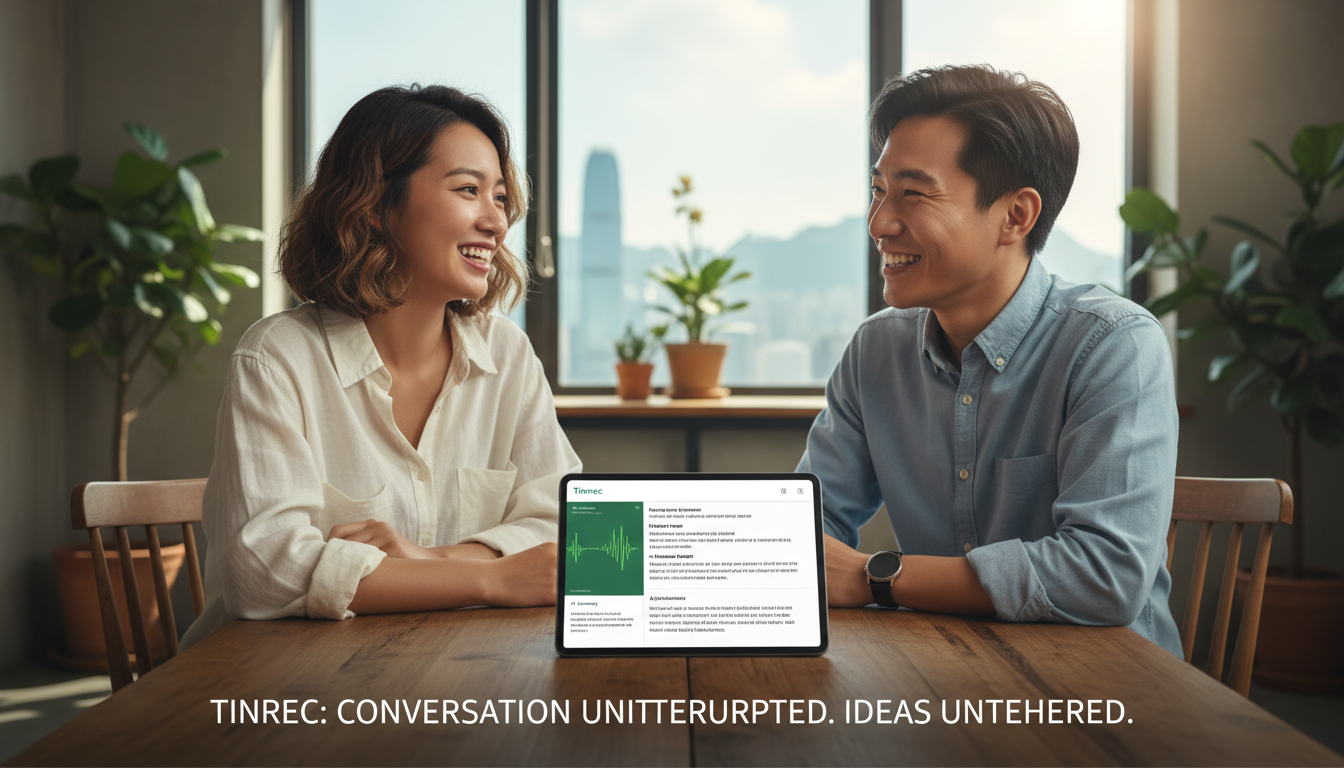
- Post-Meeting Review: After the recording ends, click "AI Summary" to generate meeting minutes and to-do lists with one click, and share directly with the team.
Scenario 2: Processing Existing Audio or Video Files
- Import Files: Go to the audio file to text page, upload your mp3 or mp4 files.
- Choose Transcription Mode: The system automatically performs speaker diarization (distinguishing who is speaking).
- Export Format: After transcription, you can export as TXT, Word, PDF, or even SRT subtitle files for later editing.

Scenario 3: Quickly Absorb YouTube/Podcast Information
- Copy Link: Find a YouTube Cantonese interview or tutorial video you want to process.
- Paste and Parse: Use the podcast/online video to text feature, paste the URL.
- Get Key Points: Tinrec will directly fetch the content and generate verbatim transcripts and summaries, allowing you to grasp the core content without watching the entire video.
Frequently Asked Questions (FAQ)
Q1: Which tool handles Hong Kong Cantonese most accurately? If you are looking for extreme accuracy in Cantonese words (e.g., correct usage of words like "嘅" and "嗰") and spoken-to-written conversion, Subanana is currently the best choice, with a tested accuracy of 97.5%. However, if you prioritize overall meeting content understanding and summarization, Tinrec is also an excellent alternative.
Q2: Do these tools have free versions? Yes. pyTranscriber is completely free and open-source. Tinrec offers 100 minutes of free transcription per month, including AI summary features. Subanana and Taption also provide basic free trial plans.
Q3: Can I transcribe recordings directly from my phone? Yes. Tinrec supports iOS, Android, and web synchronization. You can record directly with the mobile app and see the transcribed text and summaries on your computer later, perfect for mobile work.

Q4: Can the AI recognize mixed Chinese and English (Chinglish) in recordings? Yes. Modern AI models like Tinrec and Subanana are optimized for mixed Chinese and English contexts. In tests, Subanana performed best for brand name mixed recognition, while Tinrec handles multilingual conversations smoothly.
Q5: Can the transcribed text be exported as subtitle files? Yes. Subanana, Taption, ArcTime, and Tinrec all support exporting common subtitle formats such as SRT or VTT, which can be directly imported into Premiere Pro or Final Cut.
Q6: Do these cloud tools have security concerns for internal company meetings? When choosing a tool, be sure to check the privacy policy. Professional services like Tinrec typically have strict data protection mechanisms and allow users to delete cloud data at any time. For highly confidential needs, consider locally computed software like Premiere Pro (though it requires hardware support).
Turn every recording into actionable outcomes
Get 60 free transcription minutes when you sign in. No credit card required.
Related Reading
You might also like

2026 Free Meeting Notes to PRD Tools: Tinrec vs Otter.ai Compared
Spent a whole semester in group meetings, but still can't turn piles of transcripts into a PRD? This article starts from the real pain points of student projects and compares Tinrec and Otter.ai across 5 dimensions for generating PRDs from meeting notes, including Chinese meeting handling, bot-free recording, free tiers, and team collaboration, to help you decide which one fits you better.

Tinrec vs Granola 2026 Comparison: 5 Dimensions to See Which Generates Better Meeting Reports
How to choose an AI meeting report tool in 2026? This article compares Tinrec and Granola, two bot-free meeting tools, across 5 dimensions: audio retention and file import, Chinese transcription experience, post-meeting report generation, AI Q&A, and team collaboration and governance. Includes pricing and FAQ to help you decide which fits your meeting scenario.

How to Create Meeting Minutes Templates in 2026: 5 Steps from Field Design to AI Organization
How do you create meeting minutes templates? This article starts with common pitfalls and teaches you how to use Tinrec's AI meeting notes feature to automatically generate transcripts, summaries, action items, and tables in 5 steps, plus purchasing considerations and FAQs.

5 Meeting Minutes Template Formats Compared for 2026: Which One Tracks Action Items Fastest?
We compare 5 common meeting minutes template formats, from basic fields to action tracking to formal board records, and test how Tinrec uses AI to automatically generate transcripts, summaries, and action items, saving you time on manual form filling.

Best AI Meeting Notes Tools in 2026: We Tested 4 — This One Handles Chinese Meetings and Task Lists Best
After a meeting ends, the hardest part usually isn't the meeting itself — it's turning the discussion into a trackable task list. Starting from real meeting scenarios, this article breaks down four key factors for choosing a meeting notes tool, tests Tinrec, Otter.ai, Granola, and PLAUD Note, and includes copy-paste task list and follow-up email prompt templates, common pitfalls to avoid, and selection advice.

2026 Comparison of 3 Meeting Task Assignment Tools: Why Tinrec Beats Notta for Teams
Manually filling out meeting task assignment sheets is error-prone and hard to track. This hands-on comparison of Tinrec and Notta explains how Tinrec uses bot-free recording, automatic action item extraction, and team spaces to turn manual meeting task lists into an automated process.

6 AI Meeting Table Generators Tested in 2026: Which Can Turn Transcripts into Tables and To-Dos?
After a meeting, you have the transcript and summary, but the table you actually need to submit still has to be filled out yourself. This article reviews 6 AI meeting tools, covering bot-free recording, Chinese transcription, to-do extraction, and table and report generation, with a 'how to choose' guide to help you decide, and honestly lists free and paid quotas for each option.

2026 Comparison of 3 Meeting Minutes Tools: Word vs Excel vs Tinrec — Which Saves the Most Time?
Word or Excel for meeting minutes? This hands-on comparison tests Word, Excel, and Tinrec AI recording in the meeting documentation workflow, from transcription and AI summaries to action item tracking and team collaboration, helping you decide which tool fits different scenarios.

2026 Meeting Task List Tools: Auto-Extract Action Items + Team Tracking
How to choose a 2026 meeting task list tool? This guide starts from the decision point of 'where do tasks come from' and uses Tinrec as an example to demonstrate the complete workflow: real-time transcription, AI summary, action item extraction, AI Q&A, and team space tracking. It also covers 5 key considerations for purchasing and answers common questions.