
Turn recordings into transcripts and summaries in minutes
Upload audio or video for multilingual transcription, AI notes, and action items
Why Do We Forget Podcasts So Quickly? The "Information Black Hole" of Audio Files
In the age of information overload, podcasts have become a primary source of learning and commuting content for many. However, the real pain point for most listeners isn't "finding good content," but the aftermath: extremely low information retention. To revisit a specific point from a one-hour in-depth podcast interview, you often have to spend the same amount of time re-listening—a massive inefficiency. Traditional transcribing is tedious and time-consuming, causing precious audio content to be buried deep in folders, becoming an "information black hole" that can't be searched or referenced.
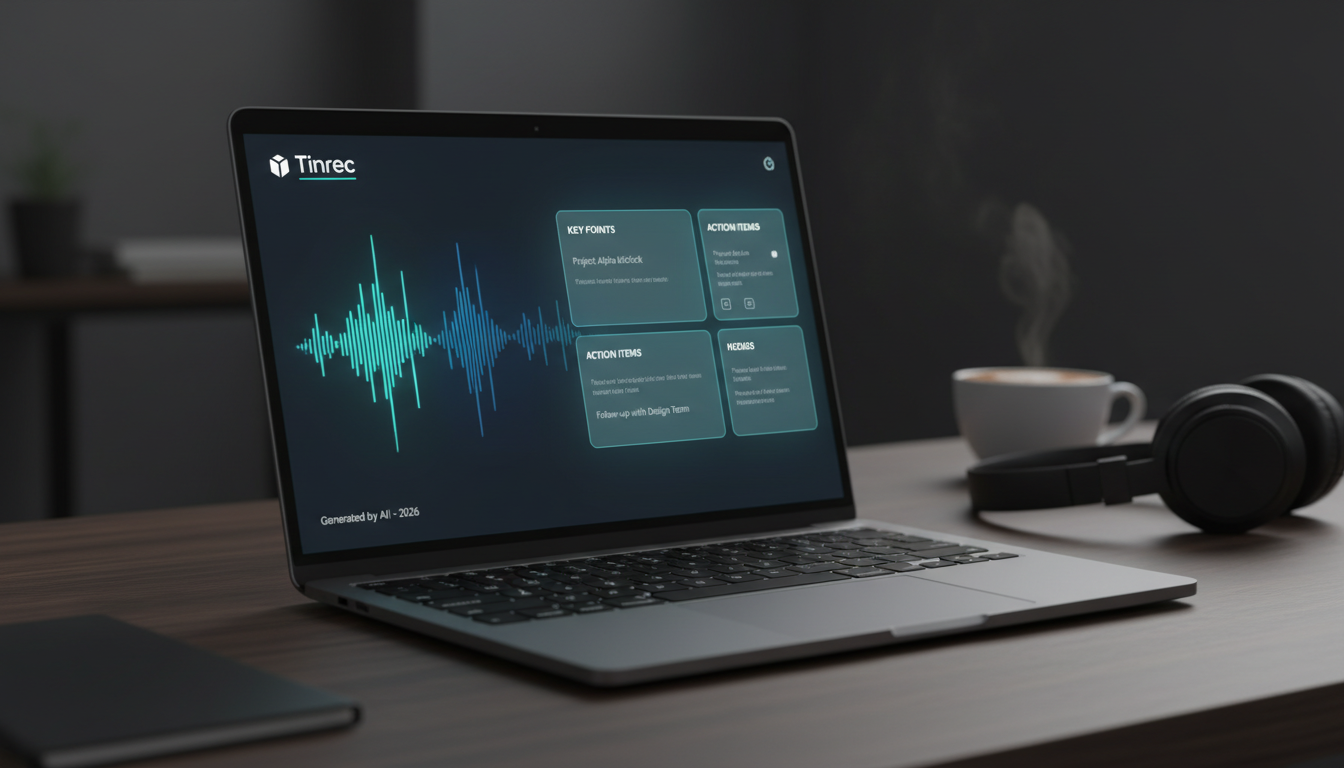
While many AI auto-transcription tools exist on the market, for traditional Chinese users—especially when dealing with long-form audio like podcasts—is there a tool that not only transcribes but also highlights the key points? This article reviews the top podcast-to-text note-taking tools of 2026, specifically evaluating URL parsing convenience, traditional Chinese recognition accuracy, and AI summarization capabilities.
Comparing Mainstream Tools: Which One Truly Understands Traditional Chinese?
When choosing a podcast note-taking tool, we not only look at "transcription accuracy" but also whether the tool supports "direct URL parsing" (no need to download audio) and whether it helps us "understand" the content. Below is a horizontal comparison of three representative tools:
| Dimension | Tinrec (Instant Recording) | Notta | Google Docs Voice Typing |
|---|---|---|---|
| Positioning | Full-process AI knowledge assistant (link parsing + understanding + chat) | Professional transcription tool | Basic dictation tool |
| Traditional Chinese/Taiwanese Support | 🟢 Excellent (supports Chinese, English, Japanese, Korean, Taiwanese, etc. 10 languages) | 🟢 Excellent | 🟡 Average (no Taiwanese, weak punctuation) |
| Podcast Link Transcription | 🟢 Direct support (paste URL) | 🟢 Supports audio file import | 🔴 Not supported (requires extension) |
| AI Smart Features | AI Chat Query (Ask AI), structured summary, action item extraction | AI summary, chapter division | 🔴 None |
| Affordability | ⭐ High value (Free 100 min/month, Basic $4.9/month) | ⭐ Market standard (higher price) | ⭐ Free |
| Use Case | Learners and creators who need to quickly summarize podcast key points | Media professionals needing large volumes of detailed transcriptions | Ad hoc, short personal notes |
Analysis: If you simply need free dictation, Google Docs is barely usable. If you like Notta's interface but find the subscription cost too high (usually around $10-15 per month), or if you want to use AI chat to search podcast content (rather than scrolling through lengthy transcripts on your own), then Tinrec (Instant Recording) is a highly competitive alternative optimized for traditional Chinese.
Deep Review: How Tinrec Condenses a 1-Hour Podcast into a 5-Minute Note
Tinrec (Instant Recording) stands out in podcast note-taking by emphasizing a complete workflow "from recording to action." Here's a hands-on analysis of its core features:

Stop organizing recordings by hand
Upload audio or video and automatically get a transcript, summary, and action items
1. Direct URL Parsing: No File Download Needed
For podcast listeners and YouTubers, the most annoying step is often "downloading MP3/MP4." Tinrec's Podcast/Online Video Transcription feature solves this pain point. You don't need to download files—just copy a Podcast or YouTube link, paste it, and the system automatically fetches the content and transcribes it. This is especially convenient for organizing long interview programs.
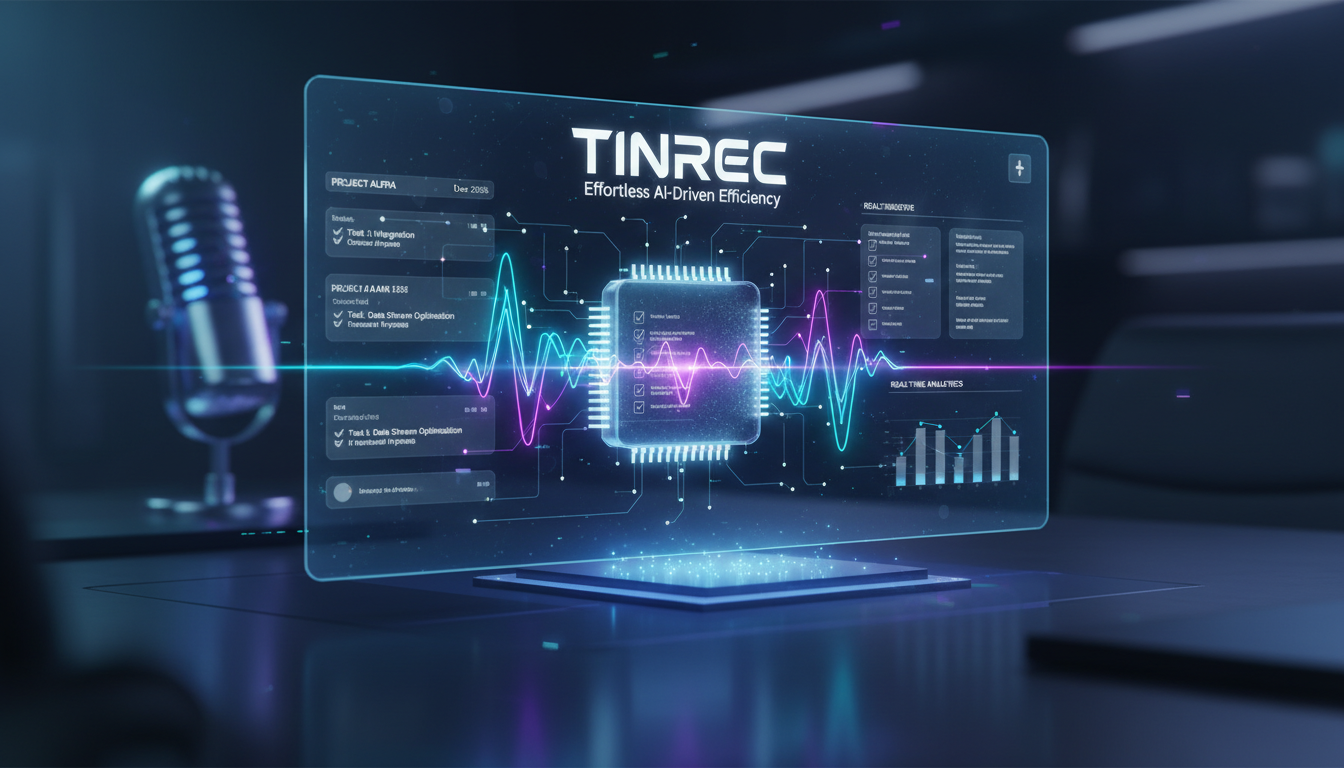

2. AI Smart Summary: Turning Rambling into Key Points
This is the biggest differentiator from traditional tools. Traditional transcription gives you a 10,000-word transcript. Tinrec uses AI to automatically generate:
- Concise Summary: One-sentence core theme of the entire podcast.
- Structured Key Points: Bullet points describing the speaker's arguments and discussion flow.
- Action Items: If the podcast includes teaching or advice, the system automatically identifies "what you should do."
For students or content creators who need to take notes, this saves about 80% of organizing time.

3. AI Chat Query: Ask the Recording Like You'd Ask the Speaker
This is Tinrec's most distinctive highlight. Facing a 2-3 hour podcast (like Joe Rogan or Gu Ai), even with a transcript, using Ctrl+F to search keywords is exhausting. Tinrec's AI Chat Query allows you to ask direct questions, such as:
- "What key points did the speaker mention about '2026 trends' in this episode?"
- "Summarize both sides' views on the pros and cons of 'remote work.'"
The AI answers based on the recording content, making "reviewing a podcast" as simple as chatting with someone who just listened to it.

Practical Tutorial: How to Quickly Generate Podcast Notes with Tinrec
Below is a 4-step guide to transforming an information-packed podcast into clear notes:

- Get the Link or File: Copy the podcast link you want to organize (or upload an existing recording).
- Import and Transcribe: Go to Tinrec's Podcast/Online Video Transcription or Audio File Transcription page, paste the link or upload the file. The system processes it within minutes, supporting mixed recognition of Chinese, English, Japanese, Korean, and even Taiwanese.
- Read the AI Analysis Report: After transcription, click "AI Analysis." Start with the "Summary" to get the big picture, then check "Action Items" for specific suggestions.
- AI Follow-ups and Export: If something is unclear, use the AI chat box on the right to ask questions. Finally, export the organized content as Word, PDF, or TXT, and save it directly to your Notion or note-taking app.

Frequently Asked Questions
Q1: Is Tinrec free? Is it enough for long podcast transcription?
Tinrec offers a free plan with 100 minutes of transcription per month, generous for light users who organize 1-2 podcast episodes per week. If you need more, the Basic plan is only $4.9/month (about 150 TWD) for 600 minutes, offering excellent value compared to competitors that typically cost $10-15 per month.
Q2: Does it support Taiwanese terminology or Taiwanese Hokkien?
Yes, Tinrec supports automatic recognition of 10 languages, including Taiwanese. Its AI model is optimized for traditional Chinese contexts, accurately recognizing common Taiwanese business terms and podcast speech patterns.
Q3: How accurate is the transcription?
Top AI transcription tools currently achieve over 95% accuracy (in clear environments). Tinrec is no exception. However, for proper nouns, names, or overlapping speech, a quick manual check is recommended. Tinrec's editing interface allows you to listen and correct intuitively.
Q4: Can it be used to organize Zoom or Google Meet meetings?
Yes. Besides podcasts, Tinrec also supports real-time voice-to-text recording. You can record system audio via the web version or use the mobile app to record external meeting audio, and it will generate key summaries afterward.
Q5: If the podcast is in English, can AI translate the summary into Chinese?
Tinrec's AI chat query supports cross-language understanding. Even if the original audio is in English, you can ask questions in Chinese (e.g., "Please summarize the key points of this conversation in Chinese") and the AI will respond in Chinese. This is very helpful for learning foreign language content.
Q6: Are there limitations on the AI chat query?
The AI chat query answers based on the specific recording's content. As long as the recording quality is clear and the content is successfully transcribed, the AI can accurately answer related questions. This is currently the most efficient solution for retrieving key points from long videos or long-duration podcasts.
Turn every recording into actionable outcomes
Get 60 free transcription minutes when you sign in. No credit card required.
Related Reading
You might also like

2026 Comparison of 5 Meeting Minutes Formats: Free Templates vs. AI Tools—Which Saves More Time?
There are countless meeting minutes formats—should you download a Word template and fill it in manually, or use AI to generate them automatically? This article compiles 5 common meeting minutes formats and free download sources, and compares manual template filling with Tinrec's instant recording across five dimensions: filling speed, export, search, team collaboration, and price, to help you choose the most time-saving approach.

5 Meeting Minutes Word Templates Tested for 2026: You Filled Out the Table, But Still Missed the Decisions?
Downloaded a bunch of meeting minutes Word templates but still can't write a record you can submit? Starting from real scenarios like student group projects, classes, interviews, and internship weekly meetings, this article compares the field designs of 5 common meeting minutes templates, outlines what a truly useful format should include, and demonstrates how to use Tinrec to turn recordings into transcripts, summaries, and action items, then paste them back into a Word template.

Notion vs Tinrec: Which AI Meeting Notes Tool Is Better for Chinese-Speaking Teams in 2026?
Is taking meeting notes in Notion really easier? This hands-on comparison looks at Notion (templates + Notion AI Meeting Notes) and Tinrec, covering how meeting audio gets in, post-meeting outputs, querying past meetings, team governance, and cross-language meetings, with scenario-based recommendations and FAQs.

5 Meeting Minutes Templates Compared in 2026: Word, PDF, Excel, or AI-Generated?
Downloaded a bunch of meeting minutes templates but can't make them work? This article tackles common pitfalls, breaks down the 5 essential fields a good template should have, compares 5 formats in practice, and shows how to automate the template-filling work with Tinrec.

5 Meeting Minutes Formats Tested for 2026: Which One Is Least Likely to Miss Decisions?
How to choose a meeting minutes format? This article starts with seven essential elements and four meeting types with corresponding formats, then tests and compares the workflows and limitations of tools like Tinrec, Otter.ai, Granola, and Notta for generating meeting minutes, with a pitfalls guide and selection advice.

How to Write English Meeting Minutes in 2026: 6 Sections + AI Auto-Summary
English meeting minutes are not a verbatim transcript. This guide starts with the most common mistakes, then covers the 6 standard sections of meeting minutes, ready-to-use English phrases and tenses, and compares Tinrec, Otter.ai, Granola, and Notta for Chinese-language meetings and post-meeting organization—so you can deliver usable minutes in half an hour.

4 Free Meeting Notes Tools Tested: Which Free Tier Actually Works? (2026)
Many free meeting notes tools exist, but 'free' means very different things. This article cuts through common misconceptions and compares Tinrec, Otter.ai, Notta, and TurboScribe on free quotas, Chinese recognition, and post-meeting organization to help you find the one that truly saves time.

2026 Meeting Minutes Action Items: 4 Free Tools Compared
Your English meeting minutes look great, but no one takes action afterward? The problem usually isn't the English—it's the action items section. This guide covers practical English phrasing for action items, assigned tasks, deadlines, and resolutions, and compares four meeting-notes tools with free plans: Tinrec, Otter.ai, Notta, and Granola. Includes free-tier limits, key buying criteria, and common pitfalls to avoid.

How to Write Meeting Minutes in English: Standard Format & Key Phrases (2026 Guide)
Learn how to write English meeting minutes: correct terminology, a 12-item standard format, resolutions and past-tense action verbs, plus a hands-on tool test and comparison of 3 alternatives. Master English meeting minutes in one guide.