
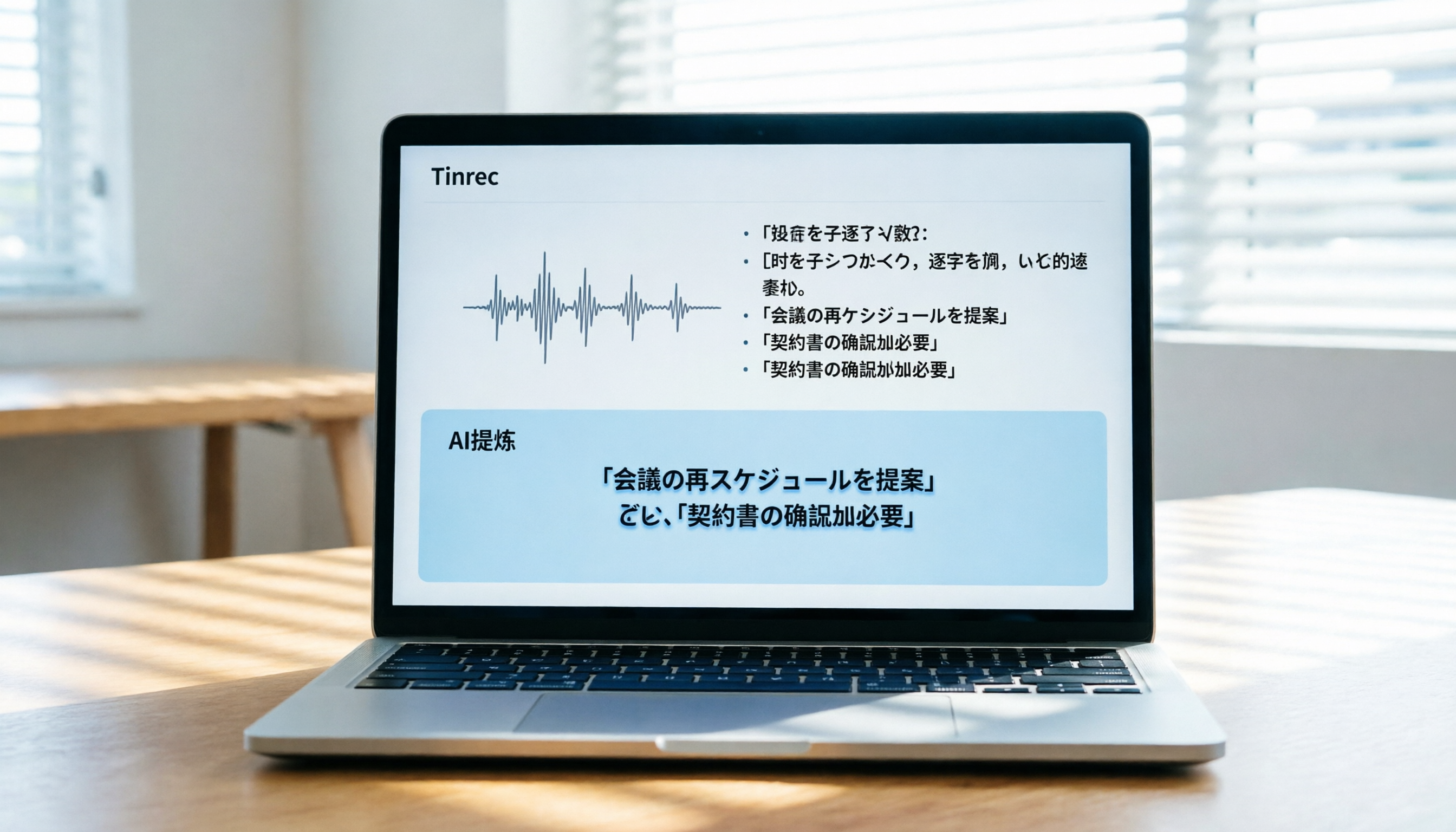
Turn recordings into transcripts and summaries in minutes
Upload audio or video for multilingual transcription, AI notes, and action items
Struggling with Japanese Audio Transcription? The Right Tool Can Double Your Productivity
When dealing with Japanese audio, the most frustrating part is often "I can understand it but can't type fast enough" or "machine translation is inaccurate." Whether it's international meetings, Japanese language classes, or YouTube Japanese podcasts, manually creating transcripts is time-consuming and easy to miss key details. Many users searching for "Japanese audio transcription" encounter three pain points: the tool's recognition accuracy for Japanese proper nouns, support for long audio files, and whether it can automatically generate summaries.
This article will compare five mainstream tools on the market and provide an in-depth analysis of how Tinrec solves the problem of traditional tools offering only plain text without actionable next steps, through its real-time transcription and AI query features. It includes a detailed comparison table, step-by-step tutorials for Tinrec, and answers to common questions about iPhone users, free tiers, and more.
Quick Conclusion:
- If you need accurate mixed Chinese/Japanese recognition: Choose Tinrec or Notta.
- If you need real-time meeting sync and work mainly in English: Consider Otter.ai (but note its limitations in Chinese/Japanese support).
- If you're a developer or value privacy and have technical skills: Try OpenAI Whisper.
- If you want to generate action items directly from recordings: Tinrec offers better workflow integration.
Why You Need a Dedicated Japanese Transcription AI Tool?
Traditional voice recorders or built-in phone recorders only save audio files. To convert them into text, you used to spend hours replaying and typing manually. Even with early speech-to-text input methods, high error rates were common due to Japanese homophones and fast speech.
The core value of modern AI transcription tools lies in three aspects:
- High-accuracy language models: Optimized for Japanese grammar, correctly recognizing business honorifics and technical terms.
- Structured output: Beyond raw transcripts, they can differentiate speakers and generate meeting minutes.
- Knowledge retrieval: Through AI Q&A, you can directly ask "What was the deadline mentioned in the meeting?" without reading the entire transcript.

5 Leading Japanese Audio-to-Text Tools: In-Depth Comparison
To help you make the best choice, we selected representative tools on the market. Each has pros and cons; your decision should depend on your primary use case (e.g., live meetings, post-recording file upload, video link conversion).
Comparison Dimensions
- Language Support: Native Japanese support and handling of mixed Chinese, Japanese, and English contexts.
- Real-time Capability: Whether it transcribes as you record.
- Summaries/Action Items: Can it automatically generate key summaries and to-do lists?
- AI Q&A: Does it allow querying the content?
- Export/Integration: Supported file formats and platform integration.
Comparison Table
| Tool | Japanese Language Support | Real-time Transcription | Summary/Action Items | AI Q&A | Platform Support | Notes |
|---|---|---|---|---|---|---|
| Tinrec | ⭐⭐⭐⭐⭐ (Excellent) | ✅ Yes | ✅ Auto-generates minutes & to-dos | ✅ Semantic query supported | iOS, Android, Web | Emphasizes workflow closure; suited for Asian language environments |
| Notta | ⭐⭐⭐⭐ (Good) | ✅ Yes | ✅ Yes | ✅ Yes | iOS, Android, Web, Mac | Broad multilingual support but occasionally unstable with Chinese mixed in |
| Otter.ai | ⭐⭐ (Average) | ✅ Yes | ✅ Yes | ✅ Yes | iOS, Android, Web | Excellent in English but limited Japanese and Chinese support |
| OpenAI Whisper | ⭐⭐⭐⭐⭐ (Excellent) | ❌ Self-deployment needed | ❌ No (plain text only) | ❌ No | Developer/API | High accuracy but no user interface; requires technical skills |
| VEED.IO | ⭐⭐⭐ (Average) | ❌ Upload only | ❌ No | ❌ No | Web | Primarily video editing; transcription is a supplementary feature |
Stop organizing recordings by hand
Upload audio or video and automatically get a transcript, summary, and action items
As the table shows, if you need a tool that's ready to use out of the box and handles complex Asian language scenarios, Tinrec and Notta are top candidates. Compared to Otter.ai's limitations in Japanese support, Tinrec is optimized for automatic multi-language recognition in Japanese, Chinese, and English, making it more suitable for Asia-Pacific users.
Tinrec Hands-On: From Recording to Action – A Complete Workflow
Tinrec is not just a transcription tool; its design philosophy is to convert "unstructured audio" into "actionable knowledge." Below is a neutral review of its key differentiators.
1. Multi-language Auto-Detection and High-Accuracy Transcription
In real testing, Tinrec automatically detects the language in audio. For Japanese meetings with English terms like "Project Deadline" or "KPI," it maintains high accuracy in sentence segmentation and word recognition. This reduces post-editing time for cross-border teams or Japanese learners.
2. AI-Driven Content Understanding
Unlike traditional tools that output a big block of text, Tinrec automatically analyzes semantics to generate:
- Meeting Minutes: Condensed discussion highlights.
- Action Items: Automatically extracts who needs to complete what by when.

3. AI Q&A: Ask Your Recording Like a Person
This is the biggest difference between Tinrec and basic transcription tools. Instead of using Ctrl+F to search keywords, you can ask questions directly in the sidebar. For example: "What was said about the budget in the meeting?" or "List all Japanese words mentioned." The system gives precise answers based on the recording content and timestamps the source.

Tutorial: How to Use Tinrec for Japanese Audio
Whether you're dealing with live meetings, existing recordings, or online Japanese videos, Tinrec offers multiple entry points. Here are the step-by-step instructions.
Scenario 1: Live Meeting/Class Transcription
Best for: In-person Japanese meetings, language classes, face-to-face interviews.
- Open the app: Launch Tinrec (iOS/Android) or the web version.
- Start recording: Tap the "Record" button on the main screen. The system displays real-time transcribed Japanese text.
- Mark key points: During recording, tap the "Bookmark" button when you hear important info for easy review later.
- Finish and generate: After stopping, the AI processes the audio and within minutes generates a transcript, summary, and action items.
Scenario 2: Upload Existing Audio/Video Files
Best for: Recorded Japanese meetings from clients, downloaded Japanese podcasts, interview files.
- Go to upload page: Select "Audio File to Text" feature.
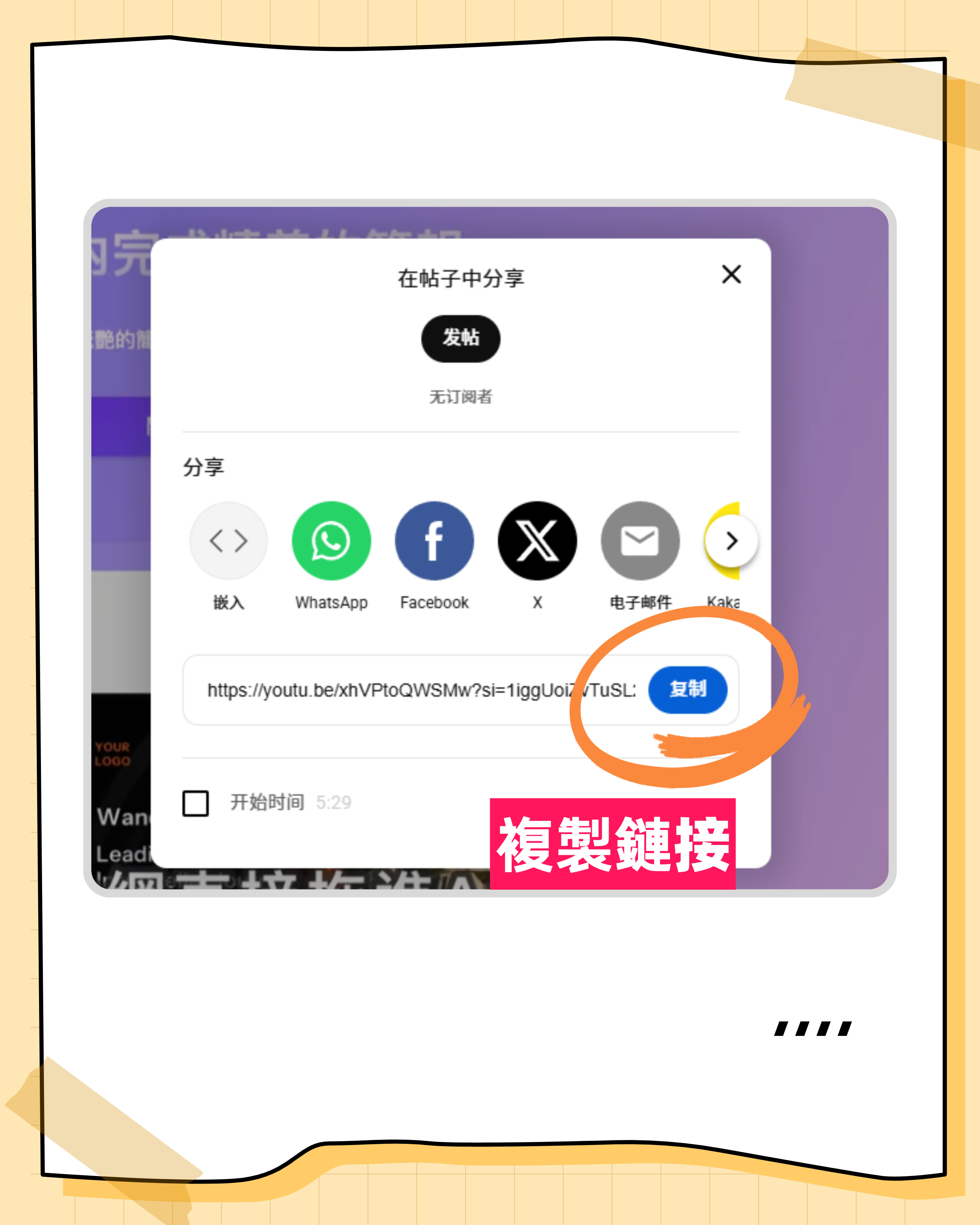
- Import file: Upload MP3, WAV, M4A, or other audio formats from your phone/computer, or paste a YouTube/TikTok video link.

- Select language: Although the system auto-detects, if the content is purely Japanese, manually select "Japanese" for faster processing and higher accuracy.
- View results: Once processed, review the transcript and use the AI panel on the right for content queries or export.
Scenario 3: AI Q&A for Key Information
Best for: Quick review of study material, finding meeting decisions.
- Open chat panel: In the recording details page, find the "AI Chat" or "Chat" entry.
- Type your question: For example, in Japanese or Chinese: "What are the three main issues mentioned in this recording?"
- Get answers: The AI responds instantly with timestamp links to relevant sections; click to jump and listen.

FAQ
Q1: How accurate is Tinrec's Japanese Kanji recognition?
A: Tinrec uses advanced speech recognition models that handle homonyms in Kanji well with context inference. However, for highly specialized fields (e.g., medical, legal), manual proofreading is recommended for 100% accuracy.
Q2: Can iPhone users use Tinrec? Will background recording be interrupted?
A: Yes. Tinrec supports iOS. To ensure stable background recording, close other apps using the microphone while recording and check iOS permission settings. Once microphone permission is granted, it can continue recording and transcribing even when the screen is locked.
Q3: Is the free plan enough? What are the limits?
A: The free plan offers up to 100 minutes of recording per month, which is a nice starting point for occasional meeting or class note-taking. For higher frequency, consider Basic or Pro plans.
Q4: Does it support online meetings like Teams or Google Meet?
A: Yes. You can play meeting audio through your computer speakers and use Tinrec's web or desktop client to capture and transcribe in real time. For best results in a quiet environment, use internal audio routing (requires specific setup or virtual audio cable).
Q5: Can I export to Word or TXT?
A: Yes. Tinrec supports exporting transcripts and summaries to common text formats for further editing or archiving.
Q6: Can it handle mixed Chinese and Japanese in recordings?
A: Yes. One of Tinrec's strengths is its support for code-switching, especially between Asian languages, maintaining good sentence segmentation and recognition coherence.
Conclusion: How to Choose the Best Japanese Transcription Tool for You
There is no absolute "best" tool, only the "most suitable" one. If you mainly process English meetings, Otter.ai remains the market leader. But if you're in the Asia-Pacific region and frequently deal with Japanese, Chinese, or mixed Chinese-Japanese-English audio, and want to save time on summaries and action items, Tinrec offers an efficient, integrated solution.
We recommend trying Tinrec's free plan with your own Japanese audio file to experience the complete workflow from "audio" to "actionable insights," then decide if it fits your daily routine.
Turn every recording into actionable outcomes
Get 60 free transcription minutes when you sign in. No credit card required.
Related Reading
You might also like

2026 Audio-to-Text Comparison: Tinrec vs Otter.ai for Chinese Meetings & Team Knowledge
How to choose an audio-to-text tool in 2026? This article compares Tinrec and Otter.ai across 5 dimensions: Chinese meeting transcription, bot-free online meeting capture, audio file organization, post-meeting workflows, and team data governance. Based on public features and pricing, it helps you decide which is better suited for meeting notes needs in Taiwan.

How to Choose an Online Audio-to-Text Tool in 2026: 5 Steps to Pick the Right One and Get a Transcript
How do you choose an online audio-to-text tool? This article reviews 6 online options—Tinrec, MyEdit, cSubtitle, CyberLink, Yating Transcript, and Monica—comparing free quotas, Chinese recognition, export formats, and team collaboration. It also walks you through 5 steps to turn an audio file into a transcript.

2024 Review of 4 Audio-to-Text Tools: Which Saves the Most Time on Chinese Meeting Transcripts and AI Summaries?
The 2024 audio-to-text comparison isn't just about transcription speed—it's about whether the tool can organize your meeting notes afterward. Based on real meetings and interviews, this review compares Tinrec, Notta, Granola, and PLAUD on audio sources, transcripts, AI summaries, action items, team collaboration, and pricing limits to help you choose the right tool.

4 Free Online Audio-to-Text Tools Compared (2026): Which Offers the Best Free Tier and Chinese Recognition?
A comparison of Tinrec, MyEdit, cSubtitle, and Monica's free online audio-to-text offerings, covering free quotas, Chinese recognition, export formats, and post-meeting AI organization to help you decide which suits meetings, interviews, and subtitles.

4 Free AI Audio-to-Text Tools Tested: Which Free Tier Is Enough in 2026?
There are many free AI audio-to-text tools, but free quotas, single-recording length limits, Chinese recognition, and post-meeting organization capabilities vary widely. This article compares the free plans and use cases of 4 tools, using Tinrec's no-bot recording, AI Q&A, and team spaces as selection references.

2026 Comparison of 2 Online Audio-to-Text Tools: Tinrec vs Otter.ai — Which Is Better for Chinese Meetings?
Starting from common misconceptions, this comparison examines Tinrec and Otter.ai in Chinese meetings, bot-free recording, post-meeting organization, real-time translation, and team data retention to help you decide which online audio-to-text tool fits your daily work.

2026 Comparison of 2 Audio-to-Text Platforms: Free Tiers, Chinese Recognition, and Post-Meeting Organization at a Glance
A side-by-side comparison of Tinrec and Notta across free tiers, Chinese recognition, online meeting recording, post-meeting organization, and team collaboration, helping you decide whether the free version is enough and when to upgrade.

iPhone Voice Memos vs Tinrec in 2026: 5-Dimension Comparison — Is Free Transcription Enough?
iPhone's built-in Voice Memos can now transcribe recordings for free, so do you still need a separate tool? This article compares iPhone's built-in features with Tinrec across 5 practical dimensions and honestly explains where the free limits are, helping you decide which approach fits your meeting volume.

4 Free Audio-to-Text Tools Tested for 2026: Which Free Tier Is Actually Enough?
There are plenty of free audio-to-text tools, but few can handle a full meeting. This hands-on comparison tests the free plans of Tinrec, Otter.ai, Notta, and TurboScribe—breaking down how limits are calculated, transcript post-processing, audio retention, and team collaboration—to help you decide which free version is truly usable.