
Turn recordings into transcripts and summaries in minutes
Upload audio or video for multilingual transcription, AI notes, and action items
Why Listening to Recordings Is More Exhausting Than the Meeting Itself
For students, journalists, PMs, or anyone who sits through frequent meetings, hitting "record" is only temporary relief. The real nightmare begins afterward. We've all been there:
- High replay cost: A one-hour meeting often takes two to three hours to transcribe accurately, pausing and replaying constantly.
- Hard to find info: Days later, when you need to check what the boss said about the budget, you're scrubbing through a 60-minute audio file like searching for a needle in a haystack.
- No actionable conclusions: Having a transcript doesn't mean you have meeting minutes. You still have to manually extract action items from a wall of text.
While Apple's built-in Voice Memos has seen major updates recently, do we need a smarter AI assistant for complex business or learning needs? This article compares iOS's native features with the professional AI tool Tinrec.
Head-to-Head: iPhone Voice Memos vs. Tinrec
According to the latest iOS updates, Apple has indeed improved voice-to-text, but compared to AI tools focused on a "productivity workflow," their purposes are quite different. Here's a detailed comparison based on real testing:
| Comparison | iPhone Voice Memos (iOS 18+) | Tinrec |
|---|---|---|
| Device Limit | iPhone 12 and later only | Cross-platform (iOS, Android, Web) |
| OS Requirement | Chinese: iOS 18.4+ / English: iOS 18.0+ | No version limit; download or open web page to use |
| Live Transcription | Supported (shown in a small box or memo) | Supported (real-time transcript as you record) |
| AI Summary | None (only plain text transcript) | Supported (auto-generated meeting notes, conclusions, action items) |
| Search | Keyword search (Ctrl+F logic) | AI Chat (ask questions about the recording like talking to a person) |
| Language Support | Depends on system settings | 10+ languages including English, Chinese, Japanese, Korean, Cantonese |
| External Audio/Video | Requires shortcuts or import steps | Upload audio files or YouTube links for transcription |
Built-in iPhone Features (Tested on iOS 18)
If you'd rather not install extra apps, the built-in iPhone features are a solid basic choice. On iPhone 12 or newer with iOS 18.0 (English) or iOS 18.4 (Chinese), you'll see a "quote bubble" icon when recording; tap it to view the transcript.
For old recordings, go to the playback screen and tap the "waveform" button to re-transcribe. Convenient, but it still just turns audio into text—no understanding or summarization.
Tinrec Deep Dive: From Recording to Action
If you need more than a transcript—an AI assistant that saves you hours—Tinrec excels in three areas:

Stop organizing recordings by hand
Upload audio or video and automatically get a transcript, summary, and action items
1. Structured AI Summaries & Action Items
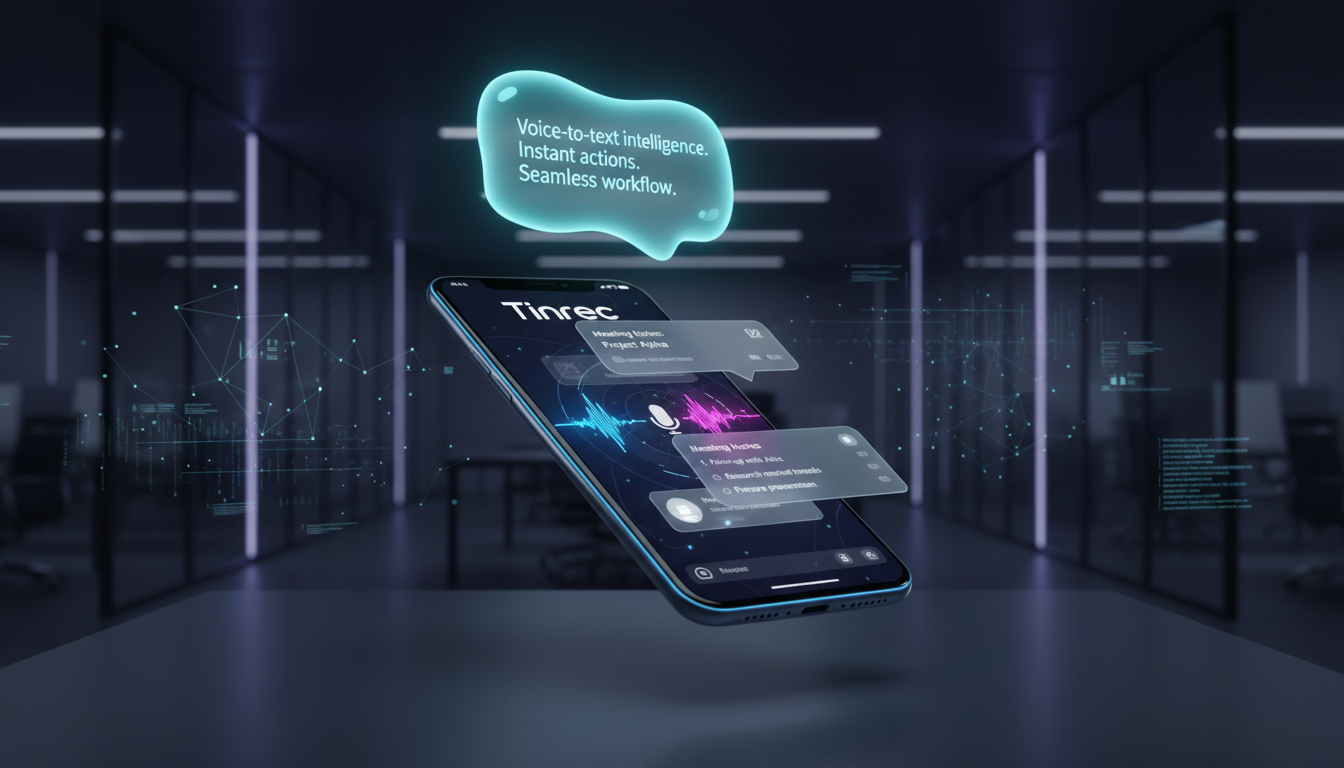
Tinrec's biggest value is "noise reduction." Traditional transcripts are blocks of text that are hard to read. After recording, Tinrec uses a large language model (LLM) to automatically analyze content and generate:
- Full Summary: One sentence capturing the key points.
- Section Breaks: Automatically separates different discussion topics.
- Action Items: The most critical—it lists who needs to do what by when, saving you post-meeting cleanup.

2. AI Chat: Talk to Your Recording
This is the biggest differentiator from traditional tools. Instead of reading a 2-hour interview transcript, you can ask Tinrec's AI directly:
"What were the key points the interviewee made about remote work?"
The AI answers based on the recording and timestamps the source. This query-based experience changes how you access information.

3. Multiple Input Sources: Beyond Recording
Tinrec also handles online content.
- Video to Text: Paste a YouTube or podcast link, and it grabs the content and generates a summary. Great for online courses or competitor video analysis.
- File Upload: Import old recorder files or phone recordings for transcription.

Tutorial: How to Create Meeting Minutes in 5 Minutes with AI
Here's a workflow using Tinrec to handle a one-hour meeting in 5 minutes.
Step 1: Start Live Transcription
Open the Tinrec app or web version at the start of a meeting or class, and tap Record & Transcribe. You'll see text appear in real time, with high accuracy for mixed English and Chinese.
Step 2: Bookmark Key Moments (Optional)
During recording, tap the "mark" button when you hear important decisions or data to easily find them later.
Step 3: Generate AI-Powered Notes
After recording, tap Save. Within minutes, the system processes and generates a note with Summary, Transcript, and Action List.
Step 4: Ask AI for Details
If something in the notes is unclear, use AI Chat to ask follow-up questions. Finally, export the organized content to Notion or a Word document.

FAQ
Q1: Do I have to pay for iPhone's built-in voice-to-text? A: No, it's built into iOS. Just note the hardware requirement: iPhone 12 or newer, and Chinese transcription needs iOS 18.4+.
Q2: What are the limits of Tinrec's free plan? A: Tinrec offers 100 free minutes per month for transcription, enough for occasional students or personal users. For frequent meetings, consider upgrading to Basic or Pro.
Q3: Can it transcribe accurately in noisy environments? A: Both iPhone's built-in and Tinrec have noise reduction, but clarity still affects accuracy. Tinrec's advantage is that even if some words are fuzzy, its AI summary can infer meaning from context.
Q4: Does it support Cantonese or other dialects? A: iPhone's built-in mainly supports standard Mandarin and English. Tinrec explicitly supports Cantonese, Japanese, Korean, and more (10+ languages), better for multilingual settings.
Q5: Can I transcribe old recordings? A: Yes. For iPhone Voice Memos, update to iOS 18.4 and tap the waveform button on old recordings. Tinrec supports directly uploading audio files for transcription and summary.
Q6: Can I export meeting notes to edit on a computer? A: iPhone requires manual copy via iCloud or "Copy Transcript." Tinrec syncs across iOS/Android/Web, so you can record on your phone and edit on your computer's web version, exporting in multiple formats.
Whether you upgrade your iPhone for native features or choose a cross-platform AI assistant like Tinrec, turning voice into "actionable data" is a key productivity skill for 2026. Pick the tool that fits your usage frequency and need for summarization.
Turn every recording into actionable outcomes
Get 60 free transcription minutes when you sign in. No credit card required.
Related Reading
You might also like

2026 Comparison of 5 Sales Meeting Note Tools: Which One Actually Saves Post-Meeting Cleanup Time?
What sales meeting notes need isn't a verbatim transcript—it's decisions and action items you can follow up on directly. Starting from key buying criteria, this article tests and compares tools like Tinrec, Otter.ai, Granola, and Notta, breaking down bot-free recording, Chinese recognition, post-meeting output, and team seat management to help you pick the one that truly saves time.

2026 Sales Meeting Notes Tools Compared: Why Tinrec Is Easier to Write and Faster to Deliver
Sales meeting notes are hard to write, and the problem usually isn't typing speed—it's whether the tool can give you 'what the client said, what they care about, and who does what next' by the time the meeting ends. This article compares Tinrec with other common tools across five practical dimensions, and organizes real-world usage in sales scenarios, plan differences, and FAQs.

How to Take Sales Meeting Notes in 2026: 5 Steps to Choose the Right Tool and Produce Trackable Minutes
Which sales meeting notes tool is best? This article walks you through 5 steps to choose the right tool, from bot-free recording and AI summaries to action item tracking, and compares the use cases and limitations of Tinrec, Otter.ai, Notta, and PLAUD Note.

2026 Comparison of 5 Sales Meeting Note Tools: Which Saves the Most Time and Gets the Job Done?
Sales meeting notes are hard to do, and the problem is usually not typing speed but not getting something usable after the meeting. This article breaks down three common misconceptions, compares common solutions on the market using five purchasing dimensions, and uses Tinrec instant recording as an example to demonstrate the complete process from recording, transcript, summary, and to-dos to team knowledge retention, helping you pick the one that truly saves time.

How to Write Sales Meeting Minutes in English: 5 Steps from Recording to English Minutes
How do you write sales meeting minutes in English? This article starts with the question 'Who will read these minutes?' and breaks down the 5 core capabilities that sales meeting minutes should have. It uses Tinrec to demonstrate 5 steps from recording, transcription, bilingual comparison to exporting English meeting minutes, with English sentence examples and tool selection tips.

2026 Meeting Minutes Template Guide: Formats, Examples & AI Tools
A practical guide to meeting minutes templates—essential fields, copy-ready formats, and adjustments for three scenarios—plus pitfalls to avoid and how Tinrec turns meeting recordings into transcripts, summaries, and action items.

How to Use a Chinese Meeting Minutes Template in 2026: 5 Steps from Recording to Complete Minutes
Meeting minutes are not verbatim transcripts. Drawing on real experience from 15 meetings a week, this article provides 3 ready-to-copy Chinese meeting minutes templates for general meetings, project meetings, and weekly meetings. It breaks down the key to writing decisions and action items separately, and tests using Tinrec to convert recordings into transcripts, summaries, and action items, explaining where it saves time and where manual proofreading is still needed.

3 Chinese Meeting Minutes Formats Tested: Which Gets the Job Done Fastest in 2026?
Compare three ready-to-copy Chinese meeting minutes templates (formal, streamlined, action-oriented), learn 4 key factors for choosing a format and 4 common mistakes, plus a practical comparison of Tinrec, Otter.ai, Notta, and Granola in the meeting-to-minutes workflow.

5 Meeting Notes Notion Templates Tested: Free Downloads Still Cost You Time Filling Fields
Downloaded a Notion meeting notes template but stopped using it? This article reviews 5 free meeting notes templates from Notion Marketplace, compares manual templates with AI meeting tools, and tests Tinrec's transcription, summaries, AI Q&A, and team plan pricing limits to help you decide whether to fix your format or change your approach.