
Turn recordings into transcripts and summaries in minutes
Upload audio or video for multilingual transcription, AI notes, and action items
Faced with a two-hour Cantonese meeting or interview recording, the most headache-inducing part is often not "not understanding" but "not finishing the transcription." Cantonese's unique spoken grammar, numerous modal particles, and the common "code-switching" (Chinglish) phenomenon in Hong Kong workplaces often cause traditional speech recognition tools to crash or produce gibberish.
This article reviews the mainstream voice-to-text solutions on the market in 2026, focusing on Cantonese recognition accuracy and post-processing efficiency.

Quick Takeaways:
- If you only need to send a quick text or short note: Use the built-in dictation on your phone (Apple/Google).
- If you need to transcribe long meetings or interviews and generate summaries: Choose a tool with AI summarization (e.g., Tinrec).
- If you're a developer who values open-source: Consider deploying the OpenAI Whisper model.
Why Is Cantonese Voice-to-Text So Hard?
Before choosing a tool, we need to understand the pain points. Cantonese is often called a "boss-level" challenge in speech recognition for three main reasons:
- Spoken vs. Written Language Discrepancy: In recordings, people say "佢" (keoi5), which in written Chinese is usually "他" (taa1); "幾時" (gei2 si4) becomes "什麼時候" (sam6 mo1 si4 hau6). A good AI needs to handle this conversion or accurately preserve the colloquial forms.
- Cantonese-English Mixing (Chinglish): For example, "今日個 Schedule 好 Full,要約個 Meeting" (Today's schedule is very full, need to set up a meeting). This poses a huge challenge for single-language models.
- Multi-speaker & Noise: Overlapping voices in a tea restaurant interview or multi-person meeting; traditional tools struggle to separate speakers.
2026 Popular Cantonese Voice-to-Text Tools Comparison
To help you choose, we selected three different types of solutions and compared them across key dimensions:
| Dimension | Tinrec (MiaoTing) | Built-in Dictation (iOS/Android) | OpenAI Whisper (Open-Source/API) |
|---|---|---|---|
| Cantonese Accuracy | High (optimized for Cantonese-English mixing) | Medium (okay for short phrases, easily breaks on long sentences) | Very High (depends on model size) |
| Real-time | Supports live transcription while recording | Supports | Requires processing after recording finishes |
| Summaries & Action Items | Auto-generates meeting minutes and to-do lists | None (text only) | None (text only) |
| AI Q&A | Supports (directly ask about recording content) | Not supported | Not supported |
| Export/Integration | Word, PDF, TXT, SRT subtitles | Copy-paste | JSON, TXT, SRT |
| Best For | Meetings, interviews, classes, long recordings | Text messages, notes, search input | Developers, subtitle teams |
| Pricing/Free Tier | Free: 100 minutes/month | Completely free | Pay-per-use API or self-hosting cost |
Stop organizing recordings by hand
Upload audio or video and automatically get a transcript, summary, and action items
Deep Dive: Tinrec's Unique Advantages for Cantonese
Among the many tools, Tinrec (MiaoTing) positions itself not just as a "transcription tool" but as an AI assistant designed for workflow. For users dealing with large amounts of Cantonese content, it offers several key differentiators:
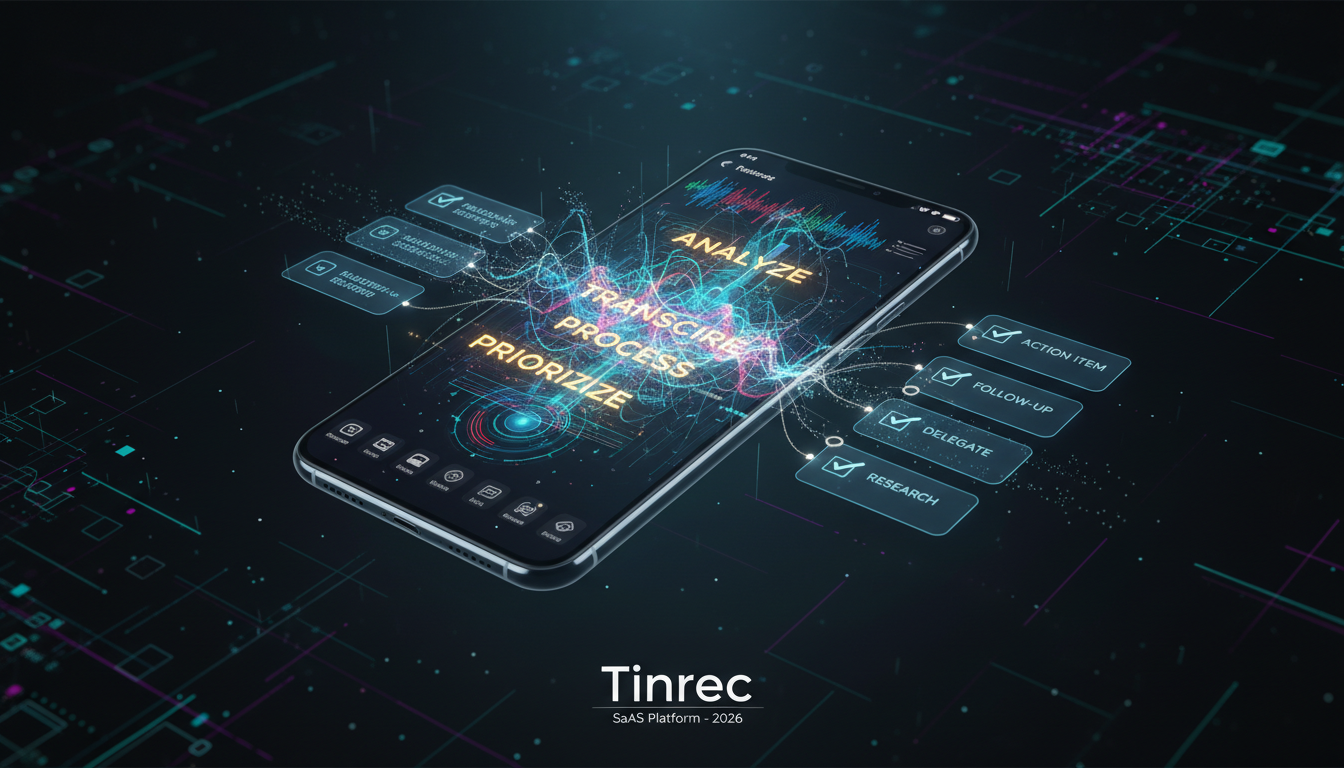
1. Optimized Recognition for Cantonese-English Code-Switching
Tinrec supports automatic recognition of 10 languages including Cantonese. In real-world tests, for common workplace terms (like presentation, deadline, budget) mixed into Cantonese sentences, it maintains good context flow, reducing the time needed for manual English spell correction.
2. From Transcript to Action List
Traditional tools output a dense wall of text that is hard to read. Tinrec uses AI to automatically analyze the content and generate Meeting Minutes and Action Items. For business users, this means that by the time the meeting ends, the preliminary minutes are already done.
3. AI Q&A (Ask Like a Person)
If you have a 2-hour recording and only want to know "What was the manager's final budget decision?", the traditional approach is Ctrl+F to search keywords. Tinrec's AI Q&A feature lets you ask directly, and the AI answers based on the recording content—changing how you retrieve information.

Practical Tutorial: How to Convert Cantonese Recordings to Editable Text
Below we use Tinrec as an example to show how to turn a Cantonese meeting recording into a valuable text file. The process is similar whether you use iPhone, Android, or the web version.
Step 1: Prepare the Recording Source
You can start in one of two ways:
- Record Live: Open the app and record directly.
- Import a File: If you already have a file from a voice recorder or a YouTube video link, you can use that too.
Step 2: Select the Language Mode
Before transcribing, make sure to set the recognition language to Cantonese. This is a critical step to ensure the AI model loads the correct dialect database.
Step 3: Start Transcription and Generation
- Tap "Start Recording" or upload a file.
- The system will perform real-time voice-to-text, and you'll see the text appear line by line.
- For long recordings, use the audio file to text feature; upload and it will process in the background without needing to stay on the screen.

Step 4: Use AI to Organize Key Points
After transcription, tap the "AI Analysis" button. The system will automatically differentiate speakers (e.g., Speaker A, Speaker B) and extract a summary. If you're a content creator, you can also use the podcast/video to text feature by pasting a YouTube URL to get script material.
Step 5: Export and Share
After checking the text, you can export it as Word or PDF and send it directly to team members.
Frequently Asked Questions (FAQ)
Q1: Why is the built-in dictation on my phone so inaccurate for Cantonese?
Built-in functions are designed mainly for short commands or messages. They handle long continuous speech, background noise, and proper nouns poorly, and typically lack the ability to correct based on context.
Q3: Does Tinrec's free version include Cantonese recognition?
Yes, Tinrec's free version supports all languages, including Cantonese. Free users get 100 minutes of transcription per month, which is usually enough for students or individuals who occasionally need to transcribe class notes or interviews.
Q4: Do I need to switch settings if the meeting switches between English and Cantonese?
No. Modern high-end AI transcription tools (like Tinrec) usually have multilingual recognition. As long as the primary language is set correctly, occasional English words are automatically recognized.
Q5: Does it support video file transcription?
Yes. Besides common audio formats like MP3/WAV, Tinrec also supports uploading MP4 video files or directly pasting YouTube links for transcription, which is very useful for webinars or online courses.
Q6: How is the privacy and security of recording data ensured?
When choosing a tool, pay attention to the privacy policy. Reputable service providers (like Tinrec) usually use encrypted transmission, and transcription content is only accessible to the user. Avoid using unknown online free tools that don't require login for sensitive meeting records.
Turn every recording into actionable outcomes
Get 60 free transcription minutes when you sign in. No credit card required.
Related Reading
You might also like

How to Create a Sales Meeting Notes Template in 2026: 5 Steps from Template to AI Organization
The problem with sales meeting notes rarely lies in the format—it's that no one is available to take notes during the meeting, and no one reviews them afterward. This article starts with three common misconceptions, outlines 7 essential fields and a 5-step process, and explains how to use Tinrec's bot-free recording, AI summaries, and AI Q&A to turn a one-hour client meeting into a trackable record within 10 minutes after it ends.

How to Take Sales Meeting Notes in 2026: 5 Steps from Recording to AI Summaries
How do you take sales meeting notes? This article examines four key decision points—free tier limits, recording methods, post-meeting organization, and team data ownership—and compares Tinrec, Otter.ai, Notta, and TurboScribe. It also outlines 5 practical steps from recording to AI meeting summaries and highlights pitfalls to avoid when choosing a tool.

2026 Comparison of 4 Sales Meeting Recording Tools: Plus 3 Sales Books to Make Every Client Meeting Count
After a sales meeting, having the recording stuck on your phone and key points only in your memory is a common waste. This article starts from real client meeting workflows and compares Tinrec, Notta, Otter.ai, and Granola on recording methods, post-meeting organization, Chinese recognition, and team data retention. It also includes 3 sales books worth reading alongside these tools to help you turn every client conversation into a trackable asset.

2026 Smart Meeting Collaboration Platforms Free Plans Compared: 4 Options at a Glance
Starting from the real pain points of mid-level managers juggling a dozen meetings a week, this guide organizes the free plans and selection criteria for 2026 smart meeting collaboration platforms. It hands-on compares Tinrec, Dcard's newly established GNTC (EntryDesk, VibeHost), Notta, and Otter.ai, explaining who each suits, how free quotas work, and pitfalls to watch for in team seats and governance.

2026 Sales Meeting Notes Tools Compared: Which One Turns Customer Words into Next Steps?
Sales meeting notes aren't about transcribing conversations verbatim—they're about capturing customer needs, decisions, and action items. This article starts with the most common mistakes, outlines the 5 essential fields for sales meeting notes, and shares 4 key factors for choosing a tool. It also compares Tinrec, Granola, Notta, and PLAUD in real Chinese-language sales meeting scenarios to help you pick an approach that people will actually use after the meeting.

5 Sales Meeting Notes Templates Tested for 2026: Which Free Download Actually Saves Time?
Downloaded a bunch of free meeting notes templates but still missing decisions and action items after the meeting? This article starts with the three most common pitfalls, then tests and compares five sales meeting notes templates: Word, Excel, Notion, built-in app templates, and AI auto-generation. It also breaks down what fields a usable template should have and how Tinrec automates the form-filling part.

2026 Comparison of 4 Sales Meeting Notes Solutions: How Can Free Templates Really Save Time?
Free sales meeting notes templates are available everywhere, but if the fields are wrong, filling them out can still take an hour. This article breaks down the 12 essential fields for sales meeting notes and compares four solutions—Tinrec, Notion templates, Excel template libraries, and Otter.ai—through actual workflows, explaining which one can truly automate the organization of customer needs, objections, and next steps into actionable records.

2026 Comparison of 4 Sales Meeting Note-Taking Apps: From Free to Team Plans
Sales and customer success teams often spend hours after meetings organizing notes. This side-by-side comparison of Tinrec, Notta, Fireflies.ai, and Otter.ai breaks down transcription quality, meeting capture methods, post-meeting usability, and team data ownership. It includes hands-on observations, pitfalls to avoid, and selection advice to help you find the free or paid option that fits your needs.

Best Sales Meeting Notes Templates? 5 Free Methods Tested in 2026 — This One Works Best for Chinese Meetings
Free sales meeting notes templates are easy to find; the hard part is filling them out and still having your manager send them back. This article first breaks down the three most common pitfalls, gives you a copy-ready skeleton of sales meeting note fields, then reviews five free methods — Word, Excel, Notion, built-in platform transcription, and AI meeting tools — and compares Tinrec and Granola dimension by dimension to help you decide which fits your meeting volume and team size.