
Turn recordings into transcripts and summaries in minutes
Upload audio or video for multilingual transcription, AI notes, and action items
Have you ever spent hours pausing, rewinding, and manually transcribing a 1-hour YouTube interview? Or struggled to quickly find key points in an online course because there were no text notes?
For content creators, students, and professionals, the need to "convert video to text" is growing, but many tools offer inconsistent support for Traditional Chinese or lack summary features. This article reviews noteworthy YouTube transcription tools for 2026, provides a detailed comparison table, and shows how to use AI tools to quickly extract video highlights.
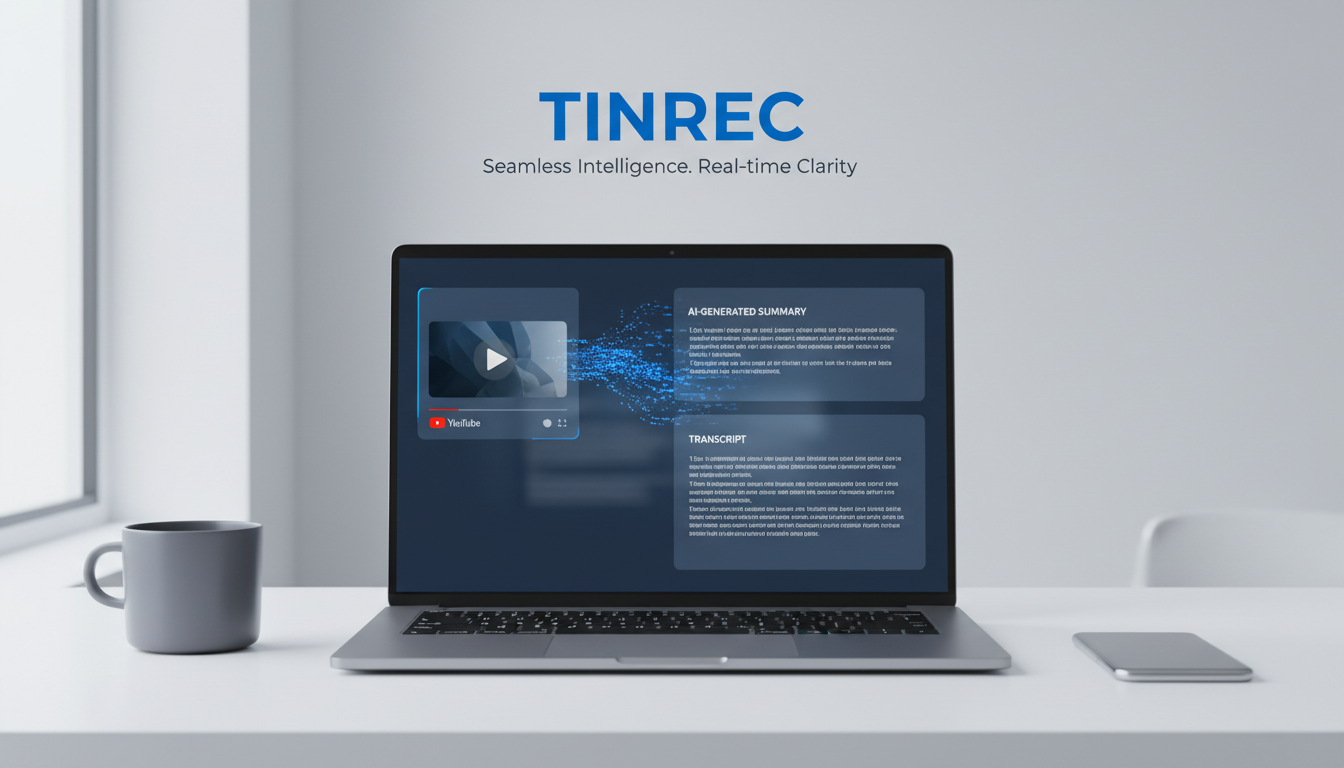
Quick Navigation Guide:
- If you only need basic subtitles: Use YouTube's built-in subtitles.
- If you need professional timeline editing: Consider tools like Taption.
- If you want "transcription + AI summary + conversation query" all in one: Try an integrated AI assistant like Tinrec (秒聽錄音).
Why You Need a YouTube Video Transcription Tool
In an era of information overload, video content often has lower "information density" than text. Converting videos to transcripts solves three key pain points:
- Search and review difficulty: Videos can't be searched with
Ctrl+Flike documents; converting to text allows quick keyword location. - Time-consuming organization: Traditional manual transcription of a 1-hour video can take 3-4 hours; AI tools reduce this to minutes.
- Lack of structured summaries: Raw transcripts are still tedious to read; modern workers need AI-generated highlights and actionable conclusions.
2026 Hot YouTube-to-Text Tool Comparison
When choosing a tool, look beyond accuracy to "post-processing" efficiency. Below is a comparison of three common solutions:
| Dimension | YouTube Built-in Subtitles | Traditional Transcription Software | Tinrec (AI Recording Assistant) |
|---|---|---|---|
| Traditional Chinese Support | Fair (often errors, mixed simplified/traditional) | High (requires manual proofreading or professional engine) | High (supports Traditional Chinese, Cantonese, etc.) |
| Input Method | No input needed (watch directly) | Download video file and upload | Supports direct YouTube link parsing |
| AI Summary | None | Partial | Auto-generates meeting notes / to-do items |
| AI Conversation Query | None | Rare | Supported (ask questions about content) |
| Export Formats | Text only (via third-party tools) | SRT/Word/TXT | TXT/Markdown/PDF/Audio |
| Ideal Use Case | Simply understanding video content | Subtitle creation, professional transcription | Study notes, meeting summaries, content creation |
Deep Dive: Tinrec's Differentiating Features
Among many tools, Tinrec (秒聽錄音) positions itself not just as a "transcription tool" but as an assistant that turns "recordings/videos" into "action." For users organizing YouTube content, it has several notable features:
Stop organizing recordings by hand
Upload audio or video and automatically get a transcript, summary, and action items
1. Direct Link Parsing, No Download Needed
Many transcription tools require you to download a YouTube video as MP3 or MP4 before uploading, which is cumbersome on mobile. Tinrec supports direct paste of YouTube or podcast links; the system automatically parses and transcribes in the cloud, saving download and conversion time.

2. From "Transcript" to "AI Understanding"
Tinrec not only provides a coherent transcript but also uses AI to analyze the content and automatically generate a "summary" and "to-do action items." This is especially useful for watching tutorials or business interviews, letting you grasp core ideas at a glance without rereading the entire transcript.

3. "Conversation" with Video Content
This is the biggest difference from traditional tools. If a video is 2 hours long, you can simply type in Tinrec's AI dialog: "What is the speaker's conclusion about AI trends?" and the system will answer based on the recording, enabling true knowledge retrieval.

Tutorial: How to Quickly Turn YouTube Videos into Traditional Chinese Notes
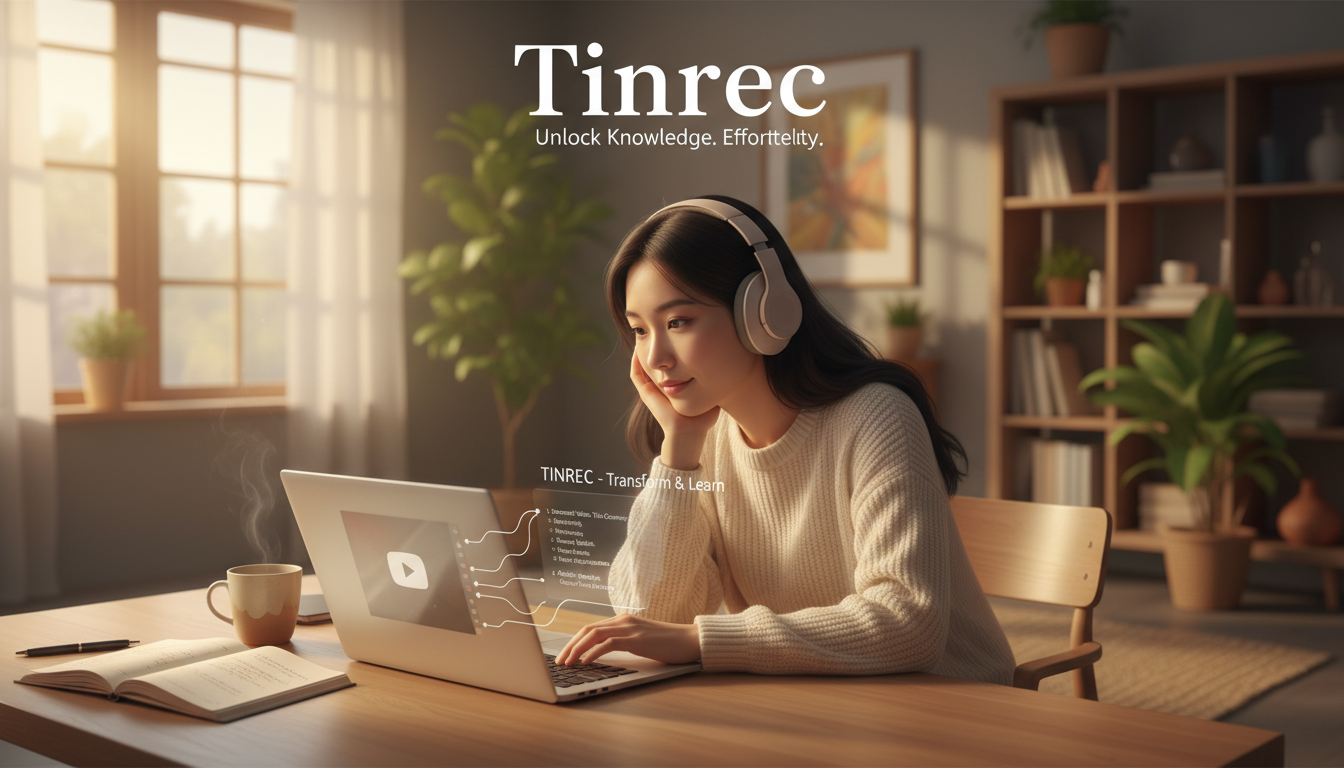
Below is a demonstration of how to use Tinrec to convert a YouTube video into editable notes and a summary:
Step 1: Prepare the Video Link
Open the YouTube app or website, find the video you want to organize (e.g., online course, product launch, interview), tap "Share," and select "Copy link."
Step 2: Use the "Video to Text" Feature
Open Tinrec (web or app), and find the "Podcast/Online Video to Text" feature entry.
- Location: Usually on the homepage or in the feature menu.
- Action: Paste the copied YouTube link into the input field.

Step 3: Select Language and Start Transcription
- In language settings, select "Chinese" (the system will automatically detect Traditional Chinese or output accordingly).
- Click start transcription; the system processes in the cloud, usually faster than the video length.
Step 4: Review Summary and AI Query
Once transcription is complete, you will receive:
- Full transcript: With timestamps, speaker differentiation.
- AI summary: Auto-generated key notes.
- AI conversation window: Ask questions like "Please list the three key data points the speaker mentioned."

Step 5: Export and Share
Finally, export the organized content as PDF, Markdown, or Word, and save it to Notion or share with team members.

FAQ
Q1: What languages do YouTube transcription tools support? Most tools support English, but support for Chinese (especially Traditional Chinese) varies. Tinrec supports Chinese, English, Japanese, Korean, Cantonese, and 10 other languages, ideal for multilingual international videos.
Q2: How accurate is the transcript? AI transcription accuracy is typically above 90%, best for clear interviews or speeches. Background music or overlapping speakers reduces accuracy. Consider tools that support "audio file to text" for optional noise reduction before upload.
Q3: Can I use it on a mobile device? Yes. Tinrec supports iOS, Android, and web, with synchronized accounts. You can copy a YouTube link on your phone for transcription and do detailed editing on your computer.
Q4: What are typical free plan limits? Most tools use a freemium model. For example, Tinrec's free plan offers up to 100 minutes of recording/transcription per month, enough for occasional short videos; heavy users can upgrade to Basic or Pro.
Q5: Can I export only the summary instead of the full text? Yes. Modern AI tools like Tinrec emphasize understanding; you can directly copy the AI-generated meeting notes or action items without exporting the full transcript.
Q6: Can I directly translate foreign language videos? Some tools support post-transcription translation. Tinrec has multilingual recognition, turning foreign audio into text and using AI conversation to help you understand the content in Chinese, effectively acting as translated notes.
Turn every recording into actionable outcomes
Get 60 free transcription minutes when you sign in. No credit card required.
Related Reading
You might also like

2026 Speech-to-Text Tools Compared: Which Is Best for Cantonese Meeting Notes and AI Q&A?
Two-hour meeting, another two hours to write up the minutes? This article compares four speech-to-text tools—Tinrec, Notta, Otter.ai, and PLAUD Note—in real meeting scenarios, covering capture methods, Chinese and Cantonese performance, post-meeting organization, and team collaboration. It also highlights four commonly overlooked buying pitfalls to help you save time replaying recordings.

6 AI Meeting Assistants Tested for 2026: From Recording to Minutes, How to Really Save Time
Many people think that once they hit record on an AI meeting assistant, they're done—only to end up with a transcript full of filler words and still have to retype everything themselves. This article reviews 6 practical AI meeting assistants and breaks down how to save time across the three steps of recording, transcription, and post-meeting processing, including the real limitations of free and paid plans.

2026 AI Meeting Assistant Comparison: Download Methods, Chinese Recognition, and Post-Meeting Organization—Which Saves the Most Time?
How do you download an AI meeting assistant? This article compares Tinrec, Otter.ai, Notta, and PLAUD Note based on real-world usage scenarios, covering availability, platform coverage, Chinese recognition, and post-meeting organization capabilities. It also highlights the four most common pitfalls before downloading, helping you choose the right tool once and avoid repeated trial and error.

4 AI Meeting Assistants Compared in 2026: Transcripts, Summaries, and Action Items—What's the Difference?
Still trying to remember who said what after a meeting? This article starts from real-world use cases, breaks down 5 key factors for choosing an AI meeting assistant, and compares Tinrec, Otter.ai, Granola, and Notta across meeting capture methods, Chinese transcription, post-meeting organization, audio retention, and team management. It also includes pricing and pitfalls to help you pick the one that truly fits your workflow.

2026 Comparison of 4 Sales Meeting Note Tools: From Transcripts to Deal Follow-Up, Which Saves the Most Time?
2026 hands-on comparison of sales meeting note tools, starting from common pitfalls, analyzing key purchasing factors, and deeply reviewing Tinrec's bot-free recording, AI Q&A, and team collaboration capabilities to help sales teams turn meeting content into actionable deal data.

2026 Best 4 Sales Meeting Note Apps Compared: Chinese Transcription, Post-Meeting Action Items, and Team Knowledge—Which One Works Best?
Sales meetings need more than just recording. This article compares Tinrec, Granola, TurboScribe, and PLAUD from four angles: bot-free recording, Chinese and sales terminology, post-meeting action items, and team data ownership. It covers pricing, limitations, and buying tips to help you choose a meeting note app that truly helps you follow up with clients.

2026 Comparison of 4 Sales Meeting Note Tools: Which Is Less Work for Chinese Meetings and Follow-Ups?
Starting from customer needs, objections, and action-item tracking in sales meetings, this hands-on comparison tests Tinrec, Otter.ai, Fireflies.ai, and Notta on Chinese transcription, post-meeting organization, and team collaboration to help you choose a meeting note tool suited to sales scenarios.

2026 Comparison of 4 Sales Meeting Note Tools: Which One Turns Customer Needs into Action Items?
Starting from the most common inefficiencies in sales meetings, this comparison examines Tinrec, Fireflies.ai, Granola, and TurboScribe across Chinese-language meetings, bot-free recording, post-meeting Q&A, action items, and team knowledge retention, helping you choose the right meeting note tool for your sales team.

Tinrec vs Notta 2026: 5-Dimension Comparison — Which Is Better for Chinese Sales Meeting Notes and Recommendation Letter Material?
From sales meeting notes to recommendation letters, the real key is whether you can extract citable concrete examples after the meeting — transcription speed is not the point. This article compares Tinrec and Notta across 5 dimensions, explains who Otter.ai and Granola are each suited for, and includes pricing, limitations, and a guide to avoiding pitfalls.