
Productivity Tips

Does Google Meet Record Automatically? Recording Requirements, File Locations, and What to Do If You Missed It
Google Meet does not record automatically by default; recording requires a host or permitted participant to manually start it. This article explains how recording permissions relate to account types, where recordings are stored and how they are shared, three real-world limitations, and how to capture a record using desktop bot-free recording when a meeting was not recorded, plus a post-meeting workflow for turning recordings into transcripts and action items.

Does Google Meet Record Automatically? Recording Permissions, File Location, and a Handoff Checklist for Missed Recordings
Google Meet does not record automatically by default; someone with permission must manually start the recording. This article, from a staff handoff perspective, explains who can record, where the files are stored, plan and admin restrictions, and how to use desktop no-bot recording to fill in transcripts, decisions, and action items when a meeting wasn't recorded.

How to Choose a Google Meet Meeting Notes Tool: Four Dimensions to Narrow Your Options to Two or Three
Project and department staff who host multiple Google Meet meetings each week often find that after the meeting ends, no one can clearly say who is responsible for what. This article uses four selection dimensions—how audio gets in, how far post-meeting output goes, Chinese-language organization experience, and where data is stored—to narrow down a dozen tools claiming Google Meet support to two or three, and explains what questions to ask for each dimension.

Does Google Meet Require an Account? Differences Between Invitees and Hosts, Plus a 3-Step Process for Joining, Confirming Recording, and Post-Meeting Handoff
Got a Google Meet link but hit a login screen? This article explains the account requirements for invitees versus meeting hosts by role, and provides a three-step handoff process for joining a meeting, confirming recording status, and organizing transcripts and action items. Suitable for administrative and project coordination staff.

Google Meet Requirements: What Attendees and Hosts Need Before a Meeting
If you're arranging or joining a Google Meet for the first time, start by figuring out whether you're an invitee or the host. This guide breaks down account, browser, device, recording permission, and external attendee requirements by role, plus a pre-meeting checklist covering who records, who takes notes, who hands off, and how to capture a transcript and action items without a bot if the meeting wasn't recorded.
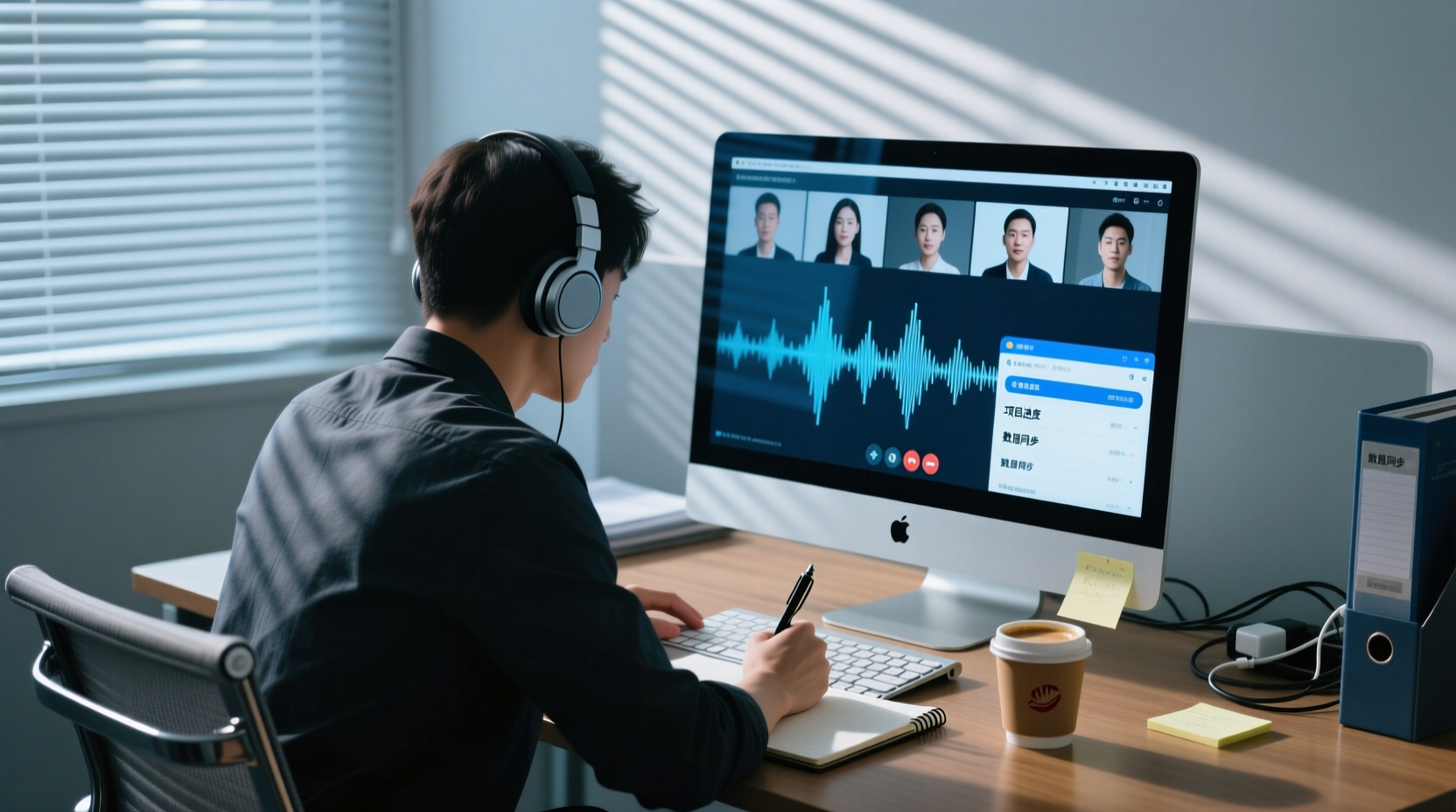
How to Record Google Meet on Mac: From System Audio Permissions to Transcripts and Action Items Handoff
Recording Google Meet on a Mac usually isn't about whether you can hit record—it's about system audio and microphone permissions, the division of labor between browser and desktop app, and how to hand off transcripts, summaries, and action items after recording. This article walks through prerequisites, permission settings, checkpoints, and deliverables, explaining how to capture system audio with a desktop app without a bot joining the meeting, and which steps require manual confirmation.

Does Google Meet Record Automatically? Permissions, File Locations, and How to Hand Off When Nothing Was Recorded
Google Meet does not record automatically by default; a host with permission must start it manually. This article explains, from a staff handoff perspective, who can record, where files are stored, plan and download restrictions, and how to fill in transcripts, notes, and action items with desktop no-bot recording when a meeting was not recorded, plus the checkpoints for team sharing and handoff.

Does Google Meet Record Automatically? Recording Permissions, File Locations, and a Backup Handoff Checklist When Nothing Was Recorded
Google Meet recording is not automatically enabled by default—someone with permission must actively press start. This article, written from the perspective of meeting planning and post-meeting organization, explains recording permission ownership, file storage and download permissions, plan-level restrictions, and how to use desktop no-bot recording to fill in transcripts, minutes, and action items when a meeting wasn't recorded, then share the handoff in a team space.