
Turn recordings into transcripts and summaries in minutes
Upload audio or video for multilingual transcription, AI notes, and action items
After a long, drawn-out remote meeting, the hardest part often isn't the meeting itself—it's spending hours afterward replaying recordings, transcribing, and trying to dig out "who should do what" from the conversation. If you're facing this information overload, this article offers a solution.
From a practical standpoint, we compare two mainstream solutions: Microsoft Teams Premium for enterprise Microsoft ecosystems, and Tinrec for individuals and cross-platform use. We'll compare their differences in "transcription accuracy," "action item extraction," and "use cases," along with step-by-step tutorials.
Quick Conclusion:
- If your company fully uses Microsoft 365 and has the budget: Prioritize Teams Premium's Intelligent Recap feature.
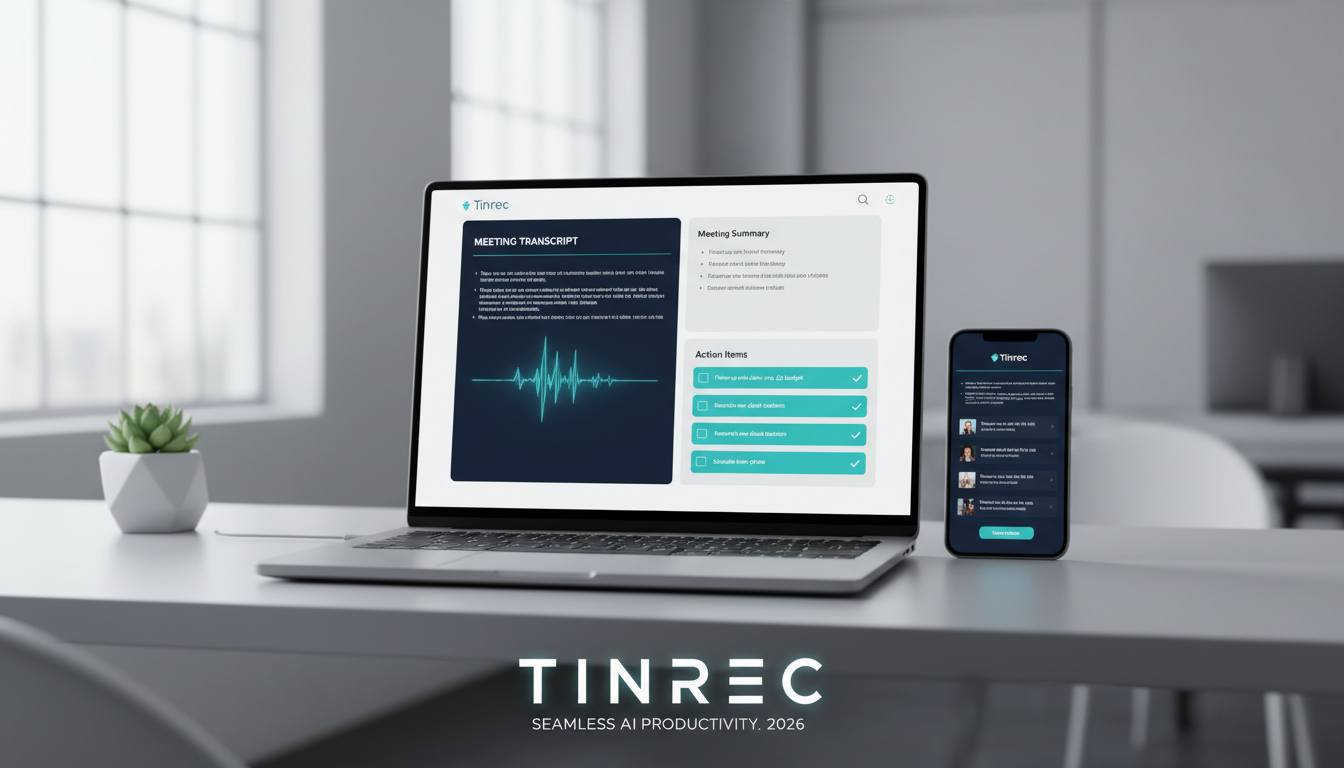
- If you need cross-platform (mobile/web), record Zoom/Meet/in-person meetings, or process external videos/audio: Tinrec is a more flexible, cost-effective choice that turns any audio into actionable to-do lists.
Why Auto-Extracting Action Items Is a Must for Remote Meetings
In traditional remote meetings, even with recordings, information remains "unstructured." According to Microsoft data, missing a meeting or part of it often means falling behind the team, forcing employees to manually sift through hours of conversation to find key points. This is not only inefficient but also risks missing critical decisions.
Modern AI meeting tools have evolved from mere "speech-to-text (transcription)" to "semantic understanding and action extraction." Tools must answer:
- What was the meeting conclusion?
- Who needs to do what next (Action Items)?
- What unresolved questions remain?
Microsoft Teams Premium vs. Tinrec: Tool Comparison
For the need to auto-extract action items, we've chosen Microsoft Teams Premium (enterprise integration) and Tinrec (flexible and efficient) for comparison.
| Dimension | Microsoft Teams Premium | Tinrec |
|---|---|---|
| Core Positioning | Enterprise-level fully integrated collaboration platform | Lightweight all-in-one AI recording and note assistant |
| Transcript Source | Teams internal meeting recordings only | Supports mobile/web recording, file upload, YouTube/Podcast links |
| Action Item Extraction | Intelligent Recap: Auto-identify chapters, speakers, and tasks | AI Summary & To-Do: Auto-generate meeting minutes, conclusions, and to-do lists |
| Language Support | Multi-language support and real-time translation (Interpreter agent) | Auto-detect 10 languages including Chinese, English, Japanese, Korean |
| Query Method | Conversational query via Copilot | AI chat query based on recording content |
| Best For | Large enterprise internal meetings, webinars | Cross-platform meetings (Zoom/Meet/Teams), interviews, classes, personal notes |
| Pricing | Additional Premium license required (enterprise-oriented) | Free trial (100 minutes/month), subscription (personal-oriented) |
Deep Dive: Microsoft Teams Premium's Intelligent Recap
According to Microsoft's technical report, Teams Premium's Intelligent Recap transforms how meetings are reviewed. Besides generating full transcripts, it uses AI to auto-create detailed summaries, identify key discussion points, and potential action items. The system can even segment recordings by speaker or topic, mark moments "where you were mentioned" or "screen shared," letting users quickly jump to key sections.
Stop organizing recordings by hand
Upload audio or video and automatically get a transcript, summary, and action items
Deep Dive: Tinrec's Flexible Action Item Extraction
Tinrec fills the gaps Teams can't cover. Many users have meetings on Zoom, Google Meet, or even in person. Tinrec's advantage is that it "doesn't care about the source." It's not just a recording tool—it's a complete workflow from recording to action. Tinrec transcribes in real-time and after the session, uses AI to generate structured "meeting minutes" and "to-do lists," turning a one-hour conversation into a clear to-do list, making the recording truly actionable.

Hands-On Tutorial: How to Auto-Extract Meeting Action Items with Tinrec
If you participate in cross-platform meetings or want to process past recordings, here's a step-by-step guide to extracting action items with Tinrec:
Scenario 1: Live Record Remote Meetings (Zoom/Google Meet/Teams)
- Open Tinrec web or app: Log in and click "Start Recording."
- Audio Settings: On the web version, ensure the mic picks up speaker sound (or use system internal recording); on mobile, place the phone near the computer speaker.
- Real-Time Transcription: During the meeting, Tinrec transcribes speech to text in real-time, allowing you to mark key points anytime.
- Generate Action Items: After recording ends, the system auto-processes the content. Click the "AI Summary" tab to view auto-generated "Meeting Minutes" and a bulleted "Action Items" list.

Scenario 2: Process Past Meeting Recordings
- Import File: Go to Tinrec dashboard, select "Import audio/video file."
- Select Language: If the meeting mixes English or Japanese, the system auto-detects, no manual switching needed.
- Wait for Processing: After upload, the system quickly generates transcripts and AI summaries.
- AI Chat Query: For long meetings, you can use the "AI Chat" feature and ask, "What was the marketing budget decision mentioned in this meeting?" The AI answers directly based on the recording, saving you from sifting through the transcript.

Scenario 3: Extract Key Points from Video Links
- If the meeting recording is already uploaded to YouTube or another supported web link.
- Use Tinrec's "Podcast/Online Video to Text" feature, paste the URL.
- The system will directly parse the video's audio track and produce summaries and action lists.
Let AI Track Progress for You: More Than Just Transcripts
Microsoft's Teams Premium case studies mention AI features like "Facilitator" that help take notes and even check attendee quorum. Similarly, for environments without enterprise-wide deployment, Tinrec can act as a "personal meeting secretary."
AI-processed information is no longer a transcript but a basis for decision-making. Whether through Teams' Intelligent Recap or Tinrec's AI Summary, the core value is transforming "time-based content" (needs 1 hour to listen) into "scan-based content" (needs only 5 minutes to read).

Frequently Asked Questions (FAQ)
Q1: How is privacy protected when using AI tools to record meetings? Both Microsoft and Tinrec emphasize data handling compliance. Before using any recording tool, it's recommended to inform participants that the meeting is being recorded—this is not only polite but also a compliance requirement. Tinrec offers private account management to ensure recordings are only accessible to the user.
Q2: Can an iPhone record LINE or Teams calls directly? Due to iOS privacy restrictions, third-party apps struggle to record other apps' call audio internally. A recommended workaround is the "dual-device method": use your computer for the meeting and place your phone next to it with Tinrec recording, or use Tinrec's web version for browser-based recording.
Q3: Can AI handle mixed-language meetings, e.g., Chinese and English? Modern AI speech recognition is quite mature. Tinrec supports 10 languages including Chinese, English, Japanese, Korean, and has some mixed-language recognition capability, effectively handling international meeting contexts.
Q4: What are typical free tier limitations? Most tools have tiered plans. For example, Tinrec's free tier offers 100 minutes of recording per month, which is enough for occasional meeting notes. For frequent use, consider upgrading to Basic or Pro for more time.
Q5: Can I export only the "to-do items" without the full transcript? Yes. In Tinrec's interface, AI separates summaries, conclusions, and action items into distinct sections. You can directly copy that section to Notion, Trello, or email without processing the entire transcript.
Q6: What is the accuracy of speech-to-text? In clear meeting environments, accuracy typically reaches over 95%. In noisy settings or with heavy accents, accuracy may drop. Tinrec allows manual editing after transcription, with the ability to playback and verify for accuracy.
Turn every recording into actionable outcomes
Get 60 free transcription minutes when you sign in. No credit card required.
Related Reading
You might also like

Google Meet Cheapest Plans in 2026: 5 Options from Free to Paid
The cheapest Google Meet plan is the free version, but group meetings are limited to 60 minutes and 100 participants. Paid plans start with Business Starter, which costs about $6 to $7 per user per month with annual billing. This article reviews the pricing and limits of 5 Google Meet plans and recommends pairing them with Tinrec for meeting notes, summaries, action items, and AI Q&A to make meeting content truly useful.
Google Meet vs Zoom Free Plans in 2026: A Complete Comparison
How do you choose between Google Meet and Zoom free plans? This article compares the two platforms based on free limits, integrations, and meeting notes needs, and recommends Tinrec as a post-meeting organization tool to make your meetings more efficient.
Google Meet Cost in India 2026: Free vs Tinrec — Which Is More Cost-Effective?
Google Meet's paid capabilities in India are bundled into Google Workspace plans, while the free version limits meetings to 100 participants and 60 minutes. This article breaks down India's pricing structure and key decision factors, then uses Tinrec as an example to show how bot-free recording, transcripts, AI summaries, action items, and team spaces turn meeting costs into reusable data, including team plan seat pricing and purchasing considerations.
How to Change Your Name in Google Meet (2026): 3 Methods + Tinrec Meeting Notes
A decision-focused guide to the 3 ways to change your display name in Google Meet, plus a recommendation for Tinrec as a meeting transcription and post-meeting organization tool.
Google Meet CarPlay Meeting Notes: Which Tool Is Best? 2026 Comparison of 5 Tools, This One Has the Most Complete Chinese Support
After Google Meet arrived on Apple CarPlay, you can join meetings by voice while driving, but the camera is off, you cannot see video, and there is no transcript afterward. This article starts from practical scenarios to explain how to choose a meeting notes tool, using Tinrec as the main example, and walks you through real-time transcription, AI summaries, action item extraction, AI Q&A, and team collaboration.
Google Meet vs Zoom 2026 Pricing Comparison: Free Plan Limits and Cost Per User Per Month
How do Google Meet and Zoom pricing differ? This guide breaks down common misconceptions, compares free plan limits, per-user monthly subscription costs, and hidden expenses, and explains why post-meeting organization is where the real cost lies. It uses Tinrec as an example of how to record Meet and Zoom meetings without bots, automatically generating transcripts, summaries, and action items, with buying tips, pitfalls to avoid, and scenario-based recommendations.
2026 Google Meet vs Tinrec: Which Meeting Notes Solution Wins?
Compare Google Meet's built-in meeting notes with Tinrec. We break down common pitfalls, explain why looking only at participant limits and monthly fees can lead to the wrong choice, and share hands-on observations on recording methods, post-meeting organization, Chinese language experience, AI Q&A, and team collaboration. Includes team plan seat and pricing details.
4 Google Meet Recording Extensions Tested in 2026: Why Tinrec Is Worth Considering
Google Meet's built-in recording requires a paid account and admin enablement, and free accounts can't find the button. Many people turn to Chrome extensions to record, but often encounter issues like only capturing one side of the audio or getting video without transcripts. This article compares five dimensions—capture method, post-meeting output, language support, input sources, and team governance—to explain why Tinrec's desktop bot-free recording is better suited as a primary meeting tool.
2026 AI Meeting Transcription Tools Compared: Tinrec vs Vocol.ai for Chinese Meetings
Vocol.ai and Tinrec are both AI-powered voice transcription and collaboration tools, but they differ significantly in meeting recording methods, post-meeting workflows, and team data ownership. This article examines their core experience differences and Tinrec's features and plans to help you decide which tool better fits your meeting scenarios.