
Turn recordings into transcripts and summaries in minutes
Upload audio or video for multilingual transcription, AI notes, and action items
2026 Review of 4 Recording-to-Text Apps: Is Notta Free Download Enough? A Student Tells You
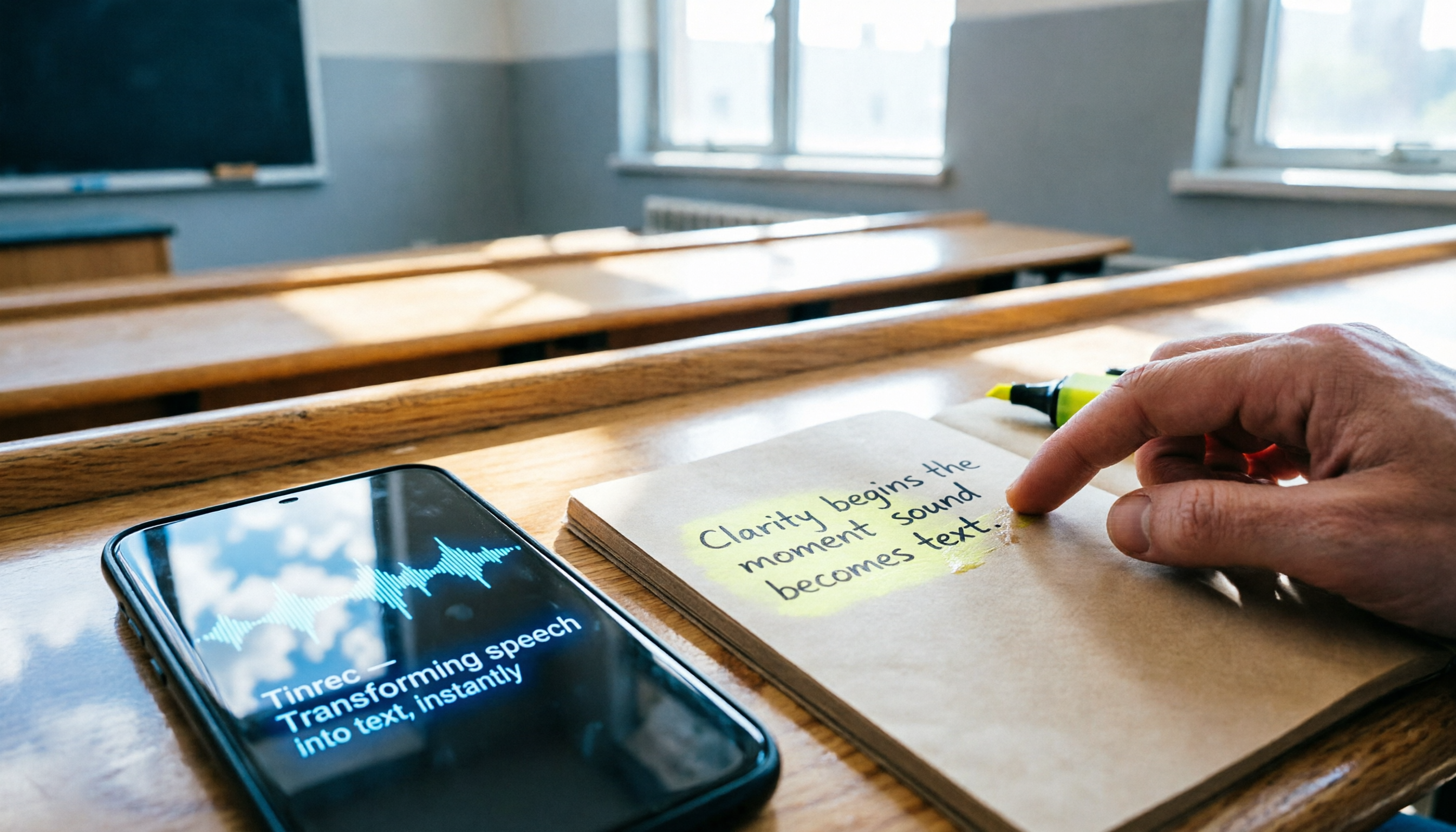
Last semester I took a class where the professor talked super fast and flipped through slides even faster. I tried taking handwritten notes—but when I opened my notebook before the midterm, I couldn't even read my own writing. That's when I first started looking for a recording-to-text app, and the first thing I searched for was "free download Notta," because I heard the free version had 120 minutes. But after a few months, I found the free quota wasn't nearly enough, and some features required a paid unlock. Then I tried Otter and Fireflies, and finally settled on Tinrec, which I've used for a whole semester. This article is my real-world review, telling you which app's free version is best for students.

Before You Start | What You'll Need
- A smartphone (iPhone or Android, both supported by Tinrec)
- Download the Tinrec app (free from App Store or Google Play; register with Google or Apple ID)
- Prepare a recording you want to transcribe (e.g., a lecture recording, group discussion, or online course video)
- A stable internet connection (real-time transcription requires internet; for offline use, download language packs first)
Step 1 | Record the Content You Want to Transcribe
The goal of this step is to get a clear audio file.
Open Tinrec, tap the record button. In class, I usually place my phone near the lectern or clip a Bluetooth mic to my collar—that way the audio is much clearer. The closer the mic, the less background noise interference, and the higher the transcription accuracy later.
Why emphasize recording quality? Because AI transcription accuracy depends on audio quality—even the best transcription engine can't handle fuzzy recordings. It's better to spend 30 extra seconds on positioning than to spend time correcting later.
When you're done, you'll see the recording on Tinrec's main screen, along with its duration and file size.
Step 2 | Let AI Transcribe It Into a Verbatim Transcript
The goal of this step is to turn sound into searchable, copyable text.
Tap the recording in the list, select "Transcribe," and Tinrec starts processing. A 10-minute recording usually takes 1-2 minutes—pretty fast.
Once you have the transcript, you can search keywords, copy key passages, which is much more efficient than scrubbing through the audio timeline. AI transcripts occasionally have minor errors, but they're good enough for lecture notes.
When done, the transcript appears below the recording, automatically split into segments with timestamps.
Step 3 | Quickly Proofread the Transcript
The goal of this step is to fix obvious mistakes and make sure key points are correct.
Tinrec highlights low-confidence words in a different color. I usually check those highlighted parts first, then quickly scan for proper nouns, numbers, and names. Doing a full word-by-word proofread takes too long; the key is to confirm that critical information is right.
While proofreading, you can also use the "Add Note" feature to jot down exam points or supplementary content the teacher mentioned directly next to the relevant paragraph.
When done, you have a reliable transcript you can use for review or citation.
Step 4 | Let AI Generate a Class Summary
The goal of this step is to automatically extract summaries, chapters, and action items from the long transcript.
Stop organizing recordings by hand
Upload audio or video and automatically get a transcript, summary, and action items
In Tinrec, tap "AI Summary"; it automatically splits the content into chapters, highlights key points, and lists action items. Before finals, I print out the summaries from each class and use them as condensed handouts—it's super efficient.

Manually organizing notes for one class could take an hour; Tinrec gives me a structured summary in 30 seconds, and I can add my own notes as needed. That's much easier to grasp the course structure than just reading the transcript.
When done, you get a document with chapters, key points, and action items, and you can export it directly to a note-taking app.
Step 5 | Export and Share
The goal of this step is to save the organized result to your usual note-taking tool or share it with classmates.
Tinrec supports export to PDF, Word, TXT, and can sync directly to Notion or Google Docs. I usually export to Notion, then manually add tags and course categories to build my personal knowledge base.
Getting data into your existing workflow makes it easy to find later for review or reports, so your audio files don't just pile up unopened.
When done, a clean set of notes is in your digital notebook, ready to use.
FAQ & Troubleshooting
Q: There are many typos in the transcription—what should I do?
It's usually due to a noisy environment or the mic being too far. Tinrec has built-in smart noise reduction; turn it on before recording to improve quality significantly. For already recorded files, you can choose the "High Noise Environment" mode after importing. I've tried recording at the back of a classroom; after enabling noise reduction, accuracy improved a lot. Notta and Otter also have noise reduction, but Tinrec's options are more intuitive and effective.
Q: Is 100 minutes per month enough for the free plan?
For students, if you only record key classes (e.g., 3 classes a week, 50 minutes each), you'd need about 150 minutes, a bit over. But Tinrec's free plan gives 100 minutes per month; you can choose to record only the most important classes or use a weekly pass for finals. Compared to Notta's free 120 minutes, Tinrec gives slightly less, but its free features are more complete—Notta requires Pro for some advanced features.
Q: Can it handle mixed Chinese and English content?
Yes, Tinrec supports bilingual recognition. I took an elective taught entirely in English with some Chinese discussion; the transcription was decent. In my tests with clear audio, the error rate for mixed Chinese-English is about 10%, slightly higher than pure Chinese, but it still saves a lot of typing time.
Advanced Tips | 3 Ways to Double Tinrec's Efficiency
1. AI Conversation Query—Ask the recording like you'd ask a classmate
You can ask "What are the main points of this class?" or "What's the deadline for the assignment?" and Tinrec pulls answers from the recording. This feature is limited or paid on Notta and Otter, but Tinrec's free plan includes it—super useful for quick review before finals.
2. Cross-Platform Seamless Sync
I record on my phone, then continue editing on the web version on my laptop—progress syncs perfectly, no file transfer needed. Notta also has multi-platform support, but the free plan often limits the number of devices or sync methods; Tinrec is smoother.
3. Transcribe Videos Directly from URLs
Paste a public YouTube or TikTok video link, and Tinrec grabs the audio and transcribes it into text and summaries. This is my go-to tool for research reports; other apps usually require you to download and upload the video, which adds extra steps and wastes time.
If You Don't Use Tinrec, Here Are Other Options
- Notta: Free plan gives 120 minutes per month, suitable for light users, but advanced features like AI summaries require payment. If you only need plain transcription, Notta works; if you need note organization and Q&A, Tinrec is more comprehensive.
- Otter.ai: 300 free minutes per month, strong English transcription, but the interface for Chinese transcription and summaries is less intuitive than Tinrec, and it has monthly limits on imported files, making it less suitable for heavy Chinese lecture recordings.
In summary, if you're a student who needs more than just transcription—you want AI to help organize key points—Tinrec's free plan offers more complete features and better value.
Conclusion
Now that you've learned these 5 steps, you can use Tinrec to turn any classroom recording, group discussion, or online video into a transcript and notes. The free plan gives you 100 minutes per month, enough to try it for a few classes. If you started by searching for "Notta free download" like I did, I suggest giving Tinrec a chance—it might become your semester lifesaver too.
Turn every recording into actionable outcomes
Get 60 free transcription minutes when you sign in. No credit card required.
Related Reading
You might also like

4 Audio-to-Text Tools Tested in 2026: Which Is Best for iPhone Users Needing Chinese Transcription and AI Summaries?
How to choose an iPhone audio-to-text tool? Based on real meetings, interviews, and online courses, this article compares Tinrec, Apple Voice Memos, TurboScribe, and Otter.ai on Chinese recognition, post-meeting summaries, AI Q&A, team collaboration, and pricing limits. It also provides buying criteria and pitfalls to help you pick the right tool for your budget and needs.

4 Audio-to-Text Tools Tested and Compared in 2026: The Transcription Pain Points Dcard Users Discuss—Which One Actually Saves Time?
Starting from the transcription hell that Dcard users complain about most, this article compares the audio-to-text and post-meeting organization capabilities of Tinrec, Notta, Granola, and TurboScribe, and outlines selection criteria, free quotas, team collaboration, and pitfalls to avoid.

4 Best Audio-to-Text Tools in 2026: Which Chinese Transcription Tool Saves the Most Time?
Starting from common PTT requests for audio-to-text conversion, we compare Tinrec, Otter.ai, Notta, and TurboScribe on Chinese transcription, post-meeting organization, free limits, and team collaboration to help you find a practical solution that doesn't require re-listening to a two-hour recording.

Free Speech-to-Text Options in 2024: A Look at 4 Tools
Starting from PTT 2024 discussions on speech-to-text, we organize free plans and common pitfalls, comparing Tinrec, Otter.ai, Notta, and TurboScribe on free quotas, Chinese recognition, post-meeting summaries, and team collaboration to help you choose the right tool.

2026 Comparison of 2 Speech-to-Text Software: Yating vs Tinrec — Which Is Better for Chinese Meetings?
How to choose a speech-to-text tool discussed on PTT? This article compares Yating Transcript and Tinrec across 5 dimensions—pricing, AI post-meeting organization, online meeting recording, and team collaboration—to help you decide which is better for Chinese meetings and daily workflows.

Tinrec vs Notta 2026: 5-Dimension Comparison — Which Free Audio-to-Text Tool Is Better for Chinese Meetings?
2026 free audio-to-text comparison: Tinrec vs Notta across 5 dimensions — free quota, Chinese meeting support, bot-free recording, post-meeting AI organization, and team governance — to help you decide which is better for Chinese meetings and team collaboration.

2026 Comparison of 4 Speech-to-Text Tools: Free Tiers, Chinese Recognition, and Workflows Explained
Speech-to-text isn't just about feeding an audio file into a tool. This article starts with the 5 key factors to consider when choosing a tool, compares Tinrec, Notta, Otter.ai, and Granola on free tiers, online meeting audio capture, and post-meeting organization. It then walks you through the complete workflow from recording to transcript, summary, and action items, and finally lists the 4 most common pitfalls.

2026 Free Speech-to-Text Review: 3 Mistakes to Avoid + AI Post-Meeting Workflow
Many free speech-to-text tools exist, but most people get stuck at the initial decision stage. This article covers three common pitfalls, shares four criteria for choosing a tool, tests Tinrec's bot-free online meeting recording, AI summaries, and post-meeting Q&A, compares Otter.ai, Notta, and Granola for different scenarios, and includes a pitfall guide plus a six-step starter plan you can begin today.

5 Best Audio-to-Text Transcription Tools in 2026: Free Tiers and Chinese Recognition Compared
Transcribing audio to text is no longer just about getting words on a page. Based on real meeting scenarios, this article outlines 5 key factors for choosing a tool and compares Tinrec, Notta, Yating, and TurboScribe on free tiers, Chinese recognition, post-meeting organization, and team collaboration. It also includes 4 common pitfalls to help you pick the tool that truly saves time.