
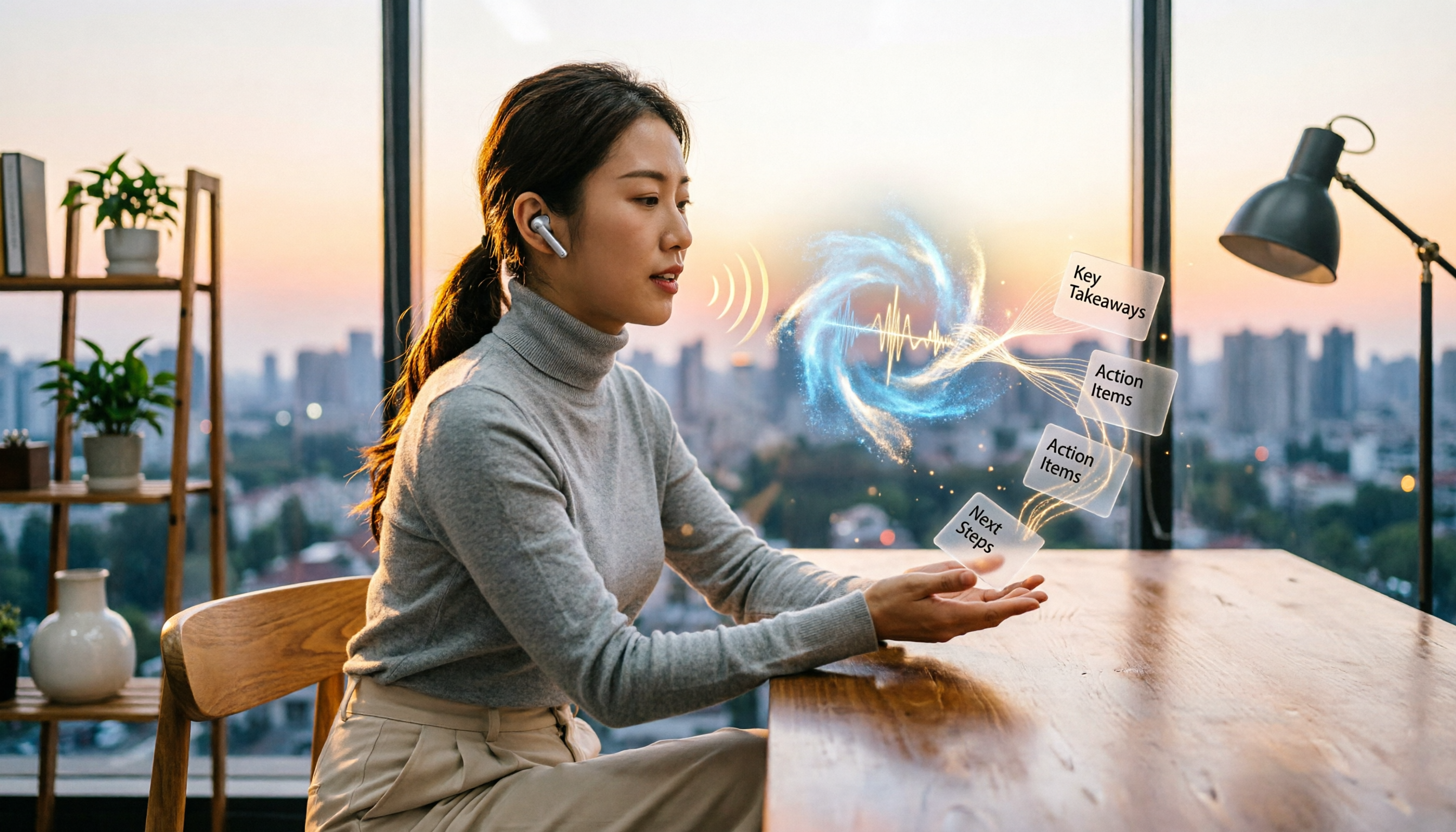
Turn recordings into transcripts and summaries in minutes
Upload audio or video for multilingual transcription, AI notes, and action items
Why Are People Looking for Google Meet Alternatives?
Google Meet is a go-to for many online meetings—you just need a Google account to start a free video conference. However, two common frustrations arise: many people don't want to tie themselves to Gmail and find registering another account annoying; second, while Google Meet's built-in recording is convenient, you still have to manually transcribe and find key points afterward. If you've faced these issues, Tinrec's instant recording is worth checking out.

Tinrec vs Google Meet: Key Differences in Core Experience
Google Meet's core is "call quality," but it offers almost no help with post-meeting organization. Tinrec is the opposite—it doesn't handle calls but turns meeting recordings into "actionable knowledge." I picked four scenarios you'll definitely encounter to show the differences.
Post-Meeting Transcripts and Summaries
Google Meet can record audio but won't transcribe or summarize it. With Tinrec, just upload the recording and get a full transcript and AI summary in minutes, with automatic chaptering and key sections highlighted. A one-hour meeting usually requires only a 300-word summary to grasp 80% of the key points.
Automatic Action Item Extraction
Still scrambling to jot down action items during meetings? Tinrec can automatically extract "who needs to do what" from the conversation and create a task list. I tested it on several project meetings, and it even picked up vague commitments like "report to be submitted before the next meeting."
Cross-Platform and Language Support
Google Meet works on most devices, but its transcription supports only a few languages. Tinrec covers 14 languages, with particularly stable Traditional Chinese recognition. Whether you're using an iPhone, Android phone, or computer browser, just record and use it.
Post-Recording Extended Use
Google Meet recordings are basically just files that are rarely reopened. Tinrec recordings can become a knowledge base: you can ask it anytime, "What was the conclusion of the last meeting?" or "What requirements did the client mention?" and the AI will find answers from past recordings. This is extremely useful for long-term project tracking.
Tinrec's Core Features at a Glance
Real-Time Speech-to-Text
During a meeting, the text appears in real-time with less than a second delay. You can immediately verify if you misheard a number or name, and after the meeting, the transcript is already done.
Stop organizing recordings by hand
Upload audio or video and automatically get a transcript, summary, and action items
AI-Powered Query
This is my most-used feature. After uploading a recording to Tinrec, you can type questions like "What are the three key points of this session?" or "What matters most to the client?" It answers based on the content, saving you from flipping through dozens of pages of transcript.
Turn Online Videos into Text
Just paste a YouTube or Bilibili video link, and Tinrec will parse the content, saving you time from watching long videos. This is very convenient for those who frequently gather material from online courses and presentations.

Multi-Format Export
Processed content can be exported as Word, PDF, TXT, or even sent directly to Notion or Google Docs. You don't have to change your existing workflow—Tinrec seamlessly integrates.
Practical Use Cases
Weekly Team Meetings
Colleagues discuss progress on Google Meet. You can record using your computer's built-in audio or your phone, then let Tinrec generate summaries and action items. It used to take 20 minutes to organize; now it's done in 3.
Online Course Review
The teacher conducts a class on Google Meet. You record while viewing real-time text, marking sections you don't understand. After class, use AI Q&A to grasp key concepts—much more efficient than frantically copying notes.
Client Requirement Interviews
Meet with clients on Google Meet, record, then use Tinrec to get a transcript and ask the AI "What budget constraints did the client mention?" No need to re-listen to the entire recording.
Personal Knowledge Accumulation
Archive all meeting recordings as a searchable database. Six months later, when your boss asks "Why did we decide to switch suppliers?" you can simply ask Tinrec, and it will find the context from old recordings.
What to Look for When Choosing a Speech-to-Text Tool
People often overlook a few points when selecting such tools. I've listed them below, along with how Tinrec performs.
- Language support: Many tools work well in English but mess up when Chinese is mixed with English. Tinrec handles mixed Chinese-English content more carefully.
- More than just transcription: If a tool only provides a transcript, it's no different from old-school voice recognition. Look for features like summaries, Q&A, and action item extraction that help you understand the content.
- Cross-platform convenience: You might record on your phone, upload files on your computer, and view results on a web page. Tinrec supports all three, so you don't have to compromise on device.
- Sufficient free tier: Tinrec's free plan provides a basic monthly allowance. Occasional users can try it without paying. For heavy use, you can purchase a weekly card or Pro plan.
Conclusion: Is Tinrec Worth a Try?
If you only occasionally use Google Meet, there's no need to switch. But if you have weekly meetings, courses, or interviews that need post-meeting processing, Tinrec will save you significant time. It transforms recordings from "just a file" into a resource you can query, search, and reuse—an experience rarely offered by other tools. I recommend downloading the free version of Tinrec and trying it with your own meeting recordings. The monthly plans are also flexible and worth investing in.
Turn every recording into actionable outcomes
Get 60 free transcription minutes when you sign in. No credit card required.
Related Reading
You might also like

2026 Comparison of 4 Meeting Transcription Tools: Which AI Summarization and Examples Save the Most Time?
We tested 4 meeting transcription tools in 2026, providing transcript examples and buying tips. Tinrec wins with bot-free recording, AI summary Q&A, and team collaboration, making it ideal for Chinese meetings and team knowledge retention.

Best Speech-to-Text Tools in 2026: 4 Tested, Top Pick for Chinese Meetings
How to choose a speech-to-text tool? This guide explains the difference between real-time dictation and audio file transcription, tests Tinrec, Otter.ai, Notta, and PLAUD Note, and covers 4 key buying criteria, step-by-step instructions, team plan seat and quota differences, and 4 common pitfalls to help you pick the right transcription tool for Chinese meetings.

How to Transcribe Audio to Text in 2026: A Complete 5-Step Guide
The latest audio-to-text tools don't just transcribe accurately—they turn recordings into usable transcripts, summaries, action items, and team data. This guide breaks down the audio-to-text workflow in 5 steps and compares Tinrec, PLAUD, Granola, and TurboScribe by use case and limitations.

Tinrec vs Notta 2026: 5-Factor Comparison of the Best Free Audio-to-Text Tools
How to choose the best free audio-to-text tool in 2026? This article compares Tinrec and Notta across 5 dimensions: free quota, meeting capture method, post-meeting organization, Chinese language experience, and team knowledge retention. It also covers the free plans and limitations of Granola and TurboScribe. Honestly, free isn't just about minutes—it's about whether the tool can still help you organize your meeting after the quota runs out.
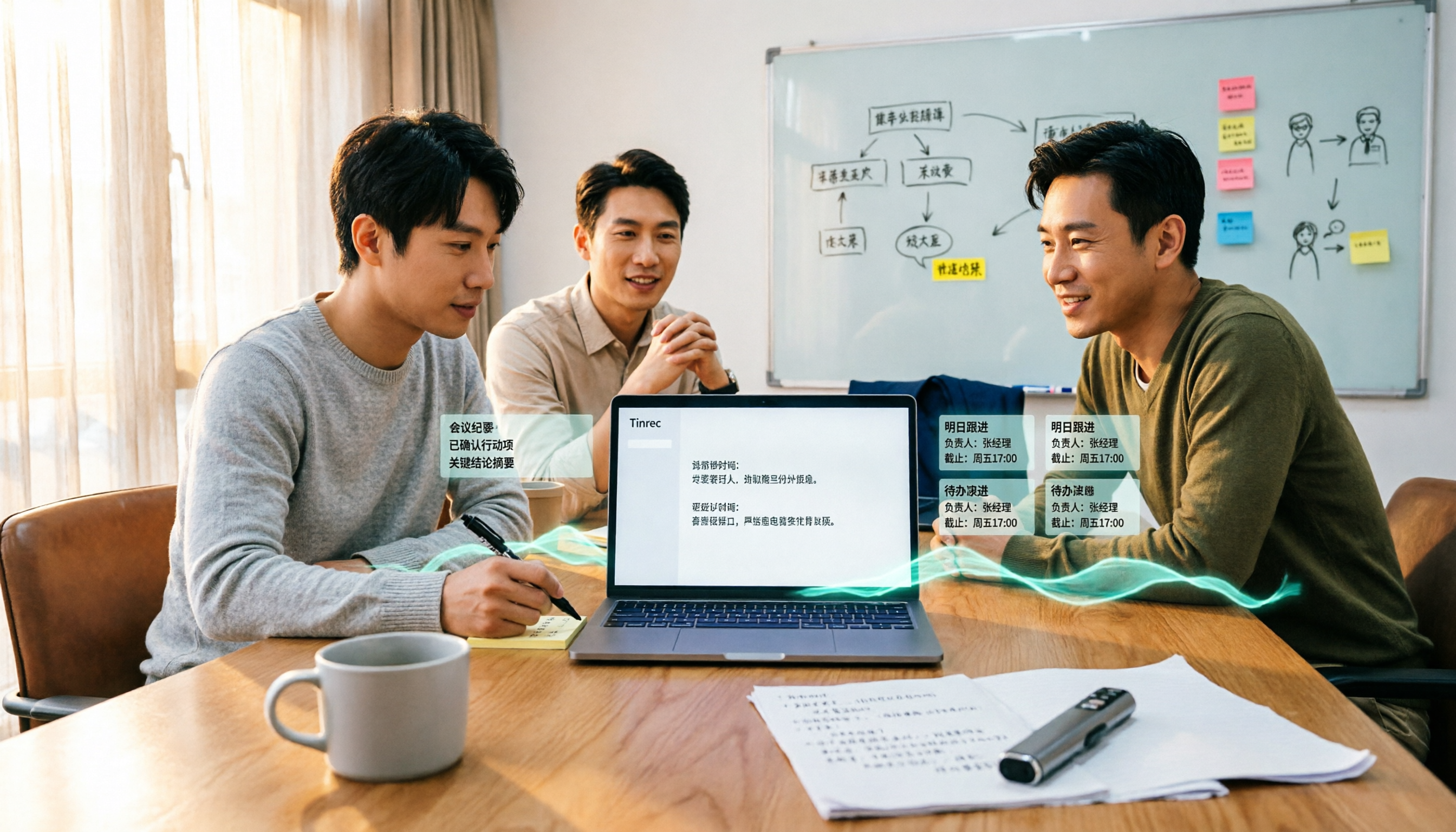
Best Audio-to-Text Tools in 2026: 4 Latest Versions Tested, Top Pick for Chinese Meetings and Team Organization
Starting from the pain points of organizing a 90-minute meeting, we tested four latest 2026 audio-to-text tools—Tinrec, Granola, TurboScribe, and PLAUD—comparing Chinese recognition, bot-free meeting recording, post-meeting AI organization, team collaboration, and pricing to help you choose the right solution.

Tinrec vs Otter.ai in 2026: 5-Dimension Comparison — Which Is Better for Chinese Meetings and Team Knowledge Retention?
Compare Tinrec and Otter.ai across 5 dimensions — free tier, Chinese recognition, bot-free recording, post-meeting organization, and team governance — to help you decide which is better suited for Chinese meetings and team knowledge retention.

Tinrec vs Otter.ai: Which Speech-to-Text Translation Tool Handles Mixed Chinese-English Meetings Better in 2026?
How do you translate speech-to-text? Most people get stuck not on the translate button, but on confusing transcription with translation. This article compares Tinrec and Otter.ai across five dimensions—mixed Chinese-English transcription, real-time bilingual comparison, post-meeting organization, and team collaboration—to help you decide which workflow truly saves time on re-listening to recordings.

2025 Audio-to-Text Guide: Tinrec vs. Notta — No-Bot Recording + Automatic Meeting Minutes
How to choose an audio-to-text tool in 2025? This guide focuses on real decision points for meeting notes, comparing Tinrec and Notta on meeting capture, Chinese transcription, post-meeting organization, and team collaboration. It also covers Tinrec's live transcription, AI summaries, action item extraction, and team workspace features to help you pick the right tool and skip extra work.

2026 Comparison of 2 Audio-to-Text Tools: Tinrec vs Yating Transcript, Which AI Meeting Notes Really Save Time?
Which audio-to-text tool should you choose? This article compares Tinrec and Yating Transcript across 5 dimensions: online meeting recording methods, multilingual and real-time translation, post-transcription organization, post-meeting output and export, and team collaboration governance. It also includes each tool's unique advantages and purchasing advice to help you decide which one to use.