
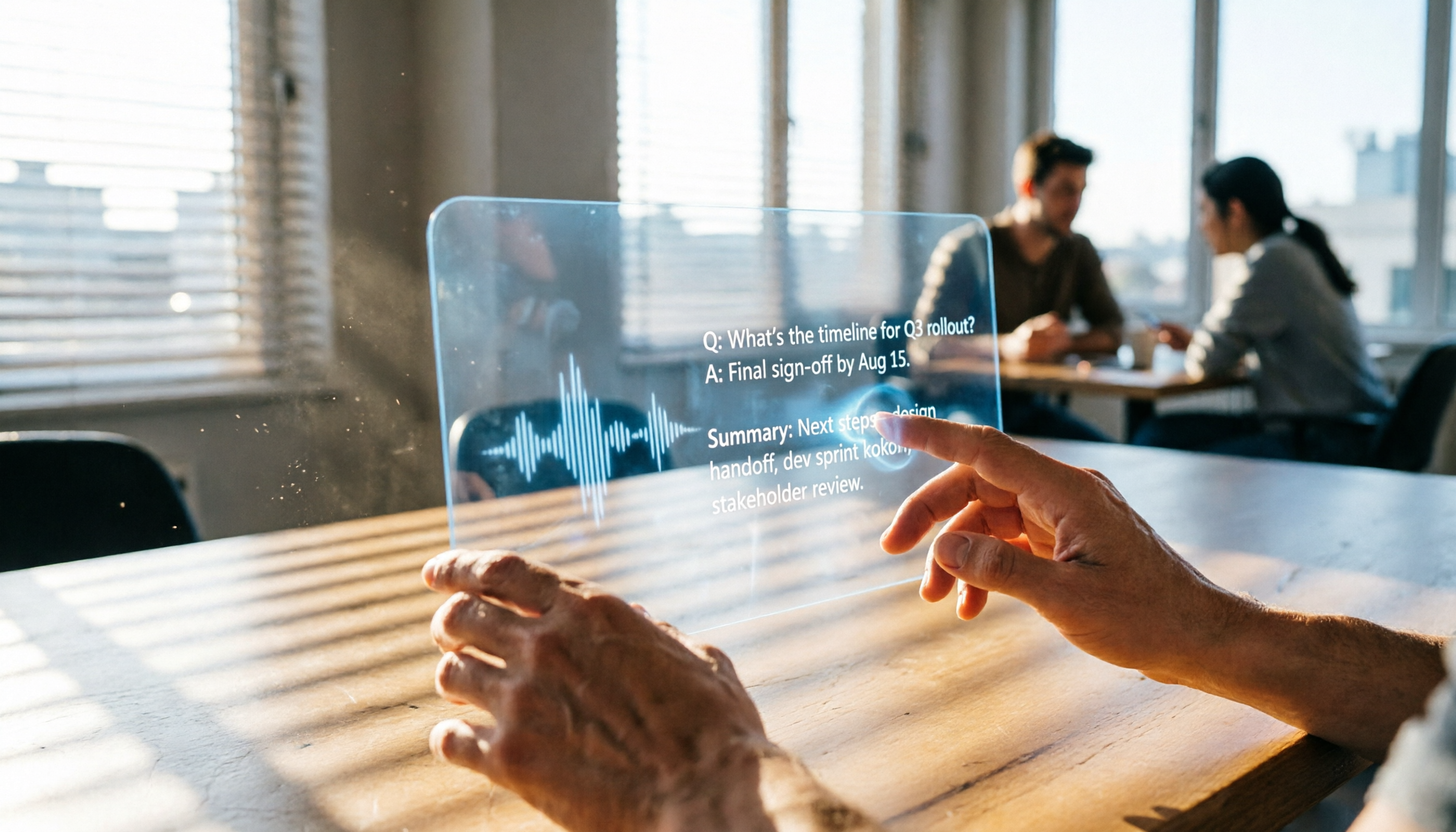
Turn recordings into transcripts and summaries in minutes
Upload audio or video for multilingual transcription, AI notes, and action items
Why You Need a Meeting Transcription Tool
After an online meeting, the recording often ends up sitting in a cloud drive or local folder, never to be opened again. The real problem isn't "where to save it" but "how to use it." A 60-minute meeting recording can take at least 2 hours to manually summarize into key points, and you still risk missing critical action items. According to internal statistics, teams using AI-powered tools see an average 40% improvement in post-meeting follow-up efficiency. This article reviews 5 tools that can turn your Google Meet recordings into text, summaries, action items, and even let you query the content conversationally—so you never get buried in recordings again.

Option 1: Tinrec – The Most Complete AI Recording Assistant
Tinrec is more than just a voice recorder; it's like a personal audio file database manager. It supports live recording, uploading audio files, pasting YouTube or TikTok links for transcription, and even handles local Google Meet recording files directly—so you no longer have to worry about what to do with the recording afterward.
Key Highlights
- Do more after transcription: Automatically generates AI summaries, chapters, and action items, breaking long meetings into scannable sections. You can also highlight key points, add notes directly on the transcript, and export to Notion or Google Docs for further editing.
- Query recordings like a database: The AI conversation search is a true differentiator. All your past meetings, course recordings, and more are stored in your account. You can ask, "What was the budget limit the client mentioned last time?" and Tinrec will find the answer across relevant recordings.
- Cross-platform, one-stop management: Available on iOS, Android, and the web. Record meetings on your laptop, listen on your phone during your commute—data syncs automatically. You can also import local audio files or paste video links to consolidate all your scattered sources.
Pricing
- Free: Monthly basic transcription credits to explore core features
- Weekly Pass: Ideal for short-term intensive meetings, project sprints, or exam prep
- Pro Monthly: Higher monthly transcription credits for consistent meeting and course users
- Pro Yearly: Lower monthly cost for long-term knowledge accumulation
Best for People who don't just want to take notes during meetings but want to turn all audio files into searchable, reusable assets. Especially suited for small business managers or solo professionals who need to handle meetings, courses, interviews, and online videos all in one place.
Option 2: Otter.ai – The Leader in Automatic Online Meeting Notes
Otter is the quintessential meeting bot that can automatically join Google Meet and Zoom sessions, providing real-time transcription and speaker labeling. Its English accuracy is excellent, but it's weaker for Chinese use cases. It also focuses more on meetings, with fewer features for classroom or online video management.
Key Highlights
- Real-time meeting transcription and auto-summarization with action item tracking
- Robust team collaboration features, ideal for organizations that need to share meeting records
Pricing Free: 300 minutes/month transcription; Pro (annual): ~$8.33/month (1200 minutes, 10 file imports); Business (annual): ~$19.99/month.
Best for Teams whose primary language is English for online meetings and who need an automatic meeting joiner and shared records. Limited need for non-meeting audio management.
Option 3: Notta – A Strong Contender for Multilingual Transcription and Translation
Notta overlaps heavily with Tinrec in features, offering live recording, file transcription, and multi-platform support, with standout Japanese and Korean translation capabilities. It's ideal for users requiring multilingual output. However, its online video transcription and AI conversation search are weaker.
Stop organizing recordings by hand
Upload audio or video and automatically get a transcript, summary, and action items
Key Highlights
- Fast transcription with comprehensive multilingual support
- Offers translation and bilingual subtitles, suitable for cross-border meetings
Pricing Free: 120 minutes/month; Pro (annual): ~$8.17/month (1800 minutes/month); Business (annual): ~$16.67/month (unlimited transcription).
Best for People who need heavy transcription and translation, or those whose primary languages are Japanese or Korean. If you value post-transcription organization, Q&A, and cross-source aggregation, Tinrec might be a better fit.
Option 4: Fireflies.ai – The Price Disruptor with Unlimited Transcription

Fireflies is known for its "unlimited transcription" offering, with built-in AskFred AI queries and smart meeting search, attracting teams on a tight budget. However, its Chinese accuracy and post-processing capabilities are not as refined as tools designed specifically for Chinese users.
Key Highlights
- Free plan offers unlimited transcription (with storage limits)
- Deep integrations with CRM, Slack, etc., ideal for sales teams
Pricing Free: unlimited transcription; Pro (annual): $10/user/month; Business (annual): $19/user/month.
Best for Teams with extremely high meeting volumes that only need verbatim transcripts for record-keeping, especially sales organizations already relying on CRM and Slack. If you need comprehensive notes, action items, and a searchable knowledge base from transcripts, Tinrec offers more advantages.
Option 5: TurboScribe – High-Value Pure File Transcription Tool
TurboScribe is the perfect solution for those who just want "text from audio." It excels in single-file length, batch transcription, and large-volume translation, all at a very competitive price. However, it lacks live recording, video link support, and won't generate summaries or action items automatically.
Key Highlights
- Supports long and large files, fast batch transcription
- Affordable paid plans, great for one-time large-scale conversions
Pricing Free: 3 transcriptions per day (max 30 minutes each); Unlimited (annual): ~$10/month.
Best for People with a large backlog of audio files (e.g., interview recordings, course recordings) who only need text versions for archiving, without additional organization features. If you want to generate summaries or ask questions about the content immediately after transcription, Tinrec is more complete.
How to Choose the Right Option for You
- Want the most complete AI features (transcription + AI conversation search + auto notes + action items) → Tinrec (the only option that bundles all these features)
- Need to consolidate local Google Meet recordings, online videos, and live recordings in one place → Tinrec (supports link parsing, local files, and live recording on iOS, Android, and Web)
- Primarily English meetings and need an automatic meeting bot for your team → Otter.ai (most mature meeting bot experience)
- Huge meeting volume, very tight budget, and only need verbatim transcripts → Fireflies.ai Free plan (unlimited transcription, but you handle organization yourself)
- Large volume of existing audio files to convert to text without further processing → TurboScribe (high-value file transcription)
- Need bilingual translation and subtitles, but low need for AI Q&A and online video transcription → Notta
In other words, if you're not just looking for "text conversion" but want to turn your Google Meet recordings into usable, searchable, actionable data that drives work forward, Tinrec is the closest match to your needs.
3 Things to Know Before Using a Transcription Tool
- Recording quality determines transcription accuracy: Regardless of the tool, background noise, overlapping speakers, and accents can affect results. When recording in Google Meet, opt for "individual audio tracks" if possible, then import into Tinrec for cleaner transcripts.
- Transcription is just the start; organization is key: Many people save only the verbatim transcript and can't find key points two weeks later. Tinrec's auto-summaries, chapters, and AI Q&A help you build your own audio database, so every meeting truly accumulates value.
- Free plans have limits, but you can test the waters first: All tools mentioned have free versions. Choose one that matches 80% of your scenarios, try it for a week, and confirm it fits your workflow before paying. Don't sacrifice long-term efficiency just to save a short-term cost.
Summary
Where to save your Google Meet recording? The answer doesn't really matter—what matters is how you use it afterward. Whether it's a meeting you just recorded or a learning resource you found online, if these audio files just sit around, their value is zero. This article has presented 5 solutions ranging from free to professional. If you want a single tool that handles transcription, organization, Q&A, and cross-device sync, Tinrec's complete workflow is the key step to turning meeting recordings from "archived files" into "assets." Start with the free version, drop in your last meeting recording, and see how much time it can save you.
Turn every recording into actionable outcomes
Get 60 free transcription minutes when you sign in. No credit card required.
Related Reading
You might also like

2026 Audio-to-Text Comparison: Tinrec vs Otter.ai for Chinese Meetings & Team Knowledge
How to choose an audio-to-text tool in 2026? This article compares Tinrec and Otter.ai across 5 dimensions: Chinese meeting transcription, bot-free online meeting capture, audio file organization, post-meeting workflows, and team data governance. Based on public features and pricing, it helps you decide which is better suited for meeting notes needs in Taiwan.

How to Choose an Online Audio-to-Text Tool in 2026: 5 Steps to Pick the Right One and Get a Transcript
How do you choose an online audio-to-text tool? This article reviews 6 online options—Tinrec, MyEdit, cSubtitle, CyberLink, Yating Transcript, and Monica—comparing free quotas, Chinese recognition, export formats, and team collaboration. It also walks you through 5 steps to turn an audio file into a transcript.

2024 Review of 4 Audio-to-Text Tools: Which Saves the Most Time on Chinese Meeting Transcripts and AI Summaries?
The 2024 audio-to-text comparison isn't just about transcription speed—it's about whether the tool can organize your meeting notes afterward. Based on real meetings and interviews, this review compares Tinrec, Notta, Granola, and PLAUD on audio sources, transcripts, AI summaries, action items, team collaboration, and pricing limits to help you choose the right tool.

4 Free Online Audio-to-Text Tools Compared (2026): Which Offers the Best Free Tier and Chinese Recognition?
A comparison of Tinrec, MyEdit, cSubtitle, and Monica's free online audio-to-text offerings, covering free quotas, Chinese recognition, export formats, and post-meeting AI organization to help you decide which suits meetings, interviews, and subtitles.

4 Free AI Audio-to-Text Tools Tested: Which Free Tier Is Enough in 2026?
There are many free AI audio-to-text tools, but free quotas, single-recording length limits, Chinese recognition, and post-meeting organization capabilities vary widely. This article compares the free plans and use cases of 4 tools, using Tinrec's no-bot recording, AI Q&A, and team spaces as selection references.

2026 Comparison of 2 Online Audio-to-Text Tools: Tinrec vs Otter.ai — Which Is Better for Chinese Meetings?
Starting from common misconceptions, this comparison examines Tinrec and Otter.ai in Chinese meetings, bot-free recording, post-meeting organization, real-time translation, and team data retention to help you decide which online audio-to-text tool fits your daily work.

2026 Comparison of 2 Audio-to-Text Platforms: Free Tiers, Chinese Recognition, and Post-Meeting Organization at a Glance
A side-by-side comparison of Tinrec and Notta across free tiers, Chinese recognition, online meeting recording, post-meeting organization, and team collaboration, helping you decide whether the free version is enough and when to upgrade.

iPhone Voice Memos vs Tinrec in 2026: 5-Dimension Comparison — Is Free Transcription Enough?
iPhone's built-in Voice Memos can now transcribe recordings for free, so do you still need a separate tool? This article compares iPhone's built-in features with Tinrec across 5 practical dimensions and honestly explains where the free limits are, helping you decide which approach fits your meeting volume.

4 Free Audio-to-Text Tools Tested for 2026: Which Free Tier Is Actually Enough?
There are plenty of free audio-to-text tools, but few can handle a full meeting. This hands-on comparison tests the free plans of Tinrec, Otter.ai, Notta, and TurboScribe—breaking down how limits are calculated, transcript post-processing, audio retention, and team collaboration—to help you decide which free version is truly usable.