
Turn recordings into transcripts and summaries in minutes
Upload audio or video for multilingual transcription, AI notes, and action items
For content creators, researchers, or professionals who love learning through podcasts, the most painful moment is hearing a great insight but forgetting the exact timestamp, forcing you to replay the entire episode. While audio is convenient to listen to, searching and note-taking is far less efficient than text.
In 2026, AI tools have completely transformed this pain point. This article focuses on "Podcast speech-to-text" and "content summarization," selecting three AI tools with different strengths for comparison, providing detailed evaluation criteria and step-by-step tutorials.
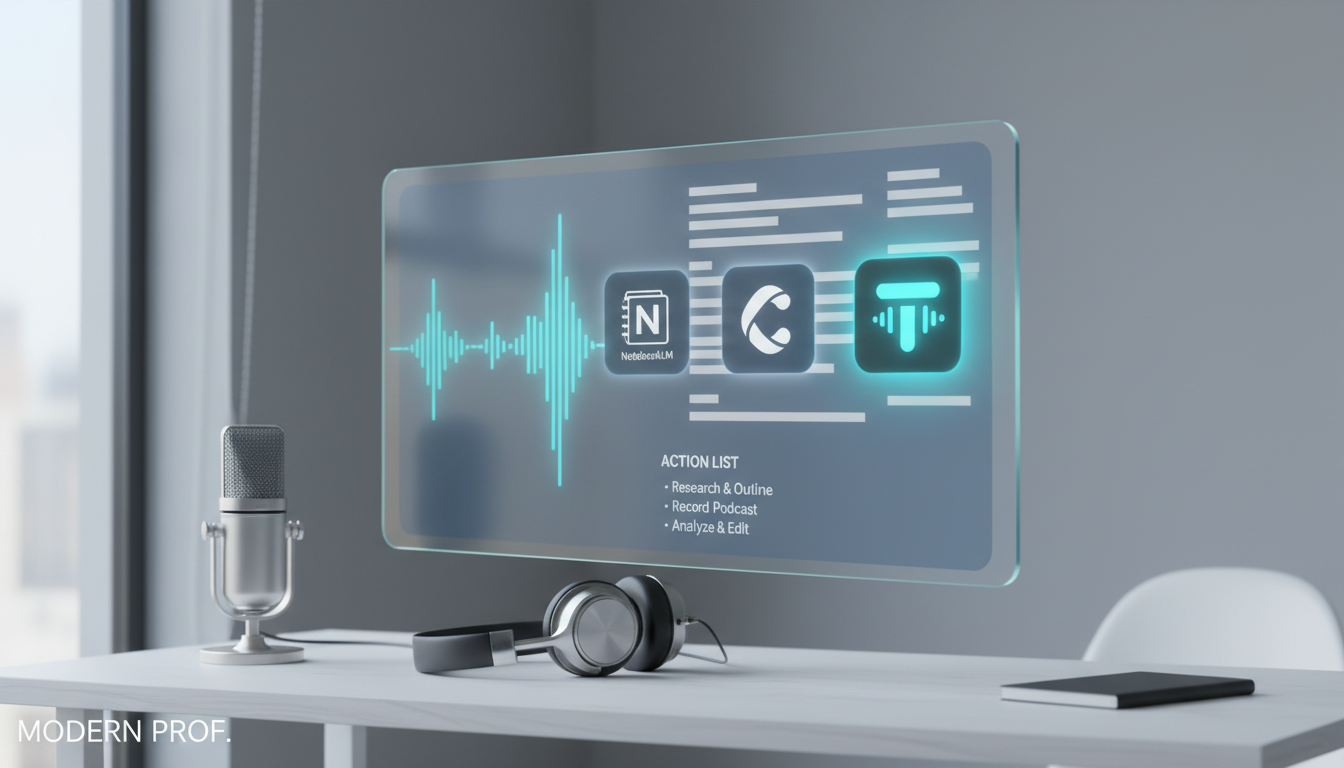
Quick Decision Guide:
- If you need academic research and multi-document integration: Choose Google NotebookLM.
- If you need to convert podcasts/YouTube to transcripts and extract action items: Tinrec is an efficient choice.
- If you already have a transcript and need to polish it into an article: Claude or Wordvice AI are the best assistants.
Why Convert Podcasts to Text? Three Key Pain Points
Before introducing the tools, let’s align on the main challenges of processing audio content:
- Low information density, high retrieval cost: A one-hour interview requires 2-3 hours to manually transcribe into an article; audio files cannot be searched with
Ctrl+Flike text. - Multilingual comprehension barriers: When listening to English or Japanese podcasts, without real-time captions or transcripts, it’s easy to lose context due to unfamiliar terms.
- Lack of structured output: You feel you’ve gained a lot, but forget it after two days. Without converting audio into notes or to-do items, knowledge can’t be retained.
Comparison of Mainstream AI Speech-to-Text Tools
Addressing the above pain points, we selected representative tools on the market for analysis:
1. NotebookLM: Google’s AI Note-Taking Assistant
According to the latest reviews, NotebookLM is a knowledge management tool by Google. Its standout feature is a "source-first" approach: you can upload PDFs, text files, and even audio files.
- Strengths: It can generate a "study guide" or "FAQ" from your podcast audio, and even turn your notes into a simulated conversation between two AI hosts (Audio Overview). Ideal for academic research or synthesizing large amounts of material.
- Limitations: Focused more on "knowledge understanding"; precise timestamp alignment in transcripts is more academic in nature, and it does less extraction of action items.
2. Tinrec: A Complete Workflow from Recording to Action
Tinrec is a tool specialized in "real-time recording-to-text" and "content analysis." Unlike pure note-taking apps, Tinrec emphasizes converting audio into actionable content.
- Strengths:
- Link Parsing: Supports pasting URLs of online videos or podcasts (e.g., YouTube), automatically parsing and generating transcripts and summaries, saving you from downloading files.
- Action-Oriented: Besides transcripts, Tinrec automatically extracts to-do items and decision suggestions from the content, ideal for business podcasts or knowledge-heavy content.
- Multi-Platform Sync: Supports iOS, Android, and web versions. Record/transcribe on your phone while commuting, then edit on your computer.
- Use Cases: Suitable for creators who need to turn interviews into articles, or office workers and students who need to summarize meetings or courses.

3. Claude / Wordvice AI: Post-Processing Assistants for Long Text
These tools (like Claude or Wordvice AI) typically do not have recording capabilities themselves, but they are excellent for processing already-transcribed text.
Stop organizing recordings by hand
Upload audio or video and automatically get a transcript, summary, and action items
- Strengths: Claude 3.5 Sonnet has strong long-text processing ability (up to 200k tokens). After obtaining a podcast transcript from other tools, you can feed it into Claude to rewrite into a smooth blog article, or use Wordvice AI for professional English grammar proofreading.
2026 Popular Speech-to-Text Tools Comparison Table
To help you make a choice, here’s a key dimension comparison:
| Dimension | Tinrec | Google NotebookLM | Claude / Wordvice AI |
|---|---|---|---|
| Core Focus | Recording transcription & action item management | Knowledge base & study notes | Long-form writing & polishing |
| Input Methods | Live microphone recording, file upload, URL link parsing | File upload (PDF/Audio/Drive) | Plain text input / file upload |
| Real-time Transcription | Supported (record and transcribe simultaneously) | Not supported | Not supported |
| Podcast Link Support | Excellent (paste URL directly) | Requires downloading audio first | None |
| Output Content | Transcript, AI summary, action items (to-do) | Study guide, FAQ, simulated dialogue | Article rewriting, polishing, proofreading |
| AI Chat Query | Supported (ask questions about the recording) | Supported (ask questions about the knowledge base) | Supported (ask questions about input text) |
| Multilingual Recognition | Supported (Chinese/English/Japanese/Korean, 10 languages) | Relies on Google models | Relies on model training languages |
Practical Tutorial: How to Quickly Summarize a Podcast with Tinrec
If you are a content creator or student looking to convert a 60-minute podcast into notes, follow these steps:
Step 1: Get the Content Source
First, you don’t need to bother downloading MP3 files. Just copy the podcast’s YouTube link or prepare the audio file.
Step 2: Import into Tinrec for Parsing
- Log in to Tinrec web or app.
- Select the "Podcast/Online Video to Text" feature.
- Paste the URL or upload the file. Tinrec will perform cloud-based speech recognition and speaker diarization to distinguish different speakers.


Step 3: Review AI Summary and Action Items
Once transcription is complete, the system automatically generates a structured summary.
- View Summary: Quickly browse the core arguments of the episode.
- Check Action Items: If the episode mentions recommended books, tools, or specific suggestions, Tinrec extracts them as a To-Do List.

Step 4: Use AI Chat to Dig Deeper
Traditional tools only let you read from start to finish; Tinrec supports "AI chat query."
- Scenario: You remember the speaker mentioned "2026 AI tool trends" but are unsure of the specifics.
- Action: In the chat box, type "What AI tools did the speaker recommend for 2026?" The AI will answer based on the recording and provide timestamps.

Frequently Asked Questions
Q1: How accurate are these tools for Chinese podcast recognition?
Currently, tools like Tinrec and NotebookLM are quite mature for Chinese recognition. Tinrec supports Chinese, English, Japanese, Korean, and more. Accuracy is high for common interview content, but if there is heavy background noise or many proper nouns, a quick manual review after transcription is recommended.
Q2: Can iPhone users use these features?
NotebookLM is primarily web-based; Tinrec offers iOS, Android, and web support. For users who record or listen to podcasts on iPhone, the app version offers greater convenience.
Q3: Can I export the transcripts?
Yes. Most tools support text export. Tinrec supports multi-format file export, making it easy to copy content into Notion or Word for further editing.
Q4: Are there usage limits for free versions?
Policies vary. For example, Wordvice AI offers 5,000 free words per month; Tinrec’s free version provides up to 100 minutes of recording transcription per month, which is sufficient for occasional podcast summarization.
Q5: Can I use these for live podcast recordings or interviews?
For live scenarios, use tools that support real-time recording-to-text (like Tinrec), so you can see text as it’s generated and mark key points instantly. Claude or NotebookLM cannot handle live recording and require post-processing of the file.
Q6: Can I directly convert a YouTube video to text?
Yes. This is a highlight of modern tools. Tinrec supports pasting a YouTube link for direct parsing, eliminating the need for third-party downloads and uploads, saving significant time.
Turn every recording into actionable outcomes
Get 60 free transcription minutes when you sign in. No credit card required.
Related Reading
You might also like

Google Meet G017A Speakermic vs Tinrec (2026): 3 Meeting Notes Options Compared
The Google Meet G017A Speakermic is a 360° speaker-mic for meeting rooms, while Tinrec is an AI meeting notes and team collaboration tool. This article compares them across 5 dimensions and covers pricing, team plan seats, and buying advice.
6 Google Meet Conference Solutions Compared for 2026: Which Hardware and Post-Meeting Tools Save the Most Time?
Tired of wrestling with cables before every meeting and re-listening to recordings to type up notes afterward? This guide compares six Google Meet conference solutions—from Series One all-in-one devices and partner hardware to BYOD with Room licenses and the bot-free Tinrec meeting notes workflow. It also covers Room license pricing, Companion mode, and interoperability to help you choose the right setup based on room size and post-meeting needs.
4 Ways to Record Google Meet in 2026: How to Record Even with a Free Account
Google Meet's built-in recording is only available to eligible paid plans, and free personal accounts don't have that button. This article breaks down the real limitations of 4 common recording methods and demonstrates with Tinrec desktop how to capture transcripts, summaries, and action items without a meeting bot or upgrading Workspace.
2026 Google Meet In-Call Messages Management Guide: 3 Meeting Note Tools Tested and Recommended
Google Meet in-call messages disappear after the meeting ends, with no search or sharing options. This article addresses common misconceptions and tests meeting note tools like Tinrec, Otter.ai, and Notta to help you understand key purchasing factors and find a solution that truly captures meeting content.
3 Ways to Join a Google Meet with a Meeting ID in 2026: Which Is Fastest and Won't Miss Meeting Content?
Got a Google Meet meeting ID but not sure where to paste it? This article tests three ways to join—web, mobile app, and Google Calendar invite—and compares Google Meet's built-in recording with Tinrec for post-meeting organization, Chinese transcription, cross-platform export, and team knowledge retention, helping you decide which to use.
How to Fix Google Meet Grid View in 2026: 5-Step Guide
Google Meet grid view not showing or extension not working? This 5-step guide shows you how to check built-in layouts, fix Grid View extensions, compare common extensions, and use Tinrec to automatically turn meetings into transcripts, summaries, and action items.
Is Google Meet HIPAA Compliant in 2026? 5 Steps to Understand Compliance Costs
Is Google Meet HIPAA compliant? How much does it cost to become compliant? This article breaks down the BAA signing requirements for Google Workspace, the differences between plan tiers, and the hidden costs that are often overlooked. It also explains how to turn meeting content into searchable, queryable data.
2026 Comparison of 4 Meeting Note Tools: How to Find Google Meet ID and Save Meeting Records
What exactly is a Google Meet ID? This article first helps you distinguish between meeting codes, meeting links, and the developer API's meetingId, then compares four meeting note tools—Tinrec, Otter.ai, Notta, and Granola—breaking down recording methods, Chinese recognition, post-meeting organization, and team sharing to help you find the best meeting notes solution.
How to Take Meeting Notes in Google Meet in 2026: 5 Steps from Google One to Team Data
Does subscribing to Google One automatically upgrade Google Meet? This article first clarifies the relationship between Google One Premium 2TB and above plans and Google Meet advanced features, then compares Google Meet's built-in capabilities with Tinrec across 5 dimensions, and finally provides a 5-step starter guide you can follow directly.