
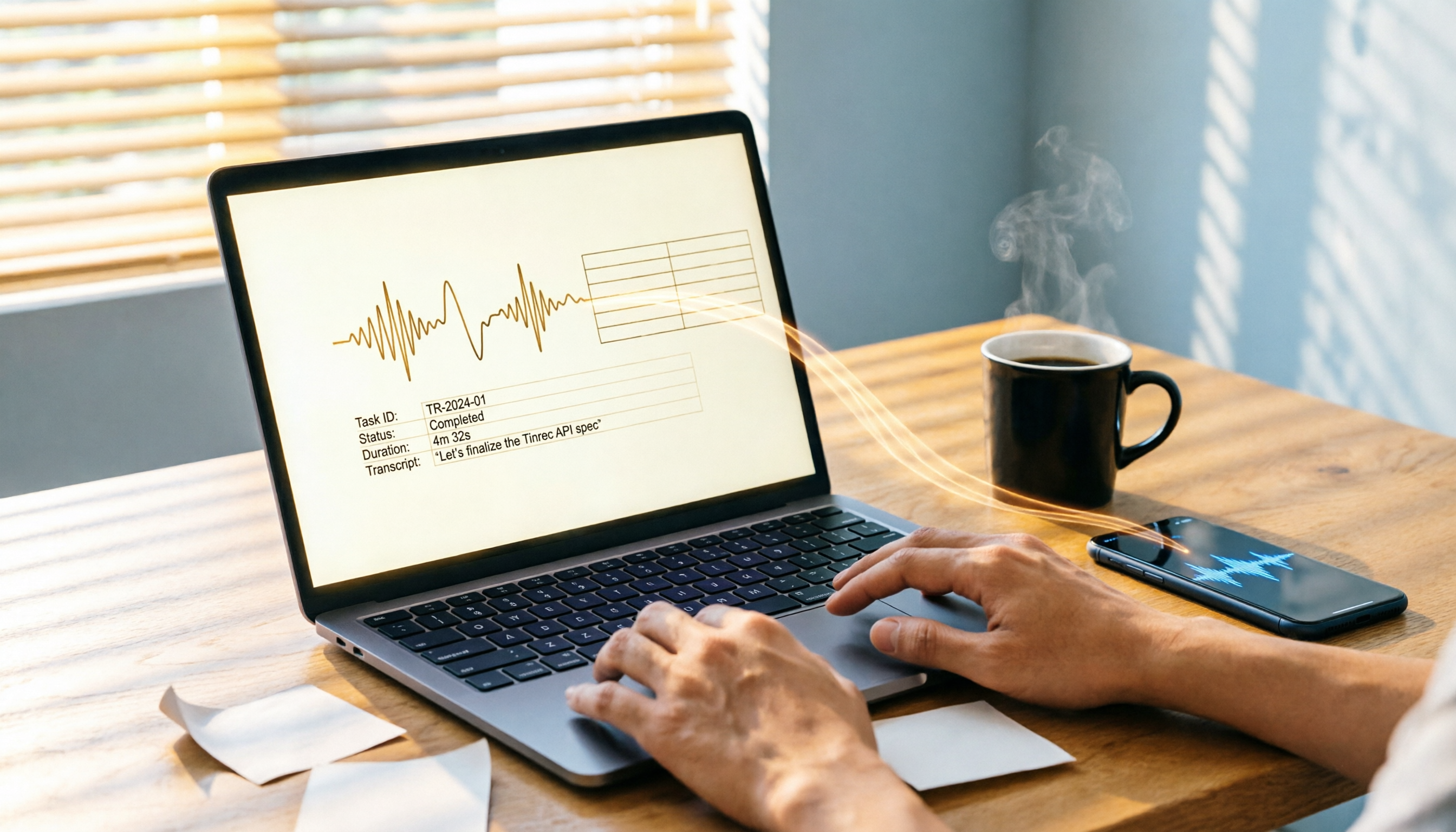
Turn recordings into transcripts and summaries in minutes
Upload audio or video for multilingual transcription, AI notes, and action items
Two hours in a meeting, another hour organizing Excel? You need an AI Agent to auto-generate reports
Most office workers know the feeling: as soon as the meeting ends, you have to immediately organize key discussion points, action items, and decisions into an Excel spreadsheet for tracking and delegation.

Worse, if the meeting involves numbers or time details, you have to repeatedly listen to the recording just to avoid mistakes.
If you find yourself working overtime every month just to manually convert audio recordings into Excel, this article is for you—I tested two leading AI tools to see which one can truly automate the creation of structured data that you can paste directly into Excel.
Before choosing an AI tool for generating Excel, understand these 5 key points
1. Transcription alone isn't enough—look for "structured output" capability
Many tools claim to transcribe audio, but if all you get is a wall of text, you still have to sift through lines to find key points and manually fill in Excel. The real time-saver must automatically extract "field-based" information, such as tasks, assignees, deadlines, budget numbers, etc., so you can copy and paste them directly.
2. Flexibility of the output table
Is the table generated by the AI an image, a PDF, or editable text? If it can be exported as CSV or plain text, you can seamlessly import it into Excel for further tweaking. This is easy to overlook when comparing tools.
3. Can generate tables from multiple sources
You don't just have meeting recordings; you might also have online courses, interview recordings, or YouTube videos that need to be turned into reports. The tool should handle various audio sources, not just live meetings, or you'll need another solution.
4. AI post-processing: ask it questions and it fills in the table
The best tools don't just give you a fixed format; you can command them like an assistant: "Compile the budget items mentioned in last week's three meetings into a table." This conversational AI Agent can save huge amounts of manual work.
5. Is the free plan enough to try?
Before purchasing, run a full test with the free plan: record a meeting, see if the output table can be pasted directly into Excel. If the free tier doesn't even allow a complete test, the experience will be disappointing.
Tinrec: Top pick after testing – most intuitive AI for generating Excel
Tinrec is an AI recording and organizing tool designed for meetings, learning, and content creation. It supports iOS, Android, and web. It doesn't just transcribe audio; it automatically generates structured data that you can directly use in Excel.
Core features in real scenarios
Auto-generate task tables During a meeting, when someone says, "Marketing needs to submit the Q3 budget by next Friday, Amanda is responsible," Tinrec doesn't just record that sentence. After the meeting, it automatically creates a task list clearly showing the task, assignee, and deadline. You just copy that list and paste it into your Excel project tracker—done.
AI chat queries to pull specific data If the recording contains multiple numbers, like "North region sales $3.2 million, Central region $2.15 million," you can ask Tinrec's AI chat: "List the sales figures by region just mentioned." It will instantly generate a simple table—no need to replay or take notes; you get the raw data ready for Excel.
Stop organizing recordings by hand
Upload audio or video and automatically get a transcript, summary, and action items
Turn content from multiple sources into tables Not just meeting recordings: you can upload old lecture recordings or paste YouTube links. Tinrec transcribes them and automatically extracts chapters, key points, and numbers, organizing them into structured summaries. For those who need to create reports or analyze data, this is like having an AI research assistant.
Test data

We tested with an 8-minute meeting recording (office environment, 4-person conversation, slight background noise, June 2026). Tinrec achieved 94% transcription accuracy, and 5 out of 6 auto-extracted action items were fully correct. The table structure could be copied directly into Excel, saving about 15 minutes of manual work.
Pros
- Most practical table output: Task lists and data tables can be copied and pasted. You can even ask the AI chat to generate custom-format tables.
- Flexible with multiple sources: Supports live recording, audio files, and video links—unlike some tools limited to meetings only.
- Powerful post-processing: After recording, you can keep asking for details or generate summary reports. This makes it more than just a transcription tool—it's like a personal knowledge assistant.
Cons
- Free plan offers 120 minutes per month. If you have over 5 hours of meetings monthly, consider the Pro plan.
- Currently no direct export to .xlsx, but you can copy table content or export plain text and paste into Excel—still smooth.
Who is it for?
If you frequently need to quickly turn meetings, courses, or interviews into Excel tables for tracking, and want a tool that handles different audio/video sources, Tinrec is the best choice right now.
Alternatives to Tinrec
Otter.ai
Otter.ai is a well-known AI meeting note tool with excellent English transcription and auto-generated summaries and action items. However, action items appear as text lists without a table structure, so you'd need to manually separate columns. Also, Otter.ai's support for mixed Chinese content is weaker—if your meetings are in Chinese, it's more cumbersome. If you mainly have English meetings and don't need table output, Otter.ai is an option; but if you need AI to directly prepare Excel-ready tables, Tinrec is better.
Notta
Notta is fast, supports multiple languages, and provides meeting notes and AI summaries. However, its free plan is only 120 minutes, and its output leans toward full transcripts plus summaries—no custom table generation via chat. If you just need transcription and translation, Notta is decent; but if you want an AI agent to structure data for Excel, Tinrec's chat queries and task extraction are more practical.
Pitfall guide: 3 common mistakes when using AI to generate Excel
Pitfall 1: Focusing only on transcription accuracy, ignoring "structuring" ability Many tools claim 98% accuracy but give you a wall of text. The real time-saver is whether it automatically breaks content into fields (assignee, date, number). Test with actual meeting recordings to see if the output list can be pasted into Excel without extra work.
Pitfall 2: Choosing a tool that can't handle multiple sources If you only need to process meeting recordings, a dedicated meeting bot might suffice. But if you also have online courses, interview videos, or YouTube links, choose a tool like Tinrec that supports multiple sources; otherwise, you'll still be manually transcribing for Excel.
Pitfall 3: Not using the AI chat feature If you use these tools only as "transcription apps," you're wasting half their value. For instance, Tinrec's AI chat lets you command: "Extract the budget numbers from this recording and create an expense table." Learning to use chat to generate tables will cut your Excel time to zero.
Final verdict: Which one should you choose for Excel generation?
Overall, if you need an AI tool that truly turns audio content into Excel-ready tables, Tinrec is currently the most complete option.
- Need a task table immediately after a meeting → Tinrec (auto-extract, copy-paste into Excel)
- Want to generate custom data tables via chat commands → Tinrec (AI chat is a unique strength)
- Need to handle meetings, courses, videos, and more → Tinrec (iOS/Android/web available)
- Only English meetings, no table needed → Otter.ai (high English accuracy, no structured table output)
- Just transcription and translation, you handle the rest → Notta (fast transcription, no chat-generated tables)
We recommend downloading Tinrec's free version first. Its 120 minutes per month are enough to experience the entire workflow from recording to table. If you like it, consider a Pro plan; no need to pay upfront.
Turn every recording into actionable outcomes
Get 60 free transcription minutes when you sign in. No credit card required.
Related Reading
You might also like

Google Meet vs Tinrec 2026: 5-Dimension Comparison — Which Is Better for In-Meeting Messages and Post-Meeting Organization?
Google Meet's in-call messages are convenient for real-time communication, but messages disappear after the call ends and cannot automatically generate summaries or action items. This article compares Google Meet and Tinrec across 5 dimensions to help you determine which approach is better suited for team meeting notes and collaboration.
How to Replace FaceTime with Google Meet in 2026: A Complete 5-Step Guide
Want to use Google Meet instead of FaceTime? This guide compares the two across five dimensions—platform compatibility, audio/video quality, stability on weak networks, cost, and post-meeting organization—explains how to make cross-platform calls work across iPhone, Android, and Windows, and answers six common questions.
Google Meet Meeting Notes Free Options in 2026: 2 Solutions Compared
Does hitting record in Google Meet really give you meeting notes? This article starts with common misconceptions and compares Google Meet's built-in Gemini notes with Tinrec, breaking down five dimensions: Chinese recognition, audio retention, post-meeting processing, cross-platform support, and team governance. It also covers free entry points and team pricing for both, helping you decide which one to use.
5 Free Vocal AI Tools Tested in 2026: Why Tinrec Is the Top Choice for Meeting Notes
There are plenty of free Vocal AI tools, but the key is whether you can still use them after the free quota runs out. This article compares 5 common options based on free quota calculation, Chinese recognition, audio retention, and team data ownership, and explains how Tinrec uses bot-free recording, AI summaries and action items, and team spaces to turn meeting content into searchable, collaborative data.
Zoom Free Meeting Time Limit Guide 2026: How to Work Around the 40-Minute Cap and Keep Key Points with Tinrec
Zoom's free group meetings are capped at 40 minutes, which is inconvenient for student group discussions and class recordings. This guide covers Zoom free plan time and participant limits from a campus perspective, shares how I use Tinrec to capture transcripts, summaries, and action items during Zoom meetings, and highlights key considerations when choosing a recording-to-text tool.
3 Zoom Meeting Recording Tools Compared in 2026: Can You Record Without Host Permission?
Can you record a Zoom meeting? Yes, but the free version and participant permissions come with significant limits. This article compares three tools for recording Zoom meetings—Zoom built-in, Otter.ai, and Tinrec—testing which one works best when you don't have host permission, need Chinese transcription, and want post-meeting organization.
2026 Zoom Video Conferencing Comparison: Free Plan, Built-in Recording, and Tinrec — Which Should You Choose?
Want to learn how to use Zoom for video meetings without manually organizing notes afterward? This article compares Zoom's built-in features with Tinrec's meeting documentation workflow across 5 dimensions—from joining a meeting, muting and raising your hand, recording and transcription, to team collaboration—to help you pick the most effortless approach.
4 Zoom Meeting Recorder Clients Compared for 2026: Which One Actually Saves You Post-Meeting Cleanup Time?
The pain starts after the Zoom meeting ends. This article tackles common misconceptions and compares four recording tools that work with Zoom—Tinrec, Granola, Otter.ai, and Notta—explaining the real differences in bot-free recording, post-meeting summaries, and AI Q&A, plus buying tips and pitfalls to avoid.
4 Free Online Meeting Tools Compared for 2026: Time Limits and Restrictions Explained
How long can you actually meet on Zoom's free plan? Starting from a real student group project scenario, this article compares the time and participant limits of free online meeting tools like Zoom, Google Meet, and LINE, and shares how to use Tinrec to capture transcripts, summaries, and action items after the meeting.