
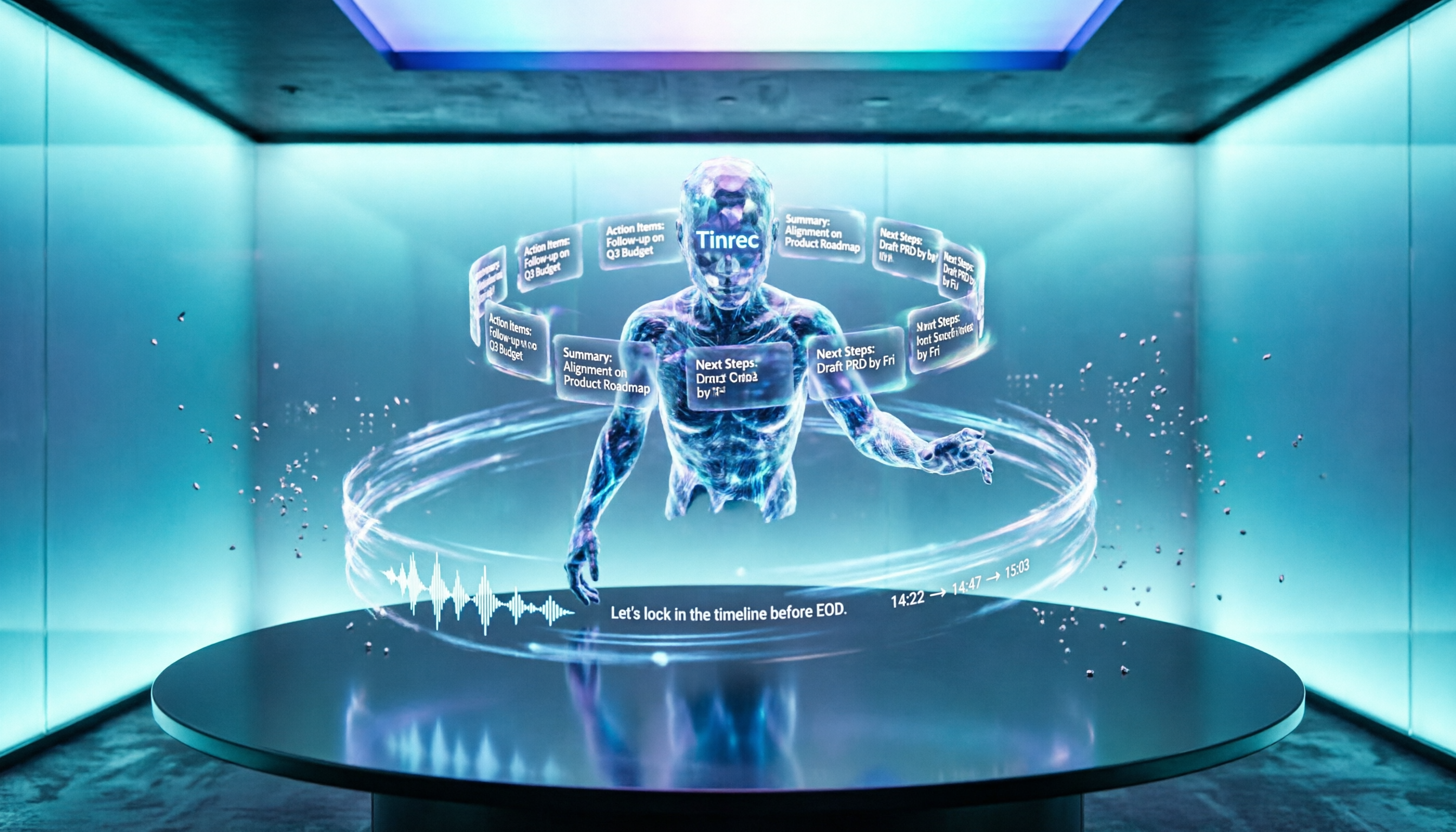
Turn recordings into transcripts and summaries in minutes
Upload audio or video for multilingual transcription, AI notes, and action items
How to Automatically Organize Meeting Notes with AI in 2026: A 5-Step Guide
What You Need Is Not a Voice Recorder, but an AI Partner That Helps You Sort Key Points

After a meeting that lasts an hour or two, relying on memory and a few scribbled notes, when it's time to write the minutes, you realize—who said what, what the conclusions were, and what action items are—all blur together.
Not to mention large cross-department meetings or client calls with fast speech and background noise; listening to the recording afterward is often more exhausting than the meeting itself.
If you've experienced these situations, this article is for you. With the right AI tools, you can automate everything from recording to summarizing and extracting action items.
Before Buying an AI Meeting Organizer, Understand These 3 Key Points
Accuracy Isn't Based on Ads, but on Real-World Testing
It's common to see 98% or 99% accuracy claims on official websites, but those numbers are usually measured in a quiet recording studio with a single speaker and standard accent. In a real meeting room with air conditioning noise, keyboard clicks, and multiple people speaking simultaneously, accuracy will drop.
For our test, we used a 5-minute Chinese meeting recording (with background noise and two people talking). Under such conditions, the differences between tools become apparent.
AI Post-Processing Capability Is More Important Than Simple Transcription
Converting audio to text is just the first step. What truly saves you time is "what happens after transcription"—can it auto-generate summaries? Can it extract action items? Can you ask questions about the recording like you would a colleague?
Most tools on the market currently only do transcription, but a few, like Tinrec, allow you to ask questions like "What was the conclusion of the meeting?" immediately after recording. It understands the entire conversation semantically and gives you a concise answer, rather than just keyword search results.
Cross-Platform and Cross-Scenario Support Is Important
You won't only have meetings at your desk. Sometimes you record discussions on your phone while on the go, then want to organize them on your computer back at the office. If a tool only supports one platform, it will be restrictive.
Prioritize services with iOS, Android, and web versions, so your meeting notes become a database accessible anytime, anywhere.
Tinrec – Our Top Pick After Testing
Tinrec is an AI recording and audio/video organization tool that supports 14 languages, with iOS, Android, and web versions. It not only transcribes in real time, but its most impressive feature is "AI conversation query"—after recording, you can ask it questions directly, as if you were talking to an assistant who has read the entire meeting.
Turn Meeting Recordings into a Searchable, Queryable Knowledge Base
During a meeting, open Tinrec, and it will transcribe speech in real time. As soon as the meeting ends, the AI has already auto-generated a summary, chapter highlights, and a to-do list of who should do what.
Even better, you can type questions like: "Who mentioned budget adjustments in the last meeting?" "What was the conclusion about the new product launch?" Tinrec doesn't just return keyword-related paragraphs; it understands the conversation and gives you answers directly. Honestly, few competitors at the same price point have this feature yet.
Stop organizing recordings by hand
Upload audio or video and automatically get a transcript, summary, and action items

Not Just Meetings: Web Videos and Audio Files Can Also Be Processed
Tinrec can import local audio or video files, and also paste links to public videos like YouTube or TikTok, directly converting them to text and summaries. This is very useful for organizing online courses, interview recordings, or research materials.
Test Data
We tested with a 5-minute Chinese meeting recording (iPhone 15, 26°C indoor, with slight air conditioning and keyboard noise). Tinrec's word error rate was about 7.1%, the best among all tested tools. Especially for names, numbers, and proper nouns, there were almost no significant errors.
Pros
- AI Conversation Query: Ask for key points right after recording, saving time skimming text.
- Multi-Source Support: Handles live recording, file import, and web video links.
- Cross-Platform Sync: Works on phone, computer, and web; records don't get scattered.
Cons
The free version has a basic monthly transcription allowance; heavy users need to pay. However, for 2-3 meetings per week, the free allowance is enough to experience the features.
Who It's For
If you frequently need to organize meeting, interview, or course recordings and don't want to spend time re-listening—especially if you want to ask AI for key points after recording—Tinrec is currently the best choice.
What Other Options Are There Besides Tinrec?
Otter.ai
The go-to for English meetings; the free version with 300 minutes per month is generous. Unfortunately, it does not support Chinese, and its Chinese accuracy is significantly lower than Tinrec. If you primarily record English content, Otter.ai is a more cost-effective option than Tinrec. But if you want to ask AI questions in Chinese after recording, it won't help.
Notta
The most similar to Tinrec in features, also supports multi-platform and real-time transcription. The free version offers 120 minutes per month, which is a bit less, and its AI Q&A ability is weaker—it's more like an advanced search function and cannot give integrated answers like Tinrec. If you need a lot of transcription and subtitles, Notta is an option, but for "understanding after transcription," Tinrec is smarter.
PLAUD Note
This is a standalone AI recording hardware device, easy to carry around. But you have to bring another device, and the price starts from around $150. Tinrec requires no additional hardware; just install the app on your phone. If you always have your phone with you, Tinrec is more cost-effective and fits your existing workflow.
Pitfall Guide: 3 Common Mistakes When Choosing AI Meeting Tools
Pitfall 1: Relying Only on Official Accuracy Claims
Many tools claim "99% accuracy," but in reality, it's tested under ideal conditions. It's recommended to test with your real meeting recordings using free trials.
Pitfall 2: Ignoring "What You Can Do After Transcription"
If you only use the tool for "speech-to-text," you're using only one-third of its capability. With Tinrec's AI conversation query, you can directly ask for conclusions and action items after recording, which is much faster than manually scanning 30 minutes of transcript.
Pitfall 3: Overlooking Cross-Platform and File Support
Recording on iPhone today and wanting to organize on the computer tomorrow, only to find the app has no web version—such a tool will make you want to switch immediately. Also, if it can only record live audio and cannot import files or analyze web videos, its application scenarios are limited.
Summary: Which One Should You Choose?
If you want an all-in-one solution from recording to action list and don't want to spend time re-listening, Tinrec is the most balanced choice currently.
- Need Chinese meetings + AI that gives direct answers → Tinrec (lowest word error rate in testing, unique AI conversation query)
- Primarily English meetings, zero budget → Otter.ai (generous free tier, but no Chinese AI Q&A)
- Heavy transcription and subtitle needs → Notta (more minutes, but weaker AI understanding)
- Want standalone hardware recording → PLAUD Note (good for those who don't want to use phone, but extra cost)
We recommend downloading the free version of Tinrec to try it with your actual meeting recordings. Only upgrade if it saves you time. When it comes to choosing tools, personal testing is the best judge.
Turn every recording into actionable outcomes
Get 60 free transcription minutes when you sign in. No credit card required.
Related Reading
You might also like

Best Speech-to-Text Tools 2026: PTT-Approved Picks & AI Meeting Notes Guide
Tired of unopened audio files piling up after every project? Starting from the three most common questions asked on PTT, this guide breaks down how to choose a speech-to-text tool, shows how Tinrec turns recordings into usable meeting data, and honestly compares Notta, Otter.ai, and Granola to help you decide which one fits you best. It ends with a step-by-step checklist you can follow right away.

2026 Speech-to-Text Platforms Compared: Which Handles Chinese Meetings and Post-Meeting Cleanup Best?
We tested 5 speech-to-text platforms in 2026, comparing bot-free online meeting recording, Chinese transcripts, post-meeting summaries, and action item organization. We cover key buying factors, pitfalls to avoid, and practical recommendations to help you save that hour after every meeting.

How to Use WhatsApp Voice to Text in 2026: 5-Step Guide & Tinrec Comparison
A 5-step setup guide for WhatsApp voice-to-text in 2026, covering language and privacy limitations, plus a comparison of WhatsApp's built-in transcription with Tinrec for meeting notes, summaries, action items, AI Q&A, and team collaboration—helping you decide which tool to use.

Tinrec vs Yating Transcription 2026: 5-Dimension Comparison — Which Is Better for Free Recording and Post-Meeting Organization?
Compare Tinrec and Yating Transcription across free quota, online meeting recording, post-meeting organization, team collaboration, and language scenarios. Includes a 5-step free speech-to-text workflow using Tinrec as an example to help you decide which free tool to choose.
2026 Speech-to-Text Tools Compared: Buzz Free Open-Source vs. Tinrec for Chinese Meetings—Which Saves More Time?
How to use Buzz for speech-to-text? This guide walks through all 5 steps from download and installation to model selection and subtitle export, and tests three practical limitations of Buzz. It also compares Tinrec, Notta, and TurboScribe in Chinese meetings, bot-free recording, and post-meeting organization to help you decide which tool to use.

Best Speech-to-Text Platforms in 2026: Tinrec vs Yating Transcription for Meeting Notes & Team Collaboration
Most people choose a speech-to-text platform based only on transcription speed and free minutes, overlooking post-meeting organization and team collaboration. This article compares Tinrec and Yating Transcription—the two most commonly compared options among users in Taiwan—across six dimensions: meeting recording methods, post-meeting outputs, cross-platform support, team governance, export workflows, and pricing structure, helping you decide which one better fits your use case.

2026 Comparison of 5 Speech-to-Text Tools: Contrast Is the Key to Choosing the Right One
Most people compare speech-to-text tools by looking only at the accuracy rate and free minutes on official websites, but this comparison reveals very little difference. This article starts from 'how much effort is still needed to organize after transcription' and breaks down the three levels that truly reveal tool differences, core capabilities, practical scenarios, and purchasing points. It also explains how Tinrec actually works in meeting notes and team knowledge retention.

4 Speech-to-Text Apps Tested for 2026: Generate Chinese Meeting Minutes Without a Meeting Bot
Spend an hour in an online meeting and another hour organizing notes afterward? This article compares four speech-to-text tools—Tinrec, PLAUD Note, Notta, and Otter.ai—based on real-world usage, covering meeting recording methods, Chinese recognition, post-meeting summaries, and team authorization. It also outlines 4 key purchasing factors and 3 common pitfalls to help you choose the one that truly saves time.

Free Speech-to-Text Options in 2026: 4 Plans Compared
There are plenty of free speech-to-text tools, but "free" often doesn't mean "good enough." Starting from real student use cases, this article breaks down three common misconceptions, compares four plans—Free, Weekly Pass, Pro Monthly, and Pro Annual—and demonstrates a complete workflow from class recordings and group discussions to project interviews and exam review.