

Turn recordings into transcripts and summaries in minutes
Upload audio or video for multilingual transcription, AI notes, and action items
2026 Comparison of 3 AI Agent Document Generation Tools: From Recording to Document in One Click
One of the biggest pain points for office workers: after a two-hour meeting, you still need another hour to write meeting minutes; after a lecture or interview, the recording sits there with no one wanting to organize it. AI Agent document generation is here to solve this problem—it not only transcribes audio but also understands the content and helps you create structured documents like meeting summaries, action items, reports, and even tables. This article uses Tinrec Instant Recording's AI Agent as a core example to break down three common solutions and see which one works best for busy professionals.

What Can AI Agent Document Generation Do for You?
In different scenarios, AI Agent can turn recording content into deliverable documents instantly, saving a lot of manual sorting time. Below, we use Tinrec as an example to see how it actually works:
Scenario 1: Meeting Minutes Ready in 5 Minutes After a Meeting
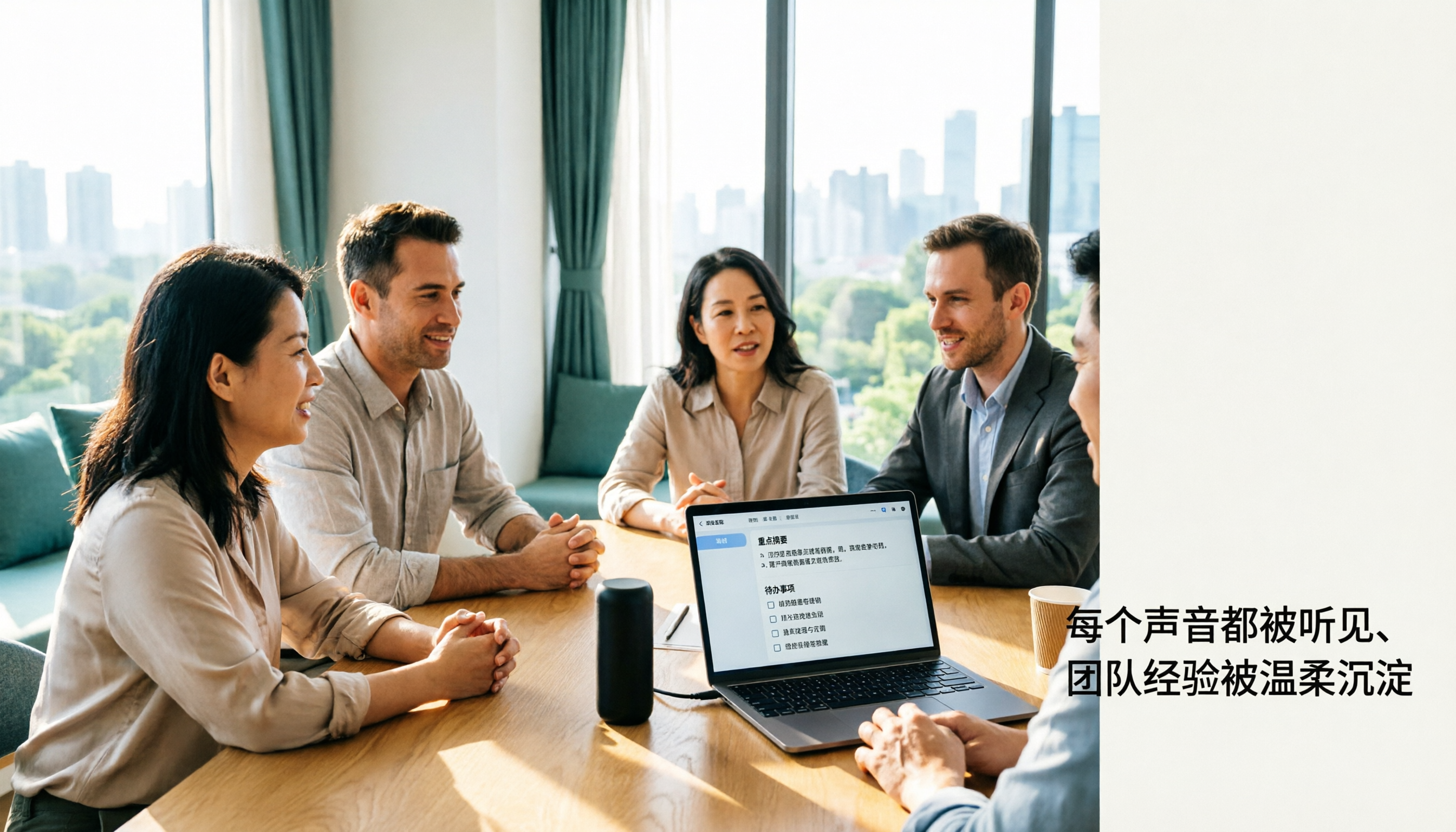
Before, after a meeting you had to listen to the recording, note key points, and organize to-dos, often adding an extra hour of overtime. With Tinrec's AI Agent, as soon as the meeting ends, it automatically generates structured meeting minutes, including discussion topics, conclusions, action items with assignees, and even deadlines.

Scenario 2: Lecture Recording Transformed into Study Notes
Record a professor's lecture and previously had to transcribe word by word. Now Tinrec can split a two-hour recording into chapters, each with a title and key summary, and even extract key concepts to turn directly into study material.
Scenario 3: Interview Recording to Report in One Click
Conduct user interviews or journalist interviews, record dozens of cases, and then have to write a report—a headache. Tinrec's AI Agent can automatically generate a structured interview report based on the recording, including interviewee viewpoints, quotes, conclusions and suggestions, and can export to Notion or Google Docs for further editing.
Scenario 4: Podcast Recording Converted into Article Material
Content creators often need to turn podcast episodes into transcripts, show notes, or social media posts. Tinrec not only provides a verbatim transcript but also generates summaries, key quotes, and suggested titles, saving a lot of writing time.
Core Capabilities of AI Agent Document Generation
Some tools on the market only provide speech-to-text and call it done, but what's truly useful is the "post-processing" after transcription. Tinrec's AI Agent offers the following key capabilities, all centered on "turning recordings into usable documents":
Automatic Structured Summaries
Not just a condensed transcript, but automatically split into fields like "topic, discussion, conclusion, next steps" based on meeting, lecture, or interview logic, so you can see key points at a glance. Tinrec's AI summary also adjusts the template according to content type—e.g., meetings produce action items, lectures produce study highlights.
Action Item Extraction
Meetings often miss to-dos. Tinrec can automatically identify tasks, assignees, and deadlines from conversations and generate a to-do list. You can also query via AI chat, e.g., "Who is responsible for booking the venue?" and it will answer instantly.
Multi-Format Document Export
Organized content can be exported to PDF, Word, Markdown, TXT in one click, or directly synced to tools like Notion, Google Docs, OneNote—no more copy-paste.
Stop organizing recordings by hand
Upload audio or video and automatically get a transcript, summary, and action items
AI Chat Query and Secondary Processing
Ever want to find a specific sentence in a recording? Tinrec's AI Chat lets you ask natural language questions like "What was the budget mentioned by the client?" It will understand the semantics and give you the answer directly. You can also regenerate documents on demand, e.g., "Convert this meeting minutes into an email format in English."
Cross-Platform Support
Whether you're on iOS, Android, or the web, recordings and results are synced via cloud. Record on your work computer and continue editing on your phone at home—no device lock-in.
Real-World Use Cases
Below are some common real-life scenarios demonstrated with Tinrec, so you can see how AI Agent document generation integrates into daily work:
1. Automatic Meeting Minutes for Weekly Stand-ups
Before each meeting, open Tinrec's live recording. While the meeting is in progress, it transcribes in real-time. After the meeting, the AI Agent automatically generates meeting minutes and a to-do list. You can export to company Slack or Teams so the whole team sees the highlights immediately.
2. University Lecture Recording Becomes a Study Tool
Record the professor's lecture, and Tinrec splits it into chapters (e.g., "Introduction", "Main Theories", "Case Study"), each with key summaries and keywords. When studying, use AI to ask questions like "What three theories were discussed in this lecture?" saving time on re-listening.
3. Client Interview Report in One Click
Record a client meeting with Tinrec. AI automatically organizes client needs, pain points, and budget range. You can generate a structured report for your manager or even ask AI to list follow-up items in bullet points.
4. Quick Organization of YouTube Video Content
Simply paste a YouTube link, and Tinrec will automatically extract the audio, transcribe it, and use AI Agent to generate a video summary, key timestamps, and keywords—perfect for research or content creation.
3 Things to Look Out for When Choosing an AI Agent Document Generation Tool
Don't just look at the price when choosing a tool. These three criteria help you avoid pitfalls:
1. Don't Just Look at "Transcription"—Look at "Post-Processing" Capabilities
Some solutions only convert speech to text, leaving all organization to you. Tinrec's AI Agent can automatically generate summaries, to-dos, reports, and even produce documents in specific formats on demand—that's real time saving.
2. Check Language Support and Accuracy
Professionals in the US primarily use English, but many meetings include mixed languages or technical jargon. Tinrec supports 14 languages, including English and Chinese mixed, and in normal office environments, word error rate is about 8.3% (varies with audio quality). We recommend testing with your own recordings rather than relying solely on official numbers.
3. Consider Cross-Platform and Export Features
If you often switch between work computer, phone, and tablet, choose a tool that supports multi-platform sync. Tinrec has iOS, Android, and web versions, cloud sync for all recordings and results, and can export to common office software—no lock-in.
Frequently Asked Questions
Q: What's the difference between AI Agent document generation and regular speech-to-text?
A: Regular transcription just gives you a verbatim transcript. AI Agent further understands the content and automatically generates structured documents (e.g., meeting minutes, reports, to-do lists). You can even chat to change the format or add content, saving manual editing time.
Q: Can Tinrec's AI Agent handle English mixed with other languages?
A: Yes, Tinrec supports 14 languages and performs well on clear recordings with mixed language content. However, multiple people speaking at once or background noise can affect accuracy. We recommend using a dedicated microphone for important occasions.
Q: Can I customize the format of generated documents?
A: Yes, Tinrec's AI Agent supports natural language commands to adjust output, e.g., "Convert the meeting minutes to bullet points," "Generate an English summary," "Add company logo and header." It will regenerate as requested.
Q: Is the free version sufficient?
A: The free version of Tinrec offers a monthly basic transcription quota, enough to experience basic AI Agent features, e.g., try a couple of meetings. If you regularly process a large volume of recordings, the Pro monthly or annual plan is more cost-effective.
Summary
AI Agent document generation is no longer future tech—it's a tool you can use today to truly save time. Instead of working overtime after meetings to write minutes, try Tinrec Instant Recording and let AI help organize automatically. It supports multiple audio/video sources (recordings, files, YouTube links) and can generate various documents on command, turning recordings into "actionable knowledge."
If you haven't experienced the power of AI Agent, download the free version of Tinrec and play around. The monthly 100-minute quota is enough to try a few meetings and see how smoothly AI can handle your minutes.
Turn every recording into actionable outcomes
Get 60 free transcription minutes when you sign in. No credit card required.
Related Reading
You might also like

4 Free Speech-to-Text Solutions Tested for 2026: Which One Has the Best Free Tier, Export, and Chinese Recognition?
Many people looking for free speech-to-text tools only check the free minutes, but overlook per-recording limits, export restrictions, audio retention, and Chinese recognition. This article compares free plans across 4 practical dimensions and uses Tinrec to demonstrate a complete workflow from recording, transcription, summarization, action items, to team knowledge retention.

Buzz Speech-to-Text Tutorial 2026: 5-Step Walkthrough and 3 Common Mistakes
Buzz is free, open-source, and works offline, but most people are disappointed on their first try—usually because of the default tiny model. This guide starts with common mistakes, then walks through 5 steps covering model selection, language settings, importing or recording, the difference between Transcribe and Translate, and exporting for proofreading. It also lists 6 alternative speech-to-text options with selection advice.

Tinrec vs Notta 2026: 5-Dimension Comparison — Which Speech-to-Text Tool Fits US Users After the Tutorial?
Most speech-to-text tutorials only show you how to turn recordings into text, but skip what to do afterward. This guide starts with common misconceptions and compares Tinrec and Notta across 5 dimensions: online meeting recording methods, post-meeting outputs, Chinese and mixed-language handling, team governance, and audio retention. It also breaks down free and paid plan quotas to help you decide which tool better fits your actual workflow.

2026 Comparison of 4 Free Speech-to-Text Tools: Whose Free Tier Is Enough and Which Is Worth Paying For
There are many free speech-to-text tools, but the real time sink is what happens after transcription. This article compares Tinrec, Notta, Otter.ai, and TurboScribe in real meeting scenarios, focusing on how their free tiers are calculated, post-meeting organization capabilities, and team collaboration differences. It also lists 4 common purchasing pitfalls to help you validate which tool fits your workflow before spending money.
Best Speech-to-Text Tools in 2026: 5 Tested Picks for Chinese Meetings and Team Knowledge Retention
A 2026 comparison guide to speech-to-text tools. We break down the differences among 5 popular options—covering recording methods, post-meeting outputs, Chinese recognition experience, audio retention, and team seat management—and explain how Tinrec performs in bot-free meeting recording, AI Q&A, and team knowledge retention, so you can choose the right tool for your needs.

Best Speech-to-Text Tools 2026: PTT-Approved Picks & AI Meeting Notes Guide
Tired of unopened audio files piling up after every project? Starting from the three most common questions asked on PTT, this guide breaks down how to choose a speech-to-text tool, shows how Tinrec turns recordings into usable meeting data, and honestly compares Notta, Otter.ai, and Granola to help you decide which one fits you best. It ends with a step-by-step checklist you can follow right away.

2026 Speech-to-Text Platforms Compared: Which Handles Chinese Meetings and Post-Meeting Cleanup Best?
We tested 5 speech-to-text platforms in 2026, comparing bot-free online meeting recording, Chinese transcripts, post-meeting summaries, and action item organization. We cover key buying factors, pitfalls to avoid, and practical recommendations to help you save that hour after every meeting.

How to Use WhatsApp Voice to Text in 2026: 5-Step Guide & Tinrec Comparison
A 5-step setup guide for WhatsApp voice-to-text in 2026, covering language and privacy limitations, plus a comparison of WhatsApp's built-in transcription with Tinrec for meeting notes, summaries, action items, AI Q&A, and team collaboration—helping you decide which tool to use.

Tinrec vs Yating Transcription 2026: 5-Dimension Comparison — Which Is Better for Free Recording and Post-Meeting Organization?
Compare Tinrec and Yating Transcription across free quota, online meeting recording, post-meeting organization, team collaboration, and language scenarios. Includes a 5-step free speech-to-text workflow using Tinrec as an example to help you decide which free tool to choose.