

Turn recordings into transcripts and summaries in minutes
Upload audio or video for multilingual transcription, AI notes, and action items
Tired of Catching Up on Lecture and Meeting Notes? You Need Auto-Delivery, Not a Pile of Recordings
Last semester I took a class where the professor talked super fast and flipped through slides even faster. I tried handwriting notes — but when midterms came, I couldn’t even read my own scribbles. Worse, during group project discussions everyone talked over each other, and nobody remembered the conclusions afterward. I ended up staying up late relistening to recordings and manually transcribing everything.

Back then I thought: if only there were a tool that could automatically extract key points, action items, and even generate reports right after recording. Later I learned that this is what "AI Agent auto-delivery" is all about — letting AI not just transcribe, but also produce deliverables, saving you the manual work.
If you’re like me and don’t want to be haunted by recordings anymore, this article is for you.
3 Key Points to Understand Before Choosing an AI Agent Auto-Delivery Tool
Can it automatically generate structured deliverables from recordings?
Transcription is just the first step; the real value lies in what comes after. A good tool will automatically summarize, extract tasks, and even create meeting minutes, reports, or tables. If it only gives you a plain transcript, you’re almost as stuck as listening to the recording. Tinrec’s post-processing capabilities are very comprehensive — it’s basically one-click done.
Does it support diverse input sources?
Do you only record meetings? I also record classes, grab online videos for reports, and download podcasts. A tool that only records live meetings limits your use cases. Tinrec handles live recording, file uploads, and pasting online video links, all formatted uniformly — that’s the flexibility a student needs.
How high is the level of automation for post-processing?
The essence of auto-delivery is "no manual steps after recording." Some tools stop after transcription, leaving you to copy, paste, format, and distribute. Tinrec’s Agent post-processing lets you set rules to automatically generate reports and sync to note-taking apps like Notion — truly record and deliver.
Tinrec (Miao Listening) — Our Top Pick After Testing
Tinrec (Miao Listening) is an AI recording assistant supporting 14 languages, available on iOS, Android, and web, with no extra hardware needed. I used it all semester, from midterms to capstone projects.
Automatic meeting notes with follow-up queries
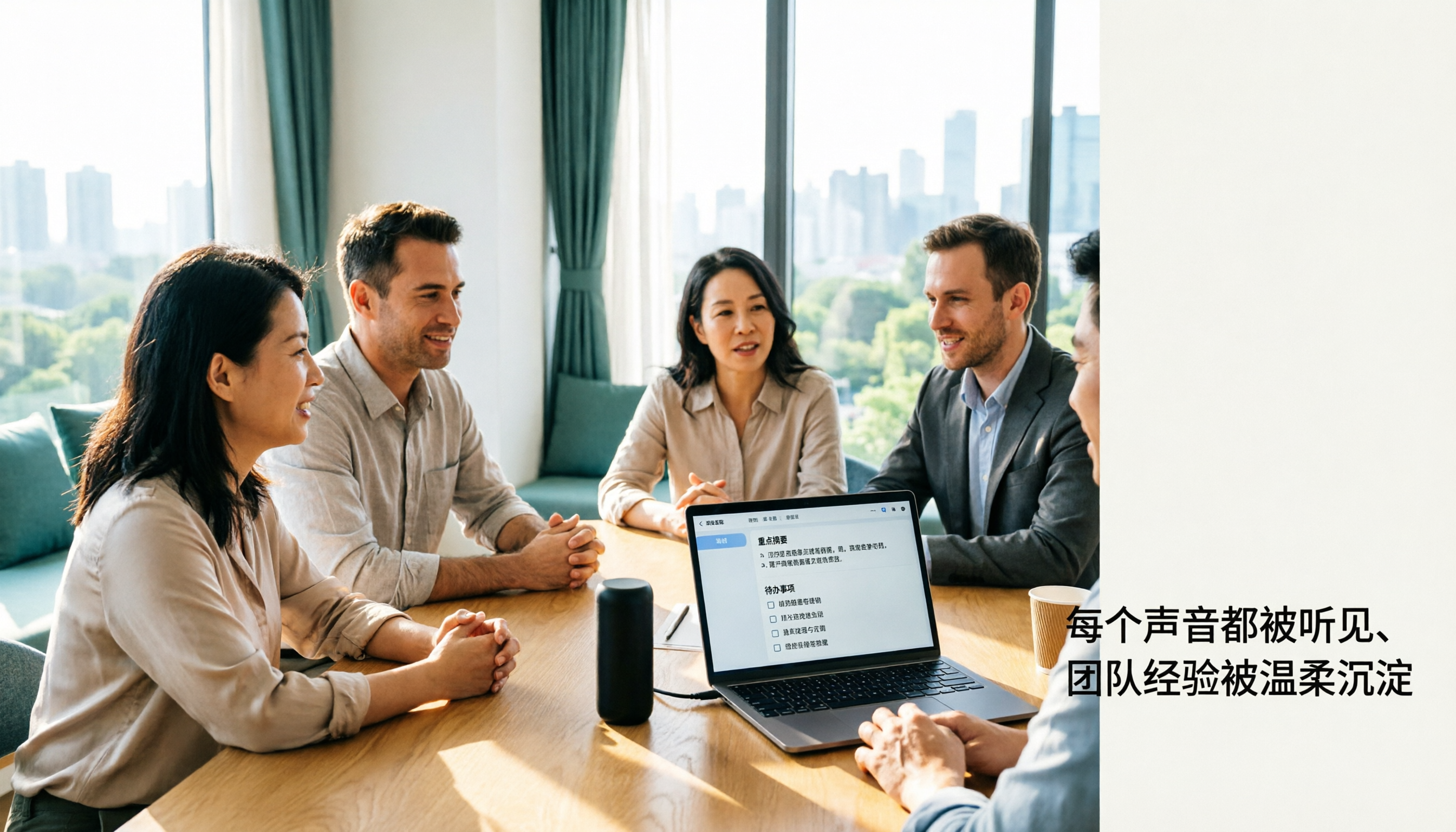
During group discussions, just open Tinrec and it live-transcribes while recording. After the meeting, AI summaries, action items, and chapter markers appear automatically — who’s responsible for what and deadlines are clear. The killer feature is the AI query: you can ask, "Who mentioned the budget in the last meeting?" It returns a precise answer based on context, not just keyword matches. Among similar-priced tools, none offer this.
Paste a video link, get your notes done
For reports, I often need to reference YouTube or Bilibili videos. Previously, I had to manually pause and take notes — a one-hour video took an hour. Now I just paste the link into Tinrec, and it analyzes the video, produces a transcript and AI summary, and highlights key points. For my last final report, I compiled highlights from three reference videos in half an hour; my groupmates thought I was a super-fast typist.
Stop organizing recordings by hand
Upload audio or video and automatically get a transcript, summary, and action items
Agent post-processing: truly auto-delivery
This feature is why I recommended it to my classmates. After recording, you can ask Tinrec’s AI to automatically generate meeting minutes, reports, or tables, and sync to Notion or Google Docs. Our group produced meeting notes and task lists directly to the team chat every time, without anyone sacrificing time to organize. That’s the real meaning of "auto-delivery."
Pros
- Broad input sources: live recording, upload audio/video files, paste online video links — all in one app.
- Rich post-processing: summaries, chapters, action items, Q&A, reports, sync to external note apps — nearly full automation of the organization workflow.
- Cross-platform convenience: seamless switch between phone, computer, and web. I recorded on my phone in class and organized on my laptop at the dorm.

Cons
- Free tier has 100 minutes per month. If you record every lecture and every discussion like I did, it’s not enough. But for most students who have 2-3 meetings a week, it’s plenty to start.
- The app UI sometimes lags, but functionality isn’t affected; hope updates improve it.
Best for
- College students who need automated handling of group discussions and want meeting notes and tasks generated.
- Graduate students who want to quickly turn lecture recordings and online videos into notes and report highlights.
- Anyone using iPhone, Android, and computer, wanting one tool to manage all audio/video sources.
What Other Options Are There Besides Tinrec?
Otter.ai: Best for English meetings, but lacks auto-delivery
Otter.ai is a well-known AI meeting notes tool with strong English recognition. Its free tier offers 300 minutes per month — great if you only record in English. However, it doesn’t support online video analysis, nor does it have Agent post-processing. After transcribing, you must organize the report manually. If you only have English meetings and don’t need automatic deliverables, consider it.
Notta: Strong transcription and translation, but post-processing falls short
Notta is a direct competitor with good transcription accuracy and multilingual translation. Free tier gives 120 minutes per month. But its output leans toward plain transcripts and subtitles; summaries and tasks are basic. It doesn’t have one-click structured reports or Notion sync like Tinrec. If you need just transcription, Notta works; for full auto-delivery, Tinrec is better.
Pitfall Guide: 3 Common Mistakes When Choosing an AI Agent Auto-Delivery Tool
Pitfall 1: Only looking at transcription accuracy, ignoring post-processing
Many tools claim "98% accuracy," but in a real classroom or discussion room with background noise and overlapping speakers, accuracy drops. Instead of obsessing over 1-2% differences, focus on what the tool can generate automatically after transcription. Tinrec’s summaries and tasks save more time than manually correcting a few typos.
Pitfall 2: Thinking an API automatically means auto-delivery — then spending hours coding
Some tools tout an open API, implying you can set up automation easily. But in reality, you need programming skills and maintenance effort — not friendly for non-CS students. Tinrec’s built-in Agent post-processing requires a one-time setup and runs automatically, with zero coding.
Pitfall 3: Ignoring input source flexibility
You think you only need to record meetings, but come semester, you’ll have online lectures, group reference videos, interview recordings… If the tool only supports live phone recording, you’ll struggle. Tinrec covers almost all audio/video sources — that alone saved me many headaches.
Bottom Line: Which One Should You Choose?
If your goal is "recording and everything is automated," Tinrec is currently my top recommendation. Here’s how to pick based on your scenario:
- Need automatic meeting minutes, action items, and sync to Notion or Google Docs? → Tinrec (Agent post-processing does it all in one go)
- Often watch YouTube/Bilibili videos for reports and want quick highlights? → Tinrec (only tool that supports online video parsing + summarization)
- Only record English meetings and don’t care about auto-delivery — just cheap transcription? → Otter.ai (free 300 minutes)
- Need heavy multilingual translation and subtitles, not so much document generation? → Notta (translation and subtitles are stronger)
I recommend downloading Tinrec’s free version to try it out. The 100 minutes per month is enough to experience the automation for 2-3 group discussions. If you like it, consider upgrading to Pro — it costs less than two late-night snacks a month, no rush.
Turn every recording into actionable outcomes
Get 60 free transcription minutes when you sign in. No credit card required.
Related Reading
You might also like

4 Free Speech-to-Text Solutions Tested for 2026: Which One Has the Best Free Tier, Export, and Chinese Recognition?
Many people looking for free speech-to-text tools only check the free minutes, but overlook per-recording limits, export restrictions, audio retention, and Chinese recognition. This article compares free plans across 4 practical dimensions and uses Tinrec to demonstrate a complete workflow from recording, transcription, summarization, action items, to team knowledge retention.

Buzz Speech-to-Text Tutorial 2026: 5-Step Walkthrough and 3 Common Mistakes
Buzz is free, open-source, and works offline, but most people are disappointed on their first try—usually because of the default tiny model. This guide starts with common mistakes, then walks through 5 steps covering model selection, language settings, importing or recording, the difference between Transcribe and Translate, and exporting for proofreading. It also lists 6 alternative speech-to-text options with selection advice.

Tinrec vs Notta 2026: 5-Dimension Comparison — Which Speech-to-Text Tool Fits US Users After the Tutorial?
Most speech-to-text tutorials only show you how to turn recordings into text, but skip what to do afterward. This guide starts with common misconceptions and compares Tinrec and Notta across 5 dimensions: online meeting recording methods, post-meeting outputs, Chinese and mixed-language handling, team governance, and audio retention. It also breaks down free and paid plan quotas to help you decide which tool better fits your actual workflow.

2026 Comparison of 4 Free Speech-to-Text Tools: Whose Free Tier Is Enough and Which Is Worth Paying For
There are many free speech-to-text tools, but the real time sink is what happens after transcription. This article compares Tinrec, Notta, Otter.ai, and TurboScribe in real meeting scenarios, focusing on how their free tiers are calculated, post-meeting organization capabilities, and team collaboration differences. It also lists 4 common purchasing pitfalls to help you validate which tool fits your workflow before spending money.
Best Speech-to-Text Tools in 2026: 5 Tested Picks for Chinese Meetings and Team Knowledge Retention
A 2026 comparison guide to speech-to-text tools. We break down the differences among 5 popular options—covering recording methods, post-meeting outputs, Chinese recognition experience, audio retention, and team seat management—and explain how Tinrec performs in bot-free meeting recording, AI Q&A, and team knowledge retention, so you can choose the right tool for your needs.

Best Speech-to-Text Tools 2026: PTT-Approved Picks & AI Meeting Notes Guide
Tired of unopened audio files piling up after every project? Starting from the three most common questions asked on PTT, this guide breaks down how to choose a speech-to-text tool, shows how Tinrec turns recordings into usable meeting data, and honestly compares Notta, Otter.ai, and Granola to help you decide which one fits you best. It ends with a step-by-step checklist you can follow right away.

2026 Speech-to-Text Platforms Compared: Which Handles Chinese Meetings and Post-Meeting Cleanup Best?
We tested 5 speech-to-text platforms in 2026, comparing bot-free online meeting recording, Chinese transcripts, post-meeting summaries, and action item organization. We cover key buying factors, pitfalls to avoid, and practical recommendations to help you save that hour after every meeting.

How to Use WhatsApp Voice to Text in 2026: 5-Step Guide & Tinrec Comparison
A 5-step setup guide for WhatsApp voice-to-text in 2026, covering language and privacy limitations, plus a comparison of WhatsApp's built-in transcription with Tinrec for meeting notes, summaries, action items, AI Q&A, and team collaboration—helping you decide which tool to use.

Tinrec vs Yating Transcription 2026: 5-Dimension Comparison — Which Is Better for Free Recording and Post-Meeting Organization?
Compare Tinrec and Yating Transcription across free quota, online meeting recording, post-meeting organization, team collaboration, and language scenarios. Includes a 5-step free speech-to-text workflow using Tinrec as an example to help you decide which free tool to choose.