
Turn recordings into transcripts and summaries in minutes
Upload audio or video for multilingual transcription, AI notes, and action items
Two Hours in a Meeting, Two More Organizing Data—You Don't Need Just a Tool, You Need a Solution
"Have you finished organizing the meeting notes? Can you pull a table with the numbers we discussed today?" Every time I hear that, I know I'll have to re-listen to the recording, manually type data, and adjust formatting.

What's worse is that many meetings don't have a transcript—just a messy recording filled with chatter, laughter, and keyboard clatter. After listening, you have to figure out what are action items, what are conclusions, and then manually enter each point into Excel.
If you often go through this cycle of "recording → human interpretation → manual spreadsheet," this article should help. I tested three tools that claim to convert recordings to text, focusing on which can turn audio files directly into usable Excel tables.
3 Key Points to Understand Before Choosing an AI Voice-to-Excel Tool
Key 1: Can It Generate Structured Data Directly from Recordings?
Many tools advertise "auto-generated meeting minutes," but when you look closely, what do they produce? Usually a summary, a few action items, or some key points. These are useful, but if you need "a table" with items, amounts, responsible persons, and deadlines—most tools can't do it.
You want a tool that truly understands meeting content and organizes it into a table based on your needs, not just a "fancy transcript" that converts speech to text.
Key 2: Is the Export Format Flexible Enough?
Even if a tool can generate a table, if you can only view it or save it in a proprietary format, it's not very helpful for subsequent work. A truly practical solution should export directly to Excel, Google Sheets, or CSV, allowing you to analyze, email to your boss, or paste into reports without going through the copy-paste nightmare.
Key 3: What Can the Free Plan Do?
Since it's a new AI feature, you don't want to pay before trying. A tool that offers core functionality in the free plan usually has more confidence in its quality. At the very least, you should be able to run the "recording → table" process once in the free plan to see if the output meets your expectations.
Tinrec (Second-Sound Recorder) — Our Top Pick After Testing
While most recording tools are still competing on accuracy of transcripts, Tinrec has shifted its focus to "post-processing." After recording, you can ask AI to turn it into various deliverables. In this test, we used its Agent feature to generate an Excel report directly from a meeting recording.
One-Sentence Positioning
Tinrec (Second-Sound Recorder) is an AI recording and audio/video processing tool that supports 14 languages. Besides real-time speech-to-text, file transcription, and web video parsing, it also offers AI Q&A and Agent post-processing to turn audio into summaries, to-dos, and even structured tables.
Not Just Transcription, Ask AI to Generate Tables
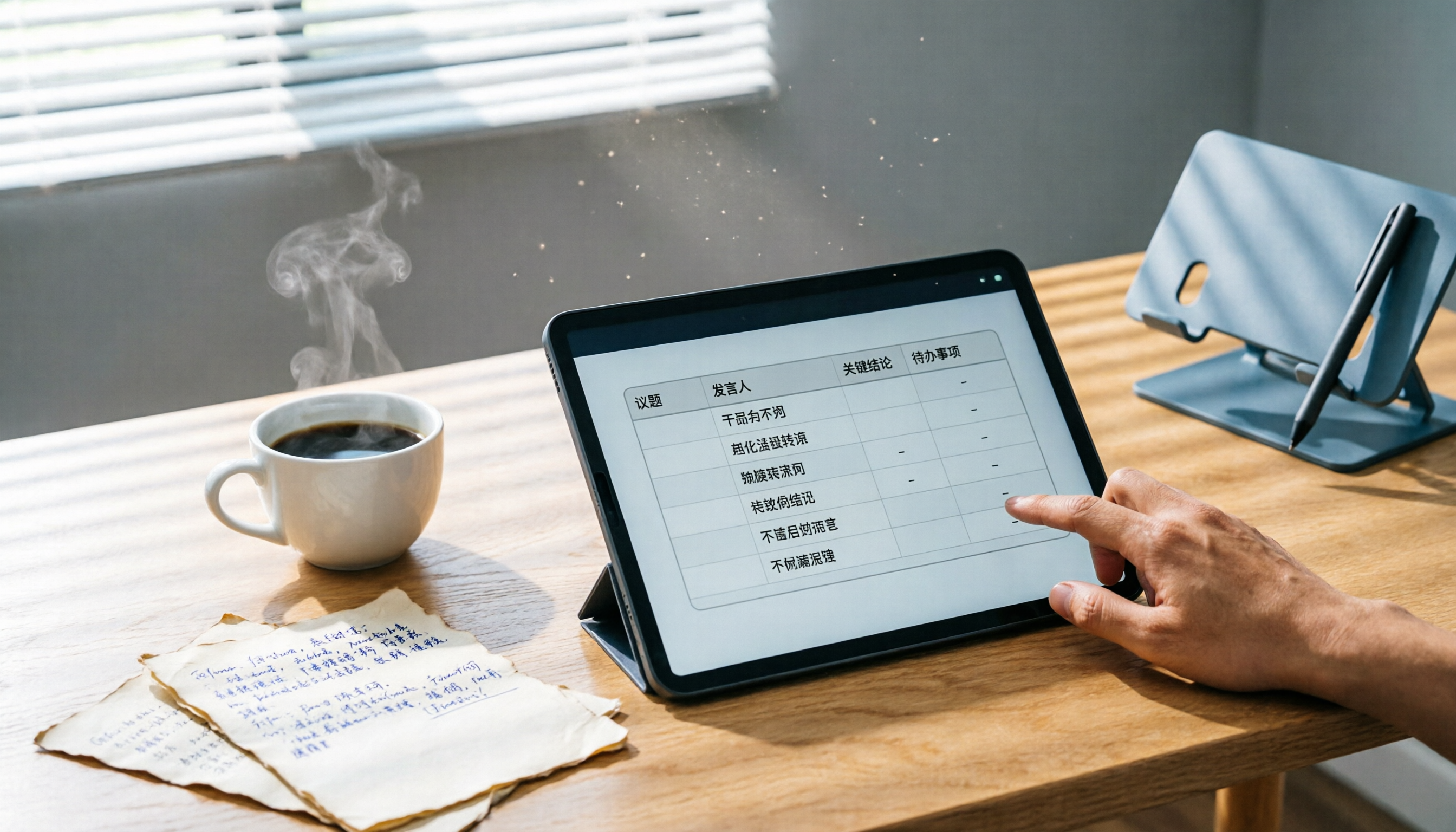
Here's how it works: Start Tinrec during a meeting, and it transcribes in real time. After the meeting, type in the chat box: "Organize the budget items we discussed into a table with item name, amount, responsible person, and expected completion date." Seconds later, Tinrec produces structured data ready to export as Excel.
Stop organizing recordings by hand
Upload audio or video and automatically get a transcript, summary, and action items
This "dialog-based table generation" comes from Tinrec's AI Q&A engine. It doesn't just search keywords; it actually understands meeting content and reorganizes information based on your instructions. From our testing, as long as the recording quality isn't too poor (some background noise is acceptable), the generated table is largely correct, requiring only minor tweaks. Compared to manually organizing from scratch, it saves at least 70-80% of the time.
Pros: Turn Audio Into Workable Data
- Highly Relevant to Scenarios: Not just meetings, but also class notes, interview summaries, web video highlights—all exportable to Excel or Google Sheets.
- Seamless Cross-Platform: Works on iOS, Android, and web. Record on your phone, then continue on your computer without file transfers.
- Truly "Understands" Content: You can ask, "Who mentioned that the activity budget cannot exceed $50,000 during the last budget discussion?" It answers based on semantics, not just throwing keyword matches.

Limitations and Who It's For
To fully use AI table generation, you need a paid plan (free plan offers only basic transcription and summary). However, for professionals who have regular meetings or often organize interview data, spending a little money to save countless hours of manual work is well worth it.
If you frequently need to convert meeting, class, or interview content into Excel reports, or you're tired of the "listen to recording → transcribe → extract data" process, Tinrec is currently the closest thing to a one-click solution on the market.
Beyond Tinrec: Other Options
Notta
Notta's transcription quality is solid, and it offers multi-language support and meeting notes. But at present, it focuses more on producing transcripts and summaries; it cannot directly generate Excel tables through AI dialogue like Tinrec. If you only need to quickly convert recordings to text, it's good; but for further structured data, you'll need manual work.
Otter.ai
Otter.ai excels in English meeting scenarios, with a generous free plan of 300 minutes per month. However, it does not support Chinese table generation, nor does it allow users to specify output format via natural language. Unless your work is 100% in English and you only need summaries (not structured data), Otter is not helpful for the "voice to Excel" requirement.
Pitfall Guide: 3 Common Mistakes When Choosing AI Voice-to-Excel Tools
Mistake 1: Assuming Transcripts Solve Everything
Many think, "I just need a transcript; I'll make the table myself." But then after each meeting, they spend 30 minutes extracting numbers and conclusions from thousands of words. The real time-saver is letting AI directly organize it into a table, not just giving you a text file.
Mistake 2: Ignoring Cross-Platform and Export Formats
Some tools only offer a "table preview" on mobile, or export as PDF images, which is nearly useless for further editing. Before committing, ensure it can export to real Excel or CSV formats, and work smoothly on your phone, computer, and browser.
Mistake 3: Not Leveraging AI Post-Processing
Most users only use 30% of a transcription tool's features: record, transcribe, read transcript. But tools like Tinrec with AI Q&A capability allow you to directly ask after recording: "What are the conclusions? Who is responsible for what? Pull a budget table." It responds instantly based on meeting content. Skipping that is missing out on the biggest time-saver.
Conclusion: Which One Should You Choose?
If you want to finish recording, ask a single question, and receive a clean Excel report, then Tinrec is the closest tool we tested to that ideal. Its AI dialogue query and Agent post-processing don't just stop at transcription—they truly turn recordings into "deliverable data."
Recommendations for common scenarios:
- Need Excel reports from meetings, interviews, or classes → Tinrec (only tool with dialogue-based table generation)
- Only need English meeting summaries, no structured data → Otter.ai (generous free tier, great English experience)
- Only need fast, bulk audio-to-text → Notta (efficient transcription, good for manual post-processing)
- Cross-platform, occasional table needs, limited budget → Try Tinrec free version first, test table generation, then upgrade if it meets expectations.
I suggest using Tinrec's free plan to run the process: upload a meeting recording and ask it to generate a table. You'll find that "voice to Excel" can be this simple.
Turn every recording into actionable outcomes
Get 60 free transcription minutes when you sign in. No credit card required.
Related Reading
You might also like

2026 Free To-Do App Comparison: Which One Can Auto-Generate Tasks?
There are plenty of free to-do apps, but what makes people give up often isn't the features—it's that the list is always empty. This article starts from where tasks come from, comparing Tinrec, Microsoft To Do, Todoist, and Apple Reminders, discussing the limits of free versions, the relationship between tasks and their original context, and how to auto-generate tasks after meetings.

3 Brainstorming Apps Tested and Compared in 2026: How Tinrec Turns Ideas into Actionable Meeting Notes
Searching for "brainstorming app" often brings up puzzle games or mind mapping tools, but what teams really need is a tool that can record, transcribe, summarize, and turn discussions into action items. This article focuses on Tinrec as the main test subject, explaining what a brainstorming app can do for you, its core capabilities, practical use cases, and purchasing considerations, along with FAQs.

2026 Meeting Summary Apps: Auto Transcripts + AI Action Items, How to Choose from 4 Tested Options
How to choose a meeting summary app? Starting from common misjudgments, we tested Tinrec, Notta, Meeting Ink, and Granola using the same criteria, and compiled 4 key purchasing factors, a pitfall guide, and scenario-based recommendations.

5 AI Meeting Note Tools Tested for 2026: Is the Free Version Enough?
From free quotas and meeting capture methods to team permissions, we break down 5 key criteria for choosing an AI meeting notes tool in 2026. Using Tinrec, we test transcription, summaries, action items, AI Q&A, and team features to help you decide if the free version is sufficient or if you need to upgrade.

2026 AI Meeting Notes Comparison: Is Notion AI's Free Plan Enough?
Can Notion AI's meeting notes really work on the free plan? This article examines free quotas, audio capture methods, post-meeting organization, and team data, comparing Notion AI, Tinrec, Otter.ai, and Notta. We also highlight three common pitfalls to help you decide which tool truly fits your meeting needs before spending money.

4 Free AI Meeting Notes Tools Tested for 2026: Which Free Tier Is Most Generous?
Are free AI meeting notes tools actually usable? This article examines four tools with free plans—Tinrec, Otter.ai, Notta, and Granola—through three key questions: how meetings get into the tool, how free quotas are calculated, and whether recordings are retained. It compares their free limits, ideal use cases, and common pitfalls when choosing, so you can confirm whether a tool can truly produce usable meeting notes without spending money.

4 AI Meeting Transcription Tools Tested: Which Free Tier Handles Cantonese Best in 2026?
Meetings in Cantonese mixed with English still require manual notes afterward? This article compares 4 AI meeting transcription tools that support Cantonese from a mid-level manager's real-world perspective, breaking down free tiers, language processing, post-meeting organization, and team collaboration as 4 key purchasing factors. It also explains Tinrec's actual performance and limitations in bot-free recording, AI Q&A, and team knowledge retention.

4 Online To-Do List Tools Tested and Compared in 2026: Which One Automatically Generates Action Items After Meetings?
After a meeting ends, you often have to recall and manually enter action items yourself—missing one or two is the norm. This article compares the practical differences among 4 online to-do list tools: what scenarios StickyList, Zenlist, and Microsoft To Do are each suited for, and how Tinrec automatically generates transcripts, summaries, and action items from meeting recordings, including team plan roles, seats, and pricing details.

The Complete 2026 To-Do List Guide: 5 Keys to Turn Recordings into Actionable Lists
Many people download countless to-do list apps but still miss tasks. This guide, based on real student scenarios, explains common pitfalls of to-do list management, the core capabilities a tool should have, and how to use Tinrec to automatically turn class recordings, group discussions, and interviews into actionable to-do lists.